
PhotoRestore.ai ✓
Restore your old photos in seconds.
Trial; then from $9.9/mo
Verdict
A quick read before you dig into the full page.
- Best if
- Restore your old photos in seconds
- Skip if
- Subscription model could be pricey
- Pick this when
- Restores, unblurs and colorizes photos
Considering FaceRefresh instead? Compare side by side
Overview
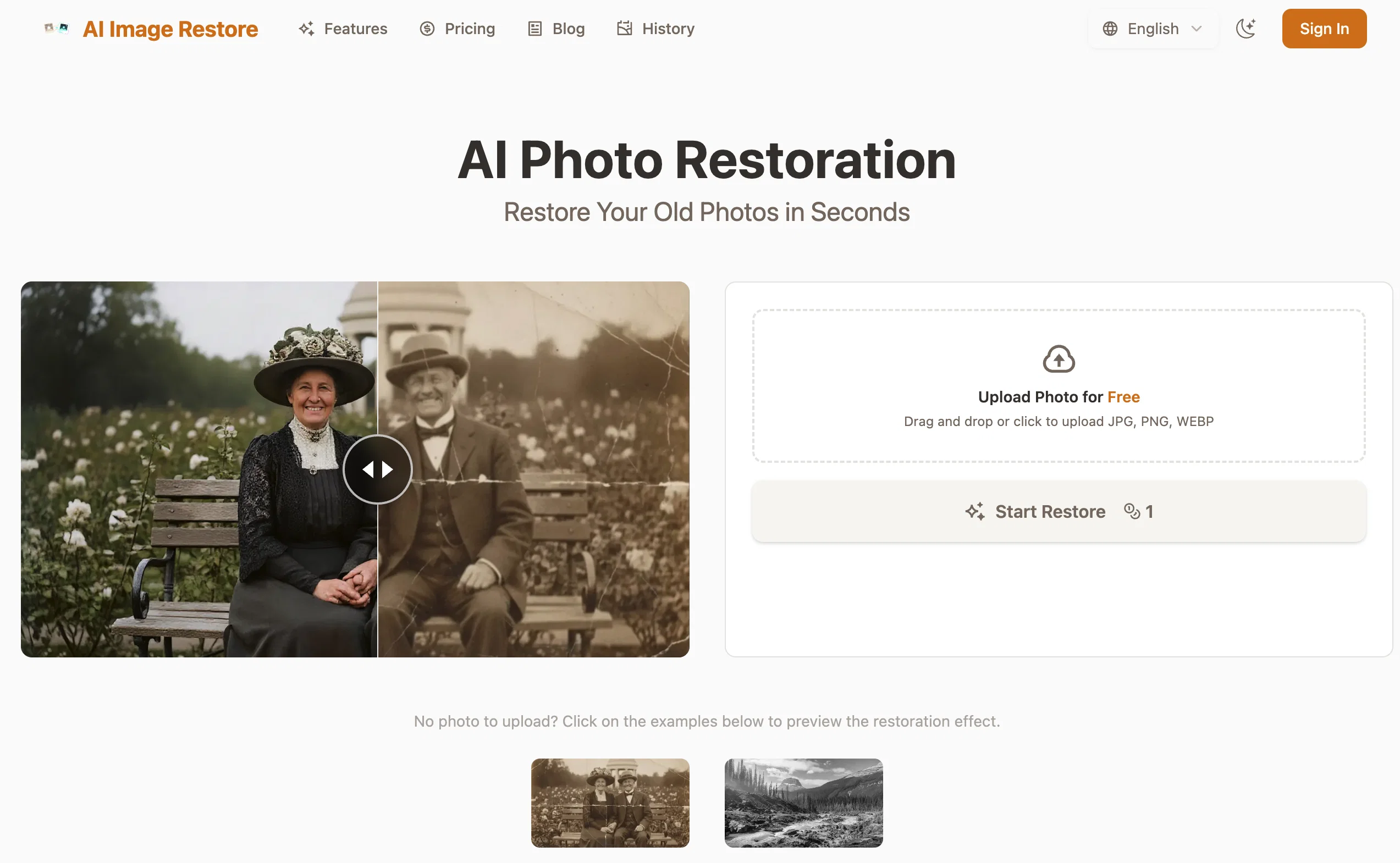
PhotoRestore.ai is an AI-powered tool designed to restore, unblur, and colorize old or damaged photos. Users can upload photos in JPG, PNG, or WEBP format to make use of these intelligent restoration protocols.
The tool's key capabilities include unblurring, colorization, and seamless repair of underlying issues such as tears, creases, mold or coffee stains. The artificial intelligence in play employs context-aware 'filling', the AI analyzes surrounding pixels to restore missing patterns and textures without leaving a trace.
The color restoration module goes beyond just adding color to black and white images; it considers the era, lighting, and physical texture to reconstruct historically accurate colors.
Additionally, the software pioneers in face reconstruction, through advanced AI learning from millions of faces, it brilliantly sharpens and details facial features in old photos.
Importantly, the tool offers a secure environment for your photos, deleting original photos automatically after 24 hours and granting users full control over the deletion of the restored images.
In terms of pricing, PhotoRestore.ai operates through a credit system with multiple flexible pricing plans including monthly subscriptions, though a free trial is available.
The process is fairly straightforward with three steps - upload, process with AI restoration, and download your revitalized photo.
Access & connections
Where you can use PhotoRestore.ai, and what it plugs into.
Platforms
Integrations
Capabilities
What this tool accepts, produces, and is strongest at.
Input
- Image
Output
- Image
Highlights
- No Signup
Supported features
- Image Edit
- Image Understanding
- No Signup
Pros & cons
Pros
- Restores, unblurs and colorizes photos
- Repairs damages with context-aware filling
- Identifies and repairs various issues
- Reconstructs historically accurate colors
- Supports JPG, PNG, WEBP
- Three-step process: upload, process, download
- Enhances photos clarity, resolution, color balance
- Offers deep facial reconstruction
Show 33 more
- Intelligent color restore feature
- High privacy and security measures
- Images auto-deleted after 24 hours
- Flexible pricing plans
- Free trial available
- Fills missing patterns and textures
- Repairs issues like tears, creases
- Restores mold and coffee stains
- Excellent for individuals and professionals
- User control over image deletion
- Securely encrypts uploaded photos
- Mends underlying photo issues
- Analyzes era, lighting for colorization
- Contains 'one-click' restoration feature
- No-sign-up required
- Offers monthly subscriptions plans
- Proficient in sharpens facial details
- Learning algorithm trained on millions of faces
- Automatically fixes scratches, sharpens details
- Boosts lifelike skin tones, lighting
- Picture auto-orientation feature
- Auto-crops irrelevant backgrounds
- Runs all restore engines simultaneously
- Unlocks professional-mode with subscription
- Pro-grade- engines for free trial
- Watermark-free 4K downloads with pro
- Restores damages rather than guessing
- Automatic diagnose of photos state
- Result preview before download
- 10MB maximum upload size
- Delivers overall perfect restoration
- Professional mode offers manual controls
- Intended for regular restore needs
Cons
- No batch processing
- Limited file format support
- Limited to 10MB upload
- Free version with watermarks
- Auto deletion after 24 hours
- Requires secure internet connection
- Subscription model could be pricey
- Dependent on server load
Show 2 more
- Lack of manual control
- Not suitable for heavily damaged photos
Compare alternatives
Similar tools in the catalog — with a clear reason to open each one.


Forevi ✓
PaidBring old photos back to life with restoration and animation
Why look Higher community rating
Full comparison

jpgHD ✓
FreemiumRevive old photos with cutting-edge AI restoration.
Why look Typically cheaper
Full comparison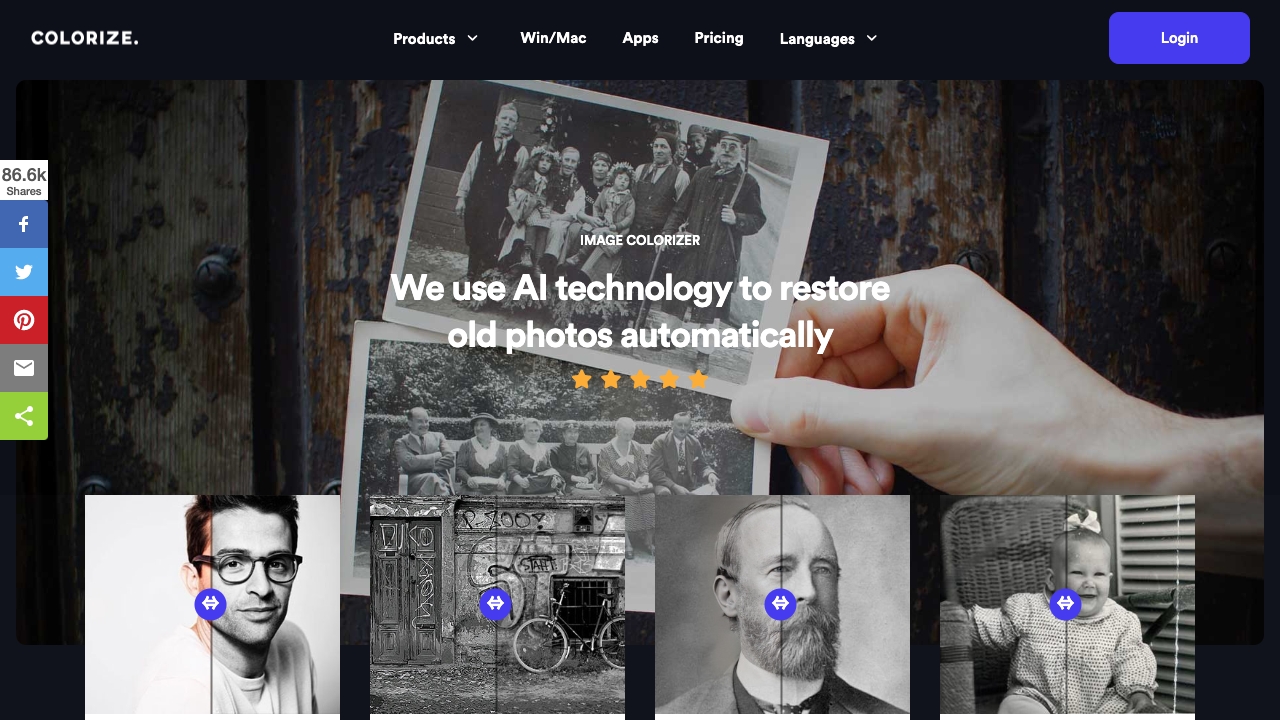
Imagecolorizer
PaidAI-powered platform to colorize, restore, and enhance old photos.
$0
Full comparison
AI photo restorer ✓
Free TrialRefined image, with facial touch-ups and upscaling.
Why look Typically cheaper
Full comparisonReleases 1
Imported reviews 1
👋 Founder here! Celebrating our launch. If you want to test the pro features, just reach out via the website "Contact" form (mention TAAFT) and I'll set you up! 🚀
FAQ 12
What type of photos can PhotoRestore.ai restore?
Can PhotoRestore.ai colorize my old black and white photos?
How does PhotoRestore.ai work?
What file formats are supported by PhotoRestore.ai?
How does PhotoRestore.ai improve the clarity and resolution of my photographs?
What does the PhotoRestore.ai tool mean by deep facial reconstruction?
How does PhotoRestore.ai ensure the privacy and security of my uploaded photos?
What different pricing plans does PhotoRestore.ai offer?
How can I trial the services of PhotoRestore.ai?
Is PhotoRestore.ai suitable for both personal and professional use?
Is PhotoRestore.ai's restoration process faster than traditional methods?
How does the 'context-aware' filling work in PhotoRestore.ai?
Related tools
Recommended

PhotoUpscaler ✓
UnknownTurn low-resolution images into high-quality photos instantly.

ImageUpscaling.net ✓
FreeUpscale images by 400% with AI, for free.

Restore Old Photos.io ✓
Free TrialRestore old photos online with AI for free.

ChatGPT ✓
FreemiumAsk anything, create anything, and move from idea to action.

Notis ✓
Free TrialThe first WhatsApp assistant that runs on your ChatGPT and Claude subscriptions

CodeRabbit ✓
Free TrialEnhanced code review for improved workflow and quality.