What is ImageColorizer?
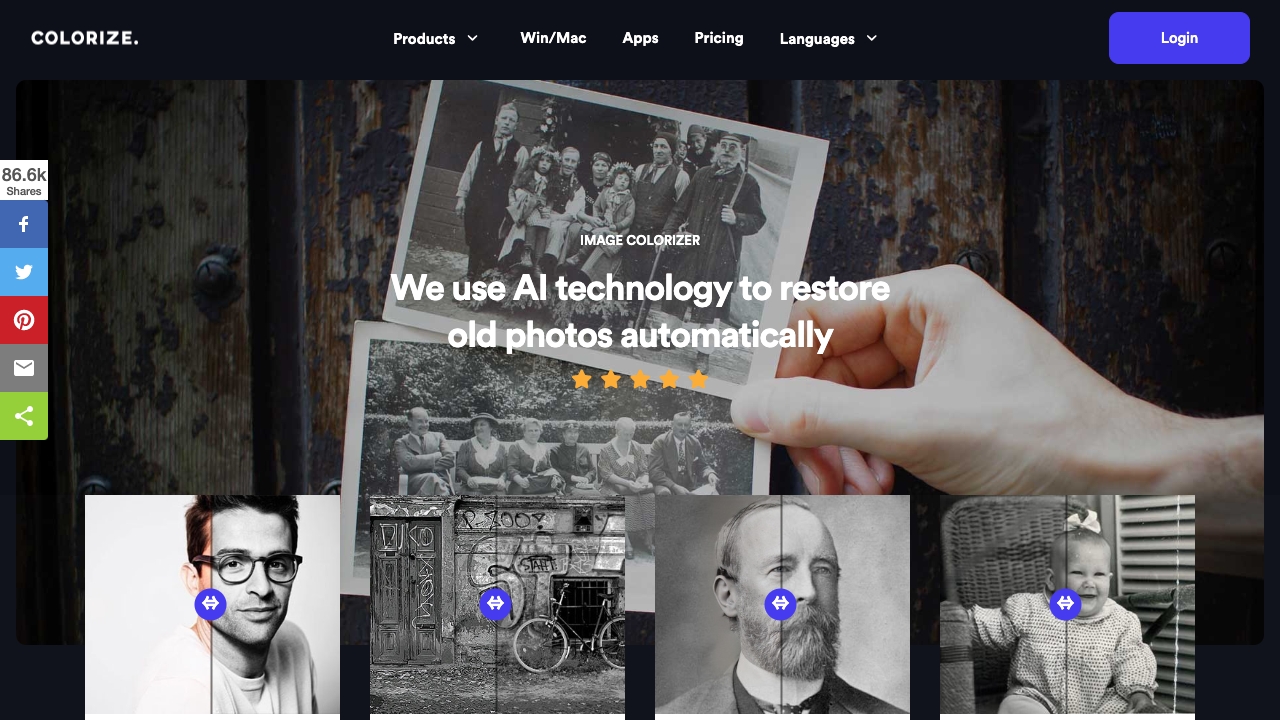
ImageColorizer is a cutting-edge application that uses advanced AI technology to colourize black-and-white photos with stunning accuracy and detail. It also offers features to enhance, retouch, repair, and remove objects from old photos. It aims to restore old photos and bring new life to images.
How to use ImageColorizer?
Upload an old photo to the ImageColorizer website. The AI will analyze the image and intelligently apply proper color and enhancements. Download the restored image.
What is the Best Way to Restore Old Photos?
The best way to restore old photos is by using advanced online photo restorers like ImageColorizer, which automatically fixes damage, enhances clarity, and colorizes black-and-white images with ease.
Can I Colorize Old Photos with ImageColorizer for Free?
Yes, you can colorize old photos and make them vibrant with ImageColorizer for free. We offer both free and premium versions to fit different needs. Free members can get daily free credits on our website, which allows them to experience old photo coloring service for free.
Can Fade Black and White Photos be Restored?
Absolutely! The faded black-and-white photos can be restored using our advanced tools like AI Enhance, AI Retouch, AI Repair, etc. We offer a comprehensive toolkit to update your photo quality from all aspects, such as color, brightness, clarity, and resolution.
How Long Does it Take to Restore an Old Picture?
Restoring an old picture with ImageColorizer typically takes just a few minutes. Our AI-driven technology works quickly to deliver enhanced results.
How Do You Clean Old and Damaged Photographs?
You can easily clean up old and damaged photographs with ImageColorizer’s AI Object Removal tool. It efficiently removes spots, dust, scratches, and other distractions, leaving your photos looking pristine.
Is There a Way to Remove Creases from an Old Photo?
Try our AI Repair tool that is perfectly designed for reducing creases and scratches from old photos. It automatically erases creases with advanced algorithms, requiring no editing skills.
Do you Limit the Number of Images That I Can Restore?
There is no limit to the number of photos you can colorize and restore with ImageColorizer. However, there may be a limit on the size of the photo or the number of photos that can be uploaded at one time.
Why Retouch an Old Portrait with Image Colorizer?
Firstly, it is easy to retouch old portraits with ImageColorizer. You can touch up your face with one click without setting parameters. Secondly, Our photo retouch AI can enhance clarity by smoothing out imperfections and reducing noises while preserving the natural look of your photo.
How Can I Enlarge Old Photos by 200% without Losing Details?
To enlarge an old photo by 200%, use our AI Restore tool. It boosts image resolution while preserving fine details and maintaining high quality.
Do You Have an Old Photo Restorer for Mac?
Yes, ImageColorizer works on both Windows and Mac. For Mac users, simply download our photo restoration software from this page. Whether you use our web app or desktop app, you’ll get the same excellent service to colorize and enhance your old photos.