
Architectural visualization 2026 Rank: #2612
Rendershop ✓
Turn architectural sketches into photorealistic renders in seconds.
Verdict
A quick read before you dig into the full page.
- Best if
- Turn architectural sketches into photorealistic renders in seconds
- Skip if
- Limited architectural styles
- Pick this when
- Supports varied formats
Considering CAD Scene instead? Compare side by side
Overview
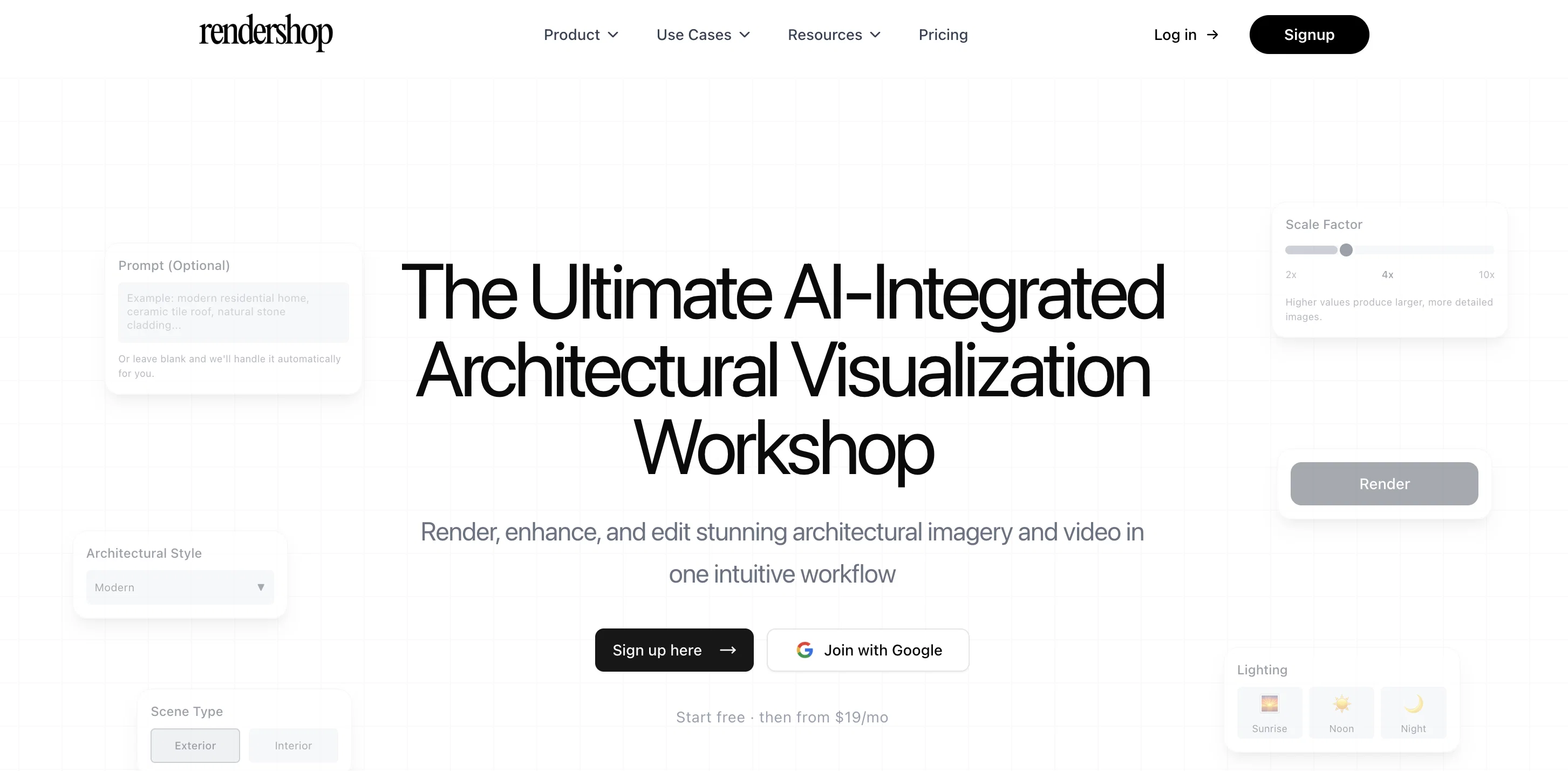
Rendershop is an AI-powered tool designed for architects, developers and designers. This tool is optimized for transforming CAD designs, sketches and elevations into highly realistic renders swiftly.
Using machine learning algorithms, it handles any format and resolution, and allows users to customise their designs by adding or removing architectural elements, choosing different styles, lighting conditions, and materials.
Rendershop also offers precise texture and material editing tools, including an eraser tool for clean removals and an edit tool for making specific changes.
Users can place markup points to initiate specific changes and draw regions for broader transformations. The software features a photo edit tool meant for refining real photos, permitting users to alter materials, recolour surfaces, and fine-tune lighting.
Enhancements on low-resolution renders are achievable with the AI-enhancing tool. Additional features include a virtual staging option for furnishing empty spaces in images and a video tool for creating cinematic walkthroughs using renderings.
The tool is equipped with a high-resolution export function so that the completed designs are presentation-ready.
Access & connections
Where you can use Rendershop.
Platforms
Capabilities
What this tool accepts, produces, and is strongest at.
Input
- Tabular
- Image
- Text
Output
- Video
- Text
- Image
Supported features
- Image Generation
- Image Edit
- Realism
- Styling
- Visual Creation
- Video Generation
- Arhitecture & Interior design
Pros & cons
Pros
- Supports varied formats
- High resolution output
- Variety of tasks
- Virtual staging feature
- Pinpointed color changes
- Material swapping
- Lighting adjustments
- Creates walkthrough videos
Show 38 more
- Objects manipulation in stills
- Broad-use cases
- Handles any resolution
- Adds/removes architectural elements
- Different styles selection
- Different lighting conditions
- Precise material editing
- Clean removals eraser tool
- Markup points initiating changes
- Broad transformations regions
- Real photo refinement
- Virtual staging for emptiness
- Cinematic walkthroughs video tool
- High-resolution export
- Quick transformation of CAD
- Lighting condition changes
- Material texture changes
- Eraser for unwanted elements
- Background removal in photos
- Object manipulation in photos
- Upscales fine details
- Reduces noise in renders
- Specific change marking
- Surgical precision edits
- Client presentation optimization
- Real estate marketing
- Interactive interior design
- Built-in photo editor
- Instant furnishing of spaces
- Multiple styles furniture staging
- Lighting atmosphere refinement
- Rendershop's fine-tuning capability
- Detailed images scaling
- Professional renders in seconds
- Visualizing CAD designs
- Automatically handles formats and resolution
- Retexturing surfaces capability
- Professional rendering tools
Cons
- No mobile application
- No free trial mentioned
- Limited advanced editing tools
- Requires CAD designs
- No API for integration
- Limited architectural styles
- No object manipulation tools
- No background removal for images
Show 2 more
- Not open-source
- No mention of multi-user support
Compare alternatives
Similar tools in the catalog — with a clear reason to open each one.

CAD Scene ✓
Free TrialAI architectural rendering for professional architects.
Why look Typically cheaper
Full comparison
ArchVizr ✓
Free TrialPhotorealistic renders from your CAD file in 20 seconds.
Why look Typically cheaper
Full comparison
JigsawML ✓
UnknownThe control plane for AI-written code.
Why look Better fit for coding
Full comparisonReleases 1
FAQ 12
What formats does Rendershop support?
Can Rendershop convert CAD designs to photorealistic renders?
How can I change materials and textures in Rendershop?
What is the virtual staging feature of Rendershop?
Can Rendershop allow me to make pinpointed color changes?
Does Rendershop include a photo editing tool?
How does the AI-powered upscaling feature in Rendershop work?
Can it create cinematic walkthrough videos from renders?
How can Rendershop manipulate objects in still images?
What uses does Rendershop cater to?
How can Rendershop enhance low-resolution renders?
Is there an option for material swapping in Rendershop?
Related tools
Recommended

Recall ✓
FreemiumSummarize Anything, Forget Nothing!

Serno ✓
FreemiumCustom AI experts that map what one AI can't

MOVA Guide ✓
FreemiumStop searching, start doing with personalized recommendations.

Movie Maker Gemini ✓
FreeGenerate watermark-free AI videos with your Gemini key

VidFlux - Image to Video AI ✓
PaidTransform any image into stunning videos.

AirMusic ✓
Free TrialAI music generator and music video creator in one platform.