

Software architecture 2026 Rank: #2109
JigsawML ✓
The control plane for AI-written code.
Verdict
A quick read before you dig into the full page.
- Best if
- The control plane for AI-written code
- Skip if
- Limited functionality in demo
- Pick this when
- Architecture visualization
Considering MySpec instead? Compare side by side
Overview
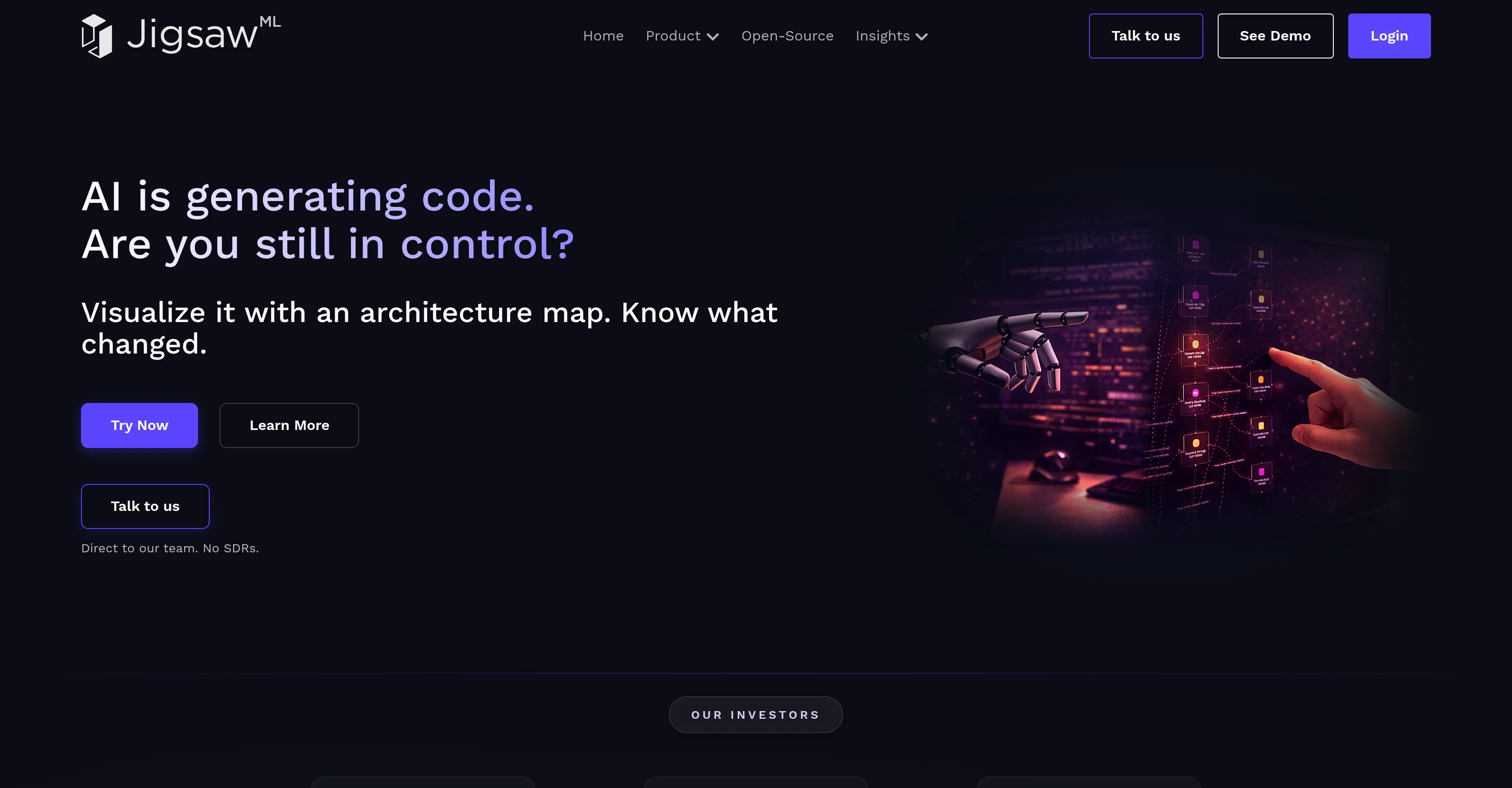
JigsawML is an Architectural Intelligence Platform aimed at providing an interactive and comprehensive view of any system by ingesting its codebase and cloud account.
The principal aim of this platform is to manage and understand code automatically generated by AI agents, which traditionally may outpace team comprehension rates.
JigsawML works by syncing with your repositories and cloud accounts. In the process, it auto-generates intelligent and interactive architecture diagrams.
Those diagrams are designed to map dependencies, overlay cloud costs and track every code change affecting the system. The core capabilities feature a software architecture visualizer and a cloud scanner.
The Software Architecture Visualizer automatically produces interactive system diagrams from any given codebase. On the other hand, the Cloud Scanner provides users an opportunity to attain full visibility of their infrastructure by connecting their cloud accounts.
This way, JigsawML facilitates insights into the impact of every change across your software architecture and provides a practical tool for comprehending the rapidly expanding field of AI-generated code.Furthermore, the platform includes a function for managed service providers and offers a downloadable local installer for ease of use and offline access.
The platform's functionalities can be better understood using the demo, accessed via the main website, under the 'Demo' section.
Access & connections
Where you can use JigsawML.
Platforms
Capabilities
What this tool accepts, produces, and is strongest at.
Input
- Code
- Tabular
Output
- Image
Highlights
- Local
Supported features
- Visual Creation
- Automation
- Integrations
- Runs Locally
Pros & cons
Pros
- Architecture visualization
- Cloud scanning feature
- Automatic architecture diagrams
- Code repository integration
- Cloud account integration
- Real-time system health view
- Visibility into infrastructure
- Change tracker for code
Show 19 more
- Tracks cloud costs
- Managed services offering
- Local Installer available
- Offline access
- Demo option
- Depicts dependencies
- Interactive diagrams
- Trackable system health
- Immersive information generation
- Aids decision-making process
- Software visualizer
- Repository syncing
- Codebase management
- Can overlay costs
- System diagrams creation
- Software architecture insights
- Cost tracking feature
- Promotes code comprehension
- Intuitive interface
Cons
- Limited to architectural intelligence
- No multi-cloud support mentioned
- Lacks real-time alerting
- No predictive analysis
- Offline access limitations
- No mention of scalability
- Requires download for certain functionality
- Limited functionality in demo
Show 1 more
- No specified data protection measures
Compare alternatives
Similar tools in the catalog — with a clear reason to open each one.

MySpec ✓
UnknownTurn vague ideas into robust technical specifications.
Technical specifications
Full comparison
Flowova AI ✓
FreemiumTurn text, images & docs into professional flowcharts in seconds
Free + from $5/mo
Full comparison
Rift-code ✓
Free TrialStop reading code. Start seeing it.
Why look Better fit for coding
Full comparison
ClarifyNow.AI ✓
FreemiumGenerate professional technical documents in seconds with AI.
Why look Offers a public API
Full comparison
GreenPRD ✓
FreemiumTurn your idea into a spec that stays in sync
Free + from $7.67/mo
Full comparison
Releases 1
FAQ 12
What is the main purpose of JigsawML?
How does JigsawML integrate with code repositories?
What are the key features of JigsawML?
How does JigsawML work with cloud accounts?
What is the purpose of JigsawML's Cloud Scanner feature?
What information can I get from JigsawML’s architectural visualization?
How does JigsawML aid in decision-making?
How does JigsawML track changes in my code?
How can JigsawML help to manage my infrastructure footprint?
Can JigsawML help with understanding changes in software architecture?
What is the interaction between AI agents and JigsawML?
How does JigsawML create a controlled environment for AI-written code?
Related tools
Recommended

MagicSlides.app AI PPT Maker ✓
FreemiumCreate Stunning PPTs in Seconds with the AI PPT Maker

GetLogit ✓
FreemiumArtificial intelligence, available for everyone.

ChatGPT ✓
FreemiumAsk anything, create anything, and move from idea to action.

Automateed ✓
Free TrialCreate eBooks effortlessly with Automateed, the AI-powered writing tool.

Notis ✓
Free TrialThe first WhatsApp assistant that runs on your ChatGPT and Claude subscriptions

CodeRabbit ✓
Free TrialEnhanced code review for improved workflow and quality.