

Video text removal 2026 Rank: #1299
Remove Text From Video.net ✓
AI video cleanup for reposts, ads, and reuse
Verdict
A quick read before you dig into the full page.
- Best if
- AI video cleanup for reposts, ads, and reuse
- Skip if
- Limited to text removals
- Pick this when
- Supports multiple video formats
Considering Video Text Remover instead? Compare side by side
Overview
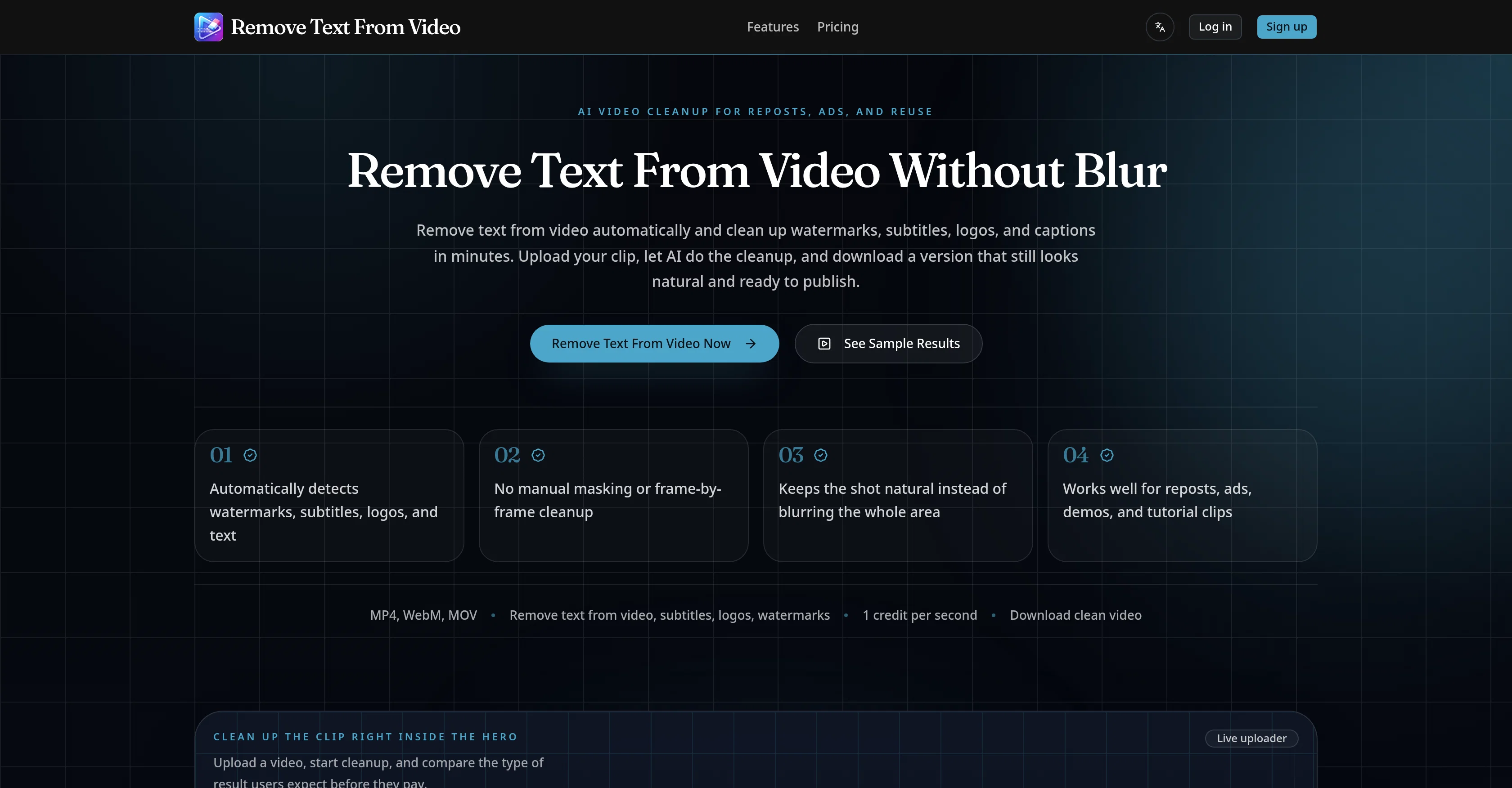
This AI-powered tool is designed to remove text from videos automatically, notably cleaning up watermarks, subtitles, logos, and captions in a matter of minutes.
The tool ensures the cleaned-up video looks natural and remains publication-ready, eliminating the need for manual masking or frame-by-frame cleanup. It is capable of handling various formats, including MP4, WebM, and MOV.
The AI not only removes text but also detects and cleans distracting areas found in videos. This function is particularly handy when dealing with mixed overlays of text, subtitles, logos, and watermarks concurrently.
Unlike other tools that might resort to heavy blurring, this tool makes the video scene look natural while removing the unwanted text, ensuring the end result is suitable for editing, reposting, and advertising.
The tool is also versatile and can facilitate the removal of text for various reuse needs such as the cleanup of short-form reposts on platforms like TikTok, Reels, and Shorts.
It can remove burned-in subtitles from talking-head clips to make them easier to localize or re-edit. Brands can use it to remove distracting corner logos or labels from product demo videos.
It's an ideal tool for cleaning up old tutorial footage, user-generated content ads, and archived footage where titles, captions, or lower-thirds are no longer applicable.Removing text from a video is as simple as uploading the desired video, letting the AI do the cleanup, and downloading the cleaned-up version ready for reuse.
The tool is designed for teams and individual users who need to clean video clips for reposting or repurposing.
Access & connections
Where you can use Remove Text From Video.net, and what it plugs into.
Platforms
Integrations
Capabilities
What this tool accepts, produces, and is strongest at.
Input
- Video
Output
- Video
Supported features
- Video Edit
- Video Understanding
Pros & cons
Pros
- Supports multiple video formats
- Automatic text detection
- Video quality preservation
- Removes watermarks
- Removes logos
- Subtitle removal
- Text removal
- Keeps video looking natural
Show 22 more
- Suitable for reposting videos
- Used for ad cleanup
- Video localization
- Helps clean product demos
- Cleans tutorial footage
- Edits User Generated Content
- Edits archived footage
- Facilitates team collaboration
- Ideal for individual use
- Content repurposing
- No manual masking required
- Non-blurring text removal
- Supports various video reuse needs
- Removes corner logos/labels
- Handles mixed text overlays
- Edits under 100MB Videos
- Easy upload process
- Allows downloading of cleaned videos
- Designed to clean cluttered areas
- Ideal for short-form repost platforms
- Automatic watermark and logo cleanup
- Automatic subtitle and text cleanup
Cons
- Supports only MP4, WebM, MOV
- Max upload size 100MB
- No manual selection available
- No API access
- Limited to text removals
- Not for high-volume workflows
- Requires credits for operation
- No major supported language options
Show 2 more
- Uses heavy blur removal
- May impact overall video quality
Compare alternatives
Similar tools in the catalog — with a clear reason to open each one.

Video Text Remover ✓
Free TrialAI video text and object remover for cleaner content.
Why look Typically cheaper
Full comparison
Remove Text From Video – AI Subtitle & Watermark Re... ✓
FreemiumRemove subtitles, captions, and watermarks from videos instantly.
Why look Typically cheaper
Full comparison
W-Agent ✓
FreeRemove watermarks, subtitles, logos, and text from video and images
Why look Fully free option
Full comparison
Subtitle Remover ✓
PaidErase hardcoded subtitles from any video, pixel-perfectly.
Why look Typically cheaper
Full comparison
Releases 1
FAQ 12
What formats are supported by the AI tool?
What is the maximum video file size that can be cleaned up?
Does the tool maintain the video quality after removing text?
Can the AI tool remove any type of text from videos?
Is the AI tool suitable for short-form reposts for platforms like TikTok, Reels, and Shorts?
Can it remove burned-in subtitles from talking-head clips?
Can it help in the removal of all types of logos or labels on product or brand demos?
How does this tool aid in content reuse and reposting?
Can it help in cleaning older content like tutorials and UGC ads?
What does the cleaned-up version of the video look like?
Can I remove text from video without blurring the whole frame?
Can the AI find and remove the distracting areas from the video on its own?
Related tools
Recommended

AI Image to Image.io ✓
FreemiumTransform images with simple text commands.

VidFlux - Image to Video AI ✓
PaidTransform any image into stunning videos.

MagicSlides.app AI PPT Maker ✓
FreemiumCreate Stunning PPTs in Seconds with the AI PPT Maker

B12 AI Website Builder ✓
FreemiumAI-powered website builder

GetLogit ✓
FreemiumArtificial intelligence, available for everyone.

Thea ✓
FreemiumAI study tools to master material, not just memorize it.