

Presenti ✓
Turn text into stunning slide decks instantly.
Free + from $6/mo
Verdict
A quick read before you dig into the full page.
- Best if
- You are marketing teams and need: Transforming marketing content into engaging presentations
- Skip if
- Limited export formats
- Pick this when
- Instant text-to-presentation
Considering MagicSlides.app AI PPT Maker instead? Compare side by side
Overview
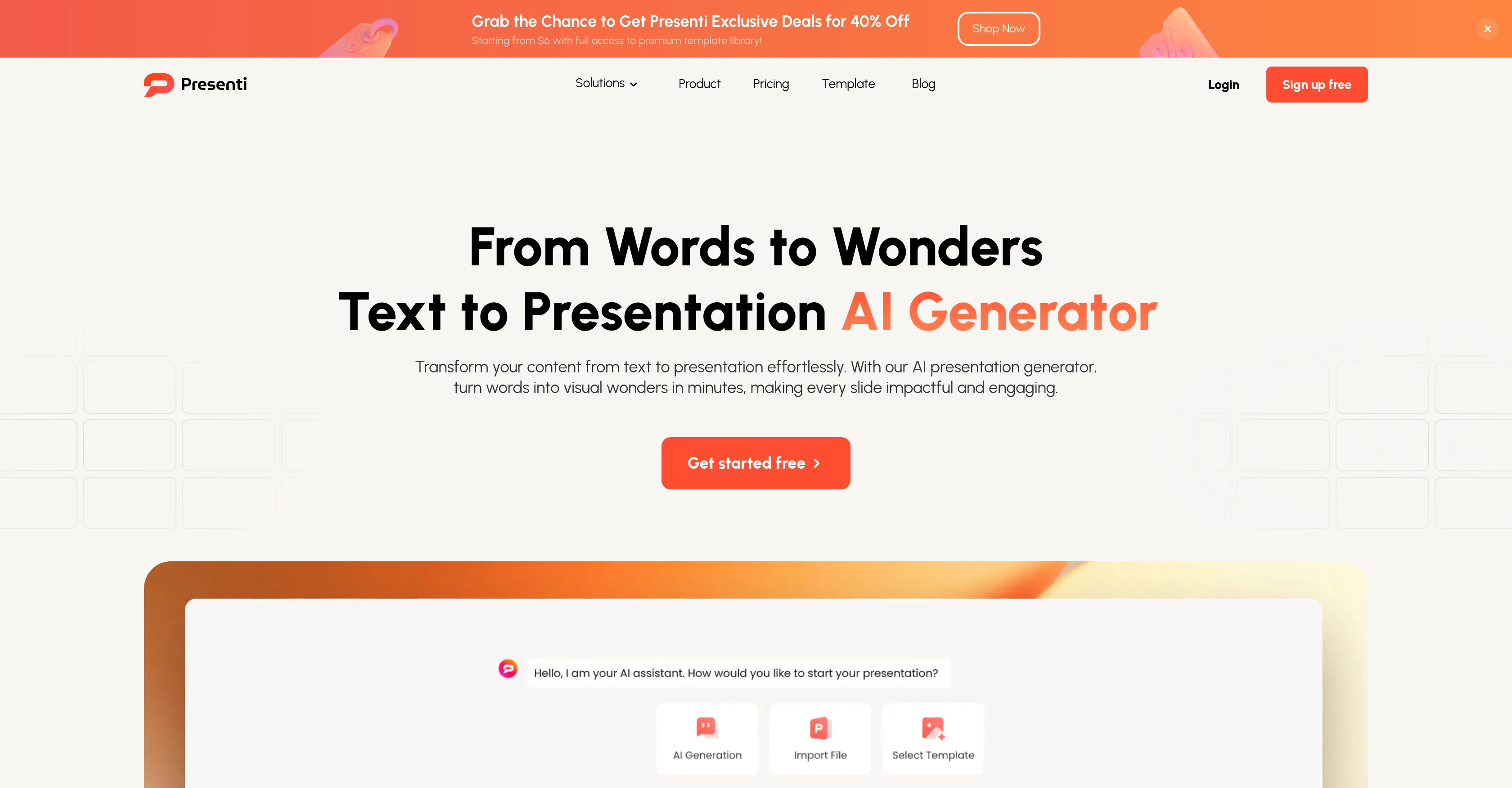
Presenti is an AI powered tool which facilitates the transformation of simple content from text into vibrant, editable presentations instantaneously. This AI tool takes the input text and crafts it into an appealing slide deck.
Its primary features include text-to-presentation, word-to-presentation, and PDF-to-presentation, providing the ability to generate slides from a range of text-based formats.
With the addition of AI rewriting and polishing capabilities, the tool offers the users to seamlessly enhance their presentations while maintaining their preferred styles, layouts, and backgrounds.
Presenti also ensures easy navigation throughout the presentation creation process by providing a variety of templates and styles that can be tailored to match user preferences.
User can adjust AI-generated presentations and directly download or share them. Whether it's for work, school, or personal projects, Presenti covers a wide range of presentation needs.
This AI tool is highly recommended for marketers, educators, students, supervisors, product managers, designers, consultants and professionals from various sectors who frequently need to create presentations.
Best for
Short scenarios where Presenti tends to shine.
-
Transforming marketing content into engaging presentations
Best for Marketing teams
-
Converting text outlines into visually stunning slides
Best for Sales teams
-
Turning Word documents into polished presentations
Best for Educators
-
Breathing new life into static PDF documents
Best for Business professionals
-
Creating presentations from brainstorming mind maps
Best for Developers
Example outputs 1
Sample generations and before/after results for Presenti.
Access & connections
Where you can use Presenti.
Platforms
Capabilities
What this tool accepts, produces, and is strongest at.
Input
- Text
Output
- Text
Pros & cons
Pros
- Instant text-to-presentation
- Word-to-presentation functionality
- PDF-to-presentation feature
- Presentation enhancement options
- Variety of editable presentations
- Numerous presentation templates
- Customizable presentation styles
- User-friendly navigation
Show 18 more
- Downloadable presentations
- Shareable presentations
- Suitable for multiple sectors
- Online editing
- Rich template library
- Variety of presentation purposes
- Saves time and resources
- Maintains consistent design
- Supports multiple file formats
- Cloud-storage availability
- Live presentation feature
- Data visualization capabilities
- Massive image library
- 40% off exclusive deals
- Access to premium templates
- Supports diverse scenarios
- Professional presentation generation
- Descriptions turn to slides
Cons
- No offline editing
- No video integration
- No all-OS compatibility
- No free plan
- Limited export formats
- No integration with business software
- Lacks advanced editing features
- No multi-language support
Show 2 more
- No voiceover feature
- No collaborative editing
Compare alternatives
Similar tools in the catalog — with a clear reason to open each one.

MagicSlides.app AI PPT Maker ✓
FreemiumCreate Stunning PPTs in Seconds with the AI PPT Maker
Why look Offers a public API
Full comparison
NextDocs.io ✓
FreemiumThe AI-native editor for docs, slides, and more
Why look Offers a public API
Full comparison
Gamma ✓
FreemiumAI-powered content creation, minus the hassle.
Why look Better for writing
Full comparison
AI Slide Generator ✓
Free TrialCreate stunning presentations from any text in seconds
Why look Offers a public API
Full comparison
People also view
Tools that often show up alongside Presenti in collections and comparisons.

Thea ✓
FreemiumAI study tools to master material, not just memorize it.

Voiceslab ✓
FreemiumClone your voice with AI instantly.

Vertech Academy ✓
Free TrialPre-built AI study workflows that outperform raw ChatGPT prompts.

LearningStudioAI ✓
Free TrialAI-powered authoring tool for effortless online course creation.

okkslides ✓
FreemiumTransform ideas into professional PowerPoint slides in minutes.
NextDocs.io ✓
FreemiumThe AI-native editor for docs, slides, and more
MagicSlides.app AI PPT Maker ✓
FreemiumCreate Stunning PPTs in Seconds with the AI PPT Maker
AI Slide Generator ✓
Free TrialCreate stunning presentations from any text in seconds
Releases 1
Imported reviews 2
good ai presentation tool
nice web i love ot
FAQ 12
What is Presenti?
How does Presenti transform text into presentations?
Can Presenti convert from PDF to presentation?
What are the main features of Presenti?
Can Presenti adjust to different presentation styles and layouts?
Is Presenti suited for professional use?
How does Presenti assist in the creation of marketing presentations?
Can I edit AI-generated slides in Presenti?
Is it possible to share the presentations directly from Presenti?
What types of templates does Presenti offer?
How does Presenti ensure easy navigation throughout the presentation creation process?
How can Presenti help students in their projects?
Related tools
Recommended

Automateed ✓
Free TrialCreate eBooks effortlessly with Automateed, the AI-powered writing tool.
Thea ✓
FreemiumAI study tools to master material, not just memorize it.
SlidesPilot
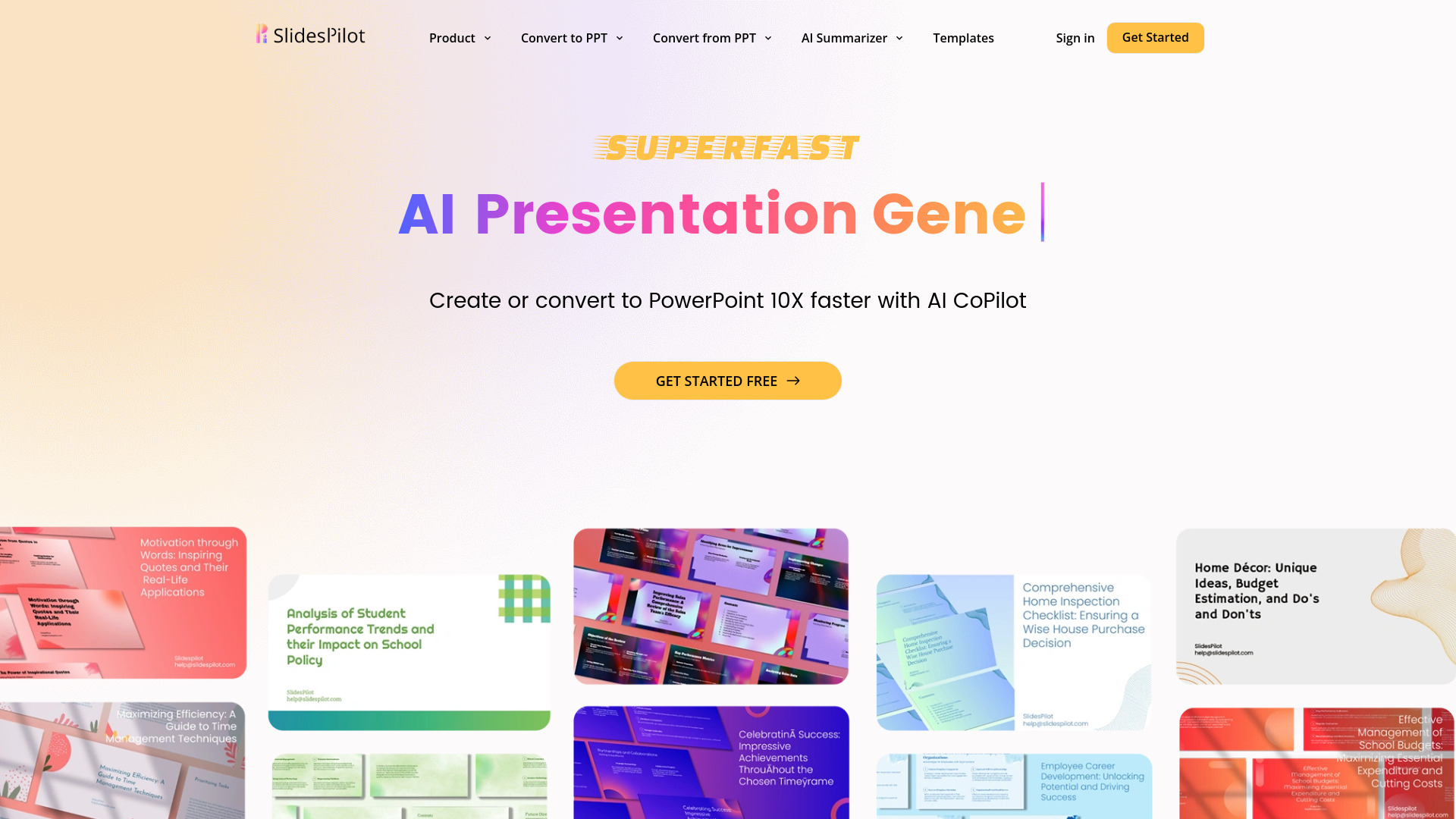
UnknownAI Presentation Suite for creating, converting, and enhancing presentations.

FastBots ✓
FreemiumCreate AI chatbots customized with your business data.

TalkText ✓
FreemiumSmart Dictation in your browser or via a native macOS integration 🔥

VenturusAI ✓
FreemiumBusiness idea analysis and reporting.