
AI Presentation Maker by SketchBubble ✓
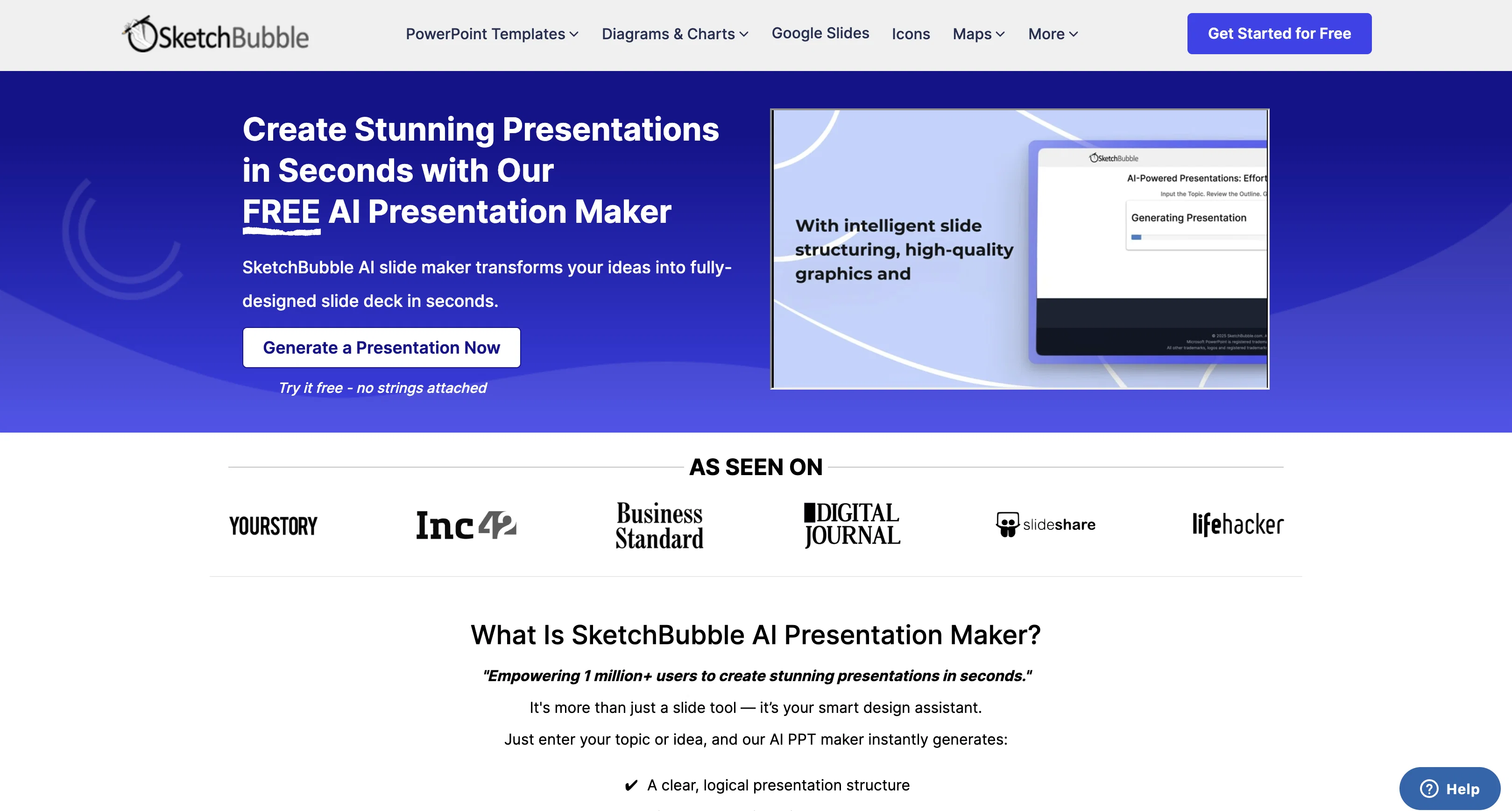
Create stunning presentations in seconds with AI
Free + from $24.95/mo
Verdict
A quick read before you dig into the full page.
- Best if
- You are consultants and need: Best for Consultants
- Skip if
- Limited template options
- Pick this when
- Professional presentation creation
Considering MagicSlides.app AI PPT Maker instead? Compare side by side
Overview



Whether you're preparing for a business meeting, class lecture, pitch, or webinar, the tool helps you save time, boost productivity, and focus on delivering your message. You can download the final output in PowerPoint or open it in Google Slides for easy editing and customization.
Key Benefits:
a). Save hours of manual work
b). Generate presentations with just a prompt
c). Export to PowerPoint or Google Slides
d). Free to use with no design experience needed
e). Perfect for educators, professionals, and students
Start turning ideas into impactful presentations—fast, free, and effortlessly.
Best for
Short scenarios where AI Presentation Maker by SketchBubble tends to shine.
-
Best for Consultants
Best for Consultants
-
Best for Entrepreneurs
Best for Entrepreneurs
-
Best for Educators
Best for Educators
-
Best for Business executives
Best for Business executives
-
Best for Students
Best for Students
-
Best for C-level executives
Best for C-level executives
Example outputs 1
Sample generations and before/after results for AI Presentation Maker by SketchBubble.
Access & connections
Where you can use AI Presentation Maker by SketchBubble.
Platforms
Capabilities
What this tool accepts, produces, and is strongest at.
Input
- Text
Output
- Text
Supported features
- Slides
Pros & cons
Pros
- Professional presentation creation
- Instant design generation
- Automated logical structure
- Auto slide layout design
- Relevant images, icons, charts
- Design skills not required
- No formatting struggle
- Direct download for use
Show 28 more
- Wide range of templates
- Automatic content creation
- Brand-aligned presentations
- Multilanguage support
- Crossplatform compatible
- Improved clarity in presentations
- Time saving
- Personalized Design
- Time-saving automation
- Multiple presentation types
- Hassle-free customization
- Effortless presentation creation
- Highly versatile tool
- No installation needed
- Easily customizable presentations
- Supported in various languages
- Export in different formats
- Intuitive and fast tool
- 50x Faster presentation generation
- Simple, creative infographics
- Return on investment
- 3M+ Generated presentations
- Seamless MS PowerPoint, Google Slides compatibility
- Supports various export formats
- Real-world use case tailored
- Multidisciplinary application
- Automated content generation
- Reduces design guesswork
Cons
- No offline use
- Requires JavaScript enabled
- Can't edit slide text
- Content language restrictions
- No PDF export
- No option for removing slides
- No animations and transitions
- Limited template options
Show 2 more
- No collaboration feature
- No automatic resizing for different devices
Compare alternatives
Similar tools in the catalog — with a clear reason to open each one.

MagicSlides.app AI PPT Maker ✓
FreemiumCreate Stunning PPTs in Seconds with the AI PPT Maker
Why look Typically cheaper
Full comparison
NextDocs.io ✓
FreemiumThe AI-native editor for docs, slides, and more
Why look Typically cheaper
Full comparison
Gamma ✓
FreemiumAI-powered content creation, minus the hassle.
Why look Typically cheaper
Full comparison
AI Slide Generator ✓
Free TrialCreate stunning presentations from any text in seconds
Why look Typically cheaper
Full comparison
okkslides ✓
FreemiumTransform ideas into professional PowerPoint slides in minutes.
Free + from $25/mo
Full comparison
GenPPT ✓
PaidThe AI Presentation Tool for Deep, Research-Backed Slides
Why look Typically cheaper
Full comparisonPeople also view
Tools that often show up alongside AI Presentation Maker by SketchBubble in collections and comparisons.
okkslides ✓
FreemiumTransform ideas into professional PowerPoint slides in minutes.
NextDocs.io ✓
FreemiumThe AI-native editor for docs, slides, and more
MagicSlides.app AI PPT Maker ✓
FreemiumCreate Stunning PPTs in Seconds with the AI PPT Maker
AI Slide Generator ✓
Free TrialCreate stunning presentations from any text in seconds
GenPPT ✓
PaidThe AI Presentation Tool for Deep, Research-Backed Slides
Gamma ✓
FreemiumAI-powered content creation, minus the hassle.

Skywork ✓
Free Trial10 tasks in 1 hour, not 10 hours

OpenDeck ✓
FreeSlide decks that speak for themselves.
Releases 1
FAQ 12
What is SketchBubble's AI Presentation Maker?
How does SketchBubble's AI Presentation Maker create presentations instantly?
What kind of design assistance does SketchBubble's AI Presentation Maker provide?
How can I select my preferred style using SketchBubble's AI Presentation Maker?
Can SketchBubble's AI Presentation Maker generate Google Slides presentations?
In what formats can I download presentations with SketchBubble's AI Presentation Maker?
Do I need design skills to use SketchBubble's AI Presentation Maker?
Why does SketchBubble's AI Presentation Maker recommend for improved clarity?
How does SketchBubble's AI Presentation Maker ensure brand-aligned presentations?
In what languages does SketchBubble's AI Presentation Maker support presentation generation?
How does SketchBubble's AI Presentation Maker contribute to time saving?
How personalized is the design process with SketchBubble's AI Presentation Maker?
Related tools
Recommended

scalerX ✓
FreemiumSupercharge Your Telegram Chats with Personalized AI Agents

Trickle Magic Canvas ✓
FreemiumTurn your ideas into live apps and websites with AI.

VoiSpark ✓
FreemiumCreate human-like voices for content with AI

Chronicle ✓
FreemiumMake stunning presentations effortlessly

Thea ✓
FreemiumAI study tools to master material, not just memorize it.

Automateed ✓
Free TrialCreate eBooks effortlessly with Automateed, the AI-powered writing tool.