

Chronicle ✓
Make stunning presentations effortlessly
Free + from $30/mo
Verdict
A quick read before you dig into the full page.
- Best if
- Make stunning presentations effortlessly
- Skip if
- Limited visual transformation
- Pick this when
- Customizable widgets
Considering MagicSlides.app AI PPT Maker instead? Compare side by side
Overview
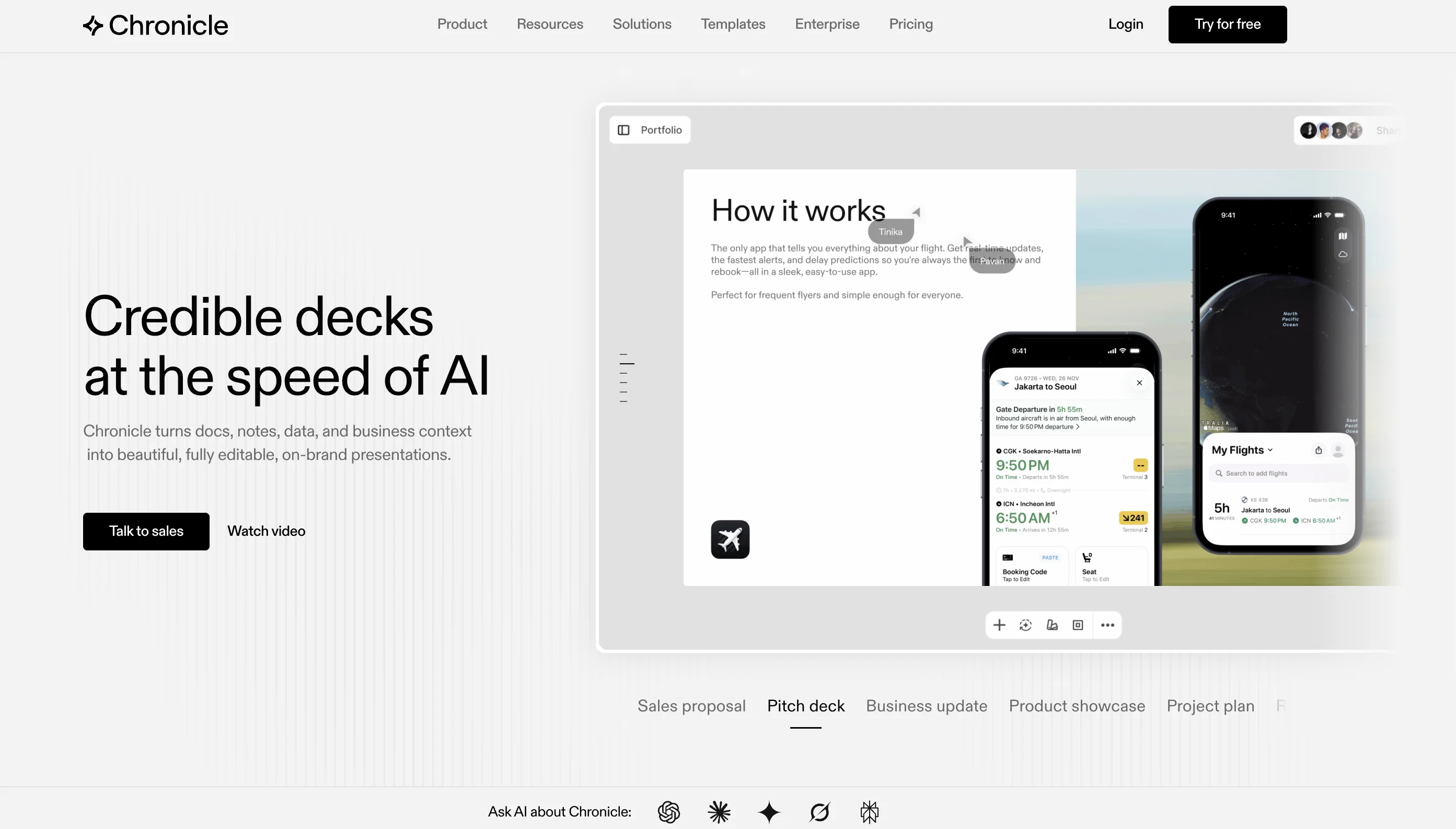
Chronicle is a presentation tool that leverages artificial intelligence to streamline the process of creating compelling, visually appealing presentations.
Aimed at individuals with minimal to no design skills, Chronicle provides a platform for impactful storytelling with ease and simplicity. Feature-rich, the tool comprises a collection of customizable 'widgets' for creating interactive and dynamic presentations.
With pixel perfect design and seamless interactivity, widgets can be dragged and dropped allowing users to visualize, embed, and manipulate information effortlessly.
Chronicle supports a keyboard-first workflow, offering powerful shortcuts to expedite the design process. An array of functionality permits transforming widgets into various visual forms, simplifying complex data or narratives into engaging visuals.
Chronicle's artificial intelligence capabilities underpin its powerful researching, generating, and remixing features which aid in the enhancement of presentations.
Collaborative in design, Chronicle enables multiple users to simultaneously create, tweak and share stories in real-time. Additional features such as editable reactions and emotes have been incorporated to humanize and enliven presentations.
The tool's mobile capabilities allow for easily accessible, bite-sized viewing of presentations. The platform also offers a range of expert-verified templates, infused with best practice guidance, to bolster the efficiency of users' storytelling journeys.
Best for
Short scenarios where Chronicle tends to shine.
-
Make stunning presentations effortlessly
Example outputs 1
Sample generations and before/after results for Chronicle.
Access & connections
Where you can use Chronicle, and what it plugs into.
Platforms
Integrations
Capabilities
What this tool accepts, produces, and is strongest at.
Input
- Text
Output
- Text
Pros & cons
Pros
- Customizable widgets
- Seamless interactivity
- Pixel perfect design
- Keyboard-first workflow
- Data visualization capabilities
- Transform widgets visually
- Powerful research features
- Content generation capabilities
Show 24 more
- Real-time collaboration
- Editable reactions and emotes
- Mobile viewing capabilities
- Expert-verified templates
- Best practice guidance
- Shortcuts for expedited design
- Effortless embed functionality
- Data manipulation feature
- Real-time sharing
- Dynamic presentations
- Bite-sized mobile presentations
- Interactivity and motion widgets
- Business oriented visualizations
- Link embedding from any tool
- Real-time storytelling collaboration
- Interactive audience engagement
- Emotional humanized presentations
- Mobile-friendly format
- Specialized industry templates
- Built-in contextual guidance
- Easy widget customization
- Interactive effects inclusion
- Integrative team collaboration
- Best for no-design skills
Cons
- Lacks offline functionality
- Too keyboard-centric
- Widget manipulation limited
- Excessive focus on collaboration
- Limited widget customization
- Poor mobile experience
- Widget embedding restrictive
- Lacks integrative features
Show 2 more
- Over-reliance on templates
- Limited visual transformation
Compare alternatives
Similar tools in the catalog — with a clear reason to open each one.

MagicSlides.app AI PPT Maker ✓
FreemiumCreate Stunning PPTs in Seconds with the AI PPT Maker
Why look Typically cheaper
Full comparison
NextDocs.io ✓
FreemiumThe AI-native editor for docs, slides, and more
Why look Typically cheaper
Full comparison
Gamma ✓
FreemiumAI-powered content creation, minus the hassle.
Why look Typically cheaper
Full comparison
AI Slide Generator ✓
Free TrialCreate stunning presentations from any text in seconds
Why look Typically cheaper
Full comparison
okkslides ✓
FreemiumTransform ideas into professional PowerPoint slides in minutes.
Why look Typically cheaper
Full comparison
GenPPT ✓
PaidThe AI Presentation Tool for Deep, Research-Backed Slides
Why look Typically cheaper
Full comparisonPeople also view
Tools that often show up alongside Chronicle in collections and comparisons.

Text to Infographic ✓
FreemiumTurn your text into visuals in minutes.

Taplio ✓
FreemiumThe LinkedIn growth tool to turn content into pipeline

Sana AI ✓
PaidChat with your knowledge, including meetings.

OpenRouter ✓
UnknownA unified interface for LLMs

letterpal ✓
Free TrialAI-powered assistant for industry newsletters on auto-pilot

AI Software Cost Estimator ✓
FreeNo more guesswork: get AI-powered software cost estimates in minutes

Guidejar ✓
FreemiumThe smartest way to create shareable how-to guides

Google Learn About ✓
UnknownYour adaptive AI learning companion for any topic
Releases 1
In the news
Launch coverage and community mentions for Chronicle.
FAQ 12
What is Chronicle?
How does Chronicle's AI assist in creating presentations?
Can I collaborate with others using Chronicle?
What features does Chronicle offer to simplify the design process?
What are 'widgets' in Chronicle and how are they used?
Can I customize these widgets in Chronicle?
Is Chronicle suitable for individuals who lack formal design skills?
How does Chronicle facilitate data visualization?
What is Chronicle's 'keyboard-first' workflow about?
Is Chronicle mobile-friendly?
What kind of templates does Chronicle offer?
Do I need any specific skills to use Chronicle?
Related tools
Recommended

Thea ✓
FreemiumAI study tools to master material, not just memorize it.

DeepSeek ✓
FreeUnravel the mystery of AGI with curiosity

TheLibrarian.io ✓
Free TrialYour WhatsApp AI assistant for instant productivity.

Automateed ✓
Free TrialCreate eBooks effortlessly with Automateed, the AI-powered writing tool.

Recall ✓
FreemiumSummarize Anything, Forget Nothing!

GlobalGPT ✓
Free TrialAll-in-One Access to AI power: GPT4, Claude, Gemini, Perplexity, Midjourney, Kling and