

Hoop ✓
AI captures tasks from meetings and chats
Trial; then from $35/mo
Verdict
A quick read before you dig into the full page.
- Best if
- You are product Managers and need: Automatically capture tasks from meetings and Slack conversations to avoid missing action items
- Skip if
- Limited to Google Meet, Zoom, Slack
- Pick this when
- Connects to multiple platforms
Considering Ping: AI-Powered To Do List instead? Compare side by side
Overview
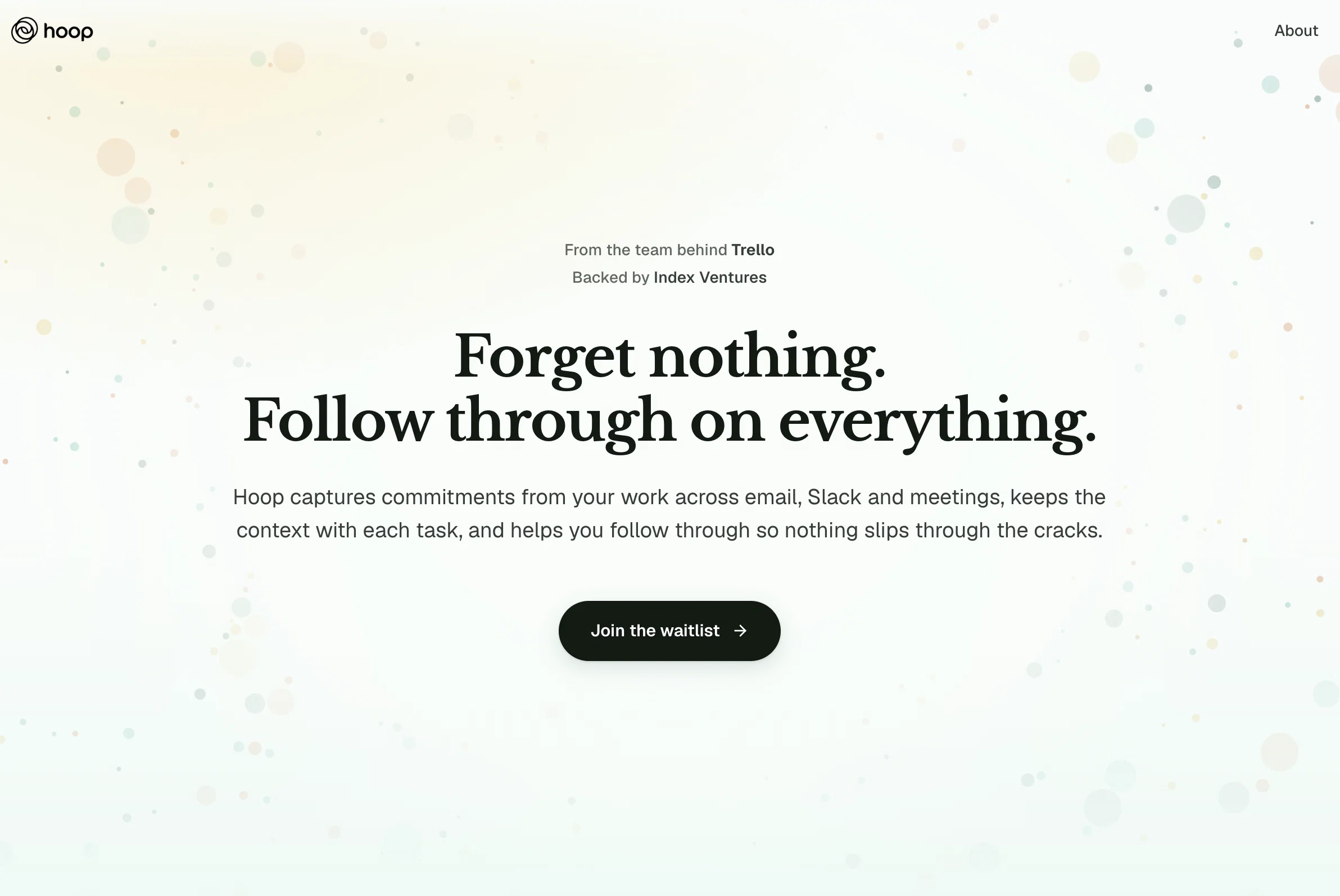
Hoop is an AI-empowered task management tool specifically designed for busy professionals. This tool connects to a variety of popular collaboration platforms such as Google Meet, Zoom, and Slack, using AI to identify and extract tasks from these tools and compile them into a consolidated list.
These tasks are presented complete with transcripts, summaries, and links, providing users with context and helping them recapture necessary details quickly and efficiently.
Hoop also provides an auto-labeling feature which uses AI to identify and flag high-priority tasks, which is useful in time and project management. Moreover, it also has a 'focus mode' feature that allows users to concentrate solely on their most important tasks.
Hoop is also notable for its security and data privacy features as well as visibility controls. The AI in Hoop is designed with respect to data privacy, ensuring that user-generated content remains strictly confidential.
It uses enterprise-grade encryption techniques to guarantee the highest levels of data security. Overall, Hoop is an innovative task management tool that leverages AI technology to improve productivity and streamline task management processes for professionals.
Best for
Short scenarios where Hoop tends to shine.
-
Automatically capture tasks from meetings and Slack conversations to avoid missing action items.
Best for Product Managers
-
Consolidate tasks from multiple email inboxes into a single, actionable to-do list.
Best for Founders
-
Share task lists with team members and assign responsibilities for collaborative projects.
Best for Executives
Example outputs 1
Sample generations and before/after results for Hoop.
Access & connections
Where you can use Hoop, and what it plugs into.
Platforms
Pros & cons
Pros
- Connects to multiple platforms
- Identifies tasks automatically
- Compiles consolidated task list
- Provides task transcripts
- Provides task summaries
- Links for task context
- Auto-labels high-priority tasks
- Focus mode for important tasks
Show 37 more
- Heightened data privacy
- Enterprise-grade encryption
- Task extraction from meetings
- Task extraction from chats
- Grab tasks from Google Meet
- Grab tasks from Zoom
- Grab tasks from Slack
- Meeting summarization
- Automatic flagging of priorities
- Facilitates time management
- Facilitates project management
- Visibility control features
- Prioritizes tasks across teams
- Intelligent task capturing
- Auto-labeling saves time
- Matches tasks to priorities
- Reduced need for manual project management
- Specific focus on task management
- End-to-end encryption
- Robust monitoring for security
- Third-party security testing
- More than meeting bot
- Autodetection from email tasks
- Transcripts for additional context
- Summarizes consolidated task list
- Meeting content controlled access
- Never miss another task
- Automatic capture across tools
- Cross tool communication
- Automatic task recording
- Automated action item capturing
- Laser-focused on task management
- Live meetings action tracking
- Positive customer reviews
- Tasks auto-pull from Slack
- Privacy as top priority
- User generated content kept private
Cons
- Not standalone tool
- Dependence on collaboration platforms
- Auto-labeling may not be accurate
- Requires task clarification
- Limited to Google Meet, Zoom, Slack
- Might miss non-verbal tasks
- Could have notification overload
- Might require continuous Internet connectivity
Show 2 more
- Focus mode may oversimplify tasks
- No customization features
Compare alternatives
Similar tools in the catalog — with a clear reason to open each one.

Ping: AI-Powered To Do List ✓
FreemiumAI-powered task list: Dictate tasks, integrate with Gmail, Slack, ChatGPT & Calendar.
Why look Typically cheaper
Full comparison
Bracket ✓
Free TrialManage tasks directly in Slack & email
Why look Offers a public API
Full comparison
Todoist Ramble ✓
FreemiumCapture tasks at the speed of thought.
Why look Typically cheaper
Full comparison
OneTask ✓
FreemiumAI to-do app that prioritizes tasks for creatives
Why look Typically cheaper
Full comparison
Sidejot ✓
FreeAI-powered task planner for focused productivity.
Why look Fully free option
Full comparison
Claude Cowork ✓
PaidGive Claude access to your files for instant organization.
Why look Higher community rating
Full comparisonPeople also view
Tools that often show up alongside Hoop in collections and comparisons.
OneTask ✓
FreemiumAI to-do app that prioritizes tasks for creatives
Bracket ✓
Free TrialManage tasks directly in Slack & email
Todoist Ramble ✓
FreemiumCapture tasks at the speed of thought.
Sidejot ✓
FreeAI-powered task planner for focused productivity.
Ping: AI-Powered To Do List ✓
FreemiumAI-powered task list: Dictate tasks, integrate with Gmail, Slack, ChatGPT & Calendar.
Claude Cowork ✓
PaidGive Claude access to your files for instant organization.

Tame My Inbox ✓
FreemiumAI email assistant that solves Gmail overload effortlessly.

Supernormal App ✓
FreemiumThe AI assistant app that turns meetings into completed work
Releases 1
In the news
Launch coverage and community mentions for Hoop.
FAQ 12
What is Hoop?
How does Hoop extract tasks from collaboration tools like Google Meet, Slack, and Zoom?
What does auto-labeling mean in terms of Hoop?
How does 'focus mode' work in Hoop?
How does Hoop ensure data privacy and security?
What platforms does Hoop integrate with?
What is the role of AI in Hoop's task management?
Can Hoop identify and extract tasks from emails, chats, and meetings?
Does Hoop offer transcripts and summaries?
What is the benefit of Hoop's enterprise-grade encryption techniques?
Can I prioritize tasks in Hoop?
Does Hoop offer visibility controls?
Related tools
Recommended

VenturusAI ✓
FreemiumBusiness idea analysis and reporting.

Stratup.ai ✓
FreemiumInnovative idea generation for businesses.

PrometAI ✓
FreemiumTurn ideas into viable reality with AI business plan generator.

MagicSlides.app AI PPT Maker ✓
FreemiumCreate Stunning PPTs in Seconds with the AI PPT Maker

Imagetocaption.ai ✓
Free TrialGenerated captions for social media images

Transcript LOL ✓
FreemiumUnlimited transcripts, summaries, 99.8% accuracy, speaker recognition, superfast