

PicTools.AI — AI Image Editor & 100+ AI Filters ✓
Transform any photo with AI prompts or 100+ one-click filters
Free + from $9/mo
Verdict
A quick read before you dig into the full page.
- Best if
- Transform any photo with AI prompts or 100+ one-click filters
- Skip if
- Results may vary depending on prompt or photo quality
- Pick this when
- AI image editor with prompt-based editing
Considering Viyou AI Image Generator instead? Compare side by side
Overview

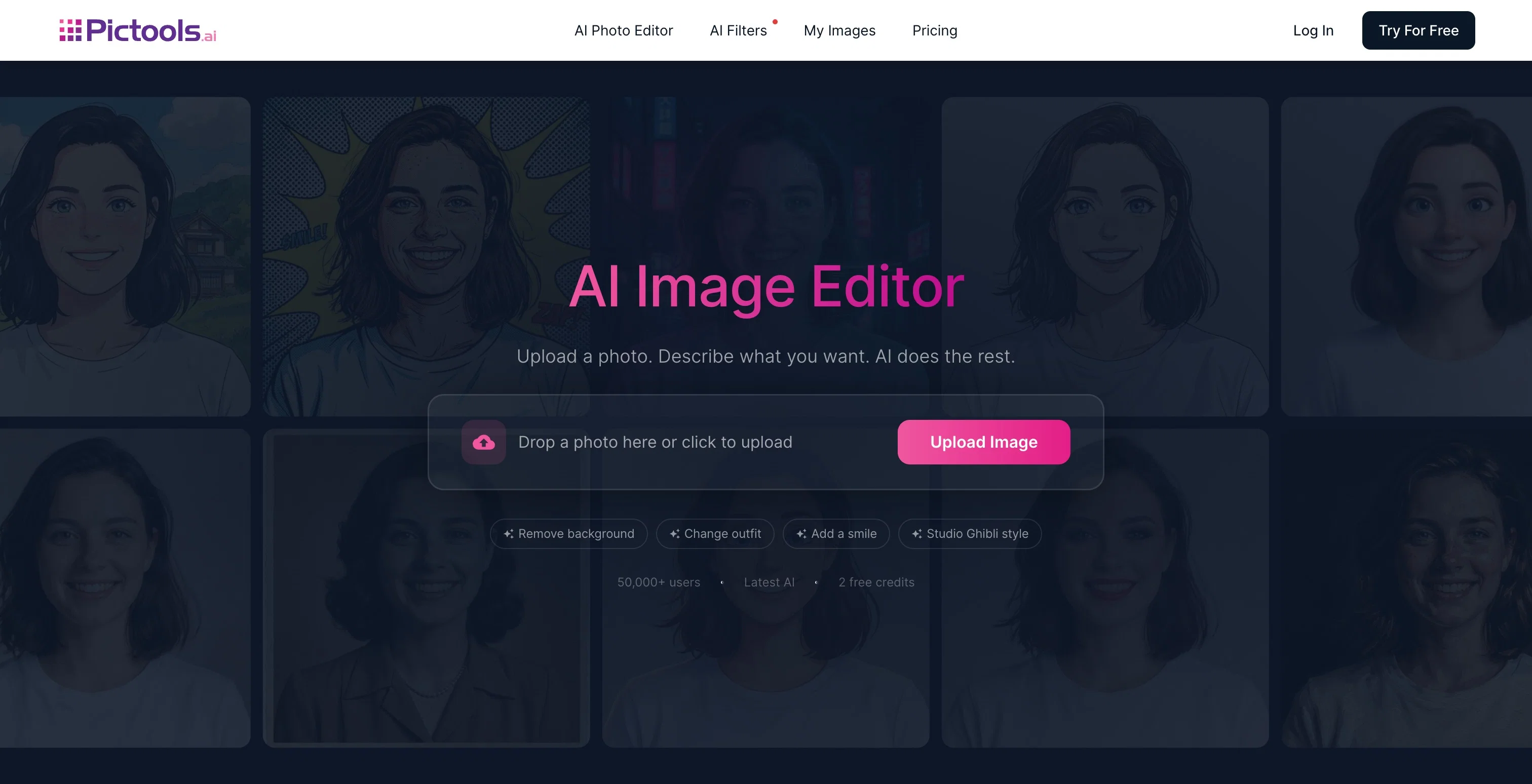
Features include prompt-based AI image editing, 100+ AI photo filters, AI Image Generator from text, AI Headshot Generator, AI Travel Photo Generator, and Face Shape Detector. Trusted by creators, small business owners, and photographers worldwide.
Best for
Short scenarios where PicTools.AI — AI Image Editor & 100+ AI Filters tends to shine.
-
Transform any photo with AI prompts or 100+ one-click filters
Example outputs 1
Sample generations and before/after results for PicTools.AI — AI Image Editor & 100+ AI Filters.
Access & connections
Where you can use PicTools.AI — AI Image Editor & 100+ AI Filters.
Platforms
Capabilities
What this tool accepts, produces, and is strongest at.
Input
- Image
- Text
Output
- Image
Pros & cons
Pros
- AI image editor with prompt-based editing
- Apply AI filters for styles or transformations
- Remove backgrounds, objects, or unwanted people
- Restore and enhance old photos
- Generate AI images from simple prompts
- No watermarks on downloaded images
- Free to try before upgrading
- Fast results that feel simple and intuitive
Show 2 more
- Works fully online across all platforms
- Helpful human support when you need it
Cons
- Results may vary depending on prompt or photo quality
- Large file uploads may take longer on slower connections
- API not yet available for integrations
- Free version has feature limitations
- No bulk processing for multiple photos at once
Compare alternatives
Similar tools in the catalog — with a clear reason to open each one.

Viyou AI Image Generator ✓
FreemiumTransform text and images into stunning videos and visuals.
Free + from $39.99/yr
Full comparison
Img2Img AI ✓
FreemiumTransform any image with AI in seconds.
Why look Typically cheaper
Full comparison
Photoeditor ✓
PaidEnhanced image editing with object and text removal.
from $9.99/mo
Full comparison
Cleanup pictures ✓
FreemiumRemove unwanted elements from photos instantly.
Why look Typically cheaper
Full comparisonPeople also view
Tools that often show up alongside PicTools.AI — AI Image Editor & 100+ AI Filters in collections and comparisons.
Viyou AI Image Generator ✓
FreemiumTransform text and images into stunning videos and visuals.
Photoeditor ✓
PaidEnhanced image editing with object and text removal.
Img2Img AI ✓
FreemiumTransform any image with AI in seconds.

Creen AI ✓
Paid40+ AI models for video, image and art. Free, no sign-up.
Cleanup pictures ✓
FreemiumRemove unwanted elements from photos instantly.

MF0.ai ✓
PaidEvery top AI in one chat. Real memory. No subscription.

LineArt ✓
Free TrialTurn one photo into a whole coloring book.

Kyukoma ✓
Free TrialTurn your stories into manga pages with AI.
Releases 1
Imported reviews 6
Fast, consistent, precise. Easily the best AI photo editor I’ve tried!
Working photographer here. One short prompt in Pictools.ai removed unwanted objects and kept backgrounds consistent. Believable results.
It’s the AI image generator that produces higher-quality images. You can generate a few images for free, but the subscription is very affordable.
Worst image generator first you can't sign in easily because it does not accept any email besides Gmail and then it gives only two credit per day, don't waste your time
This is the best AI art creator I've ever tried. The images are insanely realistic and detailed!
You can create impressive images, the best quality I've seen in AI!
FAQ 11
What is PicTools.AI?
🛠️ 1
tool
wrote:
PicTools.AI is an AI image editor with 100+ one-click AI photo filters. Edit photos using text prompts, apply artistic styles like Ghibli, Pixar, or Anime, generate images from text, create professional AI headshots, and transform selfies into travel photos — all in one platform.
How does PicTools.AI work?
🛠️ 1
tool
wrote:
Upload a photo and either describe the edit you want in natural language or pick one of 100+ AI filters. The AI processes your request in seconds. No design skills, no complex menus — just upload, prompt or pick, and download.
Is PicTools.AI free to use?
🛠️ 1
tool
wrote:
Yes. PicTools.AI offers a free tier with credits so you can try the AI photo editor, filters, and image generator at no cost. Paid plans starting at $9/month unlock more credits, HD output, and priority processing.
What AI photo filters are available on PicTools.AI?
🛠️ 1
tool
wrote:
PicTools.AI offers 100+ filters including Ghibli, Pixar, Anime, Lego, Cyberpunk, Action Figure, Pop Art, Simpsons, Van Gogh, Watercolor, and many more. Every filter is one-click — no prompt engineering needed.
Can I edit photos with AI prompts on PicTools.AI?
🛠️ 1
tool
wrote:
Yes. The AI Photo Editor accepts natural language prompts like "change the background to a beach", "remove the person on the left", or "add sunglasses". The AI interprets your instruction and applies the edit in seconds.
Can I generate AI images from text?
🛠️ 1
tool
wrote:
Yes. PicTools.AI includes an AI Image Generator that turns text descriptions into high-quality images — portraits, landscapes, product shots, abstract art, and more.
Can I create a LinkedIn-ready AI headshot?
🛠️ 1
tool
wrote:
Yes. The AI Headshot Generator turns any selfie into a professional LinkedIn-ready headshot in seconds. Choose from multiple styles — no photographer, studio, or editing required.
What is the AI Travel Photo Generator?
🛠️ 1
tool
wrote:
The AI Travel Photo Generator turns any selfie into travel photos at destinations worldwide. Upload a photo and choose from 24 experiences across 6 destinations — Paris, New York, Tokyo, Bali, and more. It's one of several tools inside PicTools.AI, alongside the AI image editor, filters, and headshots.
Can I use PicTools.AI images commercially?
🛠️ 1
tool
wrote:
Yes. Images created with PicTools.AI can be used for commercial purposes including marketing, social media, product photography, and client work, subject to the terms of service.
What subscription plans does PicTools.AI offer?
🛠️ 1
tool
wrote:
PicTools.AI has four plans: Free, Plus ($9/mo), Pro ($39/mo), and Elite ($89/mo). Pay-as-you-go credit packs are also available for one-time use without a subscription.
How does PicTools.AI handle my uploaded photos?
🛠️ 1
tool
wrote:
Uploaded photos are processed only to deliver your edits, filters, or headshots. Images are stored for as long as needed and can be deleted from your account at any time. PicTools.AI uses encryption for uploads and storage, and does not share photos with third parties.
Related tools
Recommended

PicLumen ✓
FreemiumPic the future: Free AI images in one click.

Color-anything ✓
FreeCreate AI coloring pages from your imagination.

IllustrateAI ✓
Free TrialUnlock your creativity with AI-powered illustrations.

CreativePixel ✓
FreemiumOut-create Your Competition in Minutes

Ideogram ✓
FreemiumAI-powered creativity booster

AI YouTube Title Generator ✓
Free TrialGenerate eye-catching YouTube titles that boost views and engagement.