

Picsman - AI Photo Editor ✓
AI Powered Photo Editor, background remover, AI generator.
Trial; then from $4.99/mo
Verdict
A quick read before you dig into the full page.
- Best if
- You are e-commerce businesses and need: E-commerce product photo editing
- Skip if
- Limited sticker options
- Pick this when
- Auto PNG download
Considering Photo AI instead? Compare side by side
Overview



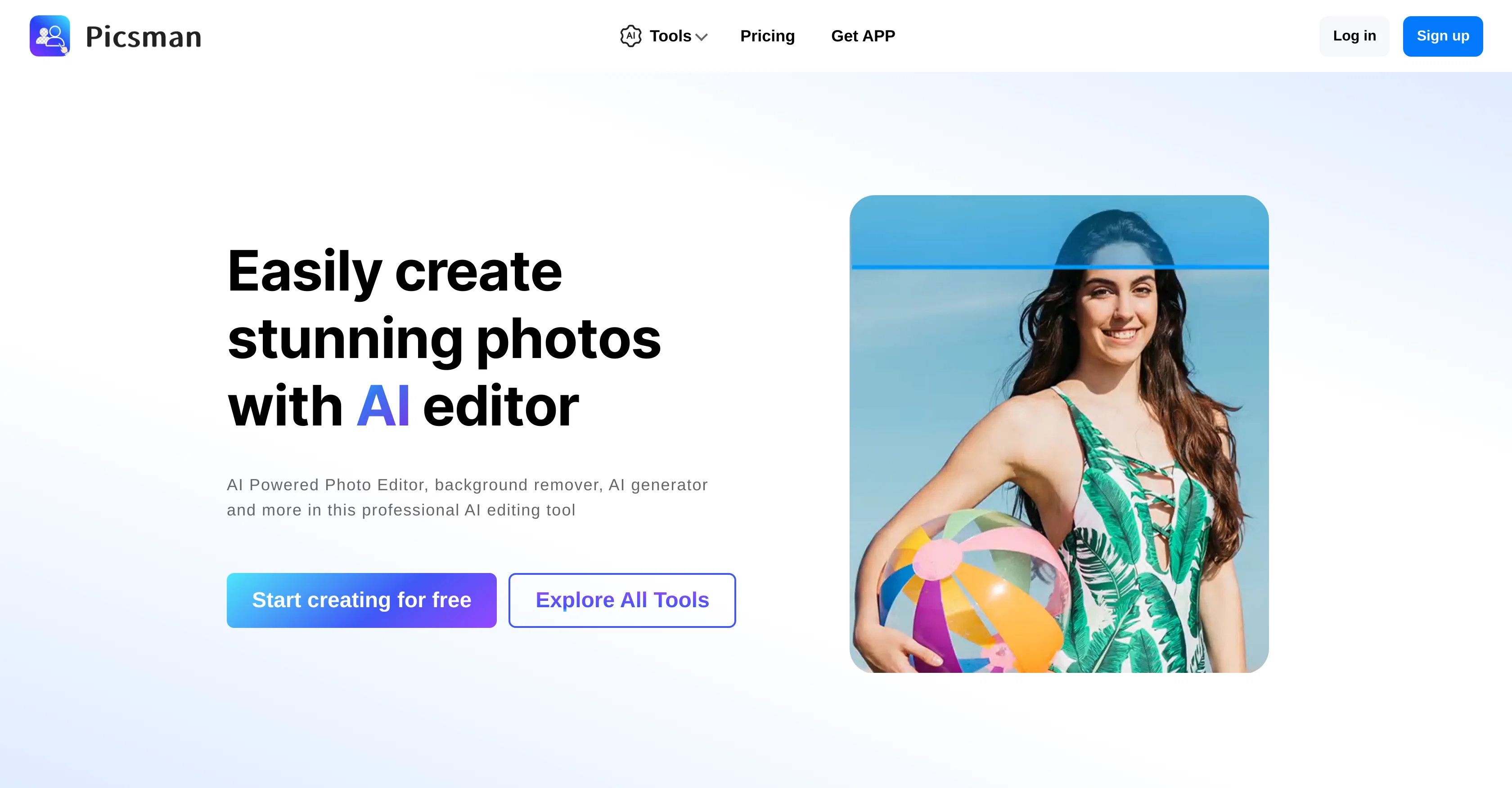
Picsman is an AI-driven photo editing tool designed to easily enhance and create product photos. The editor includes multiple features, each powered by artificial intelligence to automate tasks and improve user efficiency.
A signature functionality is the 'Remove Background' tool, which simplifies the process of making imagery transparent and is enhanced by an automatic PNG download option.
The 'Magic Eraser' is designed to remove objects from images effectively, while the 'AI Background' tool generates realistic backgrounds for your images instantly.
'Batch Edit' is an all-in-one bulk editing tool, built to retouch multiple images simultaneously and is particularly useful for product photos on platforms like Amazon, eBay, and Depop.
The 'Photo Enhancer' utility can upscale and enhance image quality in seconds, delivering HD resolution outputs. Additional capabilities include text addition, color changes, image enlargement, sharpening, object removal, and image conversion into a cartoon form.
To add more creativity and customization, it also provides a variety of backgrounds, illustrations, text effects and PNG stickers. Users can also resize, crop and even add 3D shadow or reflection effects to images.
For convenience and accessibility, the tool is available as an app on both iOS and Android.
Best for
Short scenarios where Picsman - AI Photo Editor tends to shine.
-
E-commerce product photo editing
Best for E-commerce businesses
-
Social media content creation
Best for Social media marketers
-
General photo enhancement and retouching
Best for Photographers
Example outputs 1
Sample generations and before/after results for Picsman - AI Photo Editor.
Access & connections
Where you can use Picsman - AI Photo Editor.
Capabilities
What this tool accepts, produces, and is strongest at.
Supported features
- Background Removal
Models
Text
Image
Video
Coding
Pros & cons
Pros
- Auto PNG download
- Effective object removal
- Bulk image editing feature
- HD resolution deliveries
- Enlarges images
- Image sharpening
- Image-to-cartoon conversion
- Multiple creative design options
Show 13 more
- 3D shadow effect
- Reflection effects on images
- Available on iOS and Android
- Optimized for e-commerce
- Automated image enhancement
- Easy object removal
- Supports different image formats
- Provides editing templates
- Access to free stock images
- Large selection of PNG stickers
- Text addition on images
- Image reflection and resizing
- Image cropping feature
Cons
- No offline mode
- Lacks advanced features
- No RAW image support
- No precise editing tools
- Lacks layer support
- Limited text effects
- Limited sticker options
- No plugin support
Show 2 more
- No HDR editing capability
- Lacks photo organizing feature
Compare alternatives
Similar tools in the catalog — with a clear reason to open each one.

Stockimg AI ✓
PaidGenerated images and text for design ease.
Why look Stronger for image work
Full comparisonPeople also view
Tools that often show up alongside Picsman - AI Photo Editor in collections and comparisons.
Stockimg AI ✓
PaidGenerated images and text for design ease.

Photo AI ✓
PaidCreate beautiful AI photos and videos of real people

Midjourney ✓
PaidExpand human imagination through AI-powered visuals.

CreativePixel ✓
FreemiumOut-create Your Competition in Minutes

BestPhotoAI ✓
FreemiumCreate amazing AI photos instantly

Nathan Tailors AI Suit Generator ✓
FreeDescribe your dream suit. We draw it, then build it.

LineArt ✓
Free TrialTurn one photo into a whole coloring book.

Line Drawing Converter ✓
Free TrialConvert photos into clean line drawings online.
Releases 1
Imported reviews 5
Helpful AI tools
Picsman have many features like object removal, background removal, photo enhancement and AI image generator. It is easy to use and great for editing images, helps me save a lot of time!
I recently stumbled upon this incredible image processing website, and I must say, it has completely transformed my experience with digital media editing. The user interface is sleek, intuitive, and a joy to navigate, making even the most complex image manipulation tasks a breeze.
The website offers a plethora of tools that cater to both beginners and professionals alike. From basic cropping and resizing to advanced features like AI-enhanced color correction and background removal, this platform truly has it all. The real-time preview feature is a game-changer, allowing me to see the impact of my edits instantly, which has significantly improved my workflow.
What sets this website apart is its commitment to quality. The image processing algorithms are top-notch, ensuring that the final output is always crisp and clear, without any loss in resolution or detail. The website also supports a wide range of file formats, which is a huge plus for someone like me who works with various types of media.
The customer support is another aspect that deserves a special mention. The team is responsive, knowledgeable, and always ready to assist with any queries or issues. It's clear that they take user satisfaction seriously.
In conclusion, this image processing website is a must-try for anyone looking to enhance their digital images with ease and precision. It has earned a permanent spot in my toolkit, and I highly recommend it to anyone seeking a seamless and efficient image editing experience.
The Remove Background tool is designed to be quite simple and easy to use. As long as the image is uploaded, the machine can automatically recognize the subject and background range, quickly remove the background, turn it into a transparent background or apply a specific color
AI tools is helpful,great!
FAQ 12
What is Picsman?
What are the key features of Picsman?
How does the 'Remove Background' tool work in Picsman?
What is the 'Magic Eraser' tool in Picsman and when should I use it?
What is the 'AI Background' tool in Picsman used for?
How does the 'Batch Edit' tool in Picsman improve efficiency?
What platforms do Picsman's product photo editing tools particularly support?
How can Picsman's 'Photo Enhancer' utility improve image quality?
Can I add text and change colors in images using Picsman?
Does Picsman allow image conversion into cartoon form?
What additional creative features does Picsman offer?
Can I resize and crop images in Picsman?
Related tools
Recommended

OnlyPrompts ✓
Free TrialAutomate 37,000+ tasks with 150,000+ prompts

AI Portrait - Remaker ✓
Free TrialConvert photos into artistic AI portraits instantly.

SellerPic ✓
FreemiumSupercharge photos with AI, boost sales in minutes.

VenturusAI ✓
FreemiumBusiness idea analysis and reporting.

Prismix ✓
Free TrialYour AI Social Media Manager

Cabina.AI ✓
FreemiumCabinaAI: Your All-in-One AI Platform 🚀
