

PhotoKit ✓
AI-powered online photo editing made easy.
Verdict
A quick read before you dig into the full page.
- Best if
- AI-powered online photo editing made easy
- Skip if
- Not necessarily beginner-friendly
- Pick this when
- Basic and advanced operations
Considering Viyou AI Image Generator instead? Compare side by side
Overview
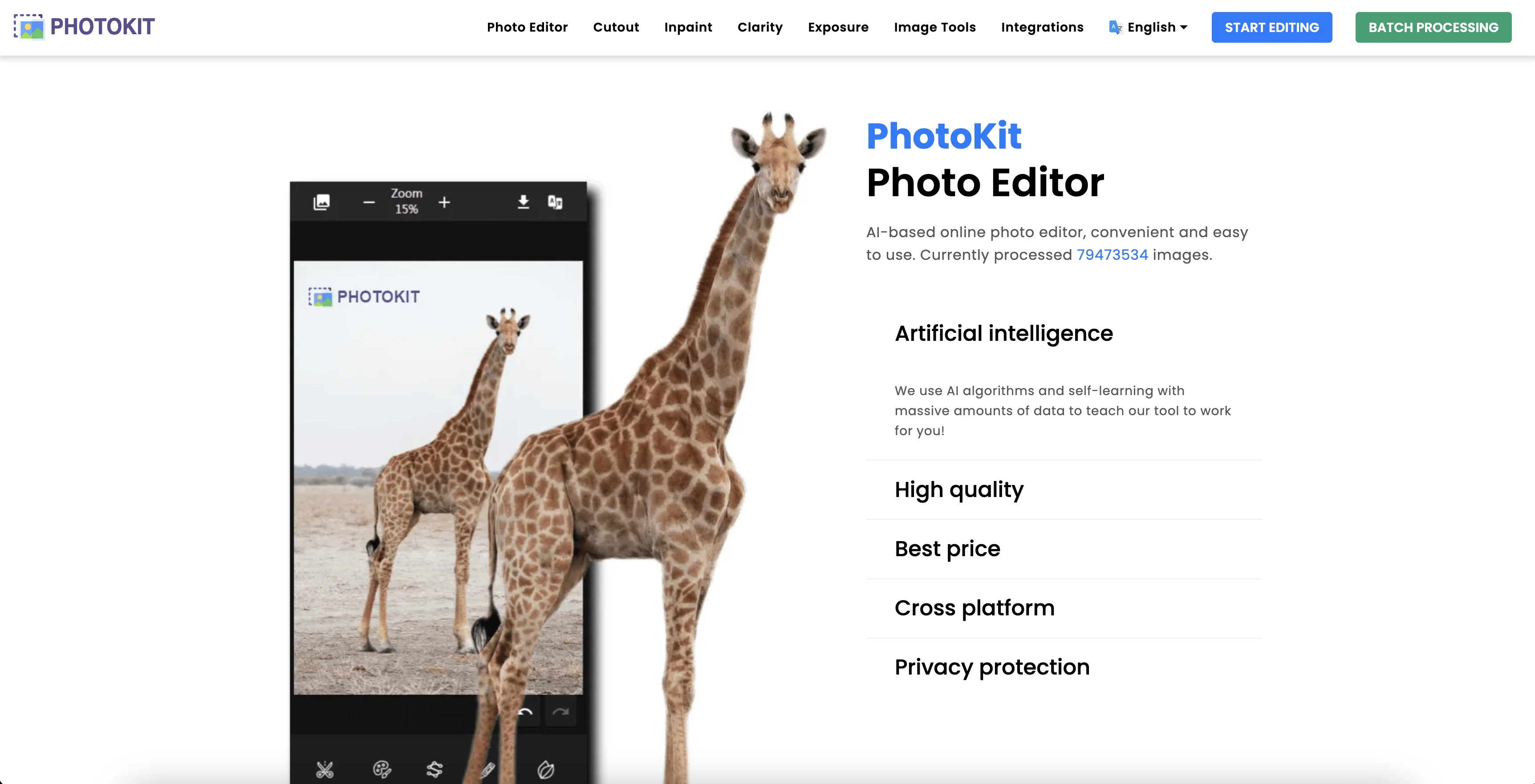
PhotoKit is an AI-enabled online photo editor designed for simplicity and accessibility. The tool offers a suite of photo editing features available from basic operations such as cropping, resizing, and rotation, to more advanced processing like clarity refocus, exposure adjustment, cutout, and the AI-patented 'Inpaint' tool, designed to remove unwanted elements from an image.
User privacy is respected, with the system designed not to store user images or data. Online usage through modern browsers eliminates the need for download or installation.
This tool also includes batch image processing, enabling multiple image adjustments at once across several formats including png, jpg, gif, bmp, tiff and RAW.
PhotoKits features extend beyond image correction to include enhancement tools. For example, it enriches the quantity and interpretation of image data, optimizes brightness, and corrects exposure for an overall improvement in image quality.
Its simple, user-friendly interface positioned alongside advanced functionalities make PhotoKit suitable for users with varying levels of photo editing skills.
Access & connections
Where you can use PhotoKit, and what it plugs into.
Platforms
Integrations
Capabilities
What this tool accepts, produces, and is strongest at.
Input
- Image
Output
- Image
Highlights
- API
Supported features
- API
Pros & cons
Pros
- Basic and advanced operations
- Clarity refocus feature
- Exposure adjustment tool
- Cutout tool for elements removal
- Private and secure
- No data storage
- Web-based, no installation
- Batch image processing
Show 42 more
- Multiple file formats support
- Image enhancement tools
- Brightness optimization
- Exposure correction
- User-friendly interface
- Supports various skill levels
- Multiple languages interface
- High image processing quality
- Free and VIP options
- Cross-platform accessibility
- No download required
- Foreground recognition in Cutout
- Fine edge details
- One-click background removal
- Inpaint for watermark removal
- Image quality improvement
- Minimized exposure issues
- Image interpretation enhancement
- Image layer quality replication
- Bulk image resizing
- Bulk compression and filtering
- Convenient image converter
- Supports watermark and renaming
- Image balancing tool
- Easy text addition
- Multiple image effects
- Image drawing tools
- Colorization feature
- Collage creation
- Fully packed image tools
- Various image correcting tools
- Support for RAW images
- Integrated drawing tools
- Quick one-click operations
- batch image processors
- Offers image scalers
- Integrated image viewer
- Watermark image tools
- Cross-platform product support
- Meme maker feature
- Dedicated tools for image transformations
- EyeDropper & color tools
Cons
- No offline option
- Lack 3D editing tools
- Limited language support
- Over-dependence on good internet
- No collaborative features
- Limited customizability
- No PSD export support
- Platform-specific issues possible
Show 2 more
- Not necessarily beginner-friendly
- No mobile app mentioned
Compare alternatives
Similar tools in the catalog.





Releases 1
FAQ 12
What is PhotoKit?
What are the features offered by PhotoKit?
What is the 'Inpaint' tool in PhotoKit?
How does PhotoKit respect user privacy?
Is there a need to download or install PhotoKit?
What image formats does PhotoKit support?
How does batch image processing work in PhotoKit?
How does PhotoKit enhance the quantity and interpretation of image data?
How can I optimize the brightness of an image in PhotoKit?
How does PhotoKit correct exposure?
Can PhotoKit be used by someone with basic photo editing skills?
How does the cutout feature work in PhotoKit?
Related tools
Recommended

PicWonderful ✓
UnknownAI-powered photo toolkit to enhance and transform images.

Vertexshare ✓
UnknownSmart software for photo processing and productivity

Kin - Personal AI Advisors ✓
FreePrivacy-first & designed your for mind, and life at work

COACH ✓
FreeAI-powered career development platform built by career experts.

CreateAiCourse ✓
PaidSimplify course creation with the best AI Course Creator.

HitWit ✓
FreemiumBring an AI product expert to *every* customer interaction