

PhotoApp ✓
Create realistic AI photos of yourself in minutes.
Verdict
A quick read before you dig into the full page.
- Best if
- Create realistic AI photos of yourself in minutes
- Skip if
- Limited to user appearances
- Pick this when
- Creates professional-quality photos
Considering Photo AI instead? Compare side by side
Overview
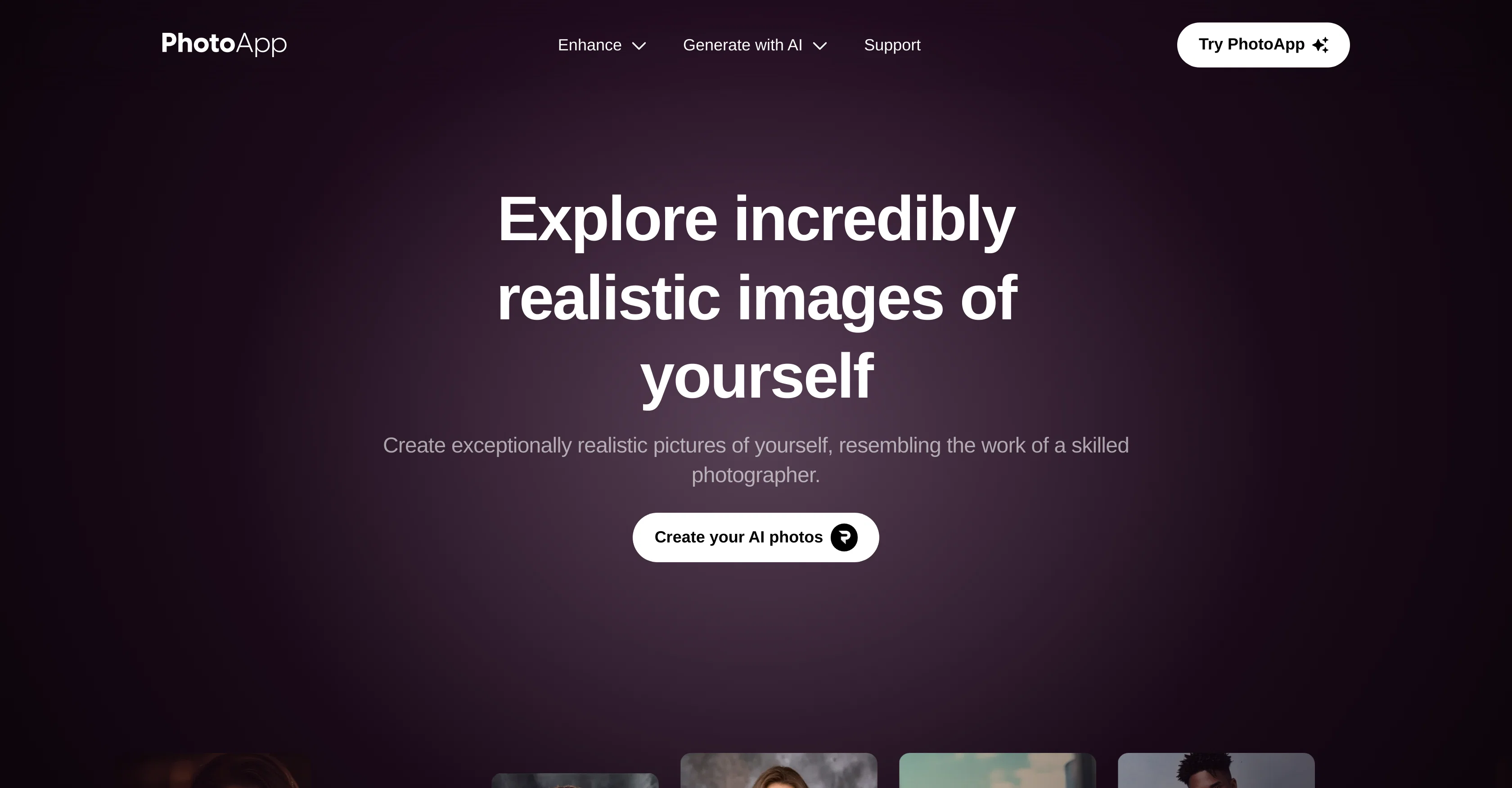
PhotoApp is an AI-enabled photo editor that's designed to create incredibly realistic photos, giving an impression of being shot by a professional photographer.
With the use of AI training, it allows users to familiarize the tool with their physical appearances using their actual images. This system enables the generation of multiple photos from various angles, as though captured by a skilled photographer.
Users have the options to choose from a wide array of model images to generate photos inspired by certain styles and poses. PhotoApp also offers an extensive variety of photo outcomes, suitable for any situation.
From professional portraits intended for business use, to uniquely curated photos reflecting different stages of life, including the 'mini me' feature which reimagines users as their younger selves.
The app offers limitless possibilities with AI-driven photo generation technology. Users can produce personalised images tailored for various occasions, upgrade social media profiles with visually impressive posts or acquire professionally taken images to enhance a CV.
It allows users to visualize themselves in various hairstyles, makeup styles, outfits or locations without real changes. It also includes features like image enlargement, denoise old photo restoration, face and background enhancement for low quality images.
The PhotoApp mobile application is available on both iOS and Android platforms, providing an effortless and efficient tool for generating AI-based photos conveniently at any time and place.
Access & connections
Where you can use PhotoApp.
Capabilities
What this tool accepts, produces, and is strongest at.
Input
- Image
Output
- Image
Pros & cons
Pros
- Creates professional-quality photos
- Generates various angled photos
- Wide selection of model inspiration
- Suitable photo outcomes for any situation
- Produces personalized images for occasions
- Enhances social media content
- Visualizes different hairstyles and outfits
- Offers virtual location visualization
Show 33 more
- Style inspiration feature
- Includes 'mini me' feature
- Image enlargement capability
- Has denoise feature
- Old photo restoration
- Improves face and background of images
- Mobile application available
- iOS and Android compatibility
- Simulates different makeup styles
- Personal branding aid
- CV enhancing images
- Generates photos swiftly
- Effortlessly simulates professional photoshoots
- Virtual pregnancy photo generation
- Unlimited photo generation
- Offers virtual aging timeline
- Visualizes new looks
- Saves time on photo shoot
- Captures different location portraits
- Enhances low-quality images
- Can unblur and sharpen images
- Face enhancer functionality
- Background enhancer feature
- Used by millions worldwide
- Interactive tools support
- Predetermined model poses
- Images suitable for business use
- Ideal for creating profile pictures
- Creates distinctive social media posts
- Facilitates professional photography simulation
- Convenient, simple usage
- Incredible outcomes consistently
- Restores color in photos
Cons
- Requires multiple user images
- Lacks physical environment integration
- Limited to user appearances
- No real-time editing feature
- No collaborative tool
- Lacks batch photo processing
- No offline functionality
- Lacks advanced editing features
Show 1 more
- Requires high-quality user images
Compare alternatives
Similar tools in the catalog — with a clear reason to open each one.


Stockimg AI ✓
PaidGenerated images and text for design ease.
Why look Stronger for image work
Full comparison


Releases 1
Related tools
Recommended

Thea ✓
FreemiumAI study tools to master material, not just memorize it.

FameFlame ✓
Paid🚀 Supercharge Your Social Media Growth
AuthorVoices.ai ✓
PaidCreate audiobooks fast and cheap with AI narration.

Image to Prompt Generator ✓
FreemiumConvert images to prompts for AI art generation.

AetheriumAI ✓
FreeUnlock hidden insights from your PDFs with AI.

LALAL.AI ✓
PaidHigh-quality stem splitting and voice cloning based on the world's #1 technology