

Photio AI Photographer ✓
AI creates product photos from your description.
Free + from $3.5/mo
Verdict
A quick read before you dig into the full page.
- Best if
- AI creates product photos from your description
- Skip if
- Limited industry use-case
- Pick this when
- Specialized for ecommerce
Considering SellerPic instead? Compare side by side
Overview
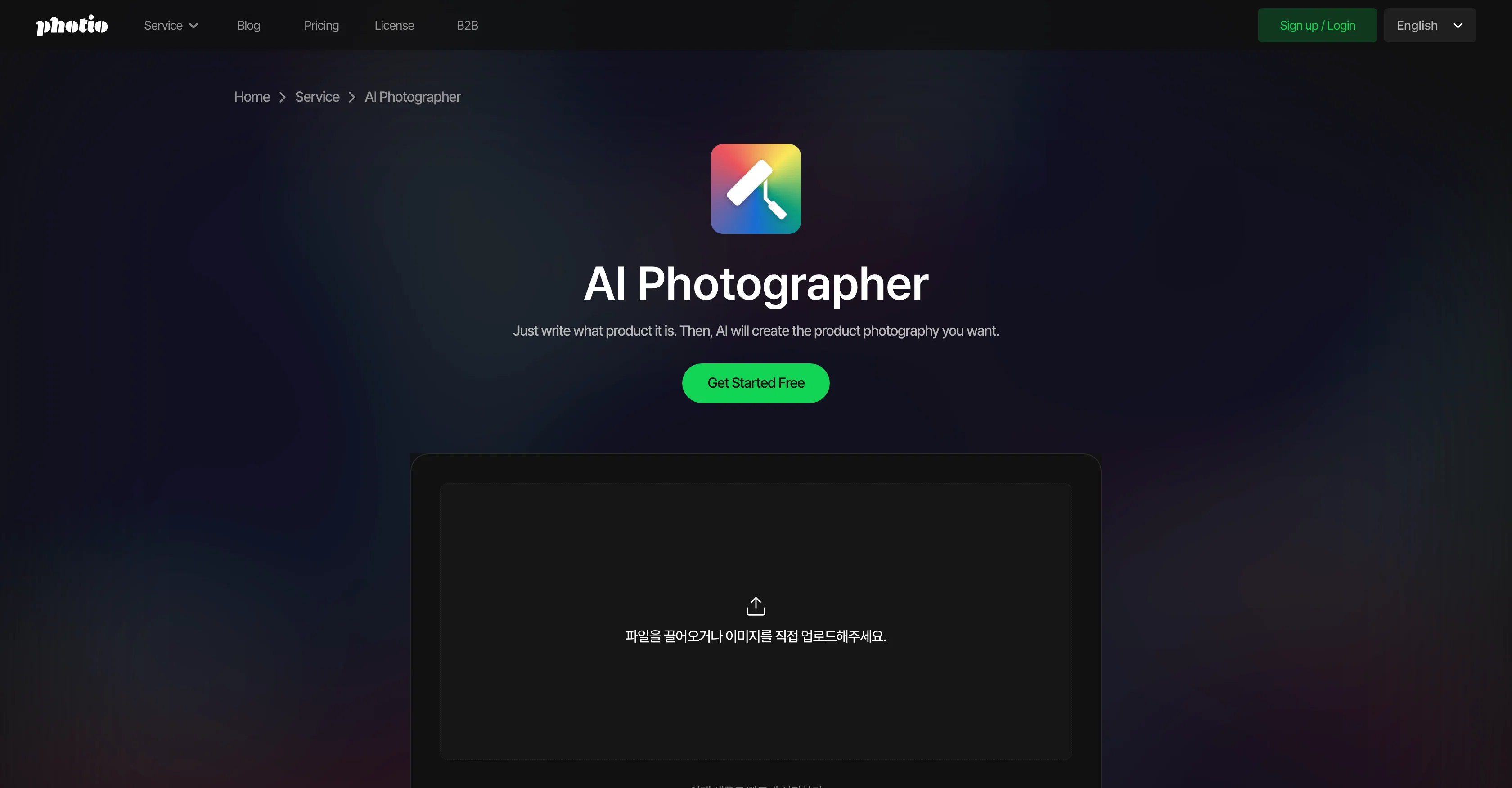
Photio AI Photographer is a specialized tool designed for ecommerce, specifically catering to the need for product photography. The tool utilizes AI-powered functionality to create tailored background images for product photos, enhancing their presentation online.
It simplifies the process of professional product photography in three major steps. Firstly, the user uploads a product photo in the AI chat and provides a brief description of the product.
After that, the AI analyses the provided image and data to suggest an appropriate concept for the photo. Lastly, the user checks the results and has the option to move them to an editor for modifications if needed.
This enables businesses to have control over the final output while saving considerable time and cost compared to traditional product photography procedures.
It's especially instructive in situations where multiple product images are needed, offering speed and cost-effectiveness that can be beneficial across a range of industries from pharmaceuticals and cosmetics to restaurants and furniture.
Access & connections
Where you can use Photio AI Photographer.
Platforms
Capabilities
What this tool accepts, produces, and is strongest at.
Input
- Image
- Text
Output
- Image
Pros & cons
Pros
- Specialized for ecommerce
- Creates tailored backgrounds
- Easy three-step process
- Analyzes image and data
- Suggests photo concept
- Allows user modifications
- Time and cost-effective
- Ideal for multiple images
Show 16 more
- Applicable across industries
- Product photos from descriptions
- User retains output control
- Automated photo editing
- Flexible for various industries
- Personalized results per product
- Extracts product from images
- Reduces photography cost
- Eliminates studio provider comparison
- Immediate result availability
- Option for multiple reshoots
- Image concept recommendation
- Streamlines product marketing
- Saves from traditional procedures
- Free trial available
- No technical skills needed
Cons
- Specific to product photography
- Requires product description
- No real-time results
- Reliant on user inputs
- Limited industry use-case
- May need post-editing
- Not mentioned free-to-use
- Focused on ecommerce
Compare alternatives
Similar tools in the catalog — with a clear reason to open each one.

SellerPic ✓
FreemiumSupercharge photos with AI, boost sales in minutes.
Free + from $29/mo
Full comparison
SellShots ✓
Free TrialTurn one photo into high-converting product images
Why look Stronger for image work
Full comparison
Merchant Floor | Product Images ✓
Free TrialCreate product listings 10x faster with AI.
Free + from $20
Full comparison

Zawa AI | Brand Kit Generator & Editor ✓
FreemiumCreate logos, videos, and brand assets instantly.
Free + from $4.17 / month
Full comparison
ProductViews ✓
PaidGenerate product images from different angles with one upload.
Why look Higher community rating
Full comparisonReleases 1
Imported reviews 1
It is a great photo editing tool for e-commerce sellers who need product photos.
FAQ 12
What is Photio AI Photographer?
How does Photio AI Photographer work?
What industries can benefit from Photio AI Photographer?
How can Photio AI Photographer save time and cost in product photography?
How do I upload a product photo to Photio AI Photographer?
What happens after I provide a product description?
Can I edit the images created by Photio AI Photographer?
What type of products can I use with Photio AI Photographer?
Can Photio AI Photographer work with multiple product images at the same time?
What aspects does Photio AI Photographer consider when creating background images?
How does Photio AI Photographer use AI technology?
Does Photio AI Photographer offer a free trial or demo?
Related tools
Recommended

freebeat AI ✓
FreemiumTurn Music & Ideas into Viral Videos In One Click

Marketing Assistant (Elsa AI) ✓
FreemiumDefine your ideal customers and craft a winning marketing strategy with Elsa.

PixVerse ✓
FreemiumCreate breath-taking videos with AI

GoEnhance ✓
FreemiumTransform videos into different anime styles, enhance and upscale images.

Cleanup pictures ✓
FreemiumRemove unwanted elements from photos instantly.

Picsart ✓
FreemiumGenerate images, video, and audio across 150+ AI models from one account.