

Product images 2026 Rank: #1174
ProductViews ✓
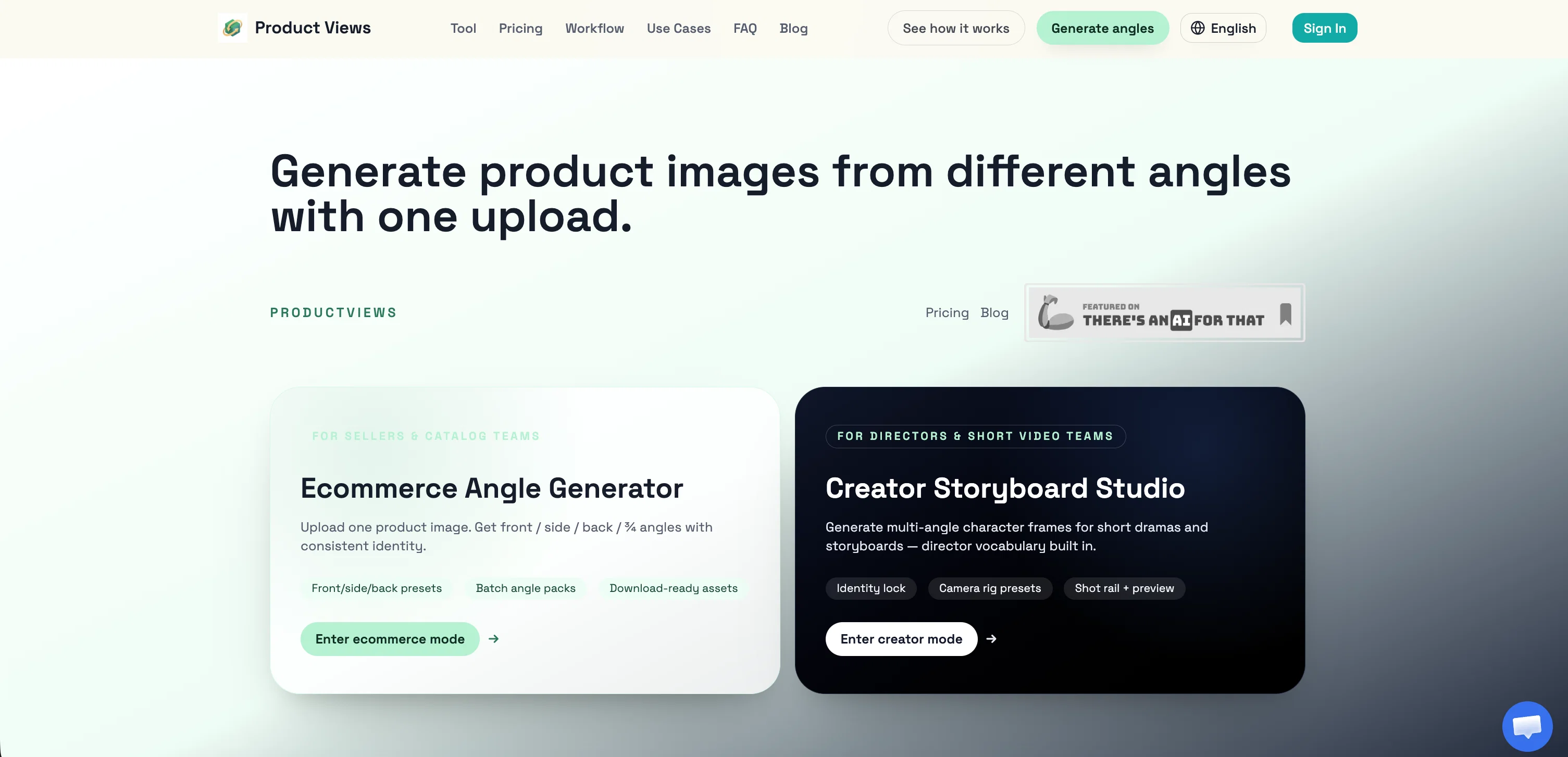
Generate product images from different angles with one upload.
Verdict
A quick read before you dig into the full page.
- Best if
- Generate product images from different angles with one upload
- Skip if
- Lacks real-time processing
- Pick this when
- Generates multiple image angles
Considering SellerPic instead? Compare side by side
Overview
ProductViews is an AI-powered tool designed to generate product images from different angles using a single upload. Primarily aimed at ecommerce products and creator storyboards, it aids sellers, cataloguing teams, directors, and short video teams in visually enhancing their product listings or cinematic narratives.
Users can upload one image of a product, then obtain multiple perspective shots, including front, side, back, and 3/4 angles, all while maintaining a consistent identity.
One unique feature of this tool is its ability to generate multi-angle character frames for short dramas and storyboards. The technology has a deep understanding of the director's vocabulary which allows it to produce tailored and on-demand frames.
In addition, the interface provides presets for camera rig, shot rail + preview which can be beneficial for storyboard creation. Therefore, ProductViews is not just an angle generator for ecommerce, but also serves as a creative studio for directors and creators looking to streamline their storyboard process and enhance their visual presentations.
Please refer to the website for the details on workflow, use cases, pricing, and privacy terms.
Best for
Short scenarios where ProductViews tends to shine.
-
Generate product images from different angles with one upload.
Example outputs 1
Sample generations and before/after results for ProductViews.
Access & connections
Where you can use ProductViews.
Platforms
Capabilities
What this tool accepts, produces, and is strongest at.
Input
- Image
Output
- Image
Supported features
- Image Edit
- Image Generation
- Video Generation
Pros & cons
Pros
- Generates multiple image angles
- Ecommerce Angle Generator mode
- Creator Storyboard Studio mode
- One image upload requirement
- Consistent identity preservation
- Supports batch angle packs
- Download-ready assets
- Multi-angle character frames
Show 9 more
- Director vocabulary integration
- Identity lock feature
- Camera rig presets
- Shot rail + preview
- Suitable for ecommerce teams
- Ideal for short video teams
- Enhanced product listings
- Streamlined storyboard process
- Preserves product's visual consistency
Cons
- Lacks real-time processing
- No image editing functionality
- No integration with ecommerce platforms
- Doesn't offer 360 views
- No translation for director vocabulary
- No custom presets
- Inflexibility in image output formats
- No Linux Support
Show 2 more
- No mobile app
- No version control
Compare alternatives
Similar tools in the catalog — with a clear reason to open each one.

SellerPic ✓
FreemiumSupercharge photos with AI, boost sales in minutes.
Why look Freemium alternative
Full comparison
SellShots ✓
Free TrialTurn one photo into high-converting product images
Why look Stronger for image work
Full comparison
Merchant Floor | Product Images ✓
Free TrialCreate product listings 10x faster with AI.
Free + from $20
Full comparison
Zawa AI | Brand Kit Generator & Editor ✓
FreemiumCreate logos, videos, and brand assets instantly.
Why look Freemium alternative
Full comparison
Blend ✓
Free TrialRemove image backgrounds instantly with AI.
Why look Typically cheaper
Full comparisonPeople also view
Tools that often show up alongside ProductViews in collections and comparisons.
Zawa AI | Brand Kit Generator & Editor ✓
FreemiumCreate logos, videos, and brand assets instantly.
SellShots ✓
Free TrialTurn one photo into high-converting product images
SellerPic ✓
FreemiumSupercharge photos with AI, boost sales in minutes.

ProductAI ✓
PaidAccurate on-brand AI Product Photos
Merchant Floor | Product Images ✓
Free TrialCreate product listings 10x faster with AI.
Blend ✓
Free TrialRemove image backgrounds instantly with AI.

PixelListing ✓
Free TrialTurn one product photo into ecommerce-ready listing image sets

PhotoGPT's AI Product Photography ✓
Free TrialStudio-quality product photos, instantly.
Releases 1
FAQ 12
How does ProductViews generate multi-angle product images?
What is 'Ecommerce Angle Generator' mode in ProductViews?
How can 'Ecommerce Angle Generator' mode benefit sellers and catalog teams?
What is the workflow of uploading product images in ProductViews?
What kind of image results can I expect from ProductViews?
Does ProductViews provide batch processing for angle packs?
How does ProductViews create a consistent identity across various angle views?
What is 'Creator Storyboard Studio' mode in ProductViews?
How can 'Creator Storyboard Studio' mode be used for short dramas and storyboards?
In what way does ProductViews incorporate director vocabulary?
What are the features of 'Creator Storyboard Studio' like identity lock, camera rig presets, and shot rail and preview?
How useful is ProductViews for creative projects and content creation?
Related tools
Recommended

remio: Your Personal ChatGPT ✓
FreemiumGet Tailored Answer with Your Personal ChatGPT

PrompTessor ✓
FreemiumAI Prompt Workspace for Better AI Results

Cursor ✓
FreemiumAI-powered IDE for faster coding

VideoIdeas.ai ✓
Free TrialGenerate viral YouTube scripts and ideas in minutes.

Scrollsequence ✓
FreemiumBuild immersive scroll-driven digital experiences.

Framehouse Design ✓
Free TrialAI interior design for any room.