Pixno - AI note taking assistant ✓
Turn photos into organized notes with AI
Free + from $5.5/mo
Verdict
A quick read before you dig into the full page.
- Best if
- Turn photos into organized notes with AI
- Skip if
- No free tier available
- Pick this when
- Transforms photos into notes
Considering Qonqur instead? Compare side by side
Overview
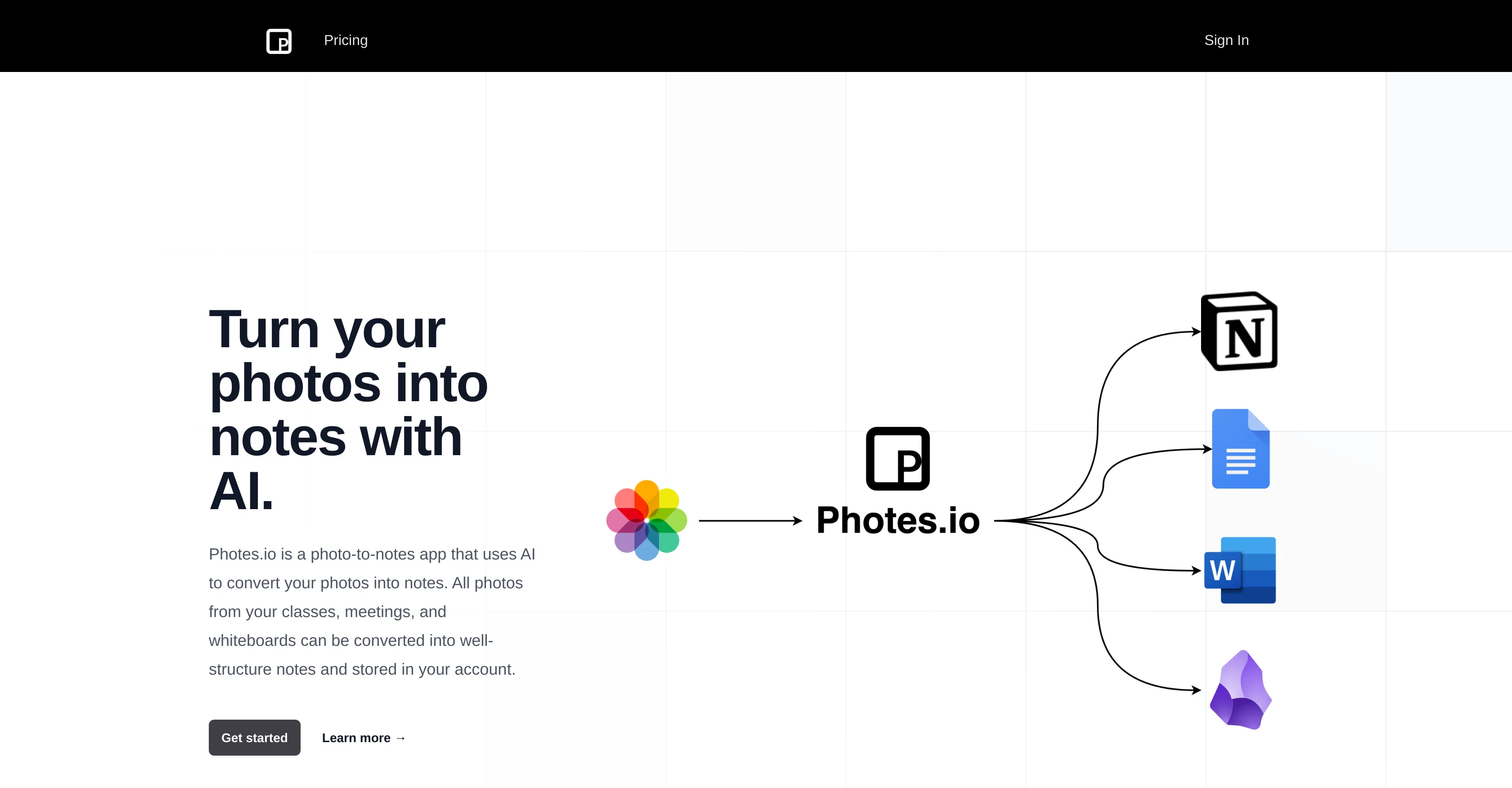
Photes.io is an AI-powered application designed to transform photos into organized, editable notes. It is particularly adept at converting photographs of classwork, meetings, and whiteboard captures into structured notes.
Users have the ability to tag and categorize their notes for quick access and better organization. This innovative tool also offers easy integration options with popular apps like Notion, Obsidian, Google Docs, and Office 365.
In addition to this, it comes with a feature that allows real-time synchronization of notes across devices to facilitate smooth and consistent workflows.
The tool lays strong emphasis on the security and privacy aspects, ensuring that all data is encrypted and securely stored. It also offers the convenience of formatting notes using custom templates for a more personalized note-taking experience.
With the ability to take notes just using your phone, Photes.io transforms the conventional process of note-taking by enabling one to capture and convert slides, whiteboard views, and other forms of handwritten notes into editable text within seconds.
Access & connections
Where you can use Pixno - AI note taking assistant, and what it plugs into.
Platforms
Capabilities
What this tool accepts, produces, and is strongest at.
Input
- Image
Output
- Text
Pros & cons
Pros
- Transforms photos into notes
- Categorize and tag notes
- Integration with Notion, Obsidian
- Integration with Google Docs, Office 365
- Real-time synchronization
- Data security and privacy
- Image-based note-taking
- Document Digitization
Show 8 more
- OCR Technology
- Image-to-Text Conversion
- Image Processing
- Education Tool
- Productivity Tool
- Custom note templates
- Able to capture slides
- Transforms handwritten notes
Cons
- No offline mode
- No support for Linux
- No handwriting recognition adjustment
- Limited custom template options
- No multi-language support
- No native app for iOS/Android
- No video to notes feature
- No free tier available
Show 2 more
- Doesnt support all image formats
- No batch processing
Compare alternatives
Similar tools in the catalog — with a clear reason to open each one.


Voicenotes ✓
FreemiumA place to dump your thoughts.
Why look Higher community rating
Full comparison
HyNote AI ✓
FreemiumHyNote | All-in-One AI Note Taker for Professionals
Why look Higher community rating
Full comparison
Elasticnote ✓
FreemiumPrivacy-first unlimited note-taking webapp.
Why look Offers a public API
Full comparison

Releases 1
FAQ 12
What is Photes.io?
How does Photes.io convert photos into notes?
What type of photos can Photes.io convert into notes?
Can I tag and categorize my notes on Photes.io?
Does Photes.io integrate with other apps?
Which apps does Photes.io integrate with?
How does real-time synchronization work on Photes.io?
Is data on Photes.io secure?
What steps does Photes.io take to ensure user privacy?
Can I format my notes on Photes.io?
How does Photes.io's custom template feature work?
Can I use Photes.io on my phone?
Related tools
Recommended

Beeyond AI ✓
Free TrialBeeyond AI: Unlock 50+ AI tools under one subscription

VenturusAI ✓
FreemiumBusiness idea analysis and reporting.

Kin - Personal AI Advisors ✓
FreePrivacy-first & designed your for mind, and life at work

Thryve ✓
FreeYour free digital wellness therapist and coach

Jumble Journal ✓
Free TrialGo From 😵💫 Chaos to Control 🧘♂️🧘♀️ with enhanced daily journaling

Agentgpt ✓
FreemiumDeploy autonomous AI Agents effortlessly in your browser.