

Elasticnote ✓
Privacy-first unlimited note-taking webapp.
Free + from $29
Verdict
A quick read before you dig into the full page.
- Best if
- Privacy-first unlimited note-taking webapp
- Skip if
- Limited browser compatibility
- Pick this when
- Privacy-first approach
Considering Qonqur instead? Compare side by side
Overview



- Elasticnote: Take unlimited notes and store them your way- local or cloud ✨.
- Taskboard: Manage your tasks and to-dos with ease.
- Diagrams: Revolutionize the way you design and visualize workflows.
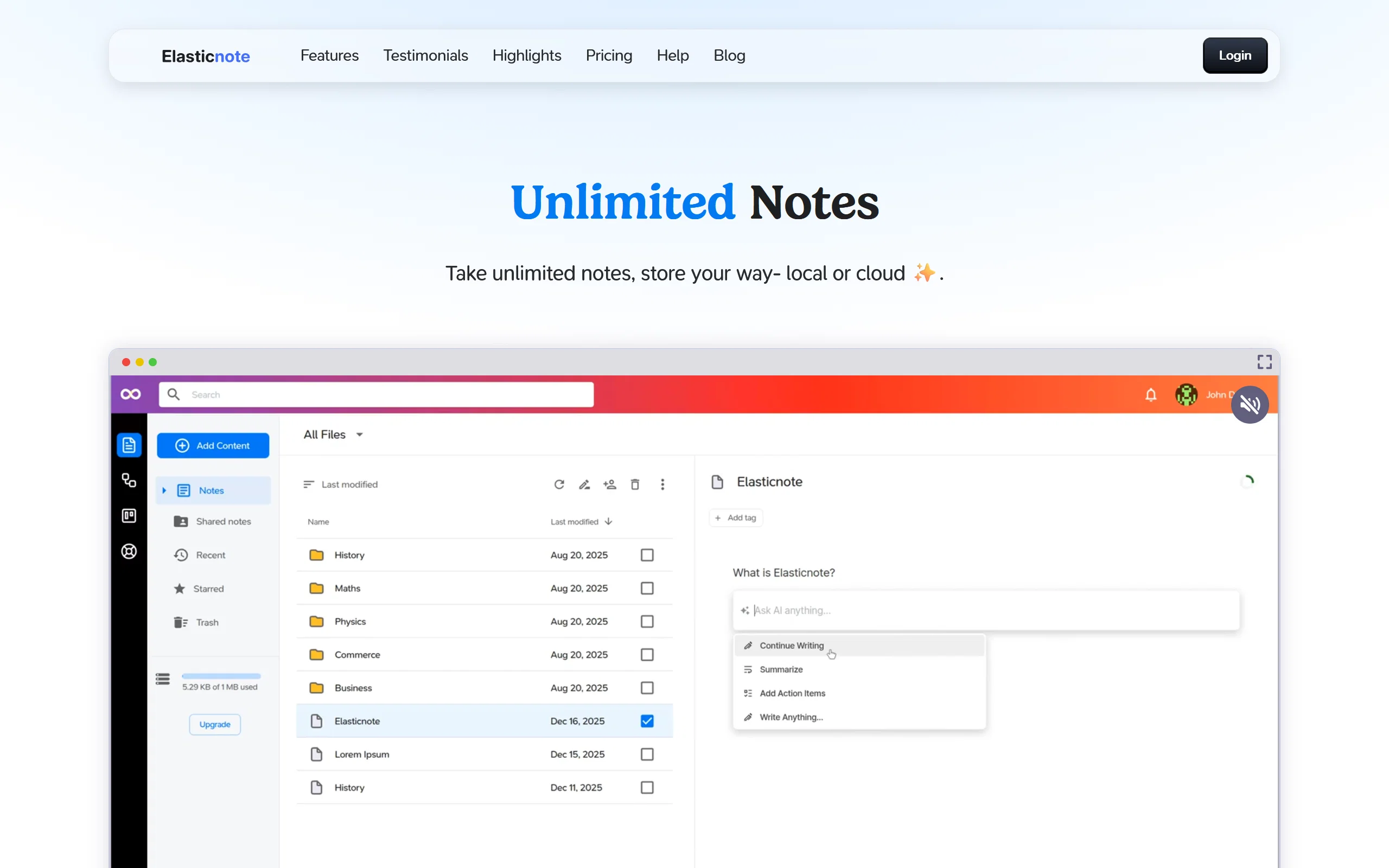
Featuring a beautiful Notion-style editor, Markdown support, and advanced tools like AI, version control, task boards, and diagrams, Elasticnote turns note-taking into a powerful, portable, and fun experience.
- 100% Data Privacy- Local-first By Design
- Ai Note Taking And Taskboards
- Ai-powered Document Chat
- Elastic Ai Re-writer
- Ask Elastic Ai Anything
- Elastic Diagrams And Flows
Best for
Short scenarios where Elasticnote tends to shine.
-
Privacy-first unlimited note-taking webapp.
Example outputs 1
Sample generations and before/after results for Elasticnote.
Access & connections
Where you can use Elasticnote, and what it plugs into.
Platforms
Capabilities
What this tool accepts, produces, and is strongest at.
Input
- Tabular
- Text
Output
- Text
Highlights
- API
- Use code TAAFT
- 25% OFF
Supported features
- Assistant
- API
- Integrations
- Rewrite
- Search
- Team Collaboration
- Writing
Pros & cons
Pros
- Privacy-first approach
- Unlimited note-taking
- Save notes locally
- Sync with Dropbox
- Sync with GitHub
- Built-in taskboard
- In-built diagram tool
- Markdown support
Show 27 more
- Notion-style editor
- Version control enabled
- Adapts to evolving needs
- Desktop Chrome support
- Opera browser support
- Edge browser support
- Local file saving option
- Encrypted cloud notes
- Forced SSL
- AES-256 encryption
- EU Data centre storage
- GitHub repository sync option
- Can be installed as PWA
- Real-time web analytics
- Browser-based application
- Usage habit analysis
- Designed for professionals
- Optimized for students
- Ideal for developers
- Local workspace creation option
- Elastic cloud storage
- Personal and business usage
- JavaScript-based tool
- Writing analytics
- Flexible note management
- Designed for visual brainstorming
- GDPR compliant
Cons
- Requires JavaScript enabled
- No mobile-app versions
- No Firefox/Safari support
- Containerized data encryption
- Lacks offline mode
- Requires native API support
- Only syncs with Github
- Forces SSL encryption
Show 2 more
- Premium for cloud storage
- Limited browser compatibility
Compare alternatives
Similar tools in the catalog — with a clear reason to open each one.

HyNote AI ✓
FreemiumHyNote | All-in-One AI Note Taker for Professionals
Why look Typically cheaper
Full comparison
Notedly ✓
Free TrialTransform readings into instant notes.
Why look Typically cheaper
Full comparison
Gistr ✓
FreemiumAI-native notebook for organizing online knowledge.
Why look Typically cheaper
Full comparisonPeople also view
Tools that often show up alongside Elasticnote in collections and comparisons.
Gistr ✓
FreemiumAI-native notebook for organizing online knowledge.

Voicenotes ✓
FreemiumA place to dump your thoughts.

SpeedNote AI ✓
FreemiumWrite clear notes. Fast.

Qonqur ✓
FreemiumAI + Hand Written Math
Notedly ✓
Free TrialTransform readings into instant notes.
HyNote AI ✓
FreemiumHyNote | All-in-One AI Note Taker for Professionals

Omphalis ✓
FreemiumTurn anything you save into something you actually understand.

Linkly AI ✓
FreemiumFind Answers Across All Your Files
Releases 1
Imported reviews 2
Privacy-first is strong, but in this category retention usually comes from daily workflow dependency.
Do users actually replace their main tool, or use it alongside others?
Looks like a nice tool, but the pricing card needs updating, the black text on dark background is barely visible.
FAQ 12
What is Elasticnote?
Who can benefit from using Elasticnote?
Can I save notes locally using Elasticnote?
Does Elasticnote have cloud storage options?
What happens if my browser doesn't support Browser API?
What security measures does Elasticnote take to protect my data?
How can I sync my Elasticnote cloud notes with GitHub?
Can I use Elasticnote on both desktop and mobile devices?
What is a Progressive Web App (PWA) and how do I install Elasticnote as one?
What kind of editor does Elasticnote use?
Does Elasticnote support Markdown?
How can Elasticnote help me manage my tasks and to-dos?
Related tools
Recommended

Kin - Personal AI Advisors ✓
FreePrivacy-first & designed your for mind, and life at work

Format Magic ✓
FreemiumFormat plain text into professional documents in seconds

Ideogram ✓
FreemiumAI-powered creativity booster

MyTrip.city ✓
FreeAI-powered travel itineraries in seconds

Napkin ✓
FreemiumBring your ideas to life with a visual copilot

Lingolette ✓
FreemiumBreak through the fluency barrier.