
PDF Translator ✓
Translate PDFs and documents in 136 languages, preserving format.
from $20/mo
Verdict
A quick read before you dig into the full page.
- Best if
- You are students and need: Quickly translate academic papers, research articles, or eBooks into your preferred language without losing formatting
- Skip if
- Limited file formats supported
- Pick this when
- Translates wide range of documents
Considering PDFTranslator instead? Compare side by side
Overview
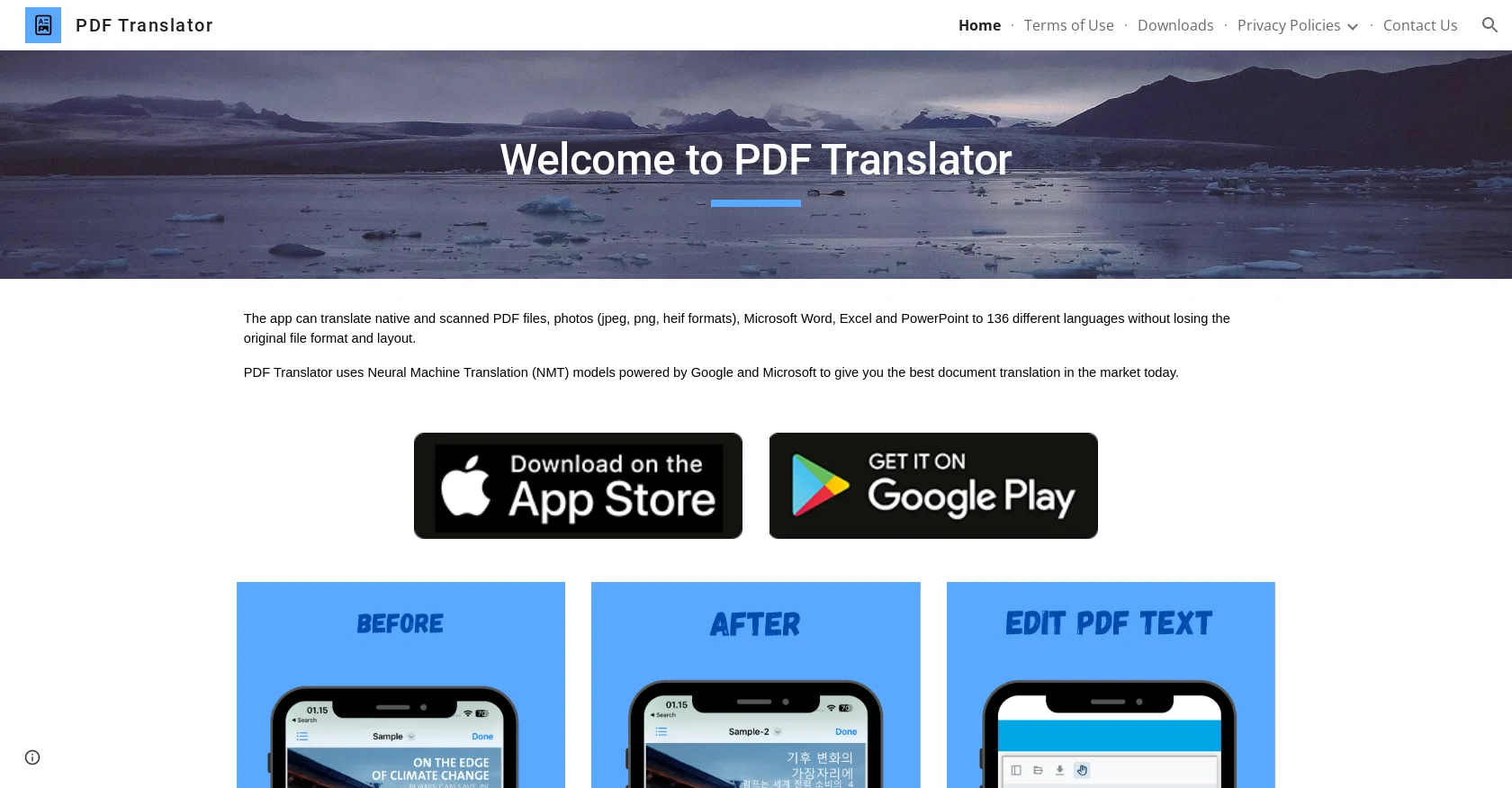
PDF Translator is an AI tool that can translate a wide range of document types, including native and scanned PDF files, images in jpeg, png, and heif formats, as well as Microsoft Word, Excel, and PowerPoint files.
With access to 136 different languages, the tool can deliver high-quality translations without compromising the original file format or layout of the document.
The tool uses Neural Machine Translation (NMT) models which are powered by leading industry providers Google and Microsoft, providing an efficient and reliable translation service.
By leveraging these AI capabilities, PDF Translator ensures that the translated text is accurate and effective across a diverse set of languages. Additionally, the tool caters to the needs of businesses and individuals globally, making it a valuable addition to any organization that needs to communicate effectively across language barriers.
The simple and user-friendly interface enables quick and easy translations with minimal effort. PDF Translator is a useful tool for professionals, researchers, and students alike, allowing them to access information in their preferred language with ease.
Overall, PDF Translator is a powerful AI tool that leverages NMT models for seamless translation across a variety of document types and languages, making it an efficient and reliable option for businesses and individuals looking to translate documents quickly and effectively.
Best for
Short scenarios where PDF Translator tends to shine.
-
Quickly translate academic papers, research articles, or eBooks into your preferred language without losing formatting.
Best for Students
-
Seamlessly localize business documents, contracts, and reports for international clients or partners in minutes.
Best for Researchers
-
Easily understand foreign manuals, guides, or product documentation with AI-powered PDF translation.
Best for Business professionals
Example outputs 1
Sample generations and before/after results for PDF Translator.
Access & connections
Where you can use PDF Translator, and what it plugs into.
Platforms
Integrations
Capabilities
What this tool accepts, produces, and is strongest at.
Input
- Image
- Text
Output
- Text
Pros & cons
Pros
- Translates wide range of documents
- Supports native and scanned PDFs
- Translates images in jpeg, png, heif
- Translates Microsoft Word, Excel, PowerPoint
- 136 different languages supported
- Preserves original file format
- Preserves original document layout
- NMT models used for translation
Show 5 more
- Backed by Google and Microsoft
- Targets businesses and individuals
- Simple and user-friendly interface
- Quick and efficient translations
- Ideal for professionals, researchers, students
Cons
- Limited file formats supported
- Reliant on Google and Microsoft
- No offline functionality
- No Linux support
- No API integration
- No batch file processing
- Possible formatting issues
- No customisation options
Show 2 more
- No user profiles
- No alignment with CAT tools
Compare alternatives
Similar tools in the catalog — with a clear reason to open each one.

iLovePDF AI PDF Translator ✓
UnknownTranslate PDFs while preserving perfect formatting.
Why look Higher community rating
Full comparison
PDF2EPUB.ai ✓
PaidConvert any PDF into a perfectly readable eBook
Why look Typically cheaper
Full comparison
PDFtoMD Converter ✓
FreemiumTurn any PDF into clean Markdown instantly.
Why look Freemium alternative
Full comparisonPeople also view
Tools that often show up alongside PDF Translator in collections and comparisons.
PDFTranslator ✓
FreeFree PDF Translator Online
iLovePDF AI PDF Translator ✓
UnknownTranslate PDFs while preserving perfect formatting.
PDFtoMD Converter ✓
FreemiumTurn any PDF into clean Markdown instantly.
PDF2EPUB.ai ✓
PaidConvert any PDF into a perfectly readable eBook

Hyperis ✓
FreemiumOrganized task prioritization.

GPTExcel ✓
FreemiumGenerate spreadsheet formulas with AI

Eightify
UnknownAI-powered YouTube video summarizer extracting key ideas for quick content assessment.

Easy-Peasy.AI ✓
FreemiumAccelerates content creation.
Releases 1
FAQ 12
What is PDF Translator?
Which file types are supported by PDF Translator for translation?
What formats can PDF Translator translate?
How many languages does PDF Translator support?
Does the PDF Translator maintain the original file format after translation?
Which translation models does PDF Translator use?
Who are the providers for the Neural Machine Translation models used by PDF Translator?
How does PDF Translator ensure accuracy in its translations?
Who would typically use the PDF Translator?
How user-friendly is the PDF Translator's interface?
Can PDF Translator be used by businesses for global communication?
How reliable is the PDF Translator for professional use?
Related tools
Recommended

Scisummary ✓
Free TrialCutting-edge scientific articles summarization.

Ask Your PDF ✓
FreemiumChat with your PDFs and extract valuable insights
Eightify
UnknownAI-powered YouTube video summarizer extracting key ideas for quick content assessment.

TutorAI ✓
FreemiumInstant knowledge on any topic

Scholarcy ✓
FreemiumConvert long articles into summary flashcards.

Stratup.ai ✓
FreemiumInnovative idea generation for businesses.