
PDF to EPUB 2026 Rank: #1976
PDF2EPUB.ai ✓
Convert any PDF into a perfectly readable eBook
Verdict
A quick read before you dig into the full page.
- Best if
- Convert any PDF into a perfectly readable eBook
- Skip if
- Costly for high precision conversion
- Pick this when
- Preserves original layouts
Considering Booova instead? Compare side by side
Overview
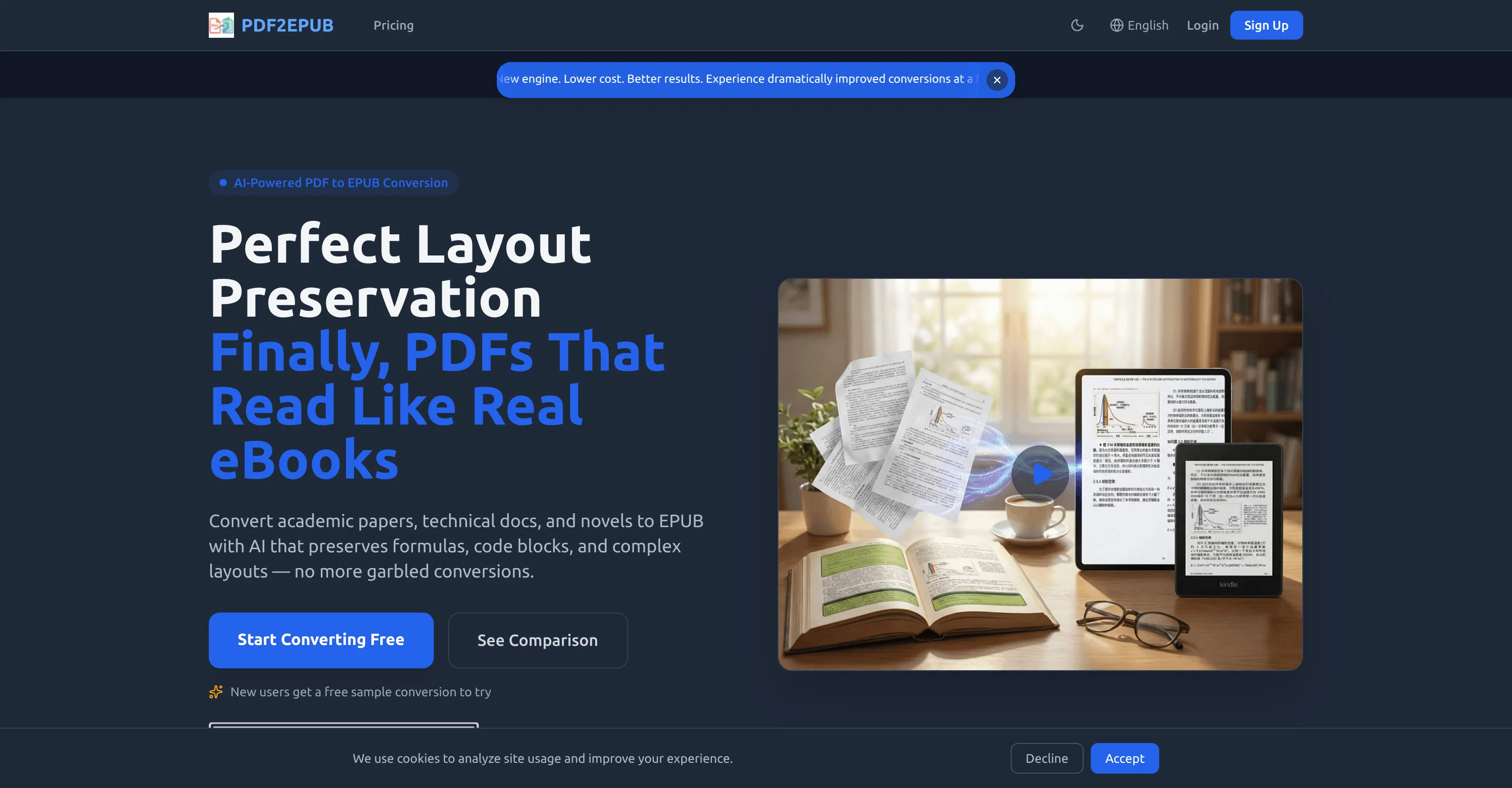
PDF2EPUB is an AI-powered tool primarily designed to convert PDF files into EPUB format. It's positioned to assist with the conversion of various types of documents like academic papers, novels, and technical documents, whilst preserving their original layouts and elements such as formulas, tables, and more.
The technology behind it also supports the processing of complex components like LaTeX formulas and code blocks. It also offers features for handling multi-language documents, including Chinese, English, Japanese, Korean amongst others.
In addition to converting the PDF files, the tool also automatically recognizes document structure and rebuilds a fully navigable table of contents. Furthermore, PDF2EPUB provides users with a built-in online proofreading tool for fine-tuning and correcting generated book content as well as customizing and choosing from beautifully designed book templates for a personalized reading experience.
An in-browser EPUB preview after conversion is available to ensure what users see is what they get, and a one-click multi-language translation feature is provided as well.
The processing occurs in the background allowing for batch processing of files, with encryption included for files in transit for enhanced privacy and security.
Access & connections
Where you can use PDF2EPUB.ai.
Platforms
Capabilities
What this tool accepts, produces, and is strongest at.
Input
- Text
Output
- Text
Pros & cons
Pros
- Preserves original layouts
- Supports LaTeX formulas
- Converts code blocks
- Handles multi-language documents
- Automatic table of contents
- Built-in online proofreading
- Book template customisation
- In-browser EPUB preview
Show 23 more
- One-click multi-language translation
- Batch processing capability
- File encryption in transit
- Supports complex documents
- Navigable table of contents
- Handles Chinese, English, Japanese, Korean
- PDF conversion to ePub
- EBook creation from PDFs
- Optimized for technical content
- Automatic document structuring
- Automatic deletion after processing
- Automatic translation of content
- Instant Chinese character conversion
- Preview without download
- Supports bilingual side-by-side output
- Customizable reading experience
- Pay-as-you-go pricing
- High precision models available
- Accurate formula and code conversion
- Concurrent tasks processing
- Standard, Priority, Dedicated support options
- Distinguished book templates
- Transparent pricing
Cons
- Costly for high precision conversion
- Complex pricing model
- Need for manual proofreading
- Paid Professional Proofreading Tool
- Security concerns with online conversion
- Internet dependency
- No offline feature
- Limited concurrent tasks
Show 2 more
- Subscription required for added benefits
- Not specified supported devices compatibility
Compare alternatives
Similar tools in the catalog — with a clear reason to open each one.


Prosed ✓
PaidTurn your content into a publish-ready book.
Why look Better for writing
Full comparisonReleases 1
FAQ 12
What is PDF2EPUB?
What types of documents can PDF2EPUB convert?
How does PDF2EPUB preserve the original layouts and elements of the document?
Can PDF2EPUB handle LaTeX formulas and code blocks?
What languages can PDF2EPUB process?
How does PDF2EPUB rebuild a table of contents?
What is the purpose of the online proofreading tool in PDF2EPUB?
Can I preview the converted EPUB file in my browser?
What does the one-click multi-language translation feature do?
Can I process multiple files at once with PDF2EPUB?
What security measures does PDF2EPUB have for files in transit?
Does PDF2EPUB offer any templates for eBooks?
Related tools
Recommended

LineArt ✓
Free TrialTurn one photo into a whole coloring book.

Geekflare ✓
FreemiumTurn the chaotic web into clean, structured data.

MagicSlides.app AI PPT Maker ✓
FreemiumCreate Stunning PPTs in Seconds with the AI PPT Maker

GetLogit ✓
FreemiumArtificial intelligence, available for everyone.

ChatGPT ✓
FreemiumAsk anything, create anything, and move from idea to action.

Automateed ✓
Free TrialCreate eBooks effortlessly with Automateed, the AI-powered writing tool.