

Pageon AI ✓
Create engaging new media content with AI
Free + from $14.99 / mo
Verdict
A quick read before you dig into the full page.
- Best if
- You are knowledge creators and need: Creating engaging presentations for knowledge sharing
- Skip if
- Limited template categories
- Pick this when
- Transforms ideas into slides
Considering MagicSlides.app AI PPT Maker instead? Compare side by side
Overview
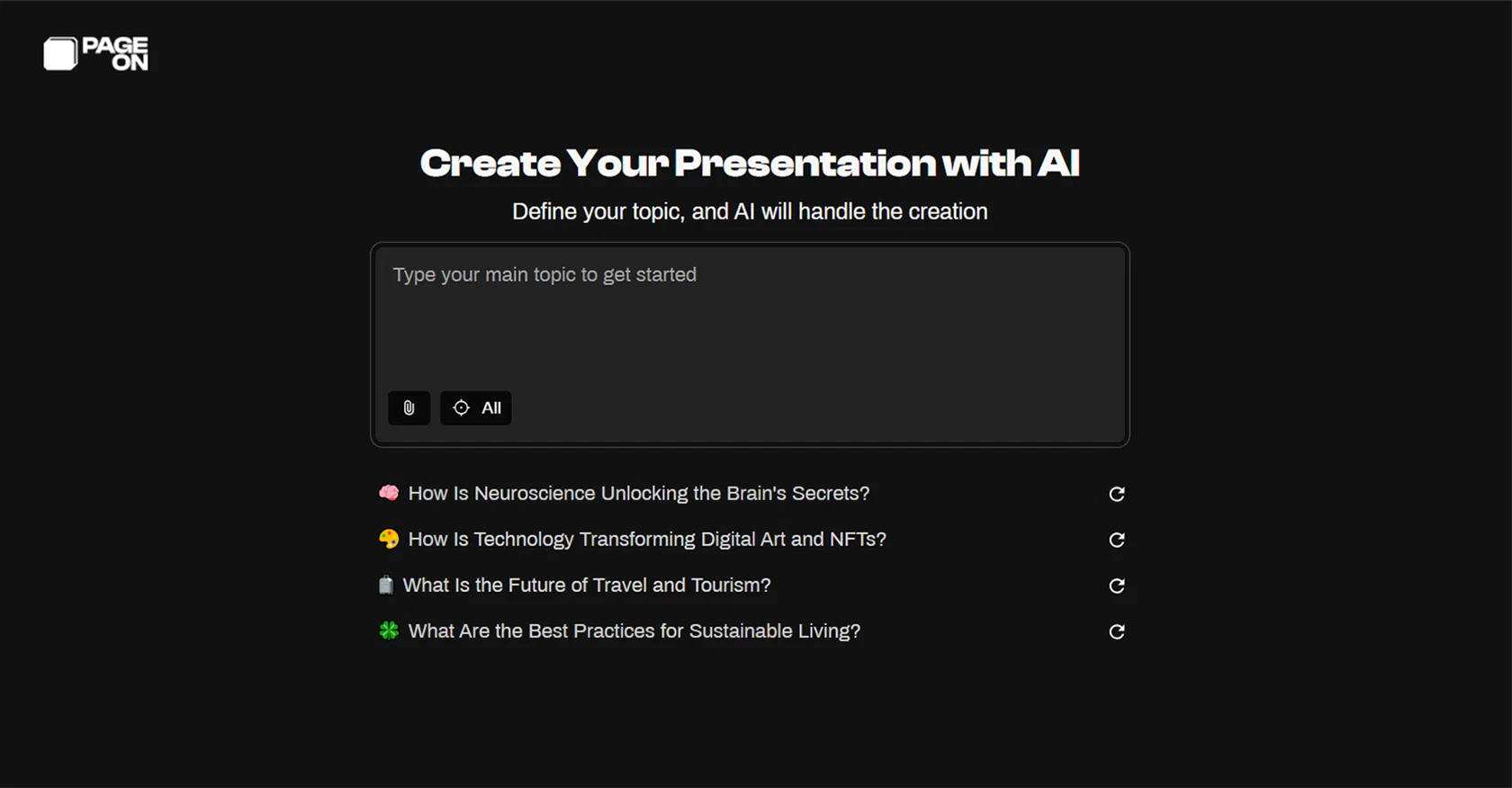
The tool's main offerings include transforming ideas into visually stunning slides via AI and creating compelling narratives through AI-driven storytelling.
It structures presentations, generates engaging scripts, and even offers generated voice narration to amplify the user's content. It an ideal tool for those looking for innovative ways to present content.
It involves no necessity for design skills as it's user-friendly interface and AI-powered tools streamline the creation of professional-looking content.
Also, PageOn.AI is optimal for live presentations by providing dynamic content display and automated voice and visual effects to make the presentation more interactive and engaging.
The tool provides efficient editing options with intuitive drag-and-drop functionality to arrange your content swiftly. Additionally, intelligent presentation features like automated voice narration and dynamic visual effects are part of its service.
More features, including auto layouts generation using AI, voice interaction in real-time, multi-modal data integration and industry-specific content templates are being developed to provide a more comprehensive and advanced visual communication toolset.
Best for
Short scenarios where Pageon AI tends to shine.
-
Creating engaging presentations for knowledge sharing
Best for Knowledge creators
-
Designing dynamic visuals for self-media content
Best for Self-media professionals
-
Generating interactive content for audience engagement
Best for Educators
Example outputs 1
Sample generations and before/after results for Pageon AI.
Access & connections
Where you can use Pageon AI, and what it plugs into.
Platforms
Integrations
Capabilities
What this tool accepts, produces, and is strongest at.
Input
- Text
Output
- Audio
- Text
- Image
Pros & cons
Pros
- Transforms ideas into slides
- Generates scripts
- Automated voice narration
- User-friendly interface
- No design skills needed
- Dynamic content for live presentations
- Automated visual effects
- Efficient editing options
Show 23 more
- Drag-and-drop functionality
- Intelligent presentation features
- Auto layout generation
- Provides voice interaction
- Offers multi-modal data integration
- Industry-specific content templates
- Comprehensive visual communication toolset
- Applicable for various professions
- Boosts content creation speed
- Delivers high-impact content
- Tailored for new generation creators
- Locates external information precisely
- Manages personal knowledge base
- Real-time presentation of content
- One-click theme switching
- Interactive voice commands feature
- Integrates various data types
- Up-to-date visual stories
- Suitable for live sessions
- Real-time voice interaction
- Automates presentation tasks
- Enhanced presentation aesthetics
- Adapts to user needs
Cons
- No Android app
- Doesn't support 3D graphics
- No versioning system
- Expensive
- Poor customer support
- Not open source
- Lack of collaborative features
- Limited template categories
Show 1 more
- No offline working option
Compare alternatives
Similar tools in the catalog — with a clear reason to open each one.

MagicSlides.app AI PPT Maker ✓
FreemiumCreate Stunning PPTs in Seconds with the AI PPT Maker
Why look Offers a public API
Full comparison
NextDocs.io ✓
FreemiumThe AI-native editor for docs, slides, and more
Why look Offers a public API
Full comparison
Gamma ✓
FreemiumAI-powered content creation, minus the hassle.
Why look Better for writing
Full comparison
AI Slide Generator ✓
Free TrialCreate stunning presentations from any text in seconds
Why look Offers a public API
Full comparisonPeople also view
Tools that often show up alongside Pageon AI in collections and comparisons.

okkslides ✓
FreemiumTransform ideas into professional PowerPoint slides in minutes.
NextDocs.io ✓
FreemiumThe AI-native editor for docs, slides, and more
MagicSlides.app AI PPT Maker ✓
FreemiumCreate Stunning PPTs in Seconds with the AI PPT Maker
AI Slide Generator ✓
Free TrialCreate stunning presentations from any text in seconds

GenPPT ✓
PaidThe AI Presentation Tool for Deep, Research-Backed Slides
Gamma ✓
FreemiumAI-powered content creation, minus the hassle.

Skywork ✓
Free Trial10 tasks in 1 hour, not 10 hours

OpenDeck ✓
FreeSlide decks that speak for themselves.
Releases 1
Imported reviews 4
Not operational currently... Show error
best if you sign in mid if you are not signed in
its really good and for free
Love it, kind like a ai Presentation with search function just like perplexity , smooth editing.
I like this AI demonstration tool, it's really easy to use and it's free
FAQ 12
How does PageOn use AI to create content?
What kind of users is PageOn designed for?
Do I need any design skills to use PageOn?
Can PageOn generate scripts for my content?
Does PageOn provide voice narration for content?
How does PageOn's drag-and-drop functionality work?
What is the role of AI in PageOn's automated narration?
Is PageOn suitable for live presentations?
Does PageOn include any features for real-time voice interaction?
What role does AI play in creating layouts on PageOn?
What advanced features is PageOn planning to roll out?
How does PageOn facilitate visual effects in presentations?
Related tools
Recommended
SlidesPilot
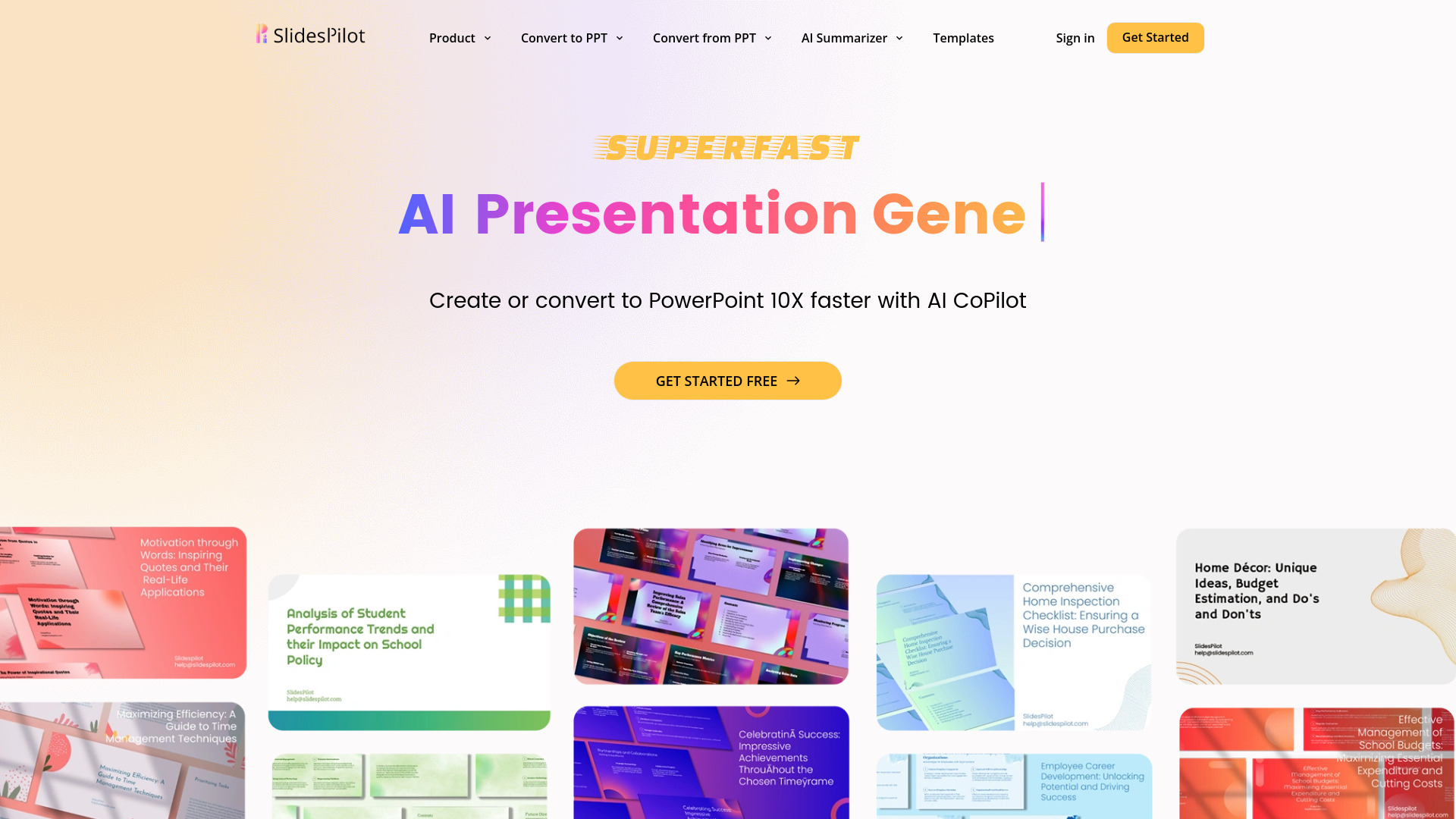
UnknownAI Presentation Suite for creating, converting, and enhancing presentations.

Blend AI ✓
FreemiumYou favorite AI, all in one place (-20% with TAAFT at checkout)

Scisummary ✓
Free TrialCutting-edge scientific articles summarization.

TurboScribe ✓
Freemium🎯 3 free transcripts every day. 🔥 Unlimited transcription starting at $10/mo.

Marblism ✓
FreemiumAI Employees who Work for Your Business

Cabina.AI ✓
FreemiumCabinaAI: Your All-in-One AI Platform 🚀