

MotionShot ✓
Create shareable walkthrough guides in minutes
Trial; then from $7/mo
Verdict
A quick read before you dig into the full page.
- Best if
- Create shareable walkthrough guides in minutes
- Skip if
- Exports with watermark in free version
- Pick this when
- Creates comprehensive walkthrough guides
Considering Guidejar instead? Compare side by side
Overview
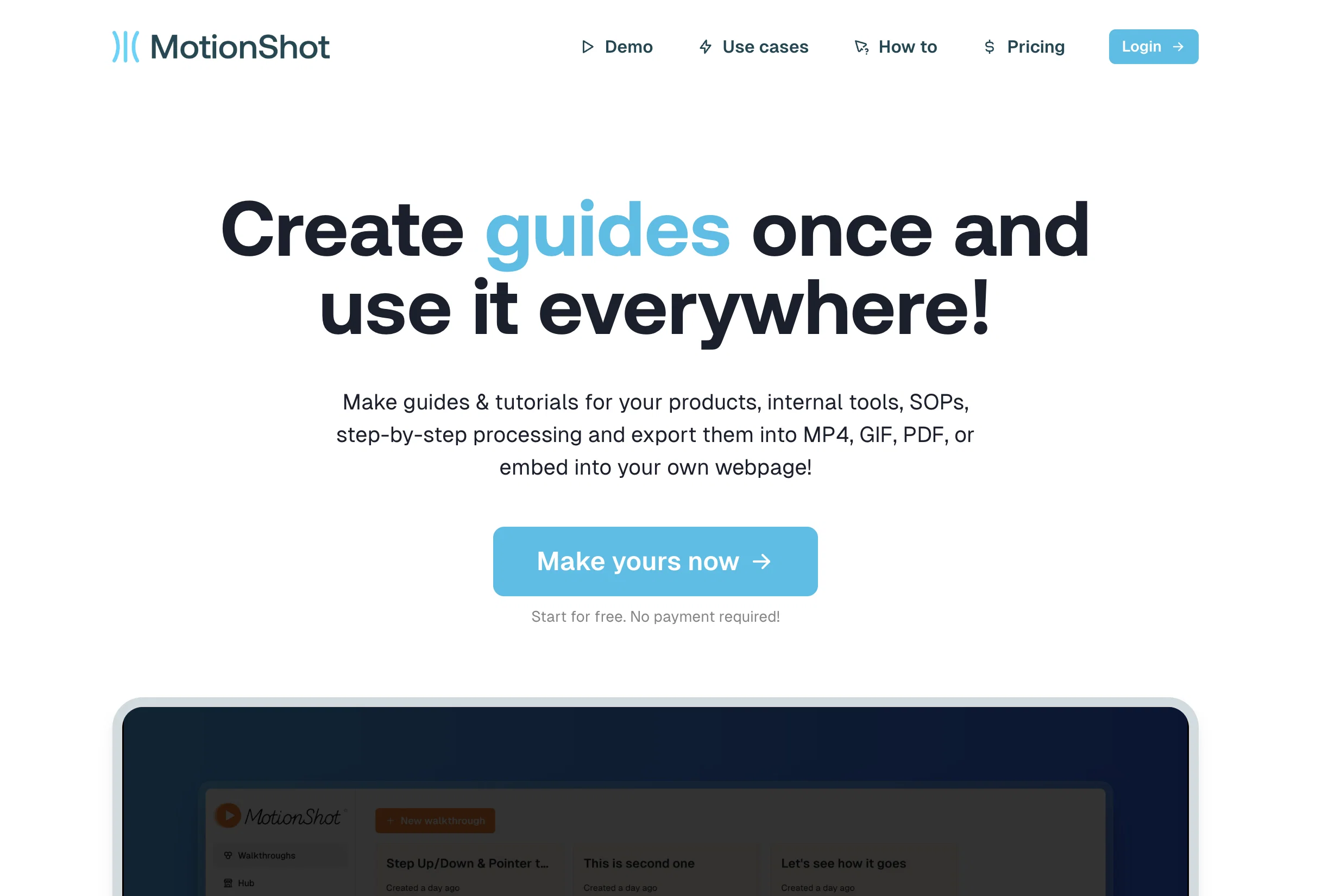
MotionShot is a versatile tool designed to create comprehensive, shareable walkthrough guides with screenshots for any browser-based operation. The main function allows users to build step-by-step guides or tutorials for their products, standard operating procedures (SOPs), or internal tools.
The generated guides can be efficiently exported in various formats such as MP4, GIF, or PDF, or they can be embedded directly into a webpage. A key feature of MotionShot is the ability to capture screen and clicks automatically using a Chrome extension.
This feature can simplify the creation process, as it saves users from manually taking screenshots. It offers applications in various scenarios including help desk support, employee onboarding, content creation, and product guides.
For instance, well-crafted guides can reduce customer service enquiries and support tickets, thus bringing down costs. Likewise, during employee onboarding, clear step-by-step resources can simplify the knowledge transfer process.
Further, MotionShot gives users the ability to annotate the screenshots, customize colors, and provide a title, description, and Call-to-Action (CTA) details to the guide.
In addition, users are given the option to either include the guide on their landing page or share it with their customers through a shareable link. Also available is an option to create a MotionShot Hub, a public collection of guides, which could function as a help desk for your customers or employees.
Please note that while there is a free version available, more advanced options and unlimited guide creation is granted to paid subscribers.
Access & connections
Where you can use MotionShot, and what it plugs into.
Platforms
Integrations
Capabilities
What this tool accepts, produces, and is strongest at.
Input
- Image
- Text
Output
- Video
- Text
- Image
Pros & cons
Pros
- Creates comprehensive walkthrough guides
- Shareable guides in various formats
- Automatic screenshot capture
- Automated nature reduces manual effort
- Effective for help desk support
- Facilitates employee onboarding
- Useful in content creation
- Option to annotate screenshots
Show 28 more
- Guide customization options
- Direct embedding into webpages
- Share guides via link
- Option to create MotionShot Hub
- Reduces customer service enquiries
- Low cost in delivery
- Free version available
- Supports MP4, GIF, and PDF
- Auto captures screen and clicks
- Accommodates product guide creation
- Customize colors, title, description
- Option to add CTA details
- Suitable for SOP documentation
- Chrome extension feature
- Can be used for knowledge transfer
- Unlimited guide creation for paid users
- Drag and drop screenshot upload
- Step-by-step demo creation
- Various guide hosting provisions
- Useful for HR tasks
- Can apply voice-over on guides
- Can export guides as ZIP file
- Supports repurposing content
- Easy sharing with Publish feature
- Embedding guides on various webpages
- Supports iFrame embedding
- Advanced options on paid plan
- Multi-language translation for paid plan
Cons
- Limited to browser operations
- Requires Chrome extension
- Advanced options only for paid
- No direct video recording
- Limited free version
- requires manual steps annotations
- No mobile application
- Exports with watermark in free version
Show 2 more
- Requires learning to use
- No Support for free version
Compare alternatives
Similar tools in the catalog — with a clear reason to open each one.

Guidejar ✓
FreemiumThe smartest way to create shareable how-to guides
Free + from $12/mo
Full comparison
Guideless ✓
FreemiumTurn any browser workflow into a polished, AI-narrated video guide in minutes.
Why look Higher community rating
Full comparison
Guidde ✓
FreemiumCreates step-by-step video instructions platform.
Why look Higher community rating
Full comparison
video2docs ✓
Free TrialTransform screen recordings into well-written how-to guides using AI.
Why look Typically cheaper
Full comparison
Scribe ✓
FreemiumInstantly create visual step-by-step guides.
Why look Higher community rating
Full comparison
Dubble ✓
FreemiumTranslating your actions into step-by-step guides, videos, and screenshots.
Why look Higher community rating
Full comparisonReleases 1
FAQ 12
What is MotionShot?
How does MotionShot work?
Can I create guides with MotionShot for any browser-based operation?
Which formats can I export my walkthrough guides in with MotionShot?
What is the function of the Chrome extension feature in MotionShot?
Can I use MotionShot for help desk support?
How is MotionShot beneficial during employee onboarding?
Does MotionShot offer options for customizing my tutorial guides?
Can I share my walkthrough guide on my website using MotionShot?
What is a MotionShot Hub and how can I use it?
Does MotionShot offer free as well as paid subscriptions?
Can I generate unlimited guides with any subscription of MotionShot?
Related tools
Recommended

Wizardshot ✓
FreeCreate AI-powered tutorials in seconds.

RightBlogger ✓
FreemiumAutomate blogging, SEO, and publishing in one simple platform

AI E-books ✓
FreemiumEasily generate e-books using advanced GPT models.

LearningStudioAI ✓
Free TrialAI-powered authoring tool for effortless online course creation.

Mindsmith ✓
FreemiumPlatform for building and sharing eLearning content

Aiter.io | Paste a URL. Ship a Campaign That Sounds L... ✓
FreemiumAI marketing that sounds like you, not everyone else.