

Wizardshot ✓
Create AI-powered tutorials in seconds.
Verdict
A quick read before you dig into the full page.
- Best if
- Create AI-powered tutorials in seconds
- Skip if
- Limited analytics capabilities
- Pick this when
- Streamlined tutorial creation
Considering Guidejar instead? Compare side by side
Overview
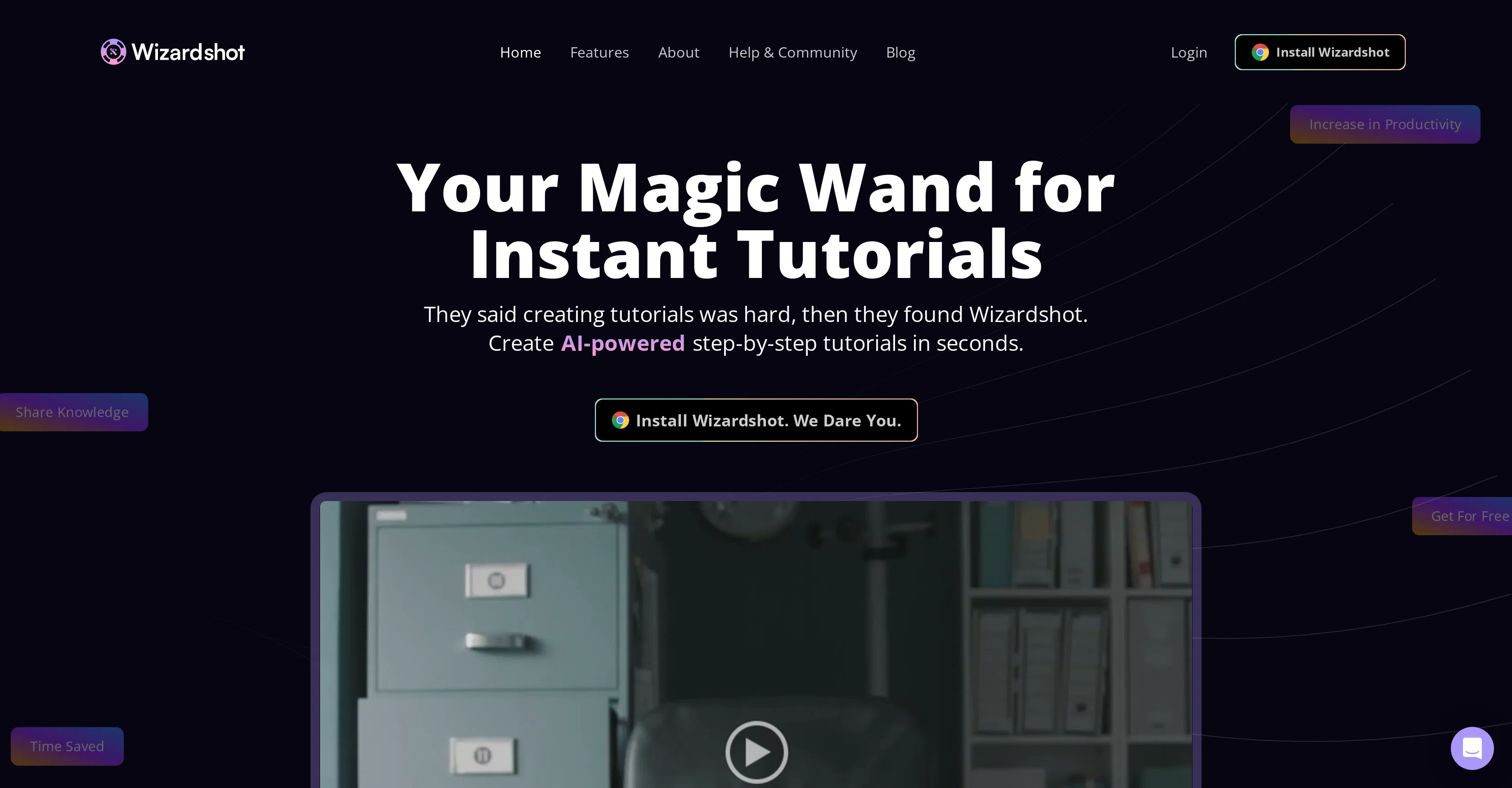
Wizardshot is an AI-powered tool that provides a streamlined platform for creating step-by-step tutorials. Integrated into the user's workflow, it enables tutorials to be generated easily and instantly based on recorded actions.
As a Chrome extension and web app, users can capture their screen to create tutorials, enhancing the sharing of knowledge and processes. This tool also provides a highly secure environment for users, employing industry-standard encryption methods, strict access controls, and regular security audits to protect user data.
In addition, Wizardshot incorporates various features to intensify learning experience. Users can utilize its easy-to-use editor to effortlessly embed videos, transform steps into animated images, and more to enhance the tutorials.
It also offers a blur feature for privacy and selective access provision to tutorials. Plus, it provides analytics to help users understand the impact of their tutorials on their team.
Users can share the tutorials on their social media or export them to PDF & DOC formats. Moreover, Wizardshot is fully integrated with a knowledge base for seamless management of tutorials.
While Wizardshot is available to use for free, it also synergizes with its associated paid product Helpjuice, a robust knowledge base software.
Access & connections
Where you can use Wizardshot, and what it plugs into.
Platforms
Integrations
Capabilities
What this tool accepts, produces, and is strongest at.
Input
- Video
Output
- Text
Pros & cons
Pros
- Streamlined tutorial creation
- Integrated into workflow
- Chrome extension capability
- Web app available
- Screen capturing feature
- High data security
- Industry-standard encryption
- Strict access controls
Show 28 more
- Regular security audits
- Intensified learning experience
- Easy-to-use editor
- Video embedding feature
- Animated image creation
- Privacy blur feature
- Selective access to tutorials
- Analytics for tutorials
- Social media sharing
- Tutorials export to PDF & DOC
- Integrated with knowledge base
- Free usage available
- Synergizes with Helpjuice
- Instant tutorial creation
- Creates step-by-step guides
- Increases productivity
- Knowledge sharing mechanism
- Creates GIFs from steps
- Invites team collaboration
- Privacy management options
- Knowledge Base integration
- Exports to PDF & DOC
- Share tutorials on social media
- Impact analysis with analytics
- Invite your team for collaboration
- Blur confidential info in tutorials
- User-friendly interface
- 100x faster help doc creation
Cons
- Chrome-only extension
- Limited format outputs
- Requires internet connectivity
- No mobile application
- No advanced editing features
- No multilingual support
- Paid integration with Helpjuice
- No offline mode
Show 2 more
- Limited sharing options
- Limited analytics capabilities
Compare alternatives
Similar tools in the catalog.

Guidejar ✓
FreemiumThe smartest way to create shareable how-to guides
Free + from $12/mo
Full comparison
Guideless ✓
FreemiumTurn any browser workflow into a polished, AI-narrated video guide in minutes.
Free + from $9/mo
Full comparison
Guidde ✓
FreemiumCreates step-by-step video instructions platform.
Free + from $16/mo
Full comparison


Releases 1
Imported reviews 2
Great, help a lot.
Awesome tool. It helps you with your daily tasks, saves so much time.
FAQ 12
What is Wizardshot?
How do I install Wizardshot?
What features are included in Wizardshot's easy-to-use editor?
How can I use Wizardshot's screen capture feature to create tutorials?
What is the role of AI in Wizardshot?
In what formats can I export tutorials made with Wizardshot?
How does Wizardshot ensure the security of my data?
Does Wizardshot offer analytics for created tutorials?
Can tutorials made with Wizardshot be shared on social media platforms?
What privacy controls are available in Wizardshot?
Can I restrict access to the tutorials I create with Wizardshot?
Can Wizardshot transform steps into animated GIFs?
Related tools
Recommended

IllumiChat ✓
FreemiumFrom Ticket Backlog to Instant Answers Powered by AI

Mindsmith ✓
FreemiumPlatform for building and sharing eLearning content

Kin - Personal AI Advisors ✓
FreePrivacy-first & designed your for mind, and life at work

VenturusAI ✓
FreemiumBusiness idea analysis and reporting.

Business Idea Generator AI ✓
FreeGenerate innovative business ideas with AI

Stunning ✓
PaidBuild AI-powered websites in seconds