

Short videos 2026 Rank: #693
LumiClip ✓
Turn long videos into viral shorts.
Verdict
A quick read before you dig into the full page.
- Best if
- Turn long videos into viral shorts
- Skip if
- Limited platform integration
- Pick this when
- Transforms long videos to short clips
Considering Bytecap instead? Compare side by side
Overview
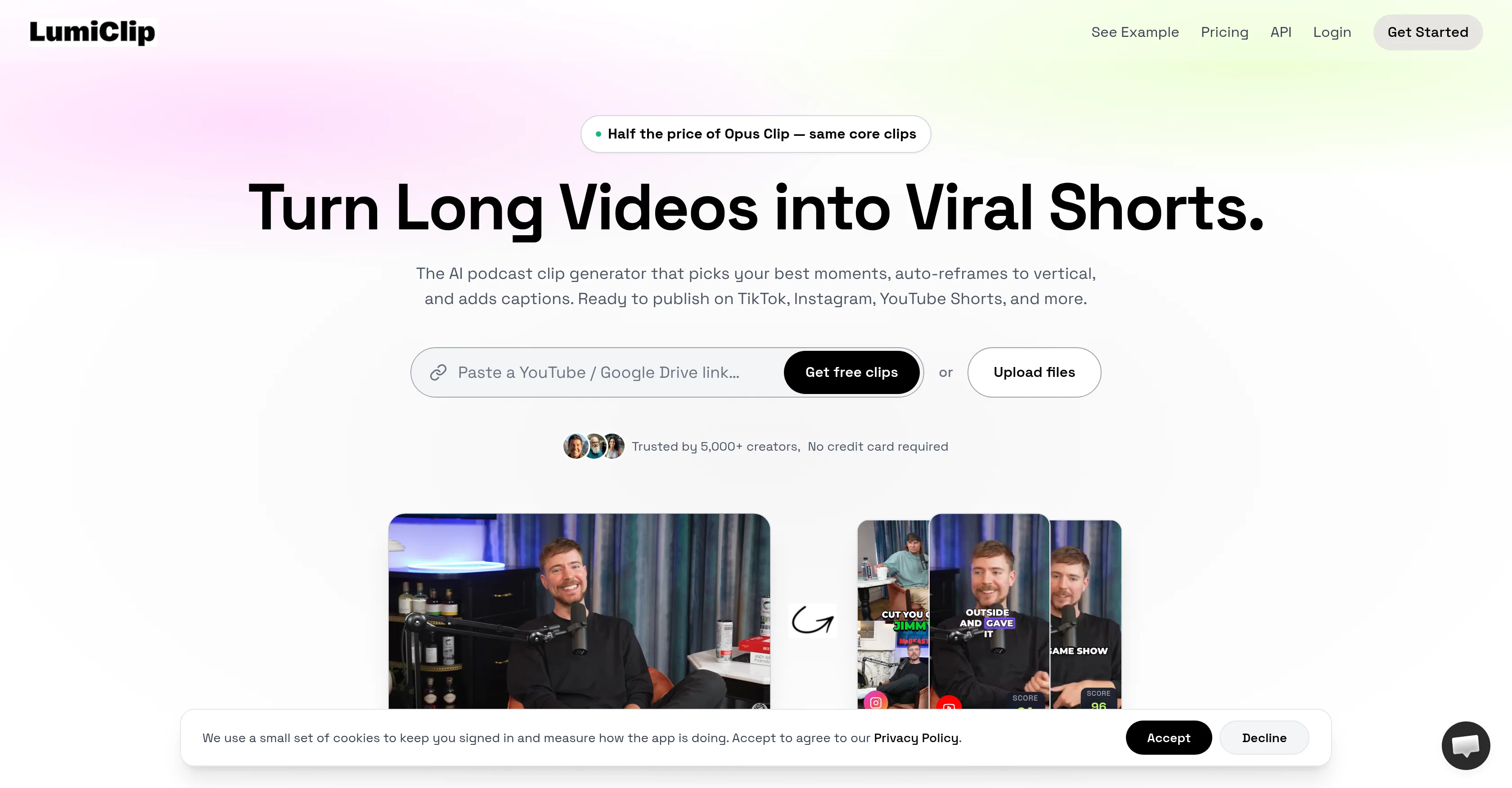
LumiClip is an AI-powered tool designed to convert full-length videos into short clips fit for viral sharing on social platforms. Originally crafted for creators, podcasters, social media managers, and marketing teams, LumiClip uses AI to select the most captivating moments from a long video and transforms them into compact, attention-grabbing shorts.
The tool includes automatic reframing, converting traditional 16:9 video into 9:16 vertical shorts for better suitability with platforms like TikTok, Instagram, YouTube Shorts, and LinkedIn.
Additionally, LumiClip offers automatic caption generation in over 30 languages with precise auto-detection and editability. Users can customize brand kits and templates including logos, fonts, colors, and caption styles to keep branding consistent across all clips.
LumiClip's AI clip generation method evaluates every segment of video for clarity, variety, and emotional impact, choosing those likely to retain viewer attention.
The platform also provides the functionality to schedule content drops on a preferred schedule set by the user, ensuring regular shareable content. LumiClip prioritizes user privacy with its encrypted storage system and provides a free plan for testing its video processing capabilities.
Access & connections
Where you can use LumiClip, and what it plugs into.
Platforms
Capabilities
What this tool accepts, produces, and is strongest at.
Input
- API
- Video
Output
- Video
- API
- Text
Highlights
- API
- MCP
Supported features
- API
- MCP
- Video Understanding
- Video Edit
- Transcription
- Social Media
- Automation
- Styling
Pros & cons
Pros
- Transforms long videos to short clips
- Auto-reframing for social media compatibility
- Generates captions
- Supports 16:9 to 9:16 conversion
- Ensures speaker stays centered
- Automatic subtitles generation in 30+ languages
- Offers branding customization
- Saves presets for branding
Show 37 more
- Direct publishing to social platforms
- Scheduling capabilities
- Insights through 'hook-scoring'
- Designed for various use cases
- Accommodates batch processing
- Designed for content optimization
- Identifies visually engaging moments
- Cheaper than Opus Clip
- Free plan with 60 minutes video processing
- Encrypts uploaded content for privacy
- Workflow optimization
- Predicts high-retention moments
- User-friendly content scheduling
- Supports variety of file uploads
- Auto-scheduling feature
- Automated video editing
- Automated B-roll and audio cleanup
- Never rewrites captions
- Word-by-word caption editing
- Custom brand kit and template
- Applies brand kit automatically
- Engagement optimization
- Lightweight clip editor
- Built-in retrim and tweaks
- B-roll swap functionality
- Editing features per project
- Can delete project anytime
- Supports public YouTube or Vimeo link
- Unlimited watermark-free clips for paid plan
- HD exports for paid plan
- Automatic language detection for captions
- No watermark on paid plans
- Affordable alternative to competitors
- Handles a variety of content forms
- Vertical reframing for vertical feeds
- Extracts punchlines from podcasts
- Repurposes older video content
Cons
- Doesn't support non-vertical formats
- Batch processing lacks customization
- Limited to 30 languages
- Insufficient audio clean-up tools
- No manual clip selection
- Analysis not adaptable to genres
- Inflexible scheduling options
- Limited platform integration
Show 2 more
- Branding presets restrictive
- Potential privacy concerns
Compare alternatives
Similar tools in the catalog.






Releases 1
Imported reviews 1
I just used LumiClip to make clips from my long podcast video and Im so amazed how it differs from other ai video clipper tools like Opus or vizard, It does the highlight finding very well and reframe comes our so clean with no editing required. Only thing i would suggest is adding b-roll videos to clips automaticaly.
FAQ 12
What exactly is LumiClip?
How does LumiClip transform long videos into shorter engaging clips?
How does LumiClip use machine learning for its features?
What support does LumiClip offer for different video format conversions?
How does the automatic subtitles generation work in LumiClip?
How many languages does LumiClip support for its auto-subtitle feature?
What customization features does LumiClip offer for branding?
How does direct publishing and scheduling work in LumiClip?
How does LumiClip 'hook-score' to predict performance of video clips?
What types of users can leverage LumiClip?
How does batch processing work in LumiClip?
How is it that LumiClip helps save time in content creation process?
Related tools
Recommended

Whacka ✓
Free TrialTurn ideas into real apps from your phone.

ImagineGo ✓
Free TrialAll top AI video models in one platform.

Higgsfield Supercomputer ✓
FreemiumA full AI creative team in one chat.

ChatGPT ✓
FreemiumAsk anything, create anything, and move from idea to action.

Notis ✓
Free TrialThe first WhatsApp assistant that runs on your ChatGPT and Claude subscriptions

freebeat AI ✓
FreemiumTurn Music & Ideas into Viral Videos In One Click