
Transcription 2026 Rank: #1876
LiveToka ✓
AI real-time voice translation and transcription in 100+ languages.
Verdict
A quick read before you dig into the full page.
- Best if
- AI real-time voice translation and transcription in 100+ languages
- Skip if
- Specialized models limited to technical content
- Pick this when
- Real-time voice transcription
Considering Voicetype AI instead? Compare side by side
Overview
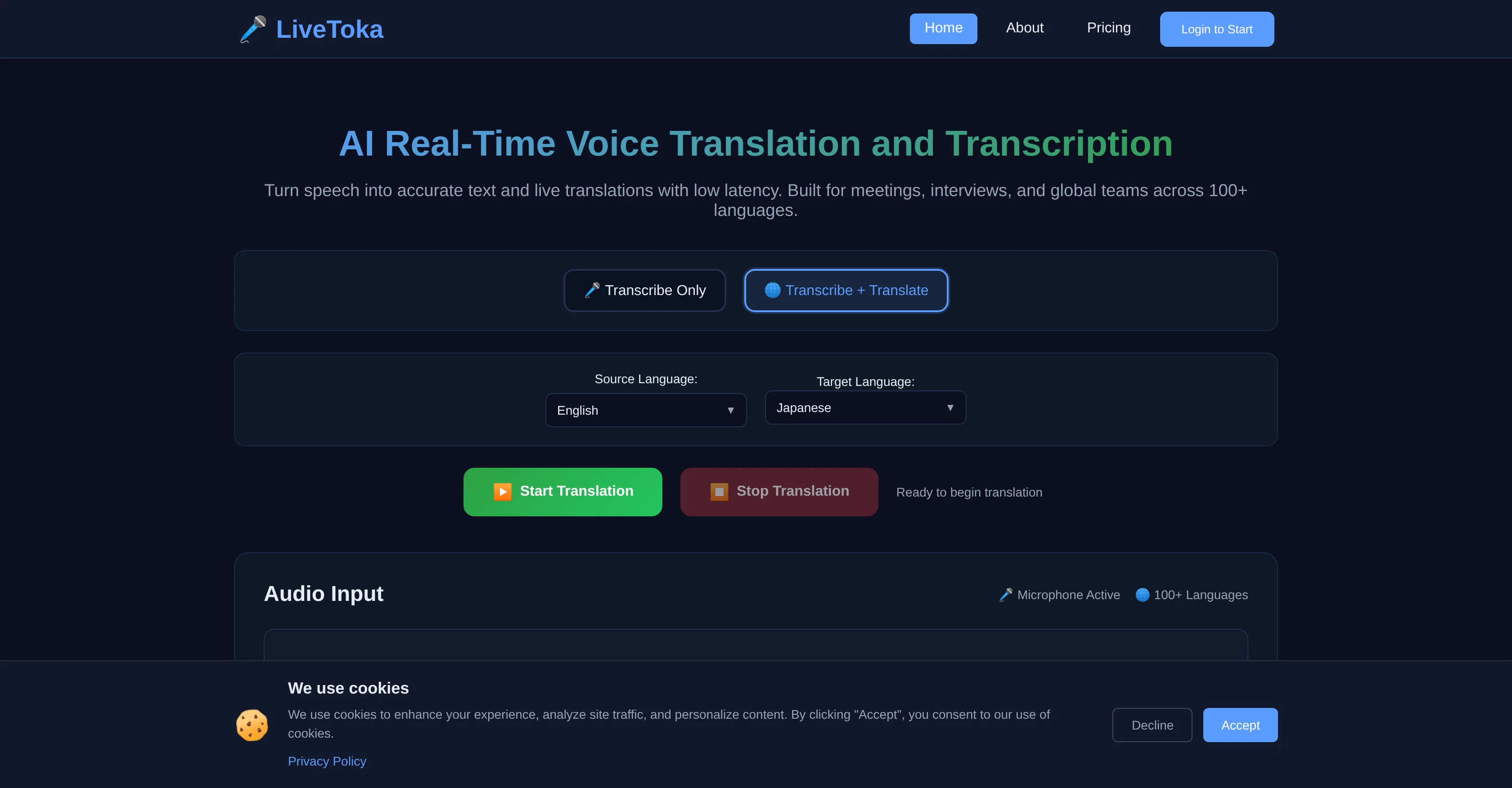
LiveToka is an AI-driven tool capable of providing real-time voice transcription and translation. It is designed to transmute spoken language into accurate and live translated text with minimal latency, making it suitable for various sectors such as meetings, interviews, and support for global teams.
LiveToka stands out for its support of over 100 languages. Users have the flexibility to choose the input and output language, accommodating a vast linguistic diversity.
It is also designed to maintain privacy in voice and text data processing. The tool furnishes instantaneous streaming results, enabling efficient communication.
The platform also includes advanced speech recognition technology, enhancing its translation accuracy. LiveToka's real-time processing delivers swift translations, reducing interruptions or delays in conversation.
The tool is versatile with reliable integration capabilities, working seamlessly with platforms like Zoom, Teams, Meet, Webex, YouTube Live, and LINE.
It allows users to switch between translation and transcription modes during a live conversation. Besides, LiveToka offers AI-powered meeting summaries, automatically generating action items, decisions, and key points from the transcribed conversation, beneficial for follow-ups, and team alignment.
The tool's performance metrics indicate sub-second response time, providing natural conversation flow with low latency. LiveToka also ensures data privacy, deleting user data after processing.
Access & connections
Where you can use LiveToka, and what it plugs into.
Platforms
Integrations
Capabilities
What this tool accepts, produces, and is strongest at.
Input
- Audio
Output
- Text
Supported features
- Transcription
Pros & cons
Pros
- Real-time voice transcription
- Real-time translation
- Supports 100+ languages
- Choice of input/output language
- Privacy in voice/text processing
- Instantaneous streaming results
- Advanced speech recognition tech
- Reduced conversation interruptions
Show 39 more
- Seamless integration (Zoom, Meet, Webex)
- Switch between translation and transcription
- Sub-second response time
- Low latency
- Data privacy (user data deletion)
- Supports for meetings/interviews
- Global team support
- Automatic action item generation
- Summarizes key conversation points
- Transcription to translation flexibility
- Bilingual export
- CSV/JSON transcript export
- Understanding of context & nuances
- Captions for livestreams/demos
- Works with YouTube Live, LINE
- Ultra-low latency
- Specialized models for technical content
- Exportable transcripts
- Accessible learning materials
- Post-session study materials
- Natural conversation flow
- No setup, instant activation
- Latency low for natural conversation
- Supports technical content
- Private voice recordings
- Real-time services
- Comprehensive multilingual support
- Instant language switching
- Bilingual transcripts
- Supports all major languages
- Context-aware translations
- Conversation history saved
- Enhances online education
- Lecture transcription & translation
- Action item extraction
- Searchable conversation history
- Original and translated text export
- Synchronized collaboration
- Seamless workflow integration
Cons
- Supports limited platforms
- No offline functionality
- Lacks API for integration
- Lacks integration with social media
- Partition between translation and transcription modes
- Auto-deletes user data
- Limited export options
- No dedicated mobile application
Show 2 more
- No browser compatibility information
- Specialized models limited to technical content
Compare alternatives
Similar tools in the catalog — with a clear reason to open each one.

Voicetype AI ✓
Free TrialWrite 9x Faster with AI Speech to Text on all Apps
Why look Better for writing
Full comparison
Transcript LOL ✓
FreemiumUnlimited transcripts, summaries, 99.8% accuracy, speaker recognition, superfast
Why look Offers a public API
Full comparison
TurboScribe ✓
Freemium🎯 3 free transcripts every day. 🔥 Unlimited transcription starting at $10/mo.
Free + from $10/mo
Full comparison
RambleFix ✓
Paid⚡ Write by thinking aloud - emails, notes, articles, in your style.
Why look Better for writing
Full comparison
Paraspeech ✓
Free TrialPrivate dictation, cloud optional
Why look More privacy-focused
Full comparisonReleases 1
FAQ 12
What languages does LiveToka support for transcription and translation?
How does LiveToka ensure data privacy during voice and text processing?
Does LiveToka offer real-time voice transcription and translation simultaneously?
How long does it take for LiveToka to translate spoken language?
Which video conferencing platforms can LiveToka integrate with?
Can I switch between translation and transcription modes on LiveToka during a live conversation?
How does LiveToka generate AI-powered meeting summaries?
How does LiveToka enhance its translation accuracy with advanced speech recognition technology?
Can LiveToka be used in interviews and global team meetings?
What measures does LiveToka take to protect privacy in voice and text data processing?
How does LiveToka ensure low latency for natural conversation flow?
Can LiveToka delete user data after processing?
Related tools
Recommended

Notis ✓
Free TrialThe first WhatsApp assistant that runs on your ChatGPT and Claude subscriptions

FlowPost ✓
Free TrialAI autopilot for social media posting

Knowlify ✓
Free TrialTurn documents into professional animated videos instantly.

Thea ✓
FreemiumAI study tools to master material, not just memorize it.

Automateed ✓
Free TrialCreate eBooks effortlessly with Automateed, the AI-powered writing tool.

Midjourney ✓
PaidExpand human imagination through AI-powered visuals.