

LipSync.Studio ✓
Transform your videos with professional Lip Sync AI.
Free + from $24.99/mo
Verdict
A quick read before you dig into the full page.
- Best if
- Transform your videos with professional Lip Sync AI
- Skip if
- Plans may be expensive
- Pick this when
- Supports over 100 languages
Considering sync. instead? Compare side by side
Overview
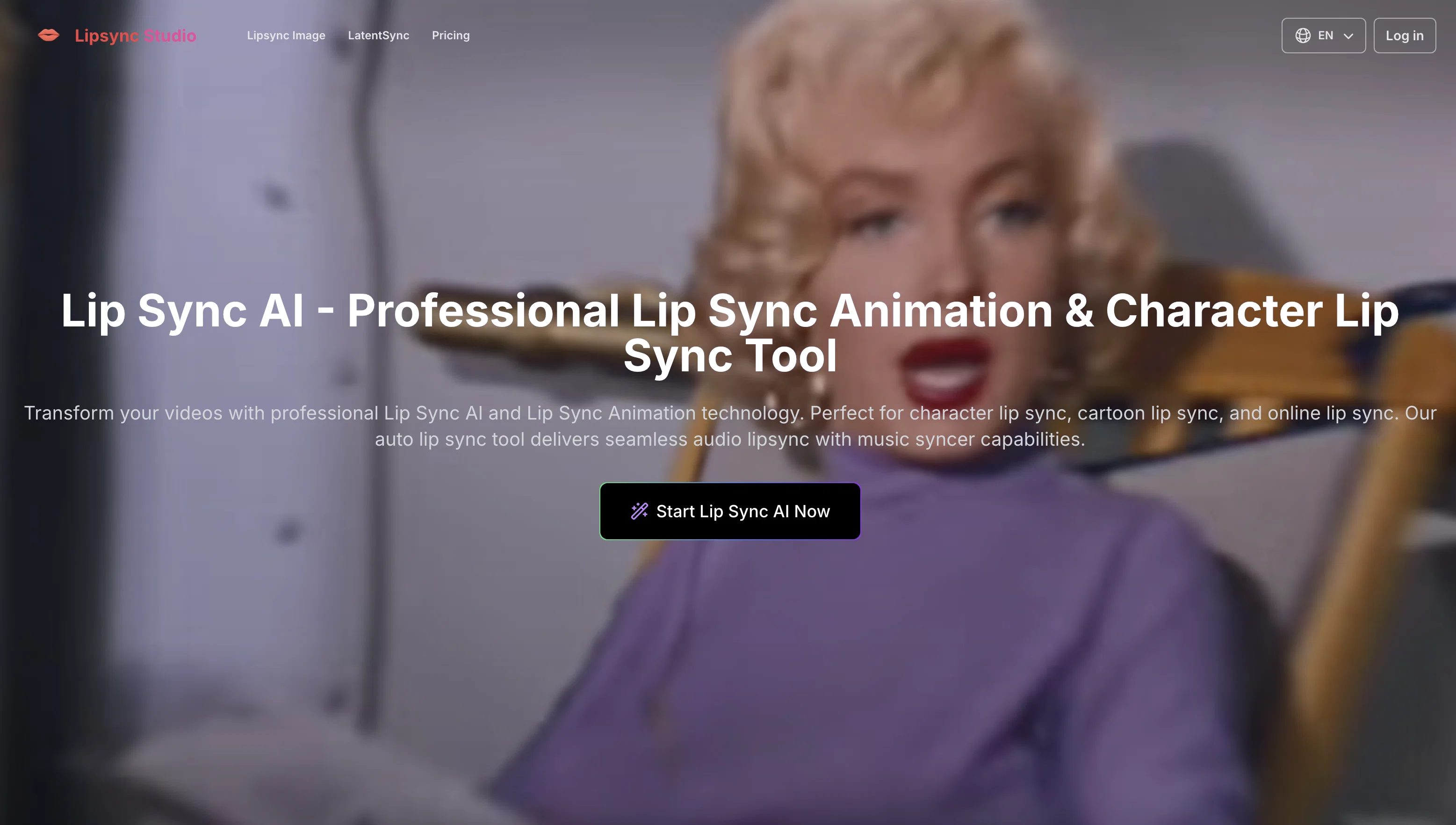
LipSync Studio is a specialized AI tool designed to offer lip sync animation and auto lip sync capabilities. Aimed at character lip sync, cartoon lip sync, and online lip sync applications, it uses advanced algorithms to achieve seamless audio lip sync alignment.
This tool supports over 100 languages and can be used in video generation with audio matching. Users can upload video and audio files, or even make use of the advanced settings if they are logged in.
Various audio sync modes are available, such as cutting off to match video length, or looping shorter audio to sync it with the video. LipSync Studio is also ideal for multi-language character lip sync support with natural speech patterns.
Organizations can utilize this tool for diverse needs including educational materials, corporate communications, marketing campaigns, and professional presentations.
Moreover, the platform is very effective in audio lipsync for film, TV, and other cinematic content for professional quality dubbing. It offers plans with different benefits and features, catering to a range of requirements.
The quality levels can be specified, allowing users to choose an option that best aligns with their project requirements.
Access & connections
Where you can use LipSync.Studio, and what it plugs into.
Platforms
Integrations
Capabilities
What this tool accepts, produces, and is strongest at.
Input
- Tabular
- Video
- Audio
Output
- Video
Supported features
- Dubbing
Pros & cons
Pros
- Supports over 100 languages
- Multi-language character lip sync support
- Effective for professional dubbing
- Cutting edge algorithms for alignment
- Caters to diverse needs
- Ideal for education, corporate, marketing
- Various audio sync modes
- Can upload video and audio
Show 30 more
- Advanced settings for logged users
- Quality levels can be specified
- Transforms videos for global audiences
- Maintains brand consistency
- Quick turnaround for projects
- Supports industry-standard formats
- Batch processing capabilities
- Support for multiple pricing plans
- User-friendly design
- Effortless online workflow
- Real-time preview feature
- Frame-by-frame adjustment tools
- Allows precision character lip sync
- Perfect audio lipsync for music
- Professional grade dubbing services
- Preserves expression while adjusting mouth movement
- Custom profiles for consistent results
- Timeline editing for precise control
- Regular updates for improvement and features
- High-quality auto lipsync output
- Perfect for social media content
- Personal use for free users
- Compatible with major editing software
- Music Syncer integration
- Handles transitions between languages efficiently
- Paid and free models available
- Seamless synchronization with music syncer capabilities
- Ideal for e-learning, training materials
- Ease of use for digital content creators
- Cost-effective solution for global content distribution
Cons
- Requires login for advanced settings
- Non-logged in users have upload limitations
- Doesn't mention support for all file types
- Plans may be expensive
- Silence fill for shorter audio
- Video bouncing for longer audio
- No mention of real-time collaborations
- Batch processing not specified for non-animation content
Show 2 more
- No integrated language translator
- Custom profiles require login
Compare alternatives
Similar tools in the catalog — with a clear reason to open each one.

sync. ✓
Freemiumthe worlds most natural lipsync tool, no training required. available via api
Why look Typically cheaper
Full comparison
Dzine AI ✓
FreemiumAI-powered design partner for effortless image creation
Why look Typically cheaper
Full comparison
LipSync Video ✓
Free TrialUpload audio and video, AI matches lips automatically.
Why look Typically cheaper
Full comparison
Lip Sync AI ✓
FreemiumCreate realistic AI lip sync videos instantly.
Why look Typically cheaper
Full comparison
LipsyncAI.net ✓
PaidSynchronize your video with any voice using AI.
Why look Typically cheaper
Full comparison
Infinite Talk AI ✓
Free TrialTurn images into talking avatars with precise lip sync.
Why look Typically cheaper
Full comparisonReleases 1
FAQ 12
What is LipSync Studio?
What distinctive features does LipSync Studio offer?
In what formats can I upload my audio and video files to LipSync Studio?
What are some potential uses for LipSync Studio?
Does LipSync Studio support multiple languages and if so, how many?
What does the auto lip sync capability entail?
What is the maximum file size accepted by LipSync Studio?
How does different Audio Sync Modes in LipSync Studio work?
How effective is LipSync Studio for professional quality dubbing?
Can I specify the quality levels in LipSync Studio?
What are the advanced settings in LipSync Studio?
What is character lip sync and how does LipSync Studio support it?
Related tools
Recommended

DeepSeek ✓
FreeUnravel the mystery of AGI with curiosity

Tendem ✓
PaidAI + Human Agent to get tasks done

AI Website Builder | Hostinger ✓
FreemiumCreate stunning websites instantly with AI.
BeatViz AI Music Video Generator ✓
FreemiumTransform your music into stunning visual experiences with AI

Empaithy: Your Therapy Journal ✓
UnknownA journal that listens, asks questions, and finds your patterns.

Pixwit AI ✓
FreemiumCreate cinematic AI videos from text or images.