

Infinite Talk AI ✓
Turn images into talking avatars with precise lip sync.
Trial; then from $9.9
Verdict
A quick read before you dig into the full page.
- Best if
- Turn images into talking avatars with precise lip sync
- Skip if
- Complex initial setup process
- Pick this when
- Generates lip-synced videos
Considering sync. instead? Compare side by side
Overview
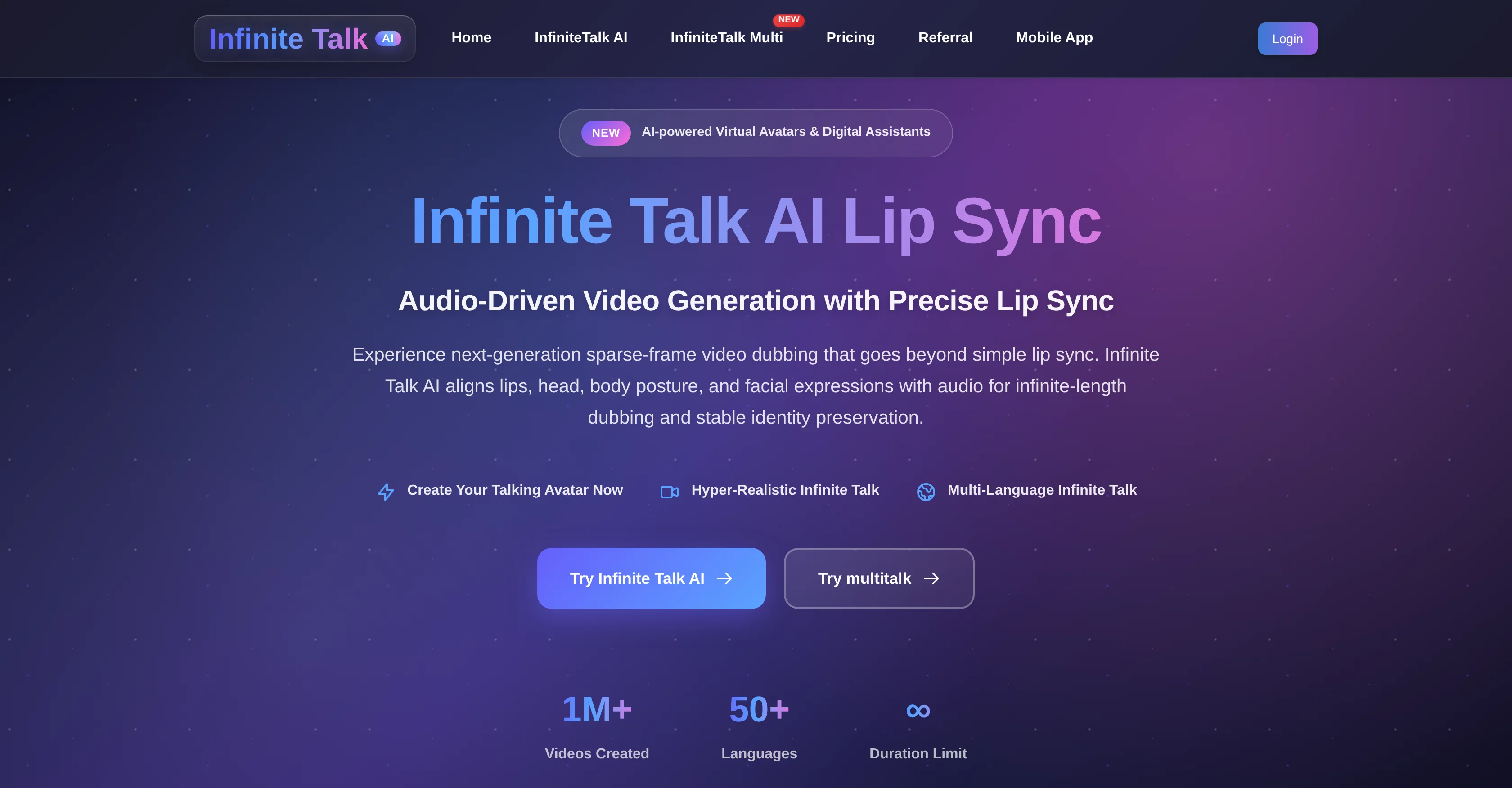
Infinite Talk AI is an audio-driven video tool designed mainly to generate talking avatars with precise lip sync. The tool facilitates transforming images into animated videos of unlimited length, and it can align lips, head, body posture, and facial expressions with audio for imperceptible dubbing and stable identity preservation.
Infinite Talk AI supports two different modes: Audio + Image Mode and Audio + Video Mode. In Audio + Image mode, users can upload a portrait image and an audio file to create a realistic, lip-synced talking portrait.
In Audio + Video mode, users can provide a source video along with their voice track to dub the footage with accurate lip sync and genuine expressions.
The tool's use cases extend across various industries such as content creation, entertainment and media, business and corporate communication, accessibility and community, and education and research.
It is also equipped to handle multilingual content. One of the AI's key features includes sparse-frame video dubbing, which enables syncing of not just lip movements but also head position, body posture, and facial expressions.
It also offers a flexible prompt control, enabling text prompts to guide expressions, emotions, or gestures in the created videos. Recognizing various needs, the tool allows exporting of videos in multiple resolutions.
Access & connections
Where you can use Infinite Talk AI.
Platforms
Capabilities
What this tool accepts, produces, and is strongest at.
Input
- Tabular
- Image
- Video
- Audio
Output
- Video
Supported features
- Dubbing
- Video Avatars
- Lip Sync
- Video Generation
Pros & cons
Pros
- Generates lip-synced videos
- Allows creation of dubbed content
- Useful for long-form educational content
- Enables creation of animated hosts
- Allows lip-synced talking portrait
- Supports multiple input modes
- Multi-lingual support
- Supports high-quality, lip-synced videos
Show 29 more
- Sparse-frame video dubbing
- Flexible prompt control
- Multiresolution export
- Stable identity preservation
- Support for various industries
- Allows professional corporate communication
- Can turn images into animations
- Two different operation modes
- Supports audio to image conversion
- Supports audio to video conversion
- Precise lip sync
- High stability
- Seamless dubbing
- Resolution flexibility
- Optimization features for different hardware
- Superior lip accuracy
- Multi-input support
- Unlimited-length generation
- Memory-based processing
- TeaCache acceleration
- APG (Adaptive Parameter Grouping)
- Smart quantization
- Open-source availability
- Supports accurate lip synchronization
- Supports expressive facial animation
- One-time credit system
- User owns created content
- Perfect for creators, educators, marketers
- Turns static images into dynamic, expressive digital humans
Cons
- High computational requirements
- Color shifts in long videos
- Significant VRAM requirement
- Complex initial setup process
- Limited camera movement control
- Potential need for post-processing
- No free subscription model
- Uses credit-based payment system
Compare alternatives
Similar tools in the catalog — with a clear reason to open each one.

sync. ✓
Freemiumthe worlds most natural lipsync tool, no training required. available via api
Why look Typically cheaper
Full comparison
Dzine AI ✓
FreemiumAI-powered design partner for effortless image creation
Why look Typically cheaper
Full comparison
LipSync Video ✓
Free TrialUpload audio and video, AI matches lips automatically.
Free + from $9.99
Full comparison
Lip Sync AI ✓
FreemiumCreate realistic AI lip sync videos instantly.
Why look Typically cheaper
Full comparison

Releases 1
FAQ 12
What is Infinite Talk AI?
How does Infinite Talk AI work with user-provided audio?
Can Infinite Talk AI perform complex video dubbing?
How does Infinite Talk AI use images for lip-synced videos?
Can I use Infinite Talk AI for long-form educational content?
Is Infinite Talk AI suitable for creating animated hosts for live streaming?
Can this tool also be used for professional corporate communication?
How does Infinite Talk AI assist creators, educators, and businesses?
What's the process to create a lip-synced talking portrait with Infinite Talk AI?
Does Infinite Talk AI support multiple input modes and resolutions?
How does Infinite Talk AI handle seamless motion?
What kind of optimization does Infinite Talk AI provide?
Related tools
Recommended

UGC Maker ✓
FreemiumCreate authentic UGC ads with AI avatars instantly.

Mind Map Wizard ✓
FreemiumGenerate mind maps with AI: free, no sign-up, no ads

Marketing Assistant (Elsa AI) ✓
FreemiumDefine your ideal customers and craft a winning marketing strategy with Elsa.

Typpo ✓
FreemiumCreate videos as you speak using AI.

FineVoice ✓
Free TrialMake the Perfect Voice for Any Moment

Format Magic ✓
FreemiumFormat plain text into professional documents in seconds