

Transcription 2026 Rank: #2072
Link To Text | Video To Text ✓
Turn Videos and Audio Into Text in Seconds
Verdict
A quick read before you dig into the full page.
- Best if
- Turn Videos and Audio Into Text in Seconds
- Skip if
- No offline capabilities
- Pick this when
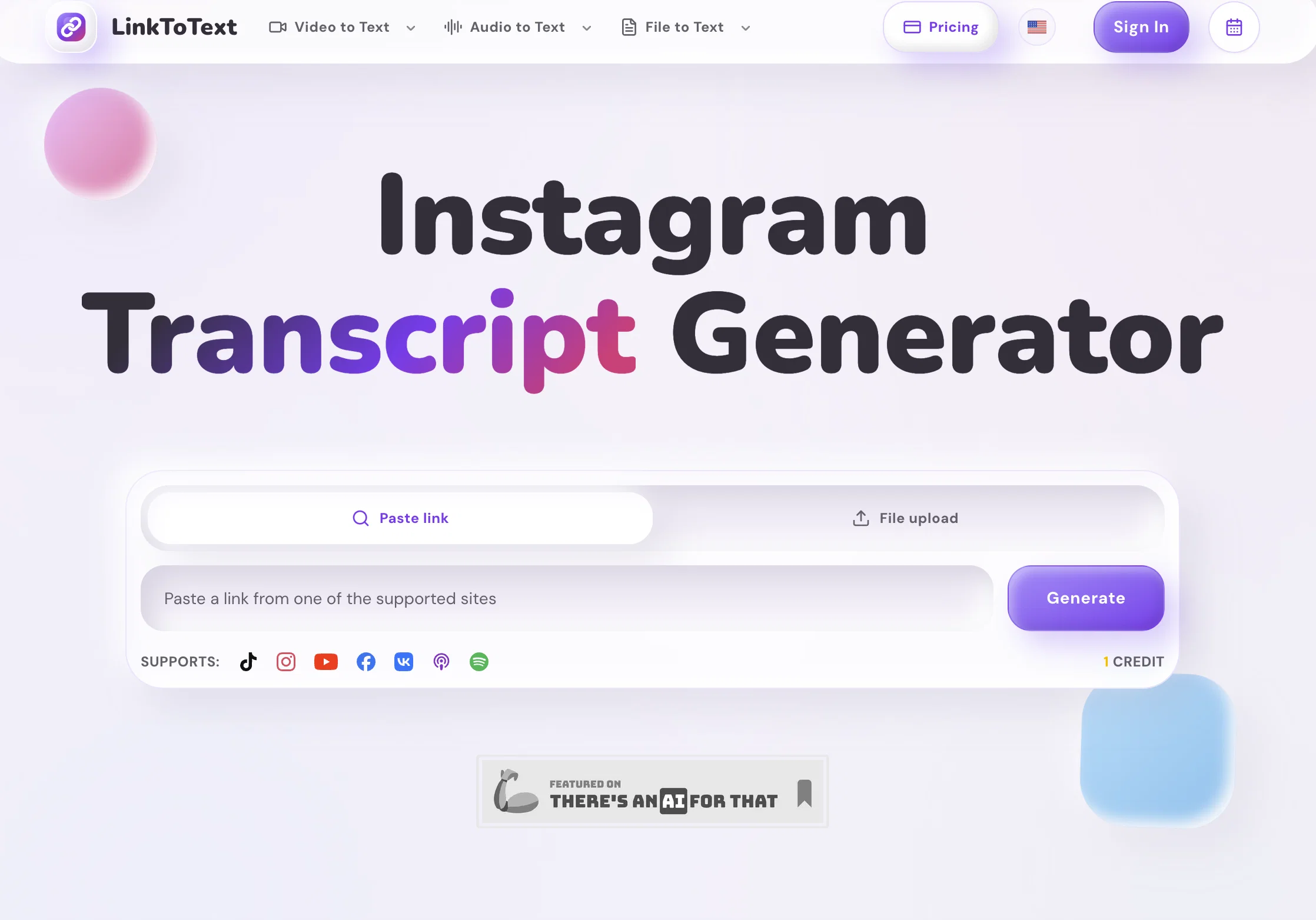
- Generates transcripts from Instagram Reels
Considering Voicetype AI instead? Compare side by side
Overview
The platform supports transcription, subtitle generation, transcript translation, AI summaries, caption creation, and content repurposing for creators, marketers, researchers, students, and media teams.
Users can transcribe content from TikTok, YouTube, Instagram, podcasts, interviews, meetings, lectures, and uploaded media files with a simple and easy-to-use workflow.
Key Features:
• AI-powered speech-to-text transcription
• Subtitle and caption generation
• Transcript translation for multilingual content
• AI summaries and smart notes
• Video-to-text and audio-to-text conversion
• Support for social media and podcast content
• Export transcripts in multiple formats
• Fast processing with clean and readable output
LinkToText helps users save hours of manual work while turning video and audio content into searchable, reusable, and shareable text.
Access & connections
Where you can use Link To Text | Video To Text, and what it plugs into.
Platforms
Integrations
Capabilities
What this tool accepts, produces, and is strongest at.
Input
- Tabular
- Video
- Audio
Output
- Tabular
- Text
Highlights
- Use code TAAFT
- 10% OFF
Supported features
- Transcription
Pros & cons
Pros
- Generates transcripts from Instagram Reels
- Accurate transcripts with timestamps
- Supports captions, subtitles creation
- Facilitates content planning, research
- Repurposes short-form videos
- Converts spoken Instagram audio to text
- Supports timestamp context retention
- Supports multilingual translation
Show 27 more
- Transcribes via Instagram URL
- Can generate multilingual captions, summaries
- Fast transcript review, search
- Transforms audio into notes
- Supports SRT/VTT preparation
- Timestamp context for quote checks, editing notes
- Easy Instagram Reels transcription
- Compatible with over 50 languages
- Versions transcripts into diverse forms
- Smooth and efficient workflow
- No need for video download
- Supports error checks for names, noisy audio
- Generates searchable Reel notes
- Supports multilingual content reuse
- Easy copying of transcript
- Transcript helps in content, analysis, and publishing
- Helps study content patterns, offers, calls to action
- Allows comparison of multiple transcripts
- Turns transcript into different formats
- Creates translation-ready text
- Supports research, analysis from transcripts
- Allows content repurposing from transcript
- Whisper-powered speech recognition
- Allows turning transcript into multilingual reusable content
- Converts public video and audio links into clean transcripts
- Helps prepare SRT, VTT, TXT notes
- Supports Instagram Reels, TikTok, YouTube, podcasts, and uploaded files
Cons
- No offline capabilities
- URL input dependant
- Private accounts unsupported
- Stories transcription unstable
- Background noise might affect accuracy
- Potential translation errors
- Cannot manage local video files
- No explicit audio file support
Show 2 more
- No inbuilt editing tools
- Cannot copy multiple transcripts simultaneously
Compare alternatives
Similar tools in the catalog — with a clear reason to open each one.

Voicetype AI ✓
Free TrialWrite 9x Faster with AI Speech to Text on all Apps
Why look Typically cheaper
Full comparison
Transcript LOL ✓
FreemiumUnlimited transcripts, summaries, 99.8% accuracy, speaker recognition, superfast
Why look Typically cheaper
Full comparison
TurboScribe ✓
Freemium🎯 3 free transcripts every day. 🔥 Unlimited transcription starting at $10/mo.
Why look Typically cheaper
Full comparison
RambleFix ✓
Paid⚡ Write by thinking aloud - emails, notes, articles, in your style.
Why look Typically cheaper
Full comparison
Paraspeech ✓
Free TrialPrivate dictation, cloud optional
Why look Typically cheaper
Full comparisonReleases 1
Imported reviews 1
Tried this with a couple clips and the speed was honestly impressive. Feels super useful for creators and research workflows.
FAQ 12
What is LinkToText?
Can I use LinkToText to transcribe Instagram Reels?
How does LinkToText generate transcripts from Instagram videos?
Does LinkToText provide timestamps in its transcripts?
What can I do with the transcripts generated by LinkToText?
Can LinkToText convert the audio of Instagram videos into clear and editable text?
Does LinkToText support multilingual translations?
How can LinkToText make my publishing process faster?
Can I use LinkToText without downloading any local video files?
Can LinkToText's transcriptions be integrated with behavioral AI tools?
Does LinkToText offer content repurposing?
How can LinkToText help with content planning?
Related tools
Recommended

AdsCreator.com ✓
Free TrialTurn any website into scroll-stopping ads.

AI Image to Video ✓
Free TrialUpload an image and turn it into a video
WhatsTheCatch ✓
FreeAI that spots risks before you sign.

Motion Control AI ✓
Free TrialTransfer motion to any character instantly.
VideoInPrompt ✓
PaidExtract prompts. Generate AI images and videos.

Continua AI ✓
Free TrialDeep research on your own files, every page read, every claim cited.