

Task automation v1.2 2026 Rank: #385
Lindy ✓
AI assistant that puts your life on autopilot
Free + from $49.99/mo
Verdict
A quick read before you dig into the full page.
- Best if
- You are sales teams and need: Automate email management
- Skip if
- Inability to handle complex tasks
- Pick this when
- Accessible from anywhere
Considering SureThing.io - "OpenClaw" for Beginners instead? Compare side by side
Overview
Lindy is an AI assistant designed to simplify and streamline personal and professional tasks. It offers a range of features, including calendar management, email drafting, contract management, task organization, and more.
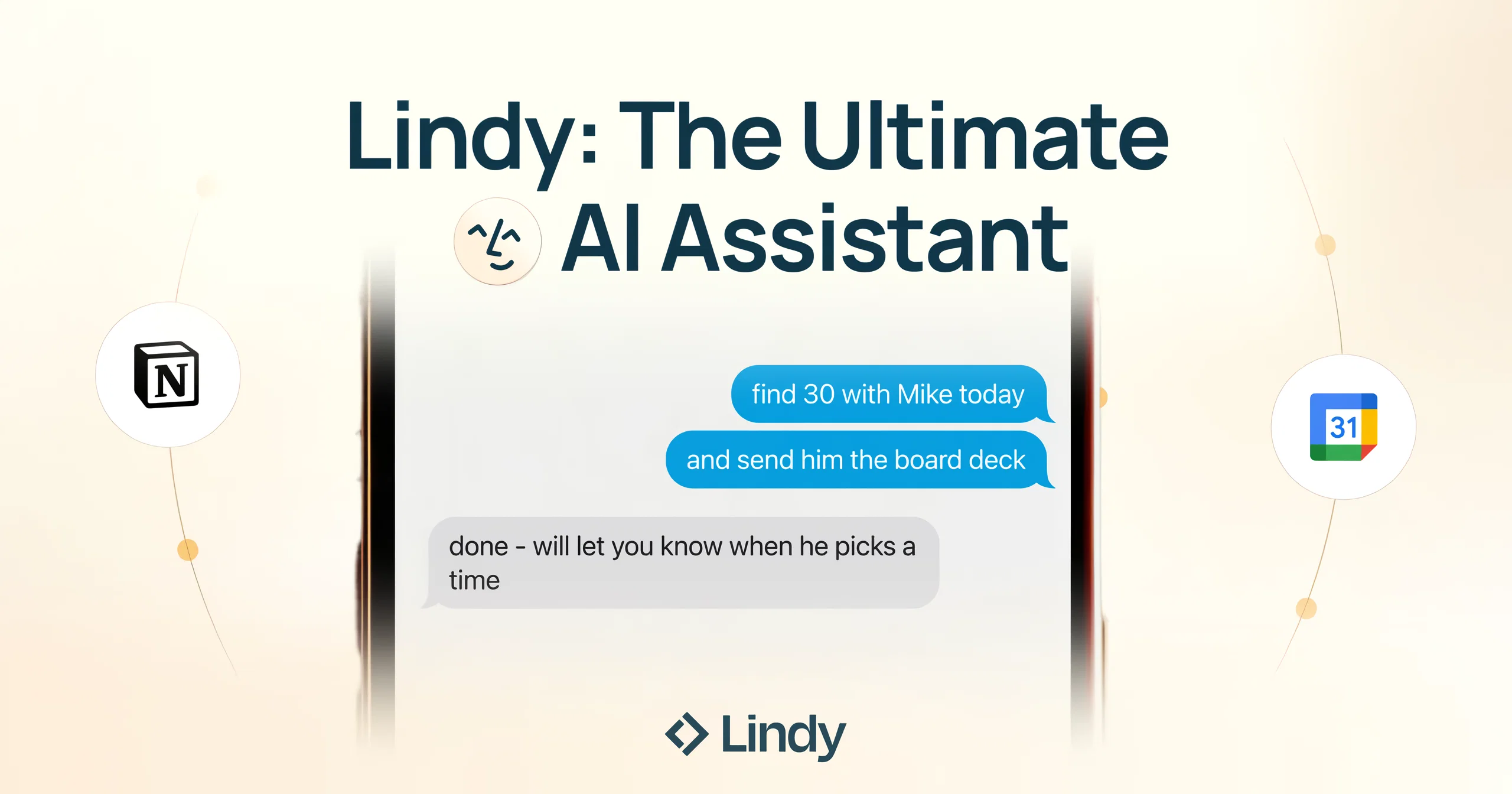
Lindy can be accessed from anywhere and allows for perfect scheduling by handling the back and forth to find common availabilities. The tool pre-drafts email replies, personalized with the user’s voice for each recipient, saving time and streamlining email management.
Lindy learns from the user’s inbox to surface the highest-priority emails, triages them, and handles automatic conflict resolutions. Lindy can also participate in meetings and take notes, summarize podcasts, YouTube videos, emails, or web articles, and integrate with favorite tools such as Linear, Gmail, Google Calendar, Twitter, Google Sheets, Salesforce, Twilio, Hubspot, Google Docs, Airtable, Google Drive, Slack, and LinkedIn to provide infinite personalization.
Lindy is suitable for use in various scenarios such as sales, recruiting, marketing, and more. This AI tool aims to put users' lives on autopilot by automating tasks and providing personalized assistance, thereby providing time back to focus on higher value tasks.
Best for
Short scenarios where Lindy tends to shine.
-
Automate email management
Best for Sales teams
-
Provide 24/7 customer support
Best for Customer support teams
-
Schedule meetings
Best for Recruiters
-
Automate CRM data entry
Best for Marketing teams
-
Generate leads
Best for Entrepreneurs
-
Perform sales outreach
Best for Small businesses
-
Make phone calls
Best for Enterprises
-
Screen recruiting candidates
Best for Sales teams
Example outputs 1
Sample generations and before/after results for Lindy.
Access & connections
Where you can use Lindy, and what it plugs into.
Platforms
Capabilities
What this tool accepts, produces, and is strongest at.
Input
- Text
Output
- Text
Highlights
- Agents
Supported features
- Automation
- Assistant
- Agents
- Meeting Intelligence
- Integrations
- Memory
- SOC 2 Compliance
- Mobile Companion
- Transcription
Pros & cons
Pros
- Accessible from anywhere
- Perfect scheduling
- Pre-drafts email replies
- Personalized email drafting
- Intelligent inbox prioritization
- Automatic email conflict resolution
- Contract management
- Automatic meeting note-taking
Show 24 more
- Summary creation for media
- Endless personalization options
- Integrates with various tools
- Applicable for sales use-cases
- Efficient for recruiters
- Supports marketing tasks
- CRM updating
- Quick data mining prospective clients
- Streamlined task management
- Caters to one-off tasks
- Handles repeating tasks
- Daily briefing
- Customized for user's voice
- Integration with Social Media
- Integration with Google Services
- Integration with Salesforce
- Integration with Slack
- Integration with Hubspot
- Integration with LinkedIn
- Integration with productivity tools
- Updates CRM based on meetings
- Multi-platform integration
- Foundation for autopilot positioning
- Personalized assistance
Cons
- Lacks customization for notifications
- No integration with Office365
- Functionality heavily focused on Google apps
- Communication inaccuracies
- Potential privacy concerns
- Inability to handle complex tasks
- Lacks multiple language support
- Restricted to specific use cases
Show 2 more
- Reliant on internet connectivity
- No offline capabilities
Compare alternatives
Similar tools in the catalog — with a clear reason to open each one.

SureThing.io - "OpenClaw" for Beginners ✓
FreemiumFirst General AI Agency. Designed for long-horizon tasks.
Why look Typically cheaper
Full comparison


Raccoon AI ✓
FreemiumThe AI Coworker for Apps, Research, Docs & Everything Else
Why look Typically cheaper
Full comparison
Autopilots by Athena AI ✓
Free TrialAutonomous AI agents that execute tasks for you.
Why look Typically cheaper
Full comparison
People also view
Tools that often show up alongside Lindy in collections and comparisons.

Granola ✓
FreemiumTransform raw meeting notes into brilliance

Gamma ✓
FreemiumAI-powered content creation, minus the hassle.

Playground AI ✓
FreemiumCreate art and visuals with AI, for free

Opus Clip ✓
FreemiumAI-powered livestream studio for explosive growth

NotebookLM ✓
FreemiumAI-powered note-taking and research assistant

Midjourney ✓
PaidExpand human imagination through AI-powered visuals.

Ideogram ✓
FreemiumAI-powered creativity booster

HeyGen ✓
FreemiumCreate AI spokesperson videos from text
Releases 2
Introducing Lindy Assistant:
It reads your email, drafts replies in your voice, manages your calendar, preps you before every meeting, takes notes during, and handles the follow-ups after. Not just words: real action that saves you time and buys you peace of mind, day in, day out.
What Lindy Assistant does for you:
There is an immense difference between a chatbot that can give answers and an AI assistant that knows you and proactively moves work forward:
- Your inbox is under control before your coffee. Lindy triages what matters, drafts replies that sound like you, and flags only what needs you. You review, and you send. You may have the same experience as many Lindy users, who start off by thinking that they are the ones who wrote these drafts — because they're that good.
- You walk into every meeting prepared. Lindy pulls context from past emails, previous meetings, and your calendar so you know who you're talking to, what was discussed, and what's at stake. No more scrambling five minutes before a call.
- Meetings end, work keeps moving. Notes captured, action items identified, follow-up emails drafted and ready to send. What used to slip through the cracks now happens automatically.
- Scheduling just stops being a thing you do. No more back-and-forth. Lindy handles availability, time zones, and preferences. Meetings land on your calendar without you touching it.
- Nothing falls through the cracks. Every conversation and commitment is recalled instantly. Ask Lindy what you discussed with a client three weeks ago and get the answer in seconds.
Proactive and personalized:
Lindy constantly works its magic in the background.
It learns how you write, how you prioritize, and what your day looks like — then starts anticipating what you need before you ask. Drafts get better. Prep gets more relevant. Follow-ups stop slipping.
The more you use it, the less you have to.
Enterprise-ready security:
Lindy is built for teams. SOC 2 Type II, GDPR, HIPAA, and PIPEDA compliant. You control what connects, what Lindy can access, and all data stays encrypted. No trade-off between getting time back and keeping things secure.
Get started in two minutes:
Connect your inbox. Let Lindy triage what needs attention and draft your replies. Then ask it to prep you for your next meeting.
Within a day, you'll wonder how you worked without it.
Lindy Assistant is live now. Try it at Lindy.ai.
Imported reviews 2
Set up a small agent to sort incoming emails and draft follow-ups, and Lindy handled it surprisingly well. The app connections are the best part—it feels more useful than a chatbot that only gives suggestions. Setup takes a little experimenting, but once it’s running, it actually saves time.
Phenonmal assistant!
FAQ 12
What is Lindy?
How does Lindy help in automating tasks?
What are the features of Lindy?
Can I access Lindy from any device?
How does Lindy manage scheduling?
How does Lindy assist in email management?
How does Lindy learn from my inbox?
Can Lindy handle conflicts and resolutions?
How does Lindy participate in meetings?
How does Lindy summarize content?
Which tools can Lindy integrate with?
In which scenarios can Lindy be used effectively?
Related tools
Recommended

Hints ✓
Free TrialEfficient and automated business task assistant.

Hyperis ✓
FreemiumOrganized task prioritization.

LearningStudioAI ✓
Free TrialAI-powered authoring tool for effortless online course creation.

VenturusAI ✓
FreemiumBusiness idea analysis and reporting.

GPTExcel ✓
FreemiumGenerate spreadsheet formulas with AI

TutorAI ✓
FreemiumInstant knowledge on any topic