

Levity ✓
Streamline freight email operations with AI automation.
From $49 / month
Verdict
A quick read before you dig into the full page.
- Best if
- Streamline freight email operations with AI automation
- Skip if
- No code might limit customizability
- Pick this when
- No-code platform
Considering SureThing.io - "OpenClaw" for Beginners instead? Compare side by side
Overview
Levity is a suite of AI automation tools designed to streamline operations in freight management. These include processing sales, orders, and tracking directly from users' inbox to their Transportation Management System (TMS).
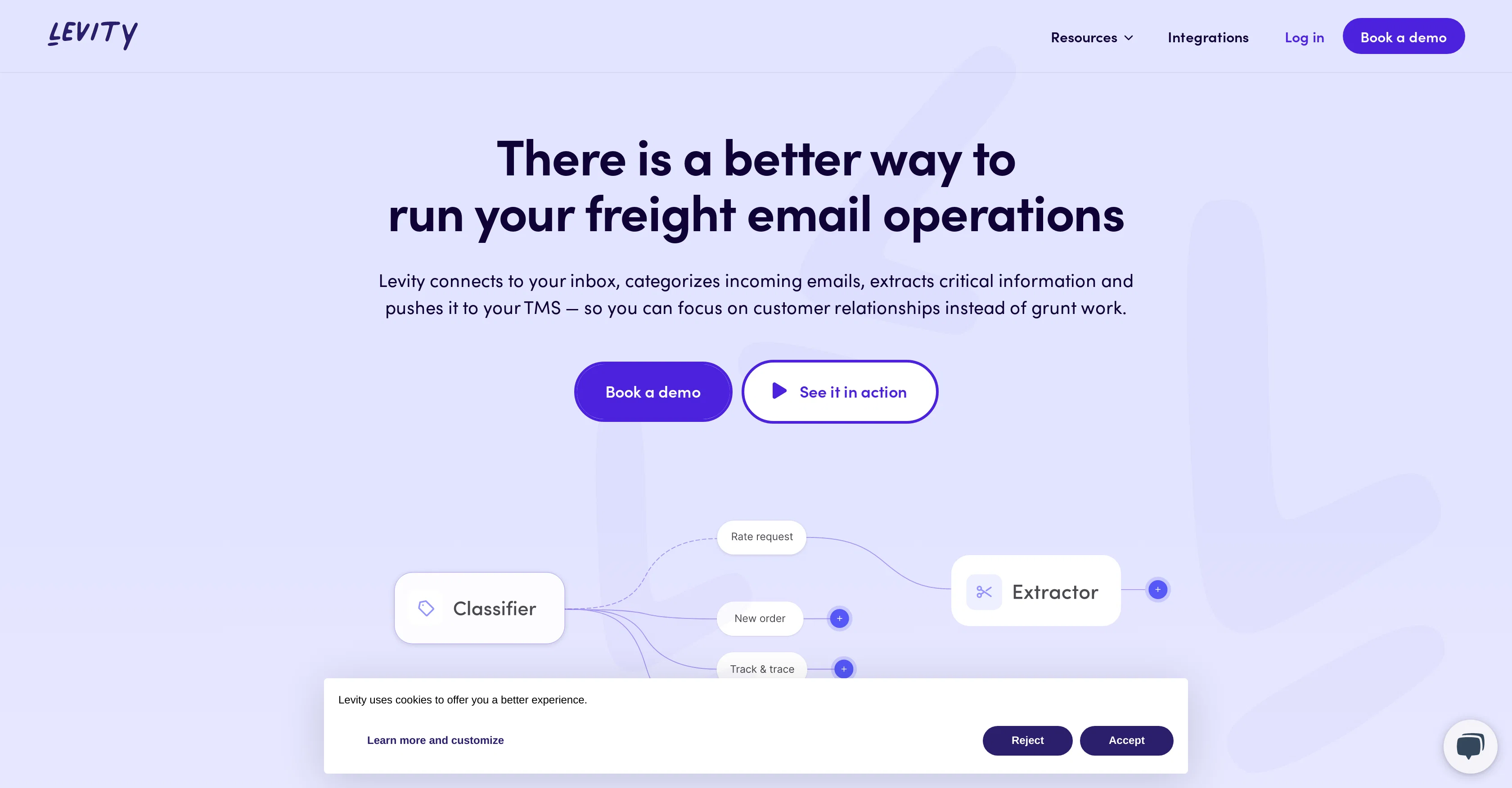
Designed to save users time and focus on their customers, Levity connects to the inbox, categorizes incoming emails, and extracts critical information.
This data is then pushed to the TMS, facilitating increased efficiency and minimized manual work. It also allows for automatic classification of emails and attachments based on custom categories, extraction of relevant particulars, and generation of contextualized replies.
Levity features a user-friendly flow builder that enables users to configure, edit, and test automated workflows, which can run in the background. The tool is designed for seamless integration with popular business applications like Gmail or Outlook.
It ensures privacy and security by conducting annual audits for legal compliance and security standards and promises never to share user data with third parties.
Access & connections
Where you can use Levity, and what it plugs into.
Platforms
Capabilities
What this tool accepts, produces, and is strongest at.
Input
- API
- Tabular
- Text
Output
- API
- Text
Pros & cons
Pros
- No-code platform
- Automates email outreach
- Automates inventory management
- Automates survey responses
- Automates document classification
- Handles customer support tickets
- Facilitates content moderation
- Capable of email campaign automation
Show 36 more
- Can detect feedback tone
- Capable of language understanding
- Filters for urgency
- Can tag product images
- Checks documents for missing input
- Organizes emails
- Has a team workspace
- User-friendly interface
- Saves time
- Keeps inbox organized
- Integrates with popular tools
- Used in Freight Email operations
- Automates sales
- Automates order processing
- Email categorization feature
- Performs data extraction
- Offers transportation management system
- Enables workflow automation
- Generates contextualized replies
- Offers flow builder
- Email and attachments classification
- Provides relevant data extraction
- Seamless integration with business apps
- Ensures data privacy and security
- Yearly legal compliance audit
- Does not share user data
- Effective for logistics companies
- Reduces quote generation time
- Automates email triage
- Increases customer satisfaction
- Easy apps and data sources connection
- Extracts information efficiently
- Writes contextualized replies
- User-friendly workflow configuration
- Allows workflow publishing
- Workflows can run in background
Cons
- No code might limit customizability
- Potential integrations gaps
- Privacy concerns with email categorization
- No offline capabilities
- Strong reliance on third-party tools
- Potential bottlenecks in complex workflows
- Limited features for non-business users
- Lack of multi-language support
Show 2 more
- No free version available
- Limited customer support channels
Compare alternatives
Similar tools in the catalog — with a clear reason to open each one.

SureThing.io - "OpenClaw" for Beginners ✓
FreemiumFirst General AI Agency. Designed for long-horizon tasks.
Why look Typically cheaper
Full comparison


Raccoon AI ✓
FreemiumThe AI Coworker for Apps, Research, Docs & Everything Else
Why look Typically cheaper
Full comparison
Autopilots by Athena AI ✓
Free TrialAutonomous AI agents that execute tasks for you.
Why look Typically cheaper
Full comparison
Releases 1
FAQ 12
What types of tasks can Levity automate?
How does Levity interpret positive and negative feedback?
Does Levity integrate with Gmail?
Can Levity tag product images automatically?
Is team collaboration possible on Levity?
Can Levity help streamline freight email operations?
Does Levity extract critical information from emails automatically?
What functions does the Flow Builder tool on Levity provide?
Is Levity able to integrate with Microsoft Cloud?
How does Levity ensure data privacy and security?
How can introductions to significant business applications such as Outlook be integrated with Levity?
Does Levity classify emails and attachments based on custom categories?
Related tools
Recommended

Hints ✓
Free TrialEfficient and automated business task assistant.

Bardeen ✓
FreemiumAutomate repetitive tasks with one click

Agentgpt ✓
FreemiumDeploy autonomous AI Agents effortlessly in your browser.

Mindsmith ✓
FreemiumPlatform for building and sharing eLearning content

Hyperis ✓
FreemiumOrganized task prioritization.

LearningStudioAI ✓
Free TrialAI-powered authoring tool for effortless online course creation.