

Latitude ✓
Become data-driven in minutes, not months.
Free + from $99/mo
Verdict
A quick read before you dig into the full page.
- Best if
- Become data-driven in minutes, not months
- Skip if
- Interface may be complex
- Pick this when
- Connects to all data sources
Considering Grapha AI instead? Compare side by side
Overview
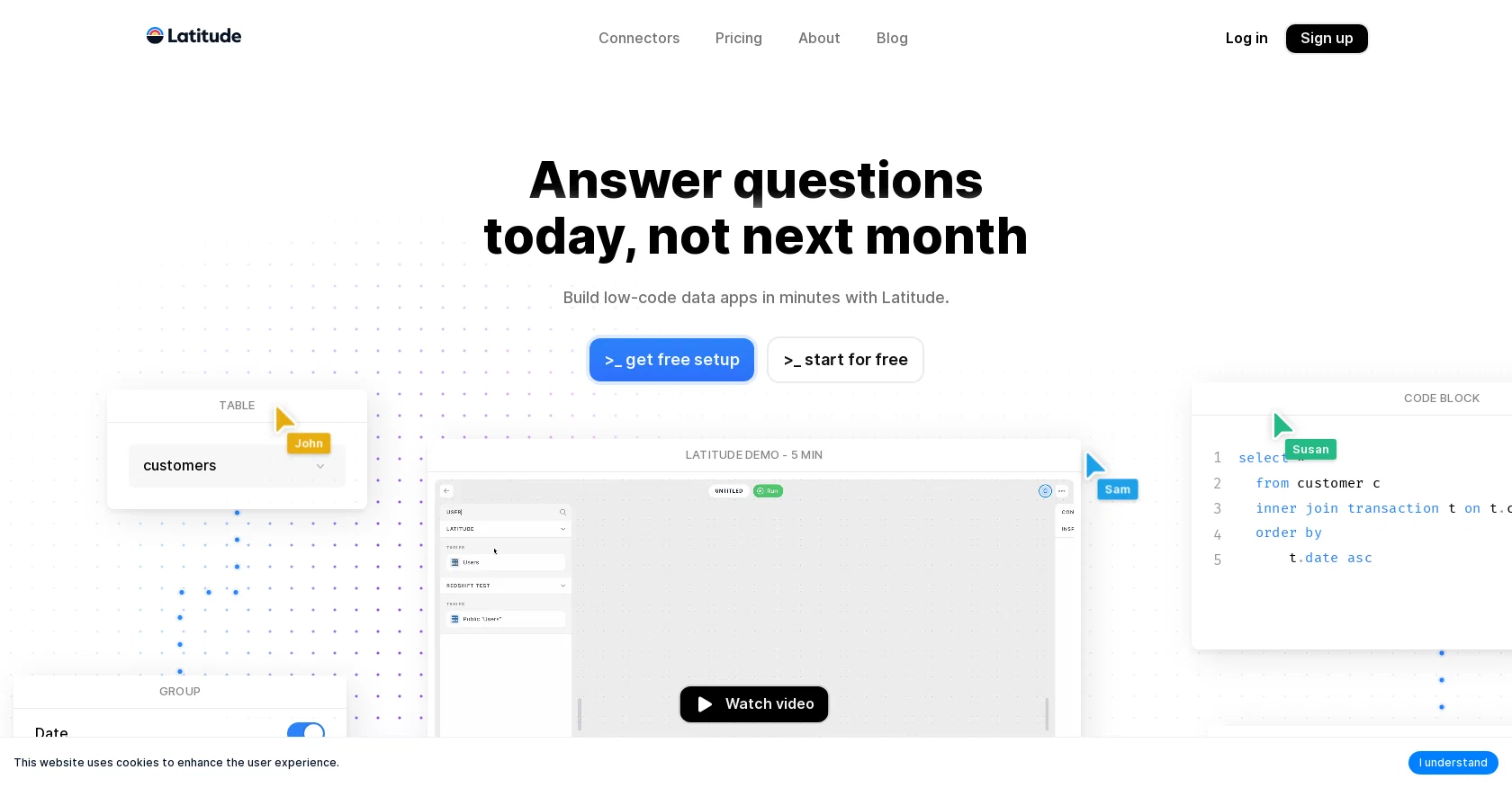
Latitude is an AI-powered data exploration and collaboration tool that enables teams to become data-driven in minutes, not months. It connects to all data sources, allowing users to explore and transform data with an AI SQL Assistant, manually writing SQL queries and visual programming on an infinite canvas.
Latitude also provides a wide range of charts and tables for data visualization, and allows users to share interactive views with the click of a button.
It is tightly coupled with dbt, an open source data transformation framework, to bring models and metrics to the last mile of data analysis. Latitude also allows teams to collaborate in real-time, with built-in shortcuts for efficient data exploration and an AI assistant for faster SQL writing.
With Latitude, teams can quickly become data-driven, allowing them to make better decisions with their data.
Access & connections
Where you can use Latitude, and what it plugs into.
Platforms
Integrations
Capabilities
What this tool accepts, produces, and is strongest at.
Input
- Code
- Tabular
Output
- Code
- Text
Pros & cons
Pros
- Connects to all data sources
- Allows manual SQL queries
- Visual programming on infinite canvas
- Wide range of visualizations
- Share interactive views easily
- Tightly coupled with dbt
- Real-time collaboration feature
- Built-in shortcuts for efficiency
Show 10 more
- Supports over 100 data sources
- Visual data transformations
- Integrated data exploration and visualization
- Generate charts and tables easily
- Interactive views with one click
- Self-service exploration option
- Keyboard-first approach
- Multiplayer collaboration
- dbt projects integration
- Teams can become data-driven quickly
Cons
- Tightly coupled with dbt
- No standalone operation mode
- Real-time collaboration issues
- Limited data visualization options
- No offline functionality
- Highly dependent on connectors
- Doesn't support all data sources
- Issues with large datasets
Show 1 more
- Interface may be complex
Compare alternatives
Similar tools in the catalog — with a clear reason to open each one.

Grapha AI ✓
PaidUncover hidden trends and patterns in your data effortlessly.
from $150
Full comparison
DataSquirrel ✓
FreemiumData cleaning & visualization for insights gained.
Why look Typically cheaper
Full comparison
Breadcrumb ✓
FreemiumAutomate data work and reporting with AI Agents. No data|coding skills required.
Why look Typically cheaper
Full comparison
Anomaly AI ✓
FreemiumAI data analysis workspace for business datasets and reports.
Why look Typically cheaper
Full comparison

ChartPixel ✓
FreemiumAI-assisted graphs and insights in 30 seconds!
Why look Typically cheaper
Full comparisonReleases 1
FAQ 12
What is the main function of Latitude?
How does the AI SQL Assistant in Latitude work?
What types of data sources can Latitude connect to?
Does Latitude support real-time data collaboration?
What types of data visualization does Latitude offer?
How is Latitude integrated with dbt?
How can I share my data views in Latitude?
Does Latitude offer any shortcuts for efficient data exploration?
How quickly can a team become data-driven using Latitude?
What types of databases does Latitude support?
Does Latitude allow manual writing of SQL queries?
Can Latitude work with data from CRM and marketing platforms?
Related tools
Recommended

Hal9 ✓
FreemiumBuild your AI-Powered Product in 30 Days

LearningStudioAI ✓
Free TrialAI-powered authoring tool for effortless online course creation.

Vizly ✓
Free TrialAnalyze your Excel spreadsheet or CSV in seconds!

Kanaries ✓
FreemiumAutomate exploratory data analysis with AI

Relevance AI ✓
FreemiumBuild your AI workforce and automate business processes.

Layerup ✓
FreemiumAI copilot for prompt engineering