

Ivory-App ✓
Convert piano audio to sheet music using AI.
Free + from $9.99/mo
Verdict
A quick read before you dig into the full page.
- Best if
- Convert piano audio to sheet music using AI
- Skip if
- Limited free version capabilities
- Pick this when
- Converts audio to sheet music
Considering AnthemScore by Lunaverus instead? Compare side by side
Overview

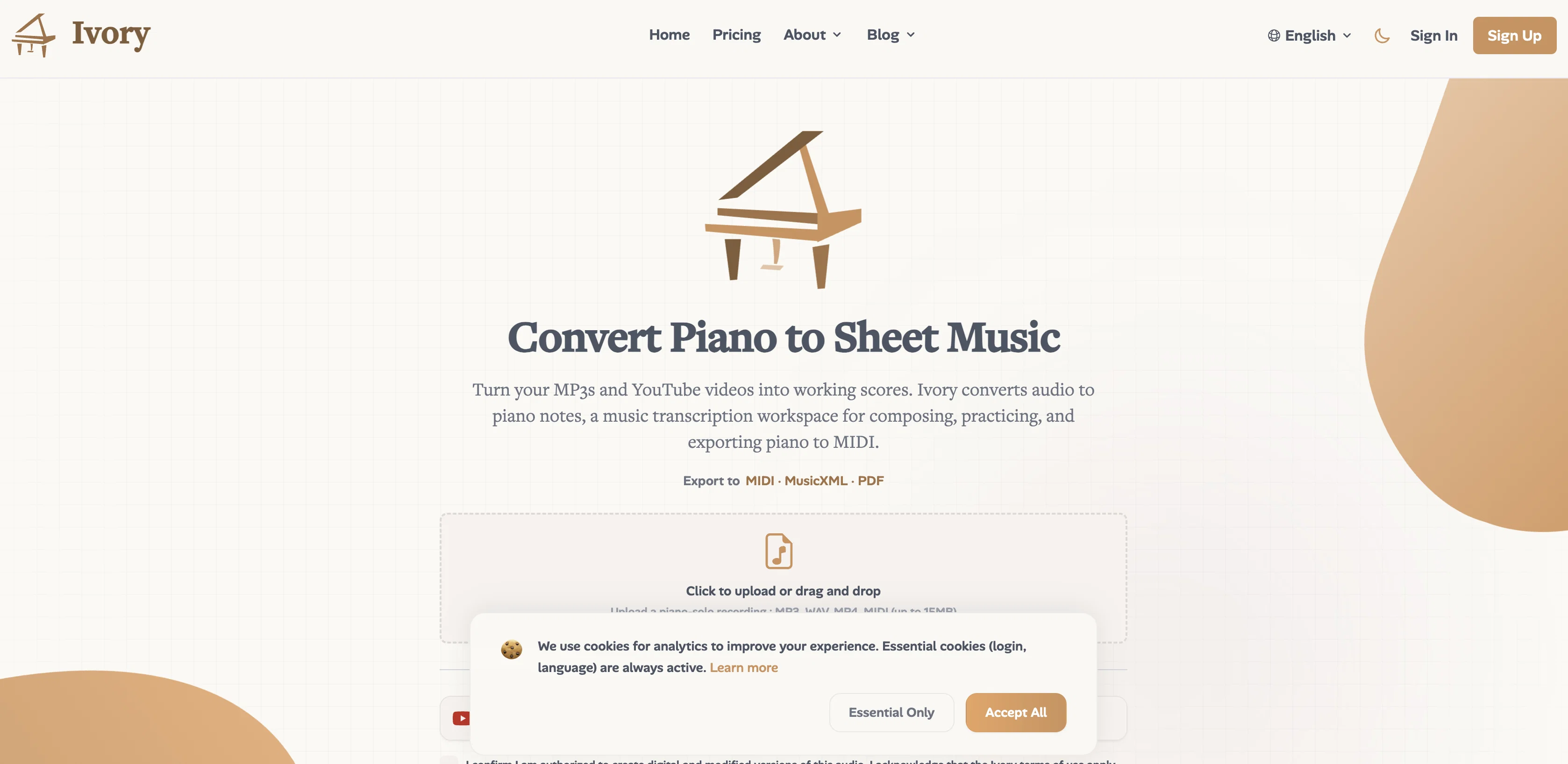
Ivory is an AI tool that uses machine learning to transcribe piano performances into sheet music. Users can record a performance, upload an audio file, or share a YouTube link, and Ivory will process the audio into a Sheet Music PDF, MIDI, and more.
It is especially unique for its capability to identify and isolate the harmony, detect chords, and convert the detected audio into piano sheet music or MIDI, all done in just one click.
Additionally, there's an option for users to make quick edits to the transcriptions via the web application. The tool presents a web player feature where learners or performers can control the tempo, loop challenging sections, and visualize piano keys for practice purposes.
Rounding out Ivory's utility, it is capable of exporting transcriptions in various formats including MIDI, PDF, and MusicXML. The tool's web interface is accessible across multiple devices including tablets and laptops.
In terms of its service plans, Ivory offers free usage with basic transcription and learning functionalities, with more advanced options and an increased transcription volume available in its paid subscription packages.
- Piano Transcription
- Automatic Music Transcription
- Piano To Sheet Music
- Piano To Midi
- Audio To Midi
- Proprietary Model
Access & connections
Where you can use Ivory-App, and what it plugs into.
Platforms
Integrations
Capabilities
What this tool accepts, produces, and is strongest at.
Input
- Video
- Audio
Output
- Code
- Tabular
- Text
Highlights
- API
Supported features
- API
Pros & cons
Pros
- Converts audio to sheet music
- Generates MIDI from performances
- Upload, record or share YouTube link capabilities
- One-click transcription
- Offers editing features post-transcription
- Exports in MIDI, PDF, MusicXML
- MIDI keyboard connection
- Tempo control feature
Show 38 more
- Loop difficult sections
- Chord detection
- Note size adjustment
- Note editing abilities
- Color-coded left and right hand parts
- Add and rate function for favorite pieces
- Learnability enhancement
- Can transcribe up to 100 pieces/month
- Error correction on transcriptions
- Harmony isolation capability
- Cross-platform accessibility
- Optimized experience on tablets/laptops
- Web player for learning/performing
- Visualize piano keys
- Web interface editing option
- Multiple export formats
- Free usage with basic functionalities
- Advanced features in paid packages
- Increased transcription volume for paid users
- Transcription from YouTube links
- Hand separation for clarity
- Transcription for piano solos
- Learning features in free version
- Web application for edits
- User-friendly interface
- Transpose music easily
- Customize falling note size
- Visual adjustment in player
- Free version available
- Subscription for advanced features
- Frequent updates and improvement
- Email and discord support
- Mobile and desktop device compatibility
- Intuitive web player design
- Direct recording in web app
- Visual piano key in player
- Score generation model
- Music practice tool
Cons
- Limited to piano transcriptions
- Requires good internet connection
- Limited to 100 transcriptions/month
- Limited functionality on mobile
- Potential errors in transcriptions
- Best user experience on tablet/laptop
- Dependent on original audio quality
- No offline use
Show 2 more
- Harmony isolation not perfect
- Limited free version capabilities
Compare alternatives
Similar tools in the catalog — with a clear reason to open each one.

AnthemScore by Lunaverus ✓
Free TrialConvert audio to sheet music with AI.
Free + from $29
Full comparison

ScriptGecko ✓
FreemiumTurn any Instagram Reel into text instantly.
Free + from $9.99/mo
Full comparison
StudioEditor.io ✓
FreemiumRecord, edit, and export audio free in your browser.
Why look Typically cheaper
Full comparison
Scora ✓
FreemiumPerfectly-timed background music for every video.
Free + from $19.00/mo
Full comparison
Releases 1
FAQ 12
What is Ivory?
How does Ivory convert piano to sheet music?
Can Ivory convert audio from YouTube links?
Can I use a MIDI keyboard with Ivory?
What formats can I export my sheet music in using Ivory?
What is the maximum number of pieces I can transcribe in a month?
Can I edit the transcriptions generated by Ivory?
What devices can I use Ivory on?
What are some of the learning features Ivory provides?
Can I adjust tempo for my learning pieces with Ivory?
Can Ivory help me practice specific sections of a piece repetitively?
How does Ivory help in chord detection?
Related tools
Recommended

DJ.Studio ✓
Free TrialCreate mashups, DJ mixes, radio shows, video mixes or prepare live sets

Splitmysong ✓
Free TrialSeparate vocals and instruments with AI

Record Once ✓
FreemiumAI turns messy recordings into polished video tutorials.

theMultiplicity.ai ✓
Free TrialUse multiple AI models at once to see where they agree/disagree

Hi3D ✓
Free TrialAI-powered 3D model generator with unprecedented precision.
Muuic ✓
FreemiumBrowser-based piano roll music maker.