

Transcription 2026 Rank: #1276
InstantTranscriber ✓
Turn audio and video into text in minutes.
Verdict
A quick read before you dig into the full page.
- Best if
- Turn audio and video into text in minutes
- Skip if
- Limited supported formats for video
- Pick this when
- Supports various file formats
Considering Voicetype AI instead? Compare side by side
Overview
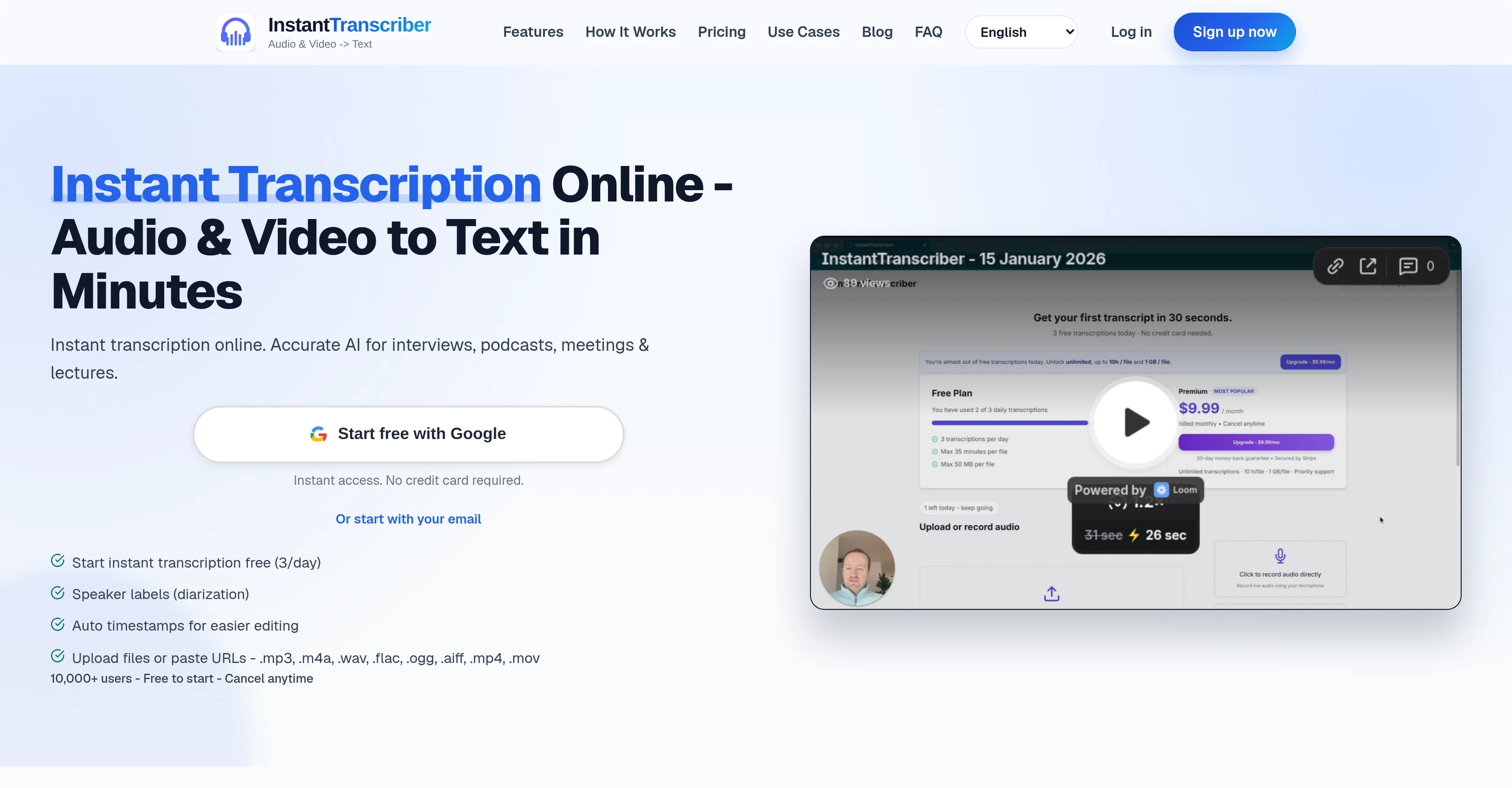
InstantTranscriber is an online tool that turns audio and video into text using artificial intelligence. It can be used to transcribe interviews, podcasts, meetings, and lectures.
Users can upload files directly, paste public URLs, or even record right in the browser. The process is simple: upload your file or paste a URL link, wait for the AI to analyze and process your audio (which can extract audio from video files), and then download your transcript.
The tool supports various file types including MP3, M4A, WAV, FLAC, OGG, AIFF, MP4, and MOV. Transcripts can be downloaded in multiple formats such as TXT, SRT, VTT, DOCX, or PDF.
Notably, the transcripts include features like speaker labels and timestamps, making them easier to use and edit. The tool prides itself on privacy and security, using bank-level encryption to protect users' files and ensuring that audio is auto-deleted after processing.
Additionally, the transcripts remain private and aren't used to train its AI models. Confidentiality aside, the transcripts feature helps with editing, captioning, and accessibility workflows.
It supports multiple languages and caters to both individuals and teams with scalable plans.
Access & connections
Where you can use InstantTranscriber.
Platforms
Capabilities
What this tool accepts, produces, and is strongest at.
Input
- Video
- Audio
Output
- Text
Supported features
- Transcription
Pros & cons
Pros
- Supports various file formats
- Transcribes audio and video
- Supports multiple languages
- Speaker labels
- Timestamps in transcriptions
- Start transcriptions for free
- Secure, bank-level encryption
- Audio auto-deleted after processing
Show 24 more
- No technical skills required
- Supports in-browser recording
- Daily free usage
- Export in multiple formats
- Upload files or paste URLs
- Multi-format support
- Fast transcription speed
- User-friendly interface
- Used for varying transcription needs
- Supports 90+ languages
- Adaptable for individuals and teams
- Scalable plans
- Transcripts assist with editing
- Helps create captions
- Aids in accessibility workflows
- Downloading transcripts in TXT, SRT, VTT, DOCX, PDF
- Privacy and confidentiality ensured
- TXT export for notes
- DOCX, PDF for review
- SRT, VTT for captions
- Instant processing
- Option to record in browsers
- Optimized for instant transcription
- Capture Chrome or Edge tab sound
Cons
- Doesn't support live transcription
- No mobile app
- Limited free transcriptions daily
- Max 35 minutes per free transcription
- No voice recognition training
- Doesn't integrate with web conferencing tools
- No custom dictionary for technical terms
- No offline functionality
Show 1 more
- Limited supported formats for video
Compare alternatives
Similar tools in the catalog — with a clear reason to open each one.

Voicetype AI ✓
Free TrialWrite 9x Faster with AI Speech to Text on all Apps
Why look Better for writing
Full comparison
Transcript LOL ✓
FreemiumUnlimited transcripts, summaries, 99.8% accuracy, speaker recognition, superfast
Why look Offers a public API
Full comparison
TurboScribe ✓
Freemium🎯 3 free transcripts every day. 🔥 Unlimited transcription starting at $10/mo.
Free + from $10/mo
Full comparison
RambleFix ✓
Paid⚡ Write by thinking aloud - emails, notes, articles, in your style.
Why look Typically cheaper
Full comparison
Paraspeech ✓
Free TrialPrivate dictation, cloud optional
Why look More privacy-focused
Full comparisonReleases 1
Imported reviews 1
High quality, really fast and generous free tier. Great tool! Comes even with speaker annotation!
FAQ 12
What audio formats can InstantTranscriber handle?
How do I use InstantTranscriber with URLs?
Can I record directly from my browser using InstantTranscriber?
How quickly can I get my transcript in InstantTranscriber?
Can I download InstantTranscriber transcripts in different formats?
What languages does InstantTranscriber support?
Do I need any technical skills to use InstantTranscriber?
Does InstantTranscriber offer speaker labels and timestamps?
What precautions does InstantTranscriber take to secure user data?
How long does InstantTranscriber keep audio data?
Can I get daily free transcriptions using InstantTranscriber?
How can I extend the features of InstantTranscriber?
Related tools
Recommended

Whisper Web ✓
FreemiumFree audio to text transcription with speaker labels.

Aiter.io | Paste a URL. Ship a Campaign That Sounds L... ✓
FreemiumAI marketing that sounds like you, not everyone else.

AppDeploy ✓
FreeDeploy real apps directly from ChatGPT or Claude

FlowPost ✓
Free TrialAI autopilot for social media posting

Video Transcriber AI ✓
FreeTranscribe video to text online free

WebZum ✓
Free TrialSite, Google ad, and a 15-second video ad. Five minutes.