

Imgezy | AI Photo Editor ✓
Edit photos with AI like a pro instantly.
Trial; then from $8/mo
Verdict
A quick read before you dig into the full page.
- Best if
- Edit photos with AI like a pro instantly
- Skip if
- Limited to predefined models
- Pick this when
- Removes unwanted objects
Considering Viyou AI Image Generator instead? Compare side by side
Overview
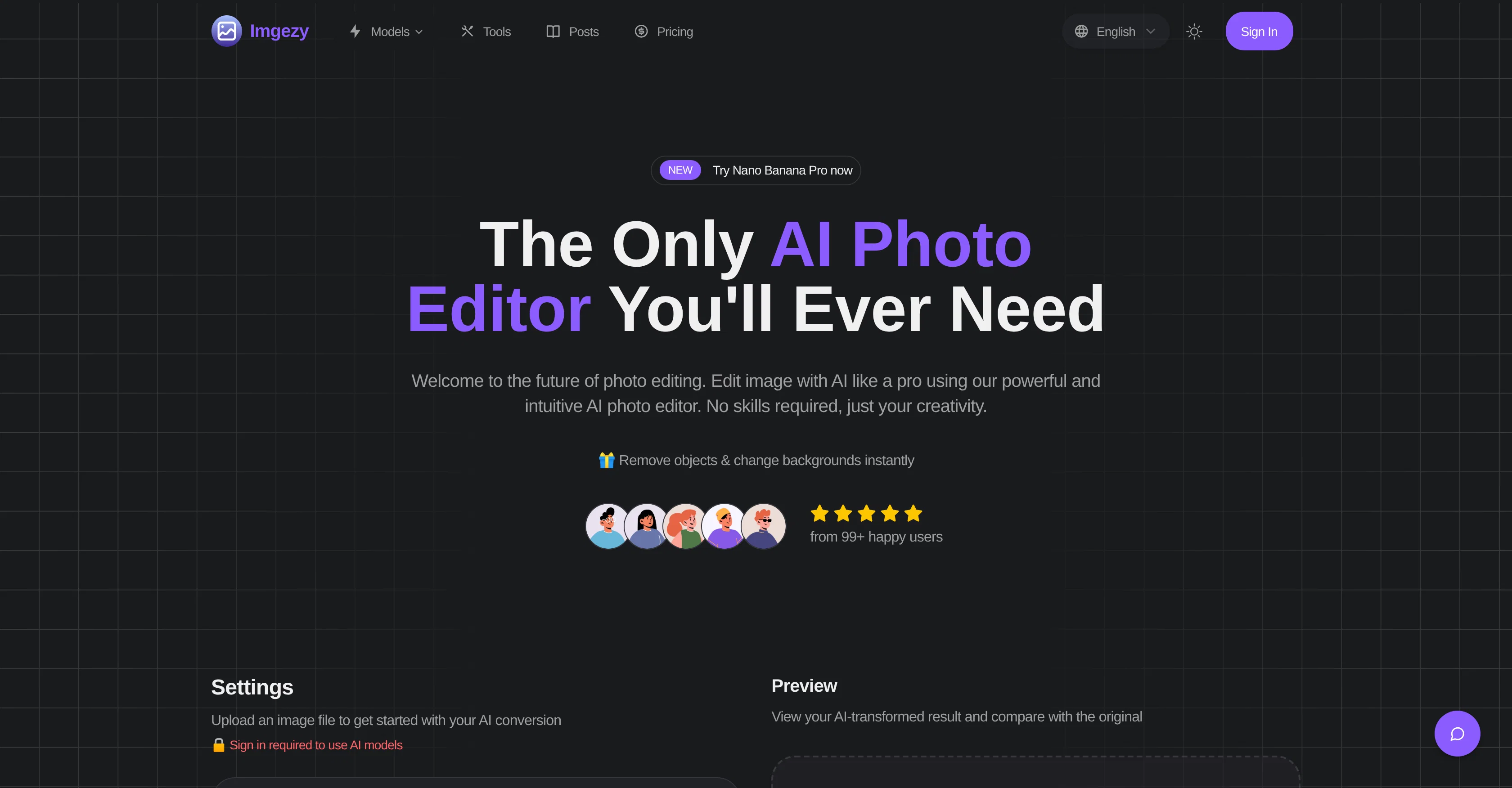
Imgezy is an online AI-powered image editing tool that allows users to modify and make enhancements to their images with utmost ease and precision. It offers functionality to remove unwanted objects, alter backgrounds, and refine images through a few quick clicks.
The tool is designed to act as the user's smart creative partner, providing professional-grade results while maintaining intuitive and easy user-interface.
One standout feature of Imgezy is its ability to intelligently identify and remove unwanted objects from photos, reconstructing the spaces with pixel accuracy.
In addition, it enables users to instantly modify the background of their photos. The AI-driven editor also offers automatic enhancements to color, lighting, and sharpness of images.
For larger projects, the tool supports batch processing, allowing users to edit multiple photos simultaneously, making it time-efficient. Imgezy also supports high-resolution downloads of the end results ensuring no loss of quality in the edited photos.
It incorporates a smart repair feature that can renovate damaged or ambiguous image areas to bring back the photo's clarity. A unique offering of Imgezy is its user-friendly mode of operation; with no need for complex tools or layers, users can make edits simply by describing what they want in a text box.
Access & connections
Where you can use Imgezy | AI Photo Editor, and what it plugs into.
Platforms
Integrations
Capabilities
What this tool accepts, produces, and is strongest at.
Input
- Image
- Text
Output
- Image
Supported features
- Digital Personas
- Image Edit
- Image Generation
- Realism
- Styling
- Background Removal
Pros & cons
Pros
- Removes unwanted objects
- Alter backgrounds easily
- Enhance image quality
- Batch Processing
- Repairs damaged photos
- Supports major image formats
- Instant editing
- Professional-grade results
Show 18 more
- Text-to-edit feature
- Pixel-perfect accuracy
- Automatic color enhancement
- Automatic lighting improvement
- Automatic sharpness enhancement
- Supports high-resolution downloads
- Intuitive user-interface
- No design experience required
- Descriptive text editing instructions
- Sign in for advanced models
- Smart repair feature
- Customize parameters
- Fast and efficient
- Supports JPG, PNG, WebP
- Creative partner tool
- No loss of quality
- status recognition and Trust badges
- Many features available upon login
Cons
- Requires user login
- Doesn't support all image formats
- No offline functionality
- Limited to predefined models
- Premium features behind paywall
- Uploaded files deleted after 24 hours
- No detailed model configuration
Compare alternatives
Similar tools in the catalog — with a clear reason to open each one.

Viyou AI Image Generator ✓
FreemiumTransform text and images into stunning videos and visuals.
Free + from $39.99/yr
Full comparison
Img2Img AI ✓
FreemiumTransform any image with AI in seconds.
Why look Typically cheaper
Full comparison

Photoeditor ✓
PaidEnhanced image editing with object and text removal.
from $9.99/mo
Full comparison
Cleanup pictures ✓
FreemiumRemove unwanted elements from photos instantly.
Why look Typically cheaper
Full comparisonReleases 1
FAQ 12
What is Imgezy?
How does Imgezy utilize AI?
What editing options does Imgezy offer?
Do I need design experience to use Imgezy?
How does batch processing work in Imgezy?
What is the Smart Repair feature of Imgezy?
Which image formats does Imgezy support?
What is the process to edit a photo in Imgezy?
Can I customize parameters in Imgezy?
How does Imgezy enhance image quality?
How time efficient is the tool while editing a single photo?
How to remove objects from a photo in Imgezy?
Related tools
Recommended

Nano Banana ✓
FreemiumAI-powered image editing, faster than ever with Nano Banana.
EditAI - AI Photo Editor ✓
Free TrialTransform photos with next-gen AI editing tools.

NotebookLM ✓
FreemiumAI-powered note-taking and research assistant

Gemini ✓
FreemiumGemini: Google's most capable AI model yet

Mocha ✓
FreemiumTurn app ideas into reality, instantly.

Voicetype AI ✓
Free TrialWrite 9x Faster with AI Speech to Text on all Apps