
ImageTool ✓
AI-powered image editing made simple
from $30/yr
Verdict
A quick read before you dig into the full page.
- Best if
- AI-powered image editing made simple
- Skip if
- UI may simplify complex tasks
- Pick this when
- High quality image analysis
Considering Photo AI instead? Compare side by side
Overview
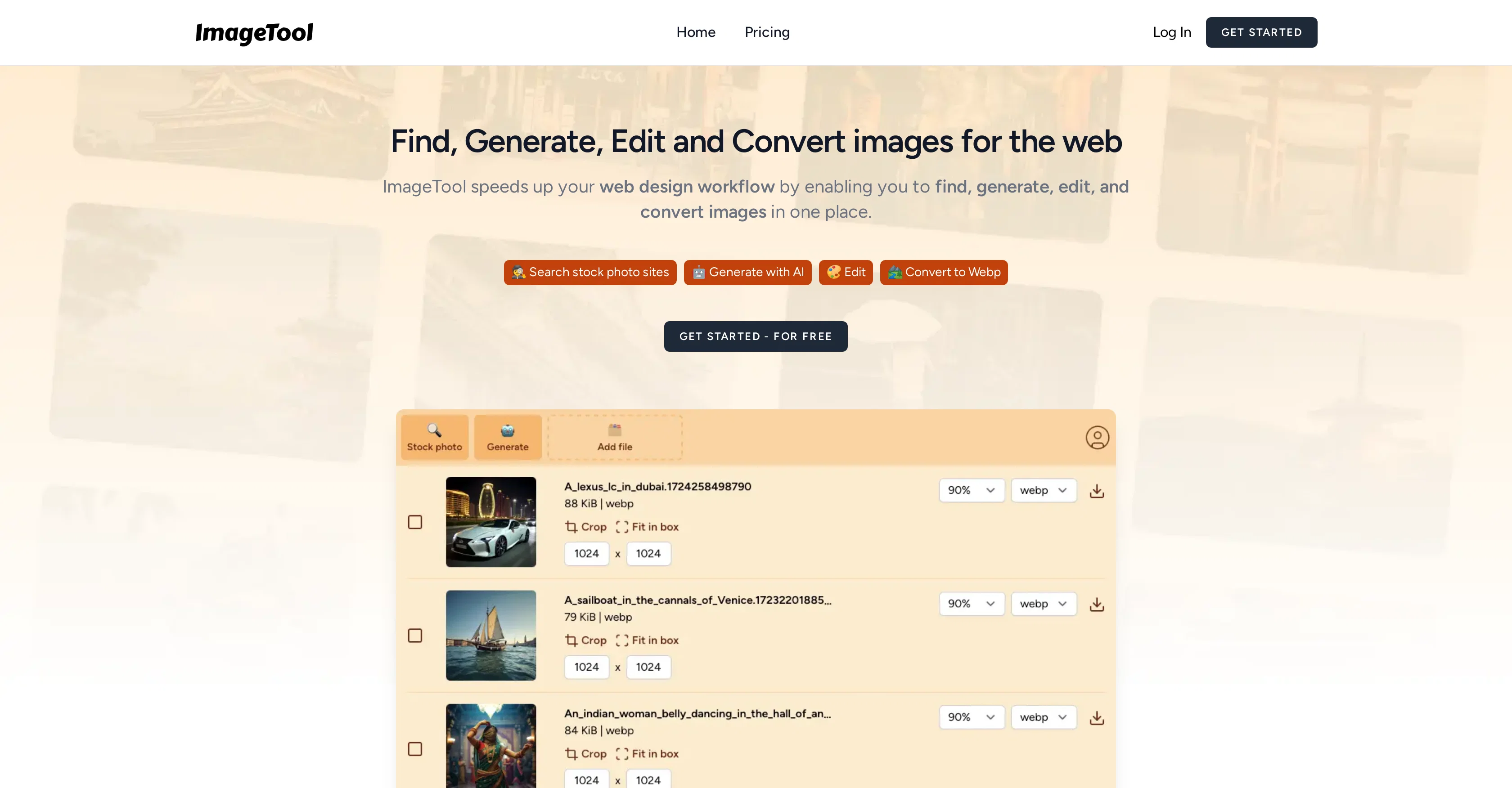
ImageTool is an artificial intelligence-based application designed for processing and analyzing various types of images. It leverages machine learning algorithms and AI technology to provide high-quality image analysis.
This tool can handle a wide range of image processing tasks, including image enhancement, transformations, interpretation, and more. ImageTool utilizes AI models to recognize patterns, objects, or other details in images, which are not easily discernible to the human eye.
This makes it an invaluable tool in fields like healthcare, research, and security where accurate and detailed image interpretation is crucial. Moreover, ImageTool also has features that can assist with image editing.
These include filters, cropping tools, and color correction features, making it usable for professionals in digital arts and marketing. Without explicitly programmed rules, ImageTool is capable of learning from its input and improving its operations over time.
The tool can adapt to new information and refine its processes, further enhancing the accuracy and efficiency of its analysis. In terms of user interface, ImageTool is designed to be user-friendly, enabling users with minimal technical background to easily manipulate and interpret images.
It offers an intuitive and interactive interface, which not only achieves advanced image analysis but also simplifies the process. In a nutshell, ImageTool is an AI-powered image processing tool, capable of performing complex tasks like pattern recognition, image enhancement, and interpretation.
It is also user-friendly, allowing users at varying skill levels to take advantage of its features.
Access & connections
Where you can use ImageTool.
Platforms
Pros & cons
Pros
- High quality image analysis
- Wide range of processing tasks
- Advanced pattern recognition
- Accurate image interpretation
- Useful for multiple industries
- Built-in image editing features
- Adaptable learning system
- User-friendly interface
Show 19 more
- Professionally useful for digital arts
- Professionally useful for marketing
- Advanced image enhancement
- Offers image transformations
- Efficient operation
- Supports various types of images
- Interactive user interface
- Handles complex tasks
- Recognizes objects in images
- Allows minimal tech skill users
- Learning from user input
- Continuous operation improvement
- Able to refine processes
- Advanced image analysis
- Assists in healthcare sector
- Assists in research sector
- Enhances security with image analysis
- No explicitly programmed rules
- Invaluable for accurate image details
Cons
- No explicit rule programming
- Limited to image processing
- Lack of advanced editing features
- Possible inaccuracy over time
- Adaptation to new info unclear
- Not specialized for specific fields
- User-friendliness varies by skill
- UI may simplify complex tasks
Compare alternatives
Similar tools in the catalog — with a clear reason to open each one.

Photo AI ✓
PaidCreate beautiful AI photos and videos of real people
Why look Typically cheaper
Full comparison
Stockimg AI ✓
PaidGenerated images and text for design ease.
Why look Typically cheaper
Full comparison
BestPhotoAI ✓
FreemiumCreate amazing AI photos instantly
Why look Freemium alternative
Full comparison
Midjourney ✓
PaidExpand human imagination through AI-powered visuals.
Why look Typically cheaper
Full comparison
CreativePixel ✓
FreemiumOut-create Your Competition in Minutes
Why look Freemium alternative
Full comparisonReleases 1
FAQ 12
What is ImageTool?
How does ImageTool use machine learning algorithms for image processing?
What are some of the image processing tasks that ImageTool can handle?
Can ImageTool recognize patterns in images?
For what fields is ImageTool particularly useful?
What image editing features does ImageTool offer?
Does ImageTool improve its operations over time?
Can ImageTool adapt to new information and refine its processes?
Is ImageTool user-friendly?
What makes ImageTool beneficial for users with minimal technical background?
Does ImageTool provide intuitive and interactive interface?
How does ImageTool simplify the process of image analysis?
Related tools
Recommended

VenturusAI ✓
FreemiumBusiness idea analysis and reporting.

Stratup.ai ✓
FreemiumInnovative idea generation for businesses.

Business Idea Generator AI ✓
FreeGenerate innovative business ideas with AI

SEO Writing AI ✓
Freemium1-click SEO-optimized articles generation

What-A-Prompt ✓
FreeSupercharge your ChatGPT prompts for better results.

Donotpay ✓
PaidAI consumer champion fighting for you.