
ImageEditor.AI ✓
The AI photo editor that does it all.
From US$ 9.0 per user / month (US$ 108.0 billed annually)
Verdict
A quick read before you dig into the full page.
- Best if
- You are graphic designers and need: Edit photos using AI
- Skip if
- Watermark on free edits
- Pick this when
- Comprehensive suite of capabilities
Considering Viyou AI Image Generator instead? Compare side by side
Overview
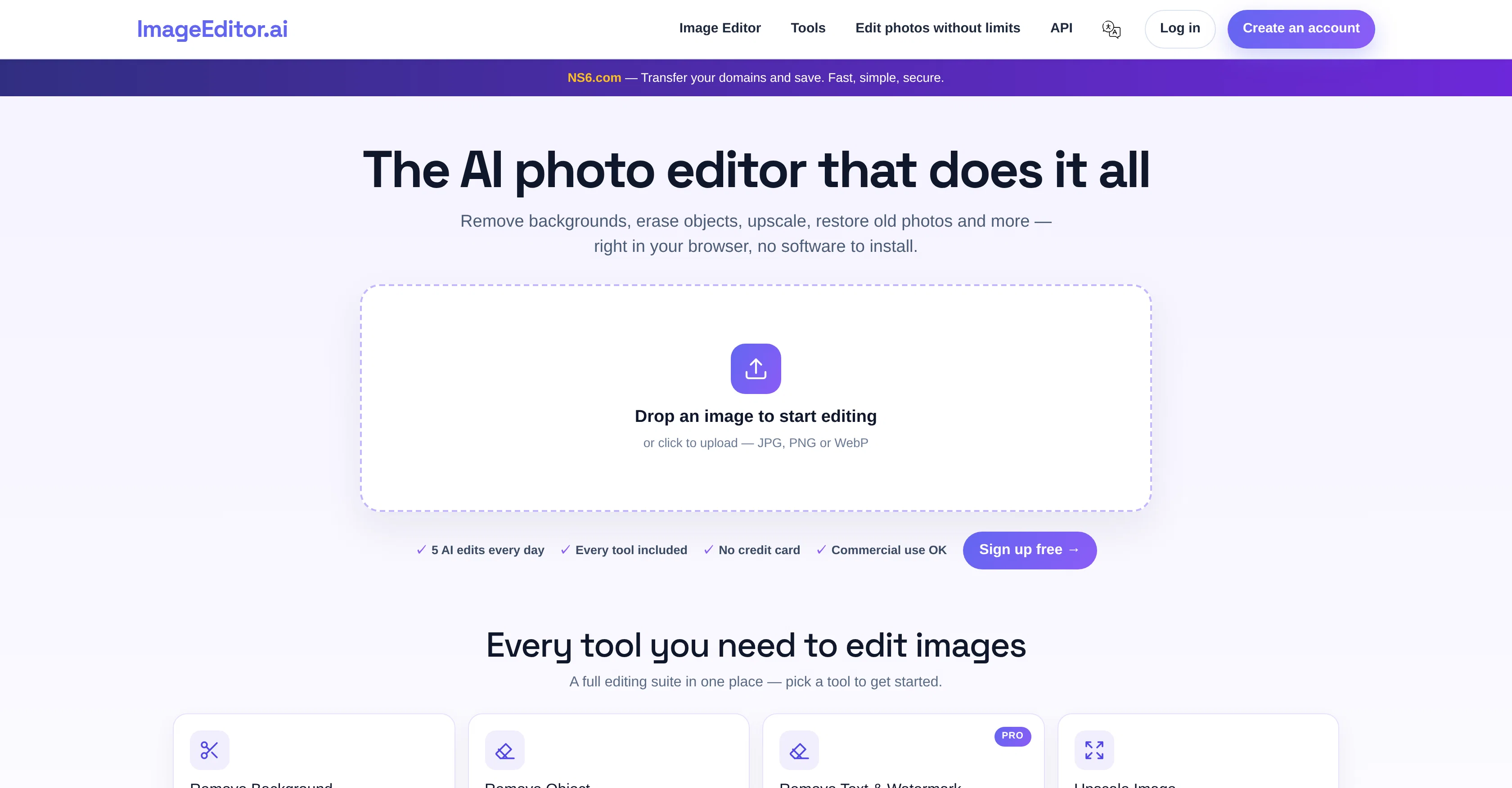
ImageEditor.AI is an Artificial Intelligence (AI) powered image editing tool that offers a comprehensive suite of capabilities to manipulate and enhance images directly in a user's browser, requiring no additional software installations.
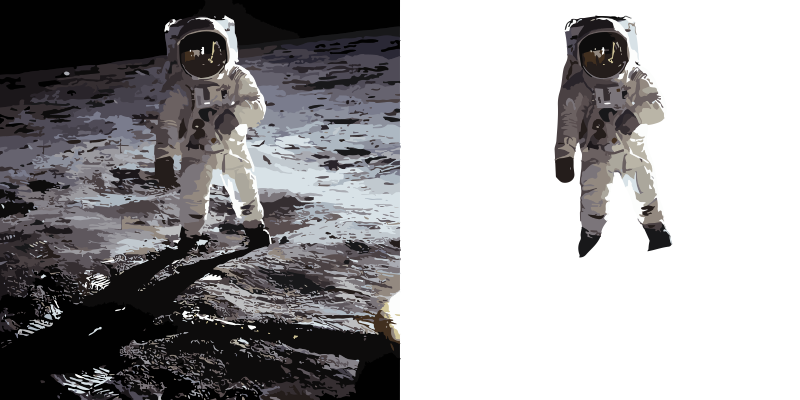
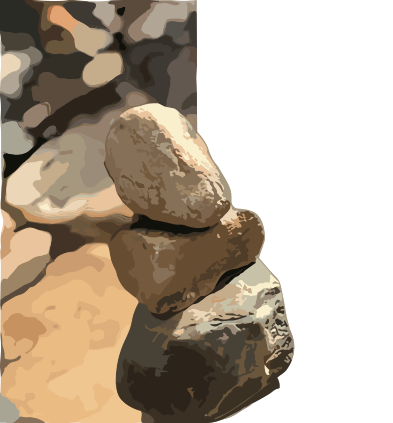
The AI's capabilities include background removal to create transparent PNG cutouts, object removal where the AI fills the cleared space naturally, image upscaling to enhance resolution and recover details, and the restoration of old or damaged photos.
It can also provide natural colorization to black-and-white photos and enhancements to faces in portraits. Additional capabilities include all-around auto-enhancement, headshot modification, image compression and resizing, and image cropping.
For format versatility, ImageEditor.ai allows conversion among PNG, JPG, and WebP formats. The tool can also convert raster images into clean SVG vectors and extend image boundaries with AI outpainting.
It allows for fine-tuned manipulation such as background replacement, photo relighting, and style transferring. The platform even lets users direct changes in plain English for the AI to execute.
Users can begin editing without an account, though accounts afford additional daily edits and save capabilities. The platform supports a free version for all users to test its functionalities, and a pro version offers unlimited use, premium tools, and watermark-free exports.
Best for
Short scenarios where ImageEditor.AI tends to shine.
-
Edit photos using AI
Best for Graphic designers
-
Create images from text prompts
Best for Social media managers
-
Remove backgrounds from images
Best for Content creators
-
Generate interior design ideas
Best for Marketing professionals
-
Create custom wallpapers
Best for Web developers
-
Upscale image resolution
Best for Hobbyists
Example outputs 1
Sample generations and before/after results for ImageEditor.AI.
Access & connections
Where you can use ImageEditor.AI, and what it plugs into.
Platforms
Integrations
Pros & cons
Pros
- Comprehensive suite of capabilities
- Operates directly in browser
- No software installations required
- Background removal
- Object removal with natural fill
- Image upscaling
- Restoration of old/damaged photos
- Black-and-white photo colorization
Show 40 more
- Portrait enhancements
- Auto-enhancement
- Headshot modification
- Image compression
- Image resizing
- Image cropping
- Supports PNG, JPG, WebP
- Raster-to-SVG conversion
- Image boundary outpainting
- Background replacement
- Photo relighting
- Style transferring capabilities
- Plain English operation commands
- No account required for edits
- Special capabilities for account holders
- Free version available
- Pro version offers unlimited use
- Premium tools in pro version
- Watermark-free exports in pro version
- Daily edits limit increases with account
- Save capabilities with account
- JPEG support
- WebP support
- Erases objects
- Upscale and unblur features
- No sign up needed
- Pro version available
- Supports commercial use
- Offers API for developers
- Headshot transformation
- Image file size reduction
- Customizable image cropping
- Converts image formats
- Vector conversion
- Describes changes in English
- Background swap feature
- Photo mood and lighting change
- Turns photos into artwork
- Edge and depth guidelines provided
- All editing tools in one place
Cons
- Requires internet connection
- Limited free daily edits
- Watermark on free edits
- Premium features behind paywall
- No offline capability
- No mobile application
- Doesn't support all image formats
- Potentially long process times
Show 2 more
- Complex tools for beginners
- Inability to undo changes
Compare alternatives
Similar tools in the catalog — with a clear reason to open each one.

Viyou AI Image Generator ✓
FreemiumTransform text and images into stunning videos and visuals.
Free + from $39.99/yr
Full comparison
Img2Img AI ✓
FreemiumTransform any image with AI in seconds.
Why look Offers a public API
Full comparisonPeople also view
Tools that often show up alongside ImageEditor.AI in collections and comparisons.
Viyou AI Image Generator ✓
FreemiumTransform text and images into stunning videos and visuals.

Photoeditor ✓
PaidEnhanced image editing with object and text removal.
Img2Img AI ✓
FreemiumTransform any image with AI in seconds.

Creen AI ✓
Paid40+ AI models for video, image and art. Free, no sign-up.

Cleanup pictures ✓
FreemiumRemove unwanted elements from photos instantly.

MF0.ai ✓
PaidEvery top AI in one chat. Real memory. No subscription.

LineArt ✓
Free TrialTurn one photo into a whole coloring book.

Kyukoma ✓
Free TrialTurn your stories into manga pages with AI.
Releases 1
Imported reviews 3
Low Quality results
Doesn't change anything other than the requested changes, even when changes are the ones not requested. black to blonde hair when requesting redhead, e.g.. Only changes hair, but doesn't give you the prompt you put in consistently
trying to edit an image to change chrome to matt black, just blur and disformed the image. sorry but not the output I needed.
FAQ 12
What is ImageEditor.AI?
Can ImageEditor.AI remove backgrounds from images?
How does the object removal feature work in ImageEditor.AI?
Does ImageEditor.AI offer image upscaling?
How can ImageEditor.AI restore old or damaged photos?
Does ImageEditor.AI support colorization of black-and-white photos?
What is the auto-enhancement feature of ImageEditor.AI?
Can ImageEditor.AI perform headshot modification?
How does the image compression and resizing feature work in ImageEditor.AI?
What type of images can be uploaded in ImageEditor.AI?
Does ImageEditor.AI support PNG, JPG, and WebP formats?
Can I convert raster images into SVG vectors using ImageEditor.AI?
Related tools
Recommended

Pixelcut ✓
FreemiumAll-in-one AI creative platform for images and video
AI Image Wizard ✓
UnknownTurn words into art with AI.
Fotor ✓
FreemiumConvert text to AI-generated images instantly

VanceAI ✓
Free TrialOne-click AI photo enhancement and editing tools.

PicAI ✓
FreemiumImage and avatar generation

Prome ✓
FreemiumAI-powered design assistant for stunning visuals.
More from this creator

Video Editor AI ✓
Free TrialEdit or create videos with AI commands.
Backgroundremoverai ✓
PaidRemove backgrounds from videos and images with AI.
Interior Decorator AI ✓
PaidGenerate interior design ideas with AI
Removebackgroundai ✓
PaidAI-powered background removal for images and videos.

Wallpapers AI
PaidCreate unique AI-generated wallpapers for any device
ImageUpscalerAi ✓
PaidFree AI image upscaler for photos and more.