

Image to Text Online ✓
Extract text from images with OCR technology.
Verdict
A quick read before you dig into the full page.
- Best if
- Extract text from images with OCR technology
- Skip if
- Limited to four images
- Pick this when
- Supports multiple image formats
Considering DescribeThat instead? Compare side by side
Overview
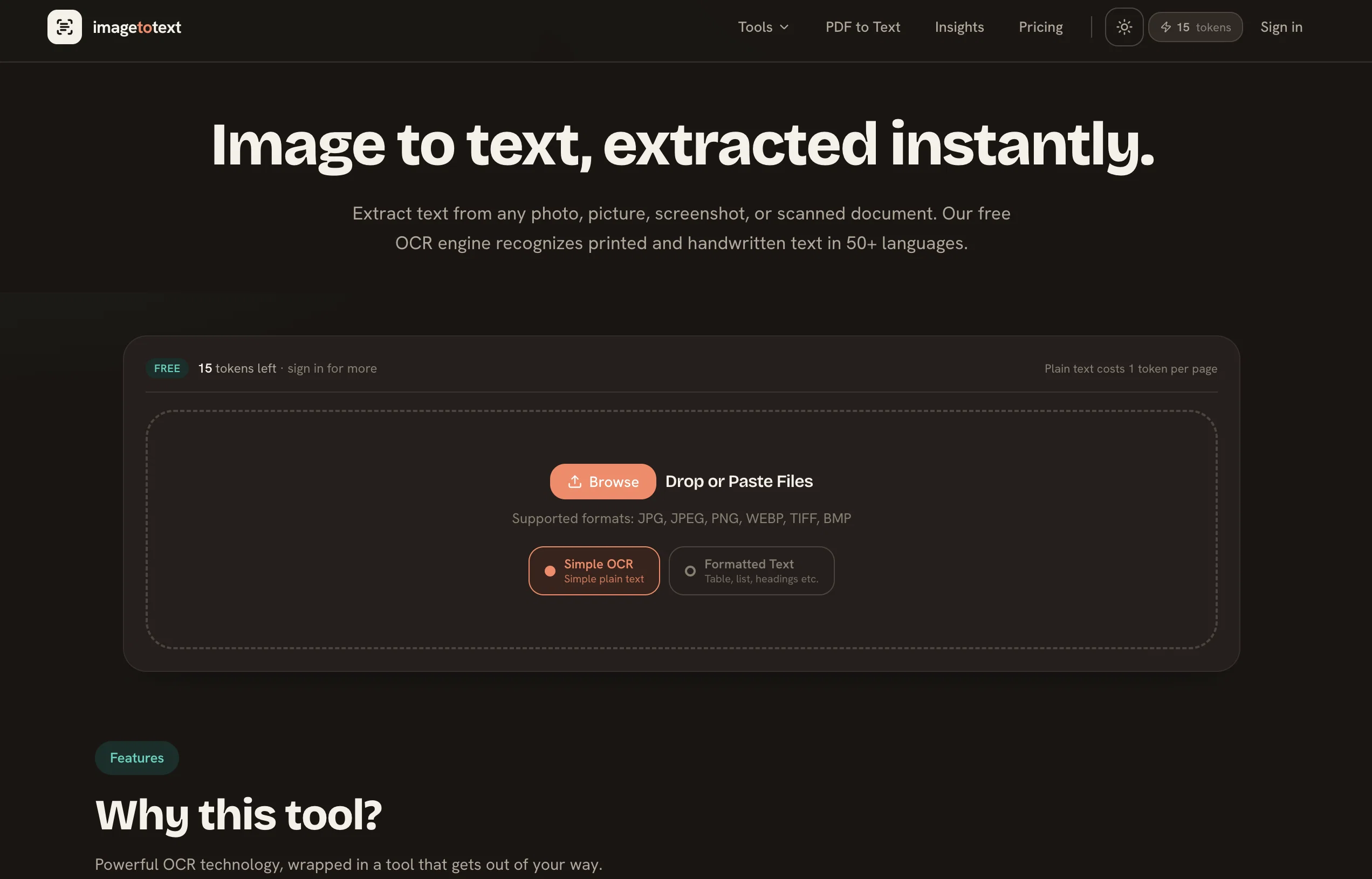
Image to Text Converter is an online tool that utilizes Optical Character Recognition (OCR) technology to extract text from images. Users have the facility to select one or multiple photos from which the tool extracts the text instantaneously.
This can be beneficial for digitally transforming printed or handwritten text into an editable and searchable digital format. The tool supports a variety of image formats such as JPG, JPEG, WEBP, GIF, PNG, TIFF, and BMP.
It is capable of extracting text from various image types, from scanned documents and photographs to screenshots and handwritten notes. Moreover, it can translate multiple languages, extracting text in English, Arabic, Chinese, French, German, and many other languages from images.
Special features of the tool include enhanced accuracy and reliability in text conversion by using advanced algorithms, and identifying all characters, symbols, and numbers within an image.
Using further advancements in deep learning, machine learning and natural language processing (NLP), the tool is able to effectively extract text from an image.
To use, simply upload an image file, click 'submit' to begin the conversion process, and download the result for the converted text.
Access & connections
Where you can use Image to Text Online.
Platforms
Capabilities
What this tool accepts, produces, and is strongest at.
Input
- Image
Output
- Text
Pros & cons
Pros
- Supports multiple image formats
- Multiple photo extraction
- Instantaneous text extraction
- Supports extracted text editing
- Can handle various image types
- Scanned documents extraction
- Handwriting recognition
- Screenshot text extraction
Show 27 more
- Multiple language recognition
- Advanced algorithms for accuracy
- Identifies all characters
- Detects symbols and numbers
- Uses deep learning
- Natural Language Processing utilization
- Simple upload and submit operation
- Downloadable conversion results
- Recognizes non-English characters
- Can process low-quality images
- Recognizes complex font styles
- Can convert mathematical equations
- Advanced OCR engine
- Preprocessing techniques for accuracy
- Can convert photos in bulk
- Converts handwritten text
- Creates searchable databases
- Tool for extracting text from invoices
- Can handle distorted images
- Allows images less than 4MB
- Multilingual conversion support
- Free to use
- Can extract from low-resolution images
- Downloadable mobile app
- Accessible online widget
- Multiple upload methods
- Can extract from web images
Cons
- No offline version
- Limited upload size
- Possibly inaccurate translations
- Potentially bad handwriting recognition
- No batch processing
- Limited to four images
- No APK for desktop
- No customizable OCR settings
Show 2 more
- Cannot recognize symbols, characters in certain scenarios
- No direct integration with cloud storage (ex. Google Drive)
Compare alternatives
Similar tools in the catalog — with a clear reason to open each one.

DescribeThat ✓
FreeAI extracts detailed reports from photos and PDFs.
Why look Offers a public API
Full comparison
MixTranslate ✓
FreemiumOne text, 20+ AI translationspick the best.
Free + from $14.99/mo
Full comparison
FreeOCR.AI ✓
FreemiumConvert document images into editable Word, Excel, and structured data.
Free + from $10/mo
Full comparison
Releases 1
FAQ 12
What is Image to Text Online Image to Text Converter?
How does Image to Text Converter utilize Optical Character Recognition technology?
What image formats does Image to Text Converter support?
How does the tool handle multiple images at once?
Does Image to Text Converter support translation and extraction of multiple languages?
What advanced algorithms does this tool use for text conversion?
How does Image to Text Converter identify all characters, symbols, and numbers within an image?
Can you elaborate on how the tool utilizes deep learning, machine learning, and natural language processing for text extraction?
How can I use the Image to Text Converter?
What are some other tools that are available on the Image to Text Converter website?
What is the maximum image file size I can upload on Image to Text Converter?
Can Image to Text Converter extract text from handwritten notes?
Related tools
Recommended

AI Lawyer ✓
Free TrialInstant legal advice and document creation at your fingertips

Perplexity ✓
FreemiumAI-powered answers to any question, instantly.

NotebookLM ✓
FreemiumAI-powered note-taking and research assistant

GPTExcel ✓
FreemiumGenerate spreadsheet formulas with AI

TutorAI ✓
FreemiumInstant knowledge on any topic

Scisummary ✓
Free TrialCutting-edge scientific articles summarization.