

Flashcards 2026 Rank: #2311
Flashify ✓
Turn PDFs into expert-structured Anki flashcards with AI.
Verdict
A quick read before you dig into the full page.
- Best if
- Turn PDFs into expert-structured Anki flashcards with AI
- Skip if
- Limited card editing options
- Pick this when
- Turns PDFs into flashcards
Considering Wisdolia instead? Compare side by side
Overview
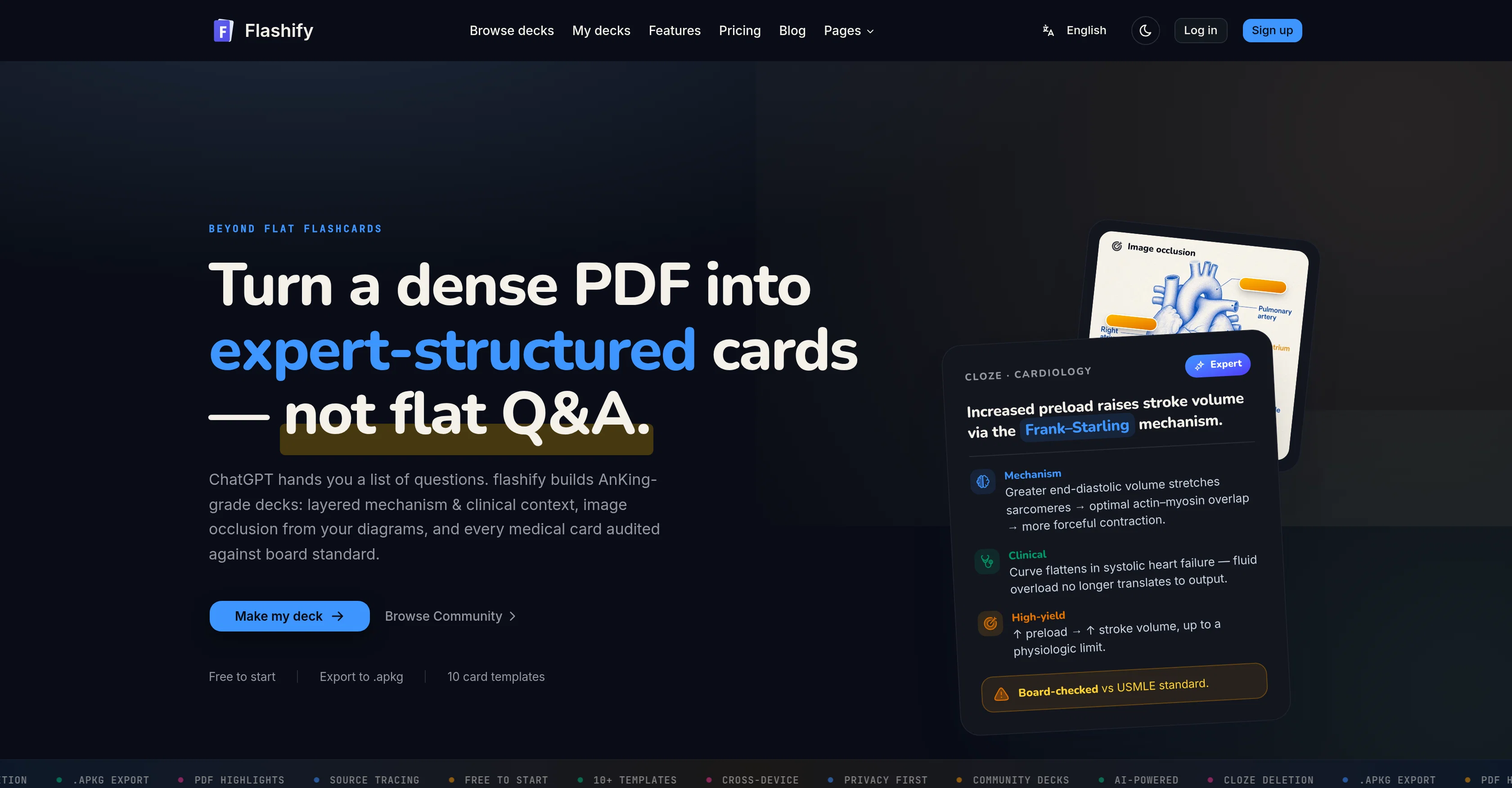
Flashify is an AI-based tool designed to transform lecture notes, textbooks, and study PDFs into Anki-ready flashcards. It leverages AI to structure and format flashcards using content extracted from PDFs.
These decks don't just consist of flat Q&A, but are layered with more depth, encompassing mechanisms, clinical context, and image occlusion where appropriate.
Flashify performs tasks such as detection of highlighted passages in your PDF and concentrates the card generation around these areas, board checks against standards, and exportation of content in .apkg format for cross-device use in Anki desktop, AnkiMobile, AnkiDroid, and AnkiWeb.
These generated flashcards can be edited before export to refine wording, append context, or exclude unnecessary cards, offering an optimized approach for content revision.
In addition to text, Flashify identifies labeled diagrams within your PDFs and converts each into an image-occlusion card for active recall. Moreover, source traceability is maintained as each card can link back to the original page number, encouraging verification of the source.
Privacy is prioritized in Flashify; the uploaded documents only serve for card generation and aren't used for training purposes. Users can delete them anytime.
This tool offers an optimal balance between automated content generation and user control, facilitating improved study and revision experiences.
Access & connections
Where you can use Flashify.
Platforms
Capabilities
What this tool accepts, produces, and is strongest at.
Input
- Tabular
- Image
- Text
Output
- Text
Supported features
- Education
Pros & cons
Pros
- Turns PDFs into flashcards
- Auto-detects highlights and annotations
- Creates structured flashcards
- Offers image occlusion cards
- Prioritizes highlights for focus
- Links flashcards to original sources
- Customizable flashcard wordings
- Exports as .apkg files
Show 15 more
- Multiple Anki platform compatibility
- Privacy-Focused
- Uploaded documents can be deleted
- Free initial use
- 10+ card templates
- Community Decks
- Generates cards from highlights
- Flags when source deviates
- Inline editing option
- Generates from full text
- Supports direct Anki import
- Cross device use
- Recognizes labeled diagrams
- Audit against board standard
- Highlighted regions detection
Cons
- Limited to PDF format
- No multi-language support
- No free version
- Limited card editing options
- Reliant on existing highlights
- No offline functionality
- No integrated study system
- Doesn't clean up diagrams
Show 2 more
- No bulk upload feature
- Export only in .apkg
Compare alternatives
Similar tools in the catalog — with a clear reason to open each one.
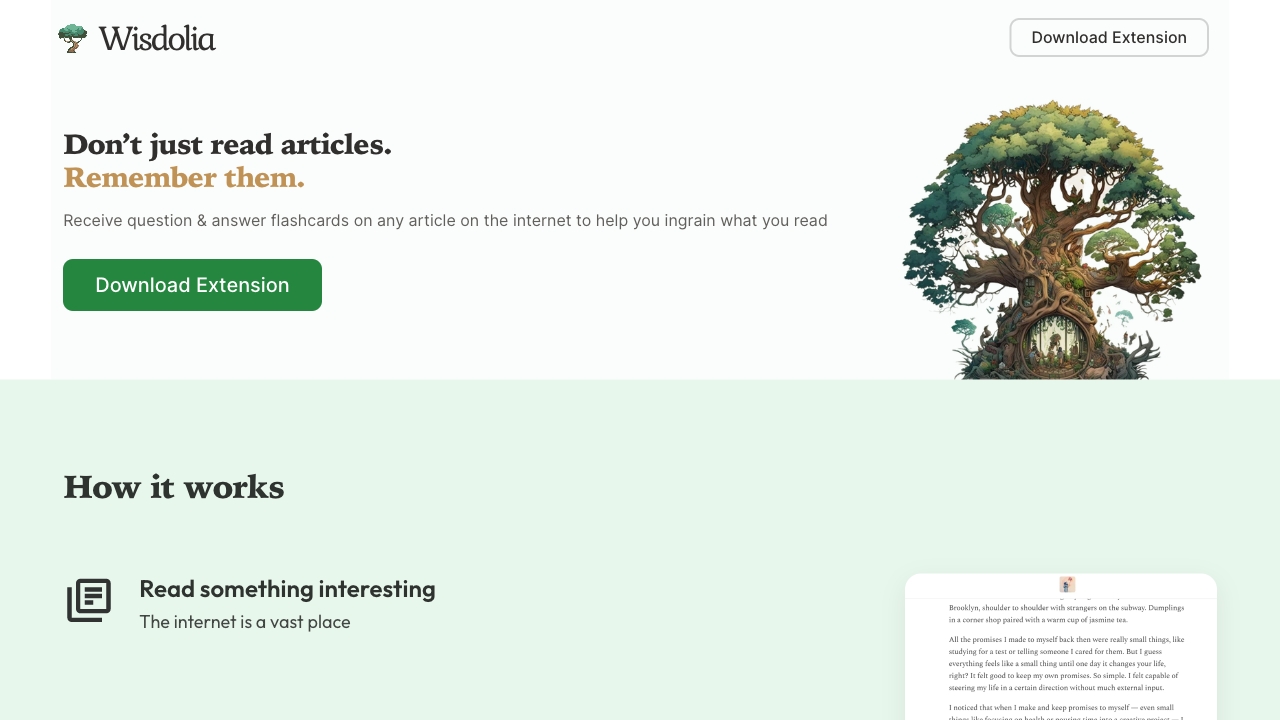
Wisdolia
FreemiumAI-powered flashcard and multiple-choice question generator for learning and studying.
Free + from $4 per month (billed )
Full comparison
Keepmind ✓
FreemiumKeepmind: flashcards, quizzes, and mindmaps to boost memory.
Free + from $10/mo
Full comparison
Quiz Wizard ✓
UnknownGenerate MCQs and flashcards in seconds with AI.
Why look Higher community rating
Full comparison
Memo (Formerly PDF2ANKI) ✓
FreemiumConvert lecture slides and notes into flashcards instantly.
Free + from $8.99/mo
Full comparison

Releases 1
FAQ 12
What types of cards can Flashify create?
What is Flashify's AI-Powered Cloze Deletion?
Can the wording of flashcards be manually adjusted?
How does Flashify detect significant information from the PDF in creating flashcards?
What types of documents is Flashify compatible with?
What is the output format of Flashify generated flashcards?
Can Flashify generated flashcards be used across multiple platforms?
What ensures flashcards generated by Flashify concentrate on critical data?
How does Flashify ensure traceability back to the original PDF source?
What is Image Occlusion in Flashify?
How does Flashify respect users' privacy?
Does Flashify allow users to delete their uploaded documents?
Related tools
Recommended

ChatGPT ✓
FreemiumAsk anything, create anything, and move from idea to action.

ChatGBot ✓
FreemiumAll top AI models, one login.

Axis Intel
FreeKnow before you go: real-time travel safety intelligence.

Future AGI ✓
FreemiumAI Agents hallucinate. Catch it. Fix it fast.

Trade Copilot ✓
Free TrialThe AI that knows your trading.
Sumi ✓
Free TrialRead any manga in your language.