
Image to text 2026 Rank: #1576
FreeOCR.AI ✓
Convert document images into editable Word, Excel, and structured data.
Verdict
A quick read before you dig into the full page.
- Best if
- Convert document images into editable Word, Excel, and structured data
- Skip if
- Limited customization options
- Pick this when
- Browser-based OCR tool
Considering img2prompt instead? Compare side by side
Overview
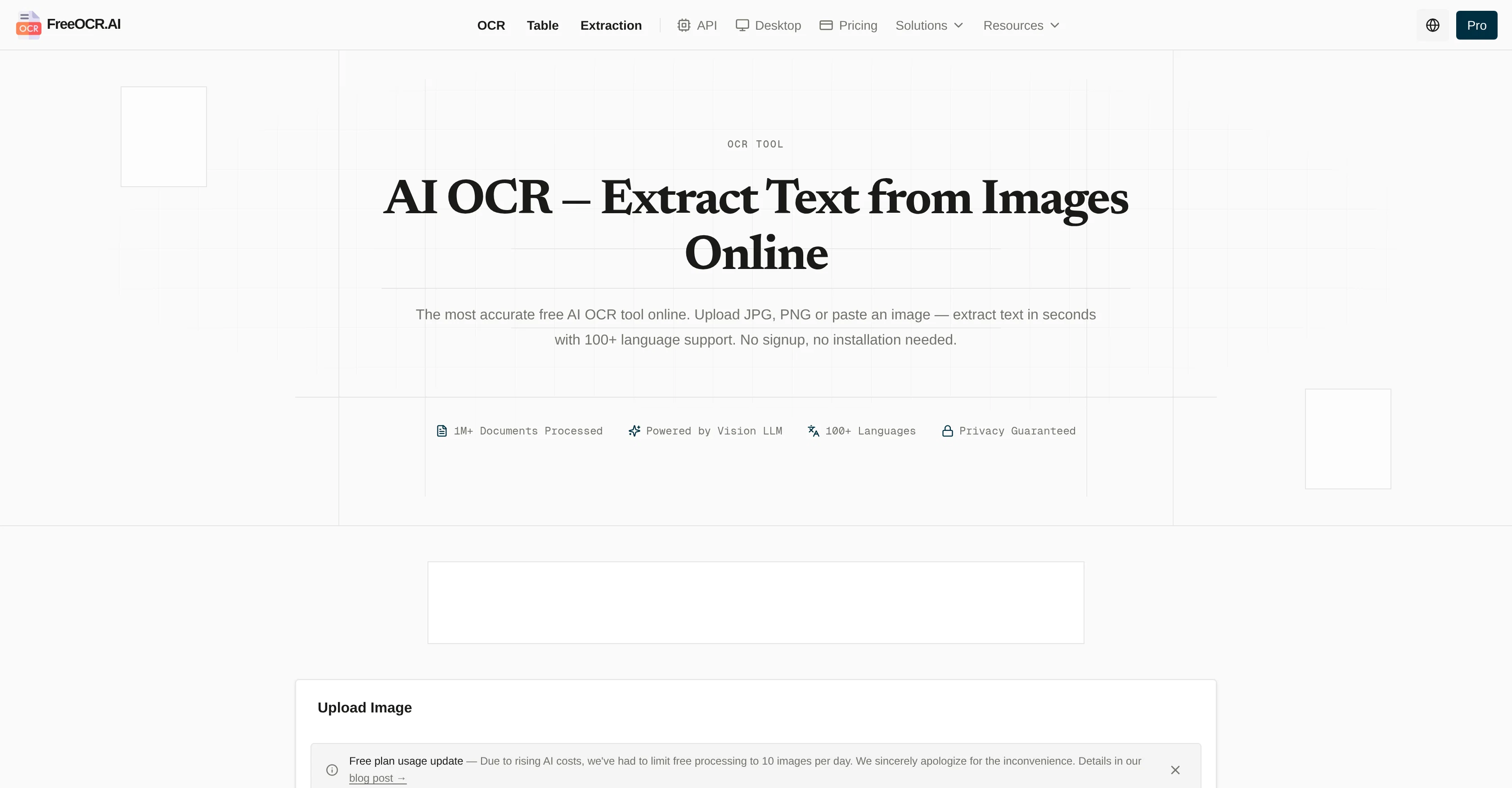
It recognizes printed text, handwriting, formulas, complex tables, multi-column layouts, and mixed-language documents across 100+ languages. Results can be exported to Word, Excel, CSV, Markdown, or TXT.
Try the online OCR instantly with no signup. For high-volume workflows, FreeOCR.AI Pro processes massive batches in parallel and combines the results into a one-click download. Users can also define custom fields to extract data from invoices, receipts, forms, and IDs at scale, while developers can automate the same workflows through a simple REST API.
Plans start at $10/month.
- Batch Ocr
- Image To Text
- Image To Excel
- Image To Word
- Structured Data Extraction
- Table Extraction
- Invoice Ocr
- Receipt Ocr
- Handwriting Recognition
- Image To Latex
- Pdf To Word
- One-click Batch Export
- Ocr Api
- 100+ Languages
Access & connections
Where you can use FreeOCR.AI, and what it plugs into.
Platforms
Integrations
Capabilities
What this tool accepts, produces, and is strongest at.
Input
- API
- Image
Output
- Tabular
- API
- Text
Highlights
- API
- No Signup
- Use code TAAFT
- 10% OFF
Supported features
- API
- No Signup
Pros & cons
Pros
- Browser-based OCR tool
- Supports JPG and PNG
- High precision text extraction
- Supports 100+ languages
- No sign-up or installation
- Table OCR feature
- Structured Data Extraction feature
- PDF to Text & Word feature
Show 29 more
- Vision Large Language Model
- Processes complex layouts
- Recognizes mathematical formulas
- Interprets handwritten text
- Strict data privacy policy
- Doesn't store or sell user data
- Free OCR tool
- Instant text extraction from images
- CSV or Excel-compatible results
- One-click entire PDF conversion
- Superior accuracy over traditional OCR
- Doesn't require manual language selection
- Recognizes mixed languages
- Zero installation required
- Works entirely in your browser
- Accessible anywhere, anytime
- 1M+ documents processed
- No data storage
- Preserves complex layouts
- High precision handwriting recognition
- Automatically detects 100+ languages
- Extracts into LaTeX or Markdown
- Editable Word files conversion
- Image to LaTeX feature
- Preserves page layouts and structures
- API for app integration
- No sign-up or hidden costs
- Preserves formatting during extraction
- No account creation required
Cons
- Browser-based (dependent on internet connection)
- No offline usage
- No mobile application
- Lack of tech support
- Cannot process large files
- Limited customization options
Compare alternatives
Similar tools in the catalog — with a clear reason to open each one.


Be My Eyes ✓
FreeConnect sighted volunteers with blind users for visual assistance.
Why look Fully free option
Full comparison
Picture To Text Converter ✓
FreemiumExtract editable text from images instantly
Why look Typically cheaper
Full comparison
ChatPhoto ✓
FreemiumConvert images to insightful conversations.
Why look Higher community rating
Full comparison
Image2Text ✓
FreemiumTransform handwritten notes into digital text instantly.
Why look Typically cheaper
Full comparison
Picture To Summary AI ✓
PaidTransform images into concise summaries with AI.
Why look Typically cheaper
Full comparisonReleases 1
FAQ 12
What is FreeOCR.AI?
How does FreeOCR.AI work?
What file formats does FreeOCR.AI support?
What languages does FreeOCR.AI support?
Does FreeOCR.AI require any installation or sign-up?
How does the Table OCR feature in FreeOCR.AI work?
Can FreeOCR.AI recognize handwritten text?
What is the Vision Large Language Model used in FreeOCR.AI?
How does FreeOCR.AI handle mathematical formulas?
Are the results from FreeOCR.AI compatible with Excel?
Can FreeOCR.AI convert PDF files to text or Word documents?
Is my data secure with FreeOCR.AI?
Related tools
Recommended

Design0 ✓
Free TrialEffortless AI Design for Everyone

Deepfake Detection by Modulate ✓
PaidDetect deepfakes with 98.9% accuracy instantly.

AI Image Text Editor ✓
Free TrialEdit text inside any image, instantly.

AI Image Detector.info ✓
Free TrialIs this image AI-generated? Get evidence, not a guess.

MagicSlides.app AI PPT Maker ✓
FreemiumCreate Stunning PPTs in Seconds with the AI PPT Maker

ChatGPT ✓
FreemiumAsk anything, create anything, and move from idea to action.