

Image To Image AI ✓
Full control over image editing with AI
from $7.99/mo
Verdict
A quick read before you dig into the full page.
- Best if
- You are designers and need: Designers visualizing concepts
- Skip if
- Limited output formats
- Pick this when
- Maintains original image structure
Considering Viyou AI Image Generator instead? Compare side by side
Overview
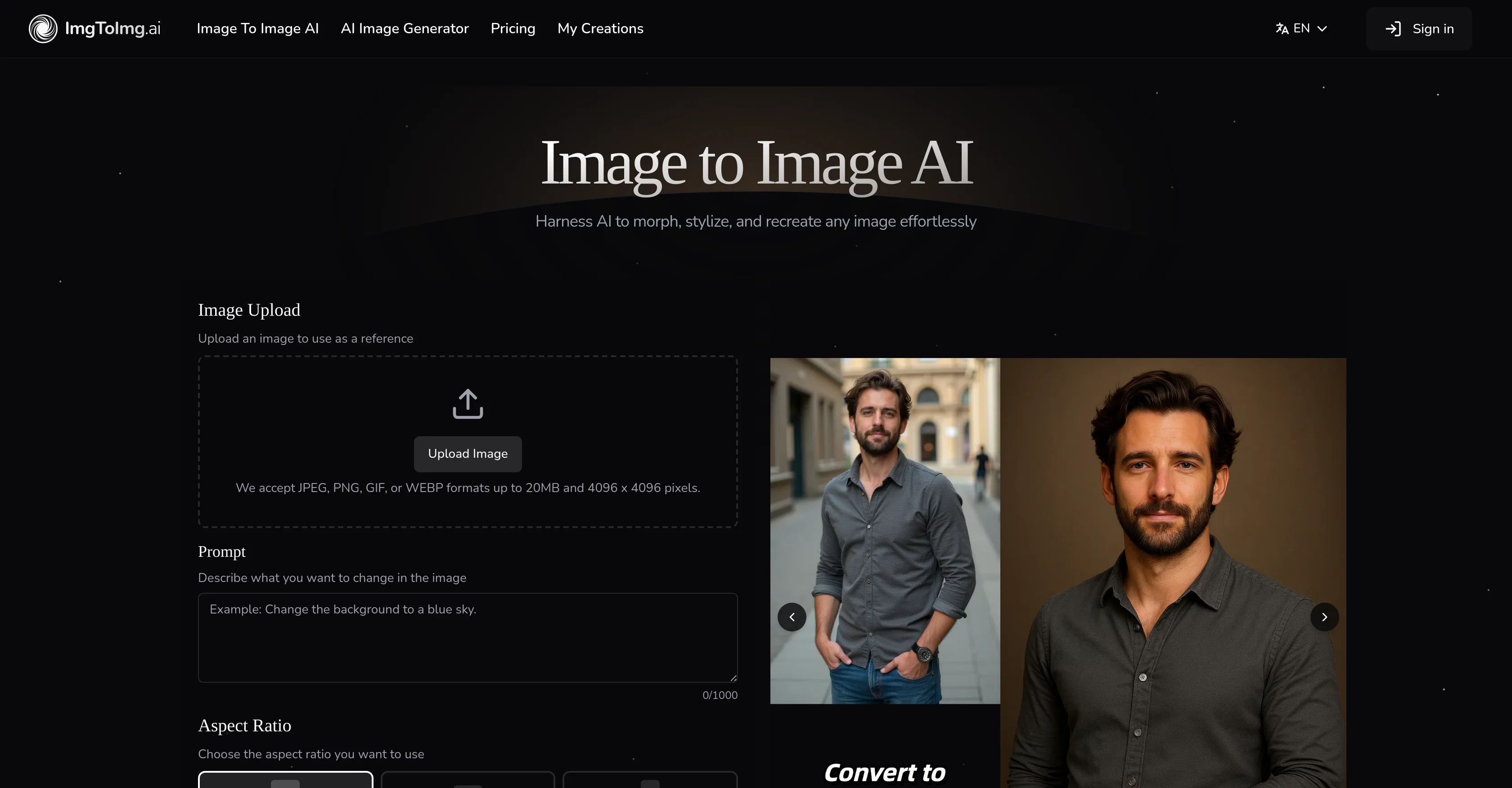
Image to Image AI is an advanced tool that leverages artificial intelligence for transforming existing images rather than creating new ones from scratch.
It is designed to maintain the structure and composition of the original image while applying the desired stylistic or aesthetic modifications as specified by the user.
Routing via neural networks, the tool strives for a fine balance between transformation and preservation to achieve finely controlled results. It is instrumental for situations such as the visualization of design concepts, creating diverse campaign assets, or experimenting with various artistic styles.
Utilizing Image to Image AI is a four-step process focusing on image upload, describing changes, adjusting settings, and image generation. The platform also allows users to maintain the original composition of images while applying transformations, generate multiple variations quickly, apply varied styles, and create high-resolution images for commercial use.
Industries that can benefit from such a tool include marketing, product visualization, and social media campaigns. As this tool requires no specific design skills and is efficient in its processing, it is an accessible and powerful tool ideal for transforming images.
Best for
Short scenarios where Image To Image AI tends to shine.
-
Designers visualizing concepts
Best for Designers
-
Marketers creating multiple variations of campaign assets
Best for Marketers
-
Creative enthusiasts experimenting with artistic styles
Best for Creative Enthusiasts
-
Generating visuals for marketing materials, product visualizations, website content, or social media campaigns
Best for Content Creators
-
Transforming and enhancing photos for various purposes
Best for Social Media Managers
Example outputs 1
Sample generations and before/after results for Image To Image AI.
Access & connections
Where you can use Image To Image AI.
Platforms
Capabilities
What this tool accepts, produces, and is strongest at.
Input
- Tabular
- Image
Output
- Image
Pros & cons
Pros
- Maintains original image structure
- Applies user-specified modifications
- Balanced transformation and preservation
- Visualizes design concepts
- Quickly generates variations
- Applies various styles
- Creates high-resolution images
- No design skills required
Show 29 more
- Efficient processing
- User-friendly four-step process
- Original composition preservation
- Generates multiple outputs
- Marketing, product visualization use
- Social media campaign tool
- Transforms instead of creating
- Allows description of changes
- Adjustable settings
- Multilingual interface
- Supports JPEG, PNG, GIF, WEBP
- Supports up to 20MB and 4096x4096pixels
- Allows aspect ratio change
- Generates multiple image outputs
- Preserves key image elements
- Allows transformation description
- Produces professional-quality results
- Generates downloadable images
- Supports commercial use
- Preserves basic composition
- Fast image transformation
- Versatile style applications
- Integrates advanced neural networks
- Supports artistic style experimentation
- Artistic effects modification
- Commercial use ready results
- Supports various image formats
- Allows transformation control
- Supports non-stop image transformations
Cons
- No batch processing
- Unspecified processing time
- No explicit version history
- Limited output formats
- Unshared neural network details
- Restricted image size:4096px
- No offline functionality
- No multi-language support
Show 1 more
- No integration capabilities
Compare alternatives
Similar tools in the catalog — with a clear reason to open each one.

Viyou AI Image Generator ✓
FreemiumTransform text and images into stunning videos and visuals.
Why look Freemium alternative
Full comparison
Img2Img AI ✓
FreemiumTransform any image with AI in seconds.
Why look Freemium alternative
Full comparison
Photoeditor ✓
PaidEnhanced image editing with object and text removal.
from $9.99/mo
Full comparison
Cleanup pictures ✓
FreemiumRemove unwanted elements from photos instantly.
Why look Freemium alternative
Full comparisonPeople also view
Tools that often show up alongside Image To Image AI in collections and comparisons.
Viyou AI Image Generator ✓
FreemiumTransform text and images into stunning videos and visuals.
Photoeditor ✓
PaidEnhanced image editing with object and text removal.
Img2Img AI ✓
FreemiumTransform any image with AI in seconds.

Creen AI ✓
Paid40+ AI models for video, image and art. Free, no sign-up.
Cleanup pictures ✓
FreemiumRemove unwanted elements from photos instantly.

MF0.ai ✓
PaidEvery top AI in one chat. Real memory. No subscription.

LineArt ✓
Free TrialTurn one photo into a whole coloring book.

Kyukoma ✓
Free TrialTurn your stories into manga pages with AI.
Releases 1
Imported reviews 2
Very easy to use, translated my vision pretty spot on the 4ish times until I ran out of credits, pricing seems reasonable. Will consider purchasing.
What a innovative idea, this is awesome! What you need is what you get simplify!


