

Meeting transcription 2026 Rank: #1433
Hyprcore ✓
AI wiki, meetings and dictation in one workspace.
Verdict
A quick read before you dig into the full page.
- Best if
- AI wiki, meetings and dictation in one workspace
- Skip if
- Limited text formatting options
- Pick this when
- Unique floating recorder
Considering Interpret AI instead? Compare side by side
Overview
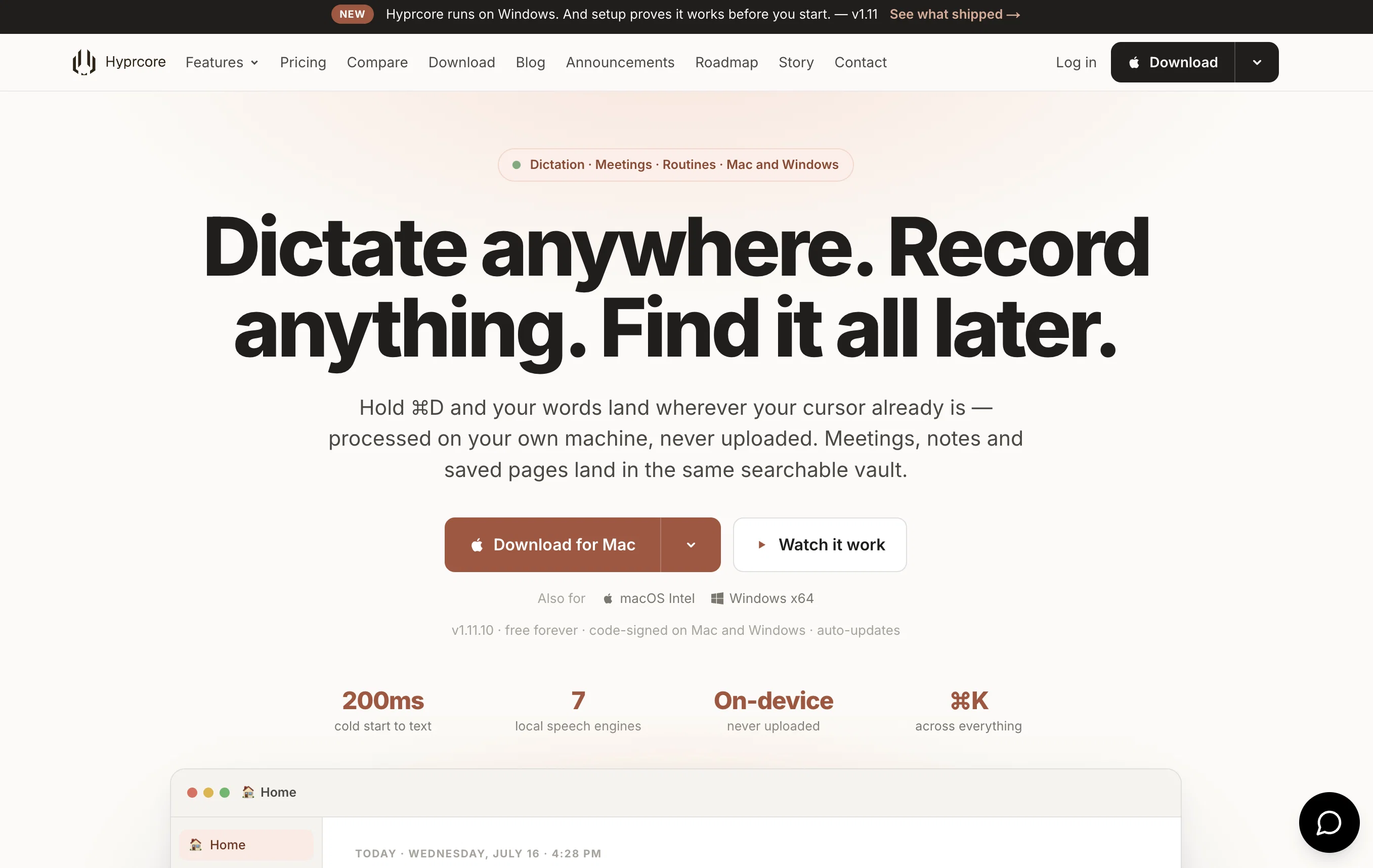
Hyprcore is a personal workspace tool designed for macOS that offers an AI-powered wiki, a meeting recorder, and a global dictation component, all integrated in a unified environment.
This tool leverages LLM technology to provide an efficient and streamlined user experience. With Hyprcore, you can convert any spoken word into text documentation and store them all in your own AI wiki.
This makes it a highly useful app for recording meeting conversations and transcribing words dictated from any part of the system. Moreover, Hyprcore offers automatic dictation that captures your words and transforms them into text in the app where your cursor resides.
The tool also incorporates a GPU-accelerated engine that provides local support for seamless dictation. Meeting recording and transcription enable you to track conversations, summaries, and action items, making it easier to share and distribute the meeting details within your team.
Hyprcore also includes a wiki feature where all your meetings, dictations, and notes are stored in one organized tree structure. Users can search these like a database, making it a highly efficient and versatile tool for organizing and accessing all your documented information.
- Dictation Tool With Customizable Outputs
- Automatic Meeting Summaries
- Ai Speech-to-text — Convert Spoken Content Into Accurate Text Transcripts With Summaries. Perfect For Meeting Notes, Lectures, Interviews, And Content Repurposing.
Access & connections
Where you can use Hyprcore, and what it plugs into.
Platforms
Integrations
Capabilities
What this tool accepts, produces, and is strongest at.
Input
- API
- Tabular
- Text
- Video
- Audio
Output
- API
- Text
Highlights
- MCP
- Local
Supported features
- MCP
- Runs Locally
- Instant file search
Pros & cons
Pros
- Unique floating recorder
- Accurate text conversion
- Identifies action items
- Smooth voice typing
- GPU-accelerated dictation
- Indexed wiki tree
- Search function
- Creates Notion-style pages
Show 38 more
- Emojis and icons support
- Integrated workspace for macOS
- LLM technology use
- Meeting recording and transcription
- Data organization in wiki
- In-app automatic dictation
- Recorded audio to text conversion
- Quick access to past meetings
- Highly efficient data organization
- Versatile data access tool
- Pages with cover images
- Desktop-wide dictation tool
- Synchronized data capture
- Action items tagging in dictation
- Translated language dictation support
- Menubar mini-bar for easy access
- LLM post-processing
- Document-style editor
- Folders with flexible organizational structure
- Comprehensive search function
- Documented conversations as intelligent Knowledge Base
- Cross-Meeting Insights and Meeting Graph
- Cloud sharing and instant sharing
- Action Items Sync team-wide
- Customizable engines for speech-to-text
- Customizable engines for post-processing
- GPU-accelerated local engines
- Real-time translation in dictation
- Visual meeting recordings
- Accessible from any mac application
- Live transcript on meetings
- Editable meeting Templates
- Voice-to-text in any app
- Live translation in dictation
- Multi-model support for transcription
- Streamlined user experience
- Easy document search
- Neural Automatic Echo Cancellation
Cons
- MacOS only
- No explicit cloud functionality
- No multi-platform syncing
- Not mobile friendly
- Limited text formatting options
- No collaborative features
- No API mentioned
- Closed source
Show 2 more
- Dependency on local GPU
- No clear data security measures
Compare alternatives
Similar tools in the catalog — with a clear reason to open each one.

Interpret AI ✓
Free TrialAll-in-one AI notetaker and translator
Why look Typically cheaper
Full comparison
talat ✓
Free TrialThe private meeting notes app with on-device AI.
Why look More privacy-focused
Full comparison
Recal ✓
FreemiumYour AI-powered second brain that captures everything important.
Why look Typically cheaper
Full comparison
Dicte.ai ✓
FreemiumAI-powered meeting transcription and report generation
Why look Typically cheaper
Full comparison
Sigmise ✓
FreemiumTranscribe, translate, and summarise any meeting in real-time.
Why look Typically cheaper
Full comparison
Notta Note Taker ✓
FreemiumAI note taker that transcribes and summarizes meetings.
Why look Typically cheaper
Full comparisonReleases 1
Imported reviews 1
Awesome to use, the dictation really helps out while doing dev work
FAQ 12
What is Hyprcore?
What sets Hyprcore apart from other AI tools?
How does the dictation feature of Hyprcore work?
How does the meeting recording feature of Hyprcore work?
What is Hyprcore's floating recorder?
Can I perform voice typing across all mac applications with Hyprcore?
How does Hyprcore identify action items from a meeting?
How is GPU utilized in Hyprcore?
What does it mean by 'meeting stuff' indexed within a 'wiki tree'?
How quickly can I access past meetings' notes with Hyprcore?
Can I create Notion-style pages using Hyprcore?
What is the use of Hyprcore's emoji palette?
Related tools
Recommended

Ideamap - Brainstorm and Mindmap AI ✓
FreemiumBoost your creativity with AI-powered brainstorming.

Script.it ✓
FreemiumDescribe it in English, automate it instantly.

Bellboy ✓
FreeThe hotel search that gets you.

AISafe Labs ✓
FreemiumAI agents that assess your app with hacker expertise at machine speed.

Delulu Stream ✓
Free TrialLet your chat control your stream.

MagicSlides.app AI PPT Maker ✓
FreemiumCreate Stunning PPTs in Seconds with the AI PPT Maker