

Meeting transcription 2026 Rank: #661
Recal ✓
Your AI-powered second brain that captures everything important.
Verdict
A quick read before you dig into the full page.
- Best if
- Your AI-powered second brain that captures everything important
- Skip if
- Pricing can be expensive
- Pick this when
- Captures conversations across platforms
Considering Interpret AI instead? Compare side by side
Overview




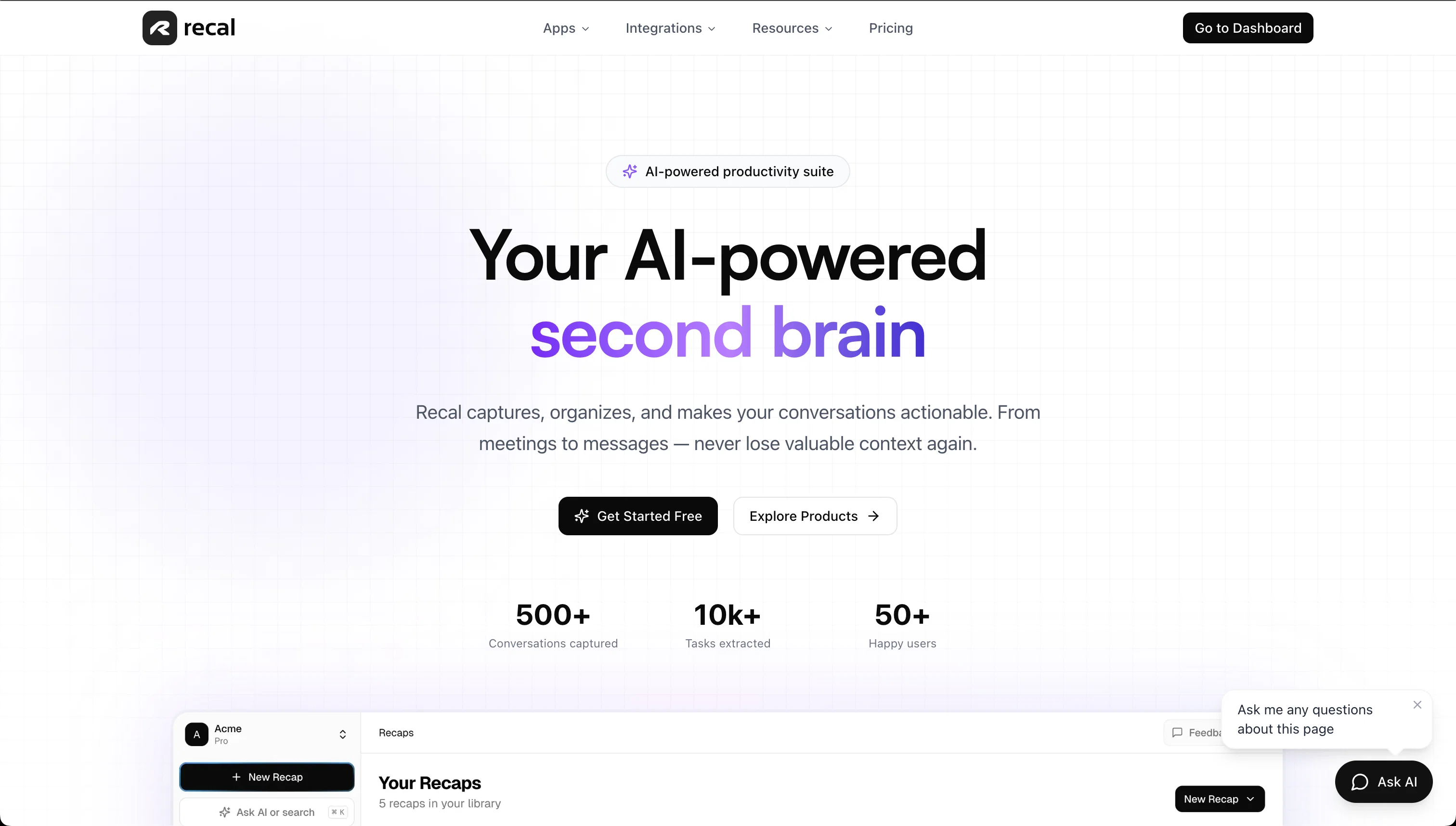
Recal is an AI-powered tool that acts as a 'second brain', designed to capture information and organise it in an actionable manner. It functions across various types of conversations, from meetings to messages, ensuring that the user does not lose context.
Its main functions include generating instant summaries, action items, and insights from various sources such as meetings, conversations, links, uploaded text, and content sourced from integrations with apps like Slack, Linear, and Notion.
The tool can turn messy emails and notes into structured action items, leveraging natural language understanding to extract relevant tasks. Further, Recal includes a Slack bot that can summarise Slack conversations, extract decisions, and ensure vital information is captured.
Also, its unique selling point is its ability to process audio and video files, even capturing the visual context like screen shares and presentations for complete understanding.
Simple and transparent pricing models are offered, including a free plan and two premium levels, which provide added benefits. All plans include specific integrations, and support multiple languages and accents.
- Ai Action Item Extraction
- Automatic Slack Channel Recaps
- Slack Bot Integration
- Automatic Meeting Summaries
- Chat With Conversations
- Meeting And Video File Uploads
- Visual Context From Screen Recordings
- Speaker Identification
- Search Across All Conversations
- Multi-source Conversation Capture
- Decision And Priority Detection
- Exports To Project Management Tools
Access & connections
Where you can use Recal, and what it plugs into.
Platforms
Capabilities
What this tool accepts, produces, and is strongest at.
Input
- Tabular
- Image
- Text
- Video
- Audio
Output
- Tabular
- Text
Highlights
- Use code TAAFT
- 20% OFF
Supported features
- Meeting Intelligence
- Transcription
- Assistant
- Memory
- Search
- Instant file search
Pros & cons
Pros
- Captures conversations across platforms
- Generates concise discussion recaps
- Creates actionable items
- Searchable chat history
- Rapid task creation
- Exports tasks to Linear/Notion
- Enhances asynchronous collaboration
- Updates projects without meetings
Show 42 more
- Manages email clutter
- Converts unstructured notes to tasks
- Integrates Slack for summarized chats
- Processes audio and video files
- Comprehends presentations and screenshares
- Supports multiple languages
- Transparent pricing options
- Free and premium plans
- Slack bot summarizes threads
- Detects decision points in conversation
- Works with Linear and Notion
- Understands natural language
- Transforms messy emails
- Creates structured action steps
- Immediate meeting summaries
- Tasks and insights identification
- Supports multiple accents
- Context-oriented search capability
- Automatically transcribes meetings
- Uploads process audio-video files
- Extracts screen shares and presentations
- Formats flexibility
- Natural language input
- Smart task parsing
- Priority detection
- Instant organization
- Summarizes Slack threads
- Searches within Slack threads
- Markdown and PDF export
- Custom recap templates
- 180-day data retention
- Branded sharing
- Priority user support
- Google Calendar sync
- Supports in-person meeting capture
- Automatic speaker identification
- Ability to edit transcripts
- 14-day money-back guarantee
- High transcription accuracy
- Recordings and transcripts encryption
- Data privacy and security
- Screen shares, presentations, whiteboard sketches, and demos analysis
Cons
- No API
- Limited free plan
- No real-time collaboration
- Only supports few integrations
- No mobile application
- Limited transcription languages
- Maximum 4 hours per recap
- Doesn't support live meeting analysis
Show 2 more
- Pricing can be expensive
- Needs quality mic for accuracy
Compare alternatives
Similar tools in the catalog — with a clear reason to open each one.

Interpret AI ✓
Free TrialAll-in-one AI notetaker and translator
Why look Typically cheaper
Full comparison
talat ✓
Free TrialThe private meeting notes app with on-device AI.
Why look More privacy-focused
Full comparison
Dicte.ai ✓
FreemiumAI-powered meeting transcription and report generation
Why look Typically cheaper
Full comparison
Hyprcore ✓
FreemiumAI wiki, meetings and dictation in one workspace.
Why look Higher community rating
Full comparison
Sigmise ✓
FreemiumTranscribe, translate, and summarise any meeting in real-time.
Free + from $15.99/mo
Full comparison
Notta Note Taker ✓
FreemiumAI note taker that transcribes and summarizes meetings.
Why look Higher community rating
Full comparisonReleases 1
FAQ 12
What is Recal and what problem does it solve?
🛠️ 1
tool
wrote:
Recal is an AI-powered workspace that turns conversations into structured results. It captures meetings, Slack threads, uploaded videos, and text, then generates clear summaries, action items, and key decisions so nothing important gets lost.
What types of conversations can Recal process?
🛠️ 1
tool
wrote:
Recal works with meetings, Slack channels and threads, uploaded audio and video files, and text conversations. You can also paste links or upload recordings, and Recal will analyze and organize the content for you.
What does Recal generate from my conversations?
🛠️ 1
tool
wrote:
Recal automatically creates summaries, action items, key takeaways, and detected decisions. You can also chat with your conversations to ask follow-up questions or quickly find specific details.
How does Recal help with action items and priorities?
🛠️ 1
tool
wrote:
Recal detects tasks and follow-ups mentioned in conversations and turns them into structured action items. It also highlights priorities and deadlines when they are mentioned, helping teams stay aligned without extra meetings.
Can I search and chat with past conversations?
🛠️ 1
tool
wrote:
Yes. Recal acts like a searchable memory for your conversations. You can search across all sessions or chat with them to instantly recall decisions, tasks, or context from past discussions.
Does Recal support screen recordings and visual context?
🛠️ 1
tool
wrote:
Yes. When you upload screen recordings or video calls, Recal can analyze visual context along with audio to better understand what was discussed and referenced during the conversation.
Can Recal integrate with tools like Slack and project management apps?
🛠️ 1
tool
wrote:
Yes. Recal integrates with Slack for automatic channel recaps and can export action items to tools like Linear, Jira, or Notion, so tasks flow directly into your existing workflows.
Is my data secure in Recal?
🛠️ 1
tool
wrote:
Recal uses secure storage and encryption to protect your data. All recordings and transcripts are private to your workspace, and you control what gets uploaded, shared, or deleted.
Can I delete my data at any time?
🛠️ 1
tool
wrote:
Yes. You have full control over your data and can delete individual sessions or your entire workspace at any time from your dashboard.
Who is Recal best for?
🛠️ 1
tool
wrote:
Recal is designed for founders, product teams, remote teams, and anyone who relies on conversations to make decisions and move work forward — especially teams that want fewer meetings and better async collaboration.
How is Recal different from simple meeting transcription tools?
🛠️ 1
tool
wrote:
Unlike basic transcription apps, Recal focuses on turning conversations into usable outcomes. It doesn’t just record what was said — it extracts decisions, tasks, and context, and makes that information searchable and actionable across your entire workspace.
What is Recal?
Related tools
Recommended

NotebookLM ✓
FreemiumAI-powered note-taking and research assistant

remio: Your Personal ChatGPT ✓
FreemiumGet Tailored Answer with Your Personal ChatGPT

Ideamap - Brainstorm and Mindmap AI ✓
FreemiumBoost your creativity with AI-powered brainstorming.

socra ✓
FreemiumStop firefighting. Solve problems once, build momentum that lasts.

Voicenotes ✓
FreemiumA place to dump your thoughts.

Superapp ✓
PaidTurn app ideas into iPhone apps with AI.