

Home Design AI ✓
Transform any room instantly with AI interior design.
from $49.99/yr
Verdict
A quick read before you dig into the full page.
- Best if
- Transform any room instantly with AI interior design
- Skip if
- Limited number of color palettes
- Pick this when
- Transform spaces within seconds
Considering Getfloorplan instead? Compare side by side
Overview
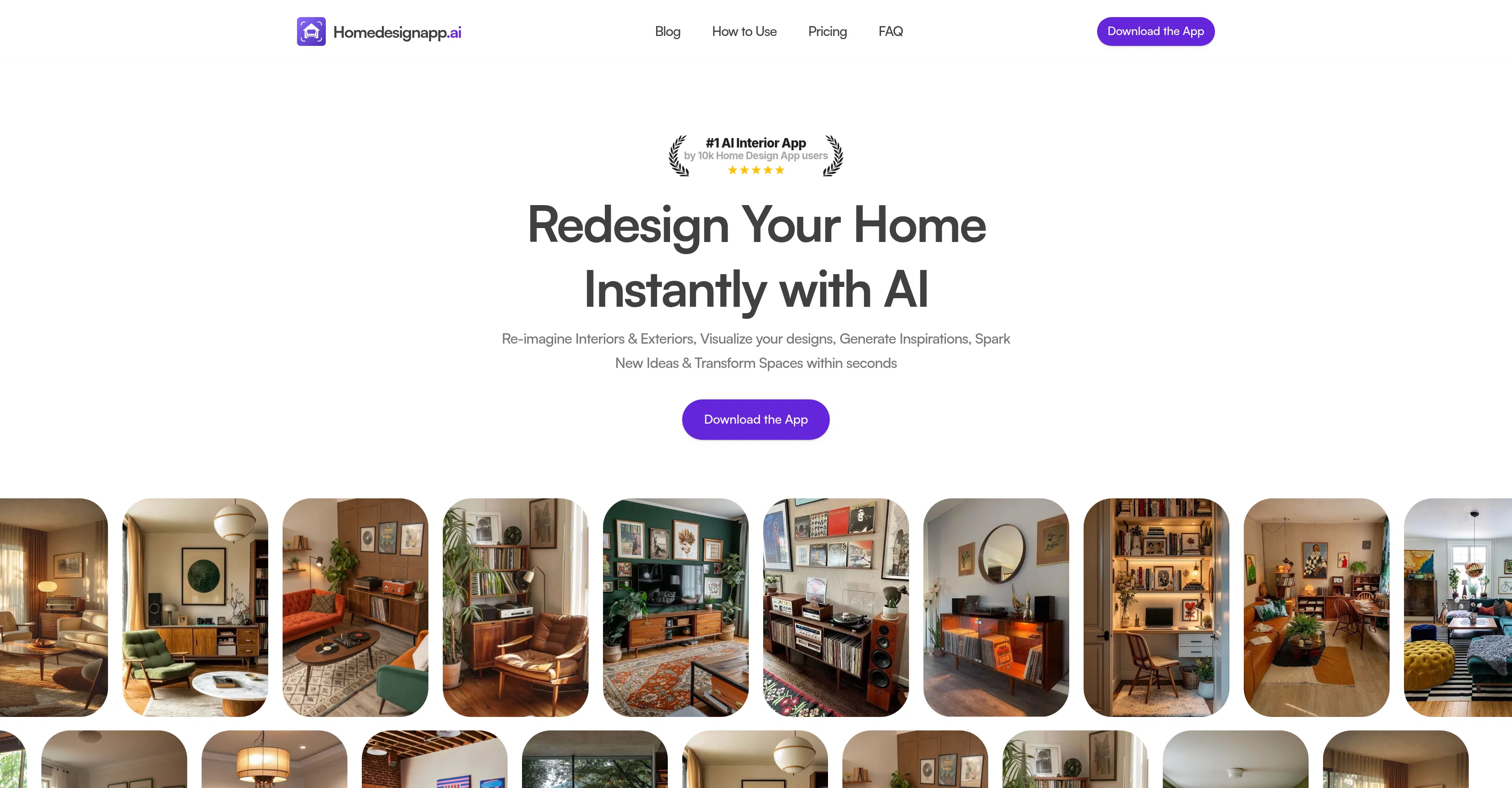
Home Design AI is an Artificial Intelligence-driven interior design and room planner app, designed to help users reimagine and transform their spaces. Users can simply upload a photo of their room, where the AI will then apply preselected designs to the image, enhancing it from bare walls to a furnished interior.
The app allows users to easily upgrade and restyle their spaces with a few clicks, without the need for manual editing or prior design skills. The incorporation of AI allows for adding or removing furniture pieces, rearranging objects and transforming simple sketches into detailed layouts.
The user experience process involves four key steps; uploading a photo of the room, selecting the room type, choosing from 25+ predefined aesthetic styles, and subsequently selecting a color scheme from curated palettes.
After the steps, the user's space is redesigned according to the chosen preferences and presented as a fully rendered image that can easily be shared.
The transformation happens quickly and users are given the freedom to explore a wide range of interior styles, from Scandinavian and minimalist, to contemporary and boho-chic designs, among others.
Access & connections
Where you can use Home Design AI.
Platforms
Capabilities
What this tool accepts, produces, and is strongest at.
Input
- Image
Output
- Image
Supported features
- Arhitecture & Interior design
Pros & cons
Pros
- Transform spaces within seconds
- Easy restyling features
- Upgrade room style instantly
- Sketch to design transformation
- Add or remove objects
- 25+ pre-defined styles
- Curated color palettes
- Generated designs easily shared
Show 41 more
- Multiple interior design styles
- Virtual staging capabilities
- Suitable for both interiors and exteriors
- Compact and easy to use
- Accessible on mobile devices
- Commercial use license
- Supports JPEG, PNG, HEIC
- High image size limit 15MB
- Privacy protection for user photos
- Subscription cancellation anytime
- Ad-free user experience
- Predefined aesthetic styles
- Detailed and hyper-realistic layouts
- Commercial usage license for images
- Instant room transformation
- No design skills required
- Eliminates manual editing
- Supports major image formats
- No watermark on images
- Enterprise plan offering
- Private and secure use
- Easy 4 step process
- Applicable for real estate professionals
- Useful for architects, interior designers
- Unlimited design generations
- Access to all features
- No prior design skills needed
- Automatic rendering and enhancement
- Wide variety of room types
- Eco-friendly, minimalist designs
- Transformation of simple sketches
- Various interior styles offered
- Supports both interior and exterior
- Assists in furniture arrangement
- Quick transformation process
- Automated editing feature
- Object rearrangement option
- Home styling assistance
- Easy sharing of rendered images
- Absolute user-freedom on styles
- Detailed and hyper-realistic images
Cons
- Only supports images up to 15MB
- Android app not available
- No refunds
- Limited to predefined styles
- Visualisation in app only
- No free tool usage
- Price not indicated for business plans
- Support only via email
Show 2 more
- Limited number of color palettes
- Web app is not available
Compare alternatives
Similar tools in the catalog — with a clear reason to open each one.

Getfloorplan ✓
PaidAI tool for 3D floor plans, renders, and virtual to
Why look Typically cheaper
Full comparison
Interior AI ✓
PaidRedesign your interior in seconds using AI
Why look Typically cheaper
Full comparison

Paintit.ai ✓
FreemiumPro Workflow: AI Visualization for Designers and Real Estate Teams
Why look Freemium alternative
Full comparison
REimagineHome ✓
PaidAI-powered interior design reimagined
Why look Typically cheaper
Full comparison
RoomGPT ✓
FreemiumGenerate your dream room in seconds.
Why look Freemium alternative
Full comparisonReleases 1
FAQ 12
What is Home Design AI?
How does Home Design AI work?
What kind of images can I upload to Home Design AI?
Which room types can Home Design AI design?
How many predefined aesthetic styles does Home Design AI offer?
How does Home Design AI select color schemes for redesigning spaces?
Can I add or remove furniture in Home Design AI?
Is Home Design AI useful for restyling any room?
Which design styles does Home Design AI support?
Does Home Design AI transform sketches into detailed layouts?
Can I share the redesigned images generated by Home Design AI?
Can I try Home Design AI for free?
Related tools
Recommended

freebeat AI ✓
FreemiumTurn Music & Ideas into Viral Videos In One Click

TheLibrarian.io ✓
Free TrialYour WhatsApp AI assistant for instant productivity.

Automateed ✓
Free TrialCreate eBooks effortlessly with Automateed, the AI-powered writing tool.

Marketing Assistant (Elsa AI) ✓
FreemiumDefine your ideal customers and craft a winning marketing strategy with Elsa.

Veo ✓
PaidGenerate high-quality, cinematic videos with AI.

Mentor: Get things done ✓
FreemiumAchieve your goals and get things done with Mentor and AI