

Hei.io ✓
AI dubbing and captions in 140+ languages.
from $8/mo
Verdict
A quick read before you dig into the full page.
- Best if
- AI dubbing and captions in 140+ languages
- Skip if
- Limited audio editing options
- Pick this when
- Supports 140+ languages
Considering VideoDubber instead? Compare side by side
Overview
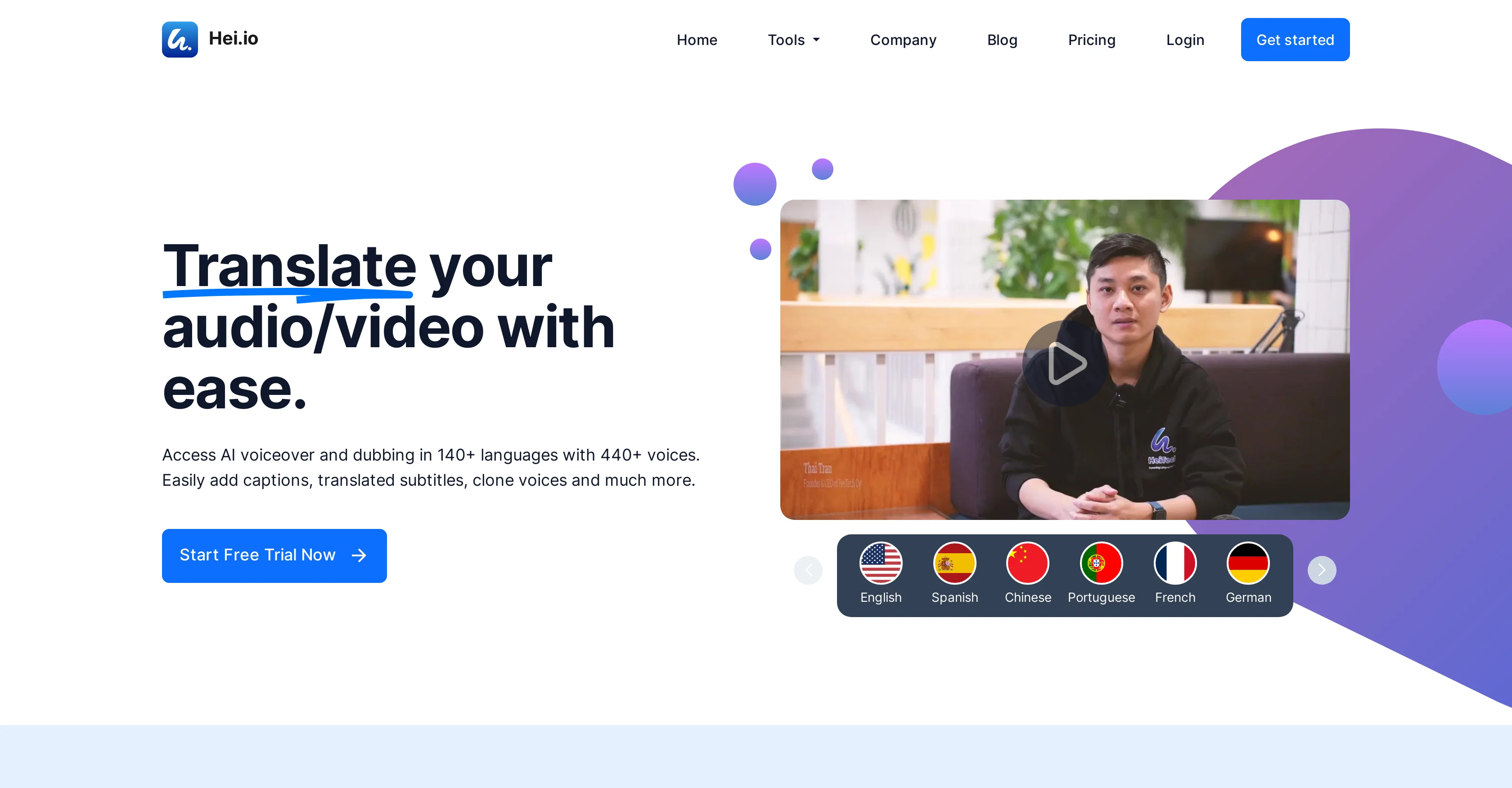
Hei.io is a comprehensive toolkit designed to streamline the process of generating auto-captions and automated dubbing for video and audio content. Its primary focus lies in the capability to support over 140 different languages, including commonly spoken ones like English, French, Spanish, and German.
The tool utilises advanced Artificial Intelligence methodologies, and it simplifies the task of adding subtitles to videos and audios for content creators and publishers.
They are dedicated to helping users extend their reach, maximize their audience growth, and break linguistic barriers by offering AIs efficiency in audio and video dubbing.
As a result, content can be made more accessible to a global audience. Notably, Hei.io provides an easy-to-use interface which accommodates users of varying technical abilities, thereby simplifying the overall user experience.
Access & connections
Where you can use Hei.io.
Platforms
Capabilities
What this tool accepts, produces, and is strongest at.
Input
- Video
Output
- Audio
- Video
- Text
Supported features
- Translation
- Dubbing
Pros & cons
Pros
- Supports 140+ languages
- Content Localization
- Audio Editing
- Video Editing
- Automated subtitle generation
- Language translation
- User-friendly interface
- Broadening audience reach
Show 16 more
- Breaking linguistic barriers
- Maximized audience growth
- Assists in content creation
- Increased content accessibility
- Variants in technical abilities
- Simplified user experience
- All-encompassing toolkit
- Streamlining add subtitles process
- Provides broadcasting options
- Easy-to-use interface
- Minimizes multi-language barriers
- Inbuilt auto-caption generator
- Enhances content globalization
- Ensures multimedia compatibility
- Audio and video translations
- Designed for varied tech abilities
Cons
- No API provided
- Limited audio editing options
- Scarce video editing tools
- Can't customize interface
- No free trial
- Desktop application unavailable
- No offline mode
- Transcription accuracy uncertain
Show 2 more
- No multichannel support
- No mention of integrations
Compare alternatives
Similar tools in the catalog — with a clear reason to open each one.

VideoDubber ✓
FreemiumTranslate and dub videos, audios and subtitles with voice cloning and lipsync
Why look Freemium alternative
Full comparison
CAMB.AI ✓
Free TrialAI voice translation and dubbing for videos in 150+ languages.
Why look Higher community rating
Full comparison
VoiceCheap ✓
FreemiumTranslate, dub and publish any video in any language.
Why look Freemium alternative
Full comparison
UnMarkAI - Remove subtitles first. Translate video, d... ✓
Free TrialAI video translation with dubbing and lip-sync.
Why look Typically cheaper
Full comparison
VMEG Video Translation ✓
FreemiumBreak Down Language Barriers with Video Translation
Why look Freemium alternative
Full comparison
Vidby ✓
FreemiumFast translation and dubbing of videos with AI.
Why look Freemium alternative
Full comparisonReleases 1
FAQ 12
How does Hei.io work?
What is the technology behind Hei.io?
Which languages are supported by Hei.io?
Can Hei.io be used for video editing?
Can Hei.io provide auto-captions in French?
How intuitive is Hei.io's interface?
What capabilities does Hei.io offer for audio editing?
How does Hei.io help in content localization?
Does Hei.io support audio and video dubbing in German?
How does Hei.io generate auto-captions?
Can Hei.io truly accelerate my audience growth?
In what ways does Hei.io break linguistic barriers in my content?
Related tools
Recommended

GPTExcel ✓
FreemiumGenerate spreadsheet formulas with AI

Recall ✓
FreemiumSummarize Anything, Forget Nothing!

Sensay ✓
Free TrialAI Offboarding that keeps knowledge inside your company.

Osum ✓
Free TrialSupercharge Your Market Research With AI ⚡

VideoGen ✓
Free TrialCreate videos in seconds with one click.

Beeyond AI ✓
Free TrialBeeyond AI: Unlock 50+ AI tools under one subscription