

Grammar Check ✓
AI-powered grammar perfection, instantly.
Free + from $7/mo
Verdict
A quick read before you dig into the full page.
- Best if
- AI-powered grammar perfection, instantly
- Skip if
- No offline mode
- Pick this when
- Online accessibility
Considering editGPT instead? Compare side by side
Overview
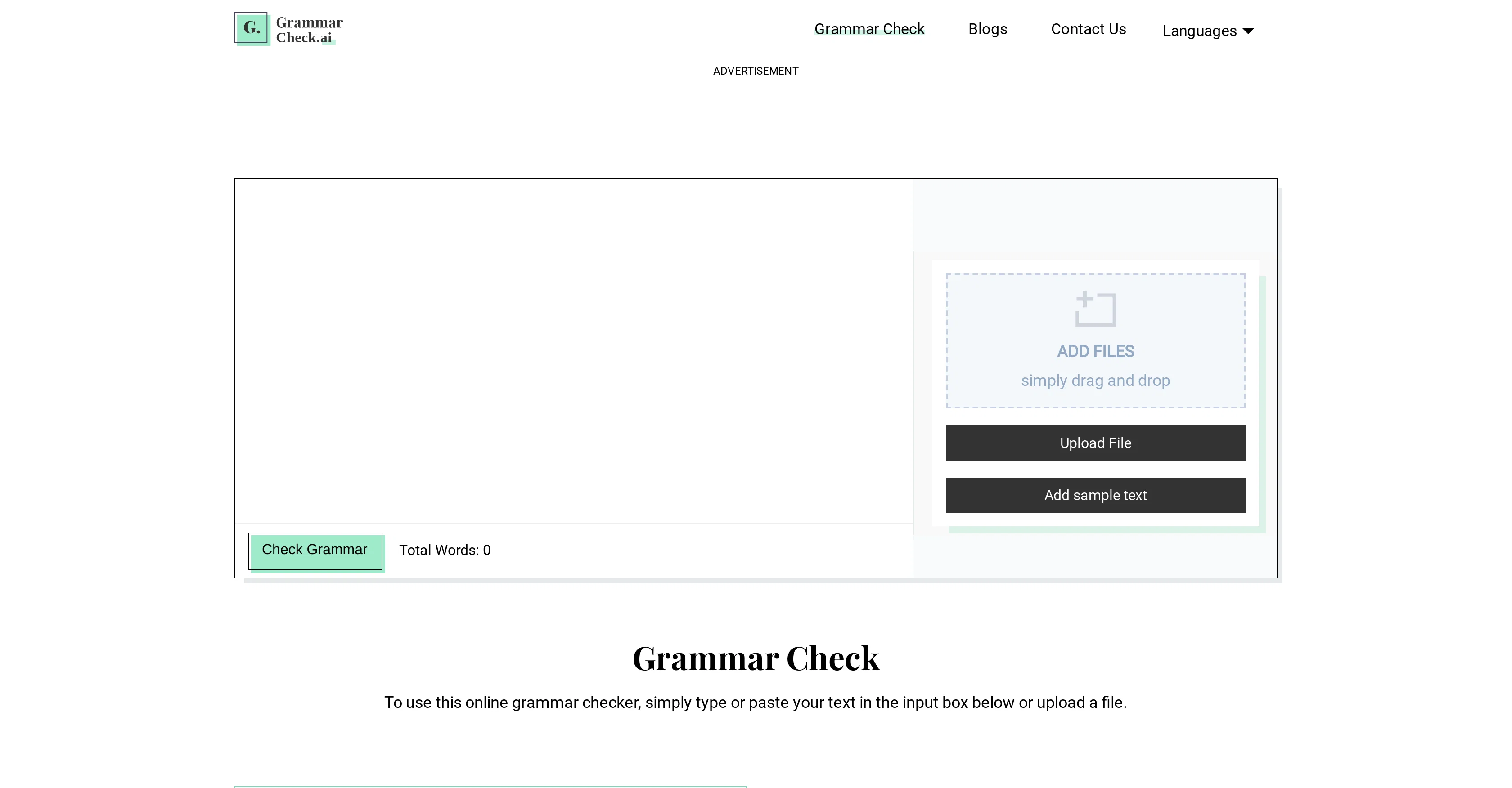
Grammar Check is an AI-empowered online tool that automatically scans and fixes grammatical mistakes, including spelling, tense, and punctuation errors.
It facilitates the creation of grammatically perfect content by providing users instant suggestions to improve writing. Users can type or paste their text into the tool, or upload documents directly from their computer, Google Drive, or Dropbox, for real-time grammatical analysis.
The tool highlights all the grammatical errors and provides respective correct suggestions, which could be used to replace the specified error with just a single click.
It also features a one-click correction capability, where all identified errors can be fixed simultaneously. Another key feature is the ability to process an unlimited word count, saving users from dividing their content into segments.
Notably, Grammar Check supports multiple languages like English, Spanish, French, Italian, and Dutch. It is particularly useful for students, authors, bloggers, and any individuals seeking to produce error-free text.
Access & connections
Where you can use Grammar Check, and what it plugs into.
Platforms
Integrations
Capabilities
What this tool accepts, produces, and is strongest at.
Input
- Text
Output
- Text
Pros & cons
Pros
- Online accessibility
- Real-time grammatical analysis
- One-click correction feature
- Unlimited word count processing
- Supports multiple languages
- Document upload from computer and cloud
- Instant suggestions to improve writing
- Highlights grammatical errors
Show 40 more
- Replace errors with single click
- Useful for various professions
- Free to use
- Accurate grammar correction
- Easy to use interface
- Check unlimited word count
- Automated correct suggestions
- Manual correction option
- Simultaneous multiple error correction
- Supports document upload
- Helps for writing improvement
- Proofreading feature included
- Educational tool
- Content creation tool
- Designed for multilingual support
- Specific guidance for error fixes
- Compatible with cloud storage services
- Supports international dialect variations
- Improves overall writing skills
- Multi-platform compatible apps
- User-friendly interface
- Reliable results
- Time efficient
- Identifies complex grammatical errors
- Instant error highlighting
- Provides detailed error explanations
- Coverage of language nuances
- Enhanced punctuation correction
- Contextual spelling check
- Provides writing style enhancement
- Works on long texts
- Literary style correction
- Detailed error reports
- Offers language-specific checks
- Interactive correction process
- Adapts to user's writing style
- Designed for professional use
- Preserves semantic content integrity
- Corrects syntax errors
- Highlights repetition and redundancies
Cons
- No offline mode
- Overly simplistic suggestions
- No native apps
- READ external storage requirement
- No context-based suggestions
- Lacks integrations with other platforms
- No plagiarism detection
- No sdk available
Show 1 more
- No advanced style suggestions
Compare alternatives
Similar tools in the catalog — with a clear reason to open each one.

editGPT ✓
FreemiumProofreading and editing content with ease.
Why look Better for writing
Full comparison
Textbuddy ✓
FreemiumImprove writing clarity with plain language analysis.
Why look Better for writing
Full comparison
CMD-C.app ✓
FreemiumTriple CMD-C for instant text perfection on macOS.
Why look Typically cheaper
Full comparisonReleases 1
FAQ 12
What languages does Grammar Check support?
Can I upload files from Google Drive or Dropbox to Grammar Check?
How does the one-click correction feature on Grammar Check work?
Does Grammar Check process an unlimited word count?
Who can benefit most from using Grammar Check?
Which errors does Grammar Check scan and fix?
Does Grammar Check operate in real-time?
Can I type or paste text directly into Grammar Check?
Is Grammar Check useful for improving writing skills?
Is Grammar Check a free tool?
How accurate is the AI technology used by Grammar Check?
Does Grammar Check offer anything for non-native English speakers?
Related tools
Recommended

GrammarBot ✓
FreeAI-powered grammar checks and writing transformations.

Scisummary ✓
Free TrialCutting-edge scientific articles summarization.

Business Idea Generator AI ✓
FreeGenerate innovative business ideas with AI

ChatGPT ✓
FreemiumAsk anything, create anything, and move from idea to action.

Recall ✓
FreemiumSummarize Anything, Forget Nothing!

Findsight ✓
FreeCompare non-fiction ideas from multiple sources.