

CMD-C.app ✓
Triple CMD-C for instant text perfection on macOS.
Free + from $2.99/mo
Verdict
A quick read before you dig into the full page.
- Best if
- Triple CMD-C for instant text perfection on macOS
- Skip if
- May not suit complex writing styles
- Pick this when
- Shortcut key sequence
Considering editGPT instead? Compare side by side
Overview
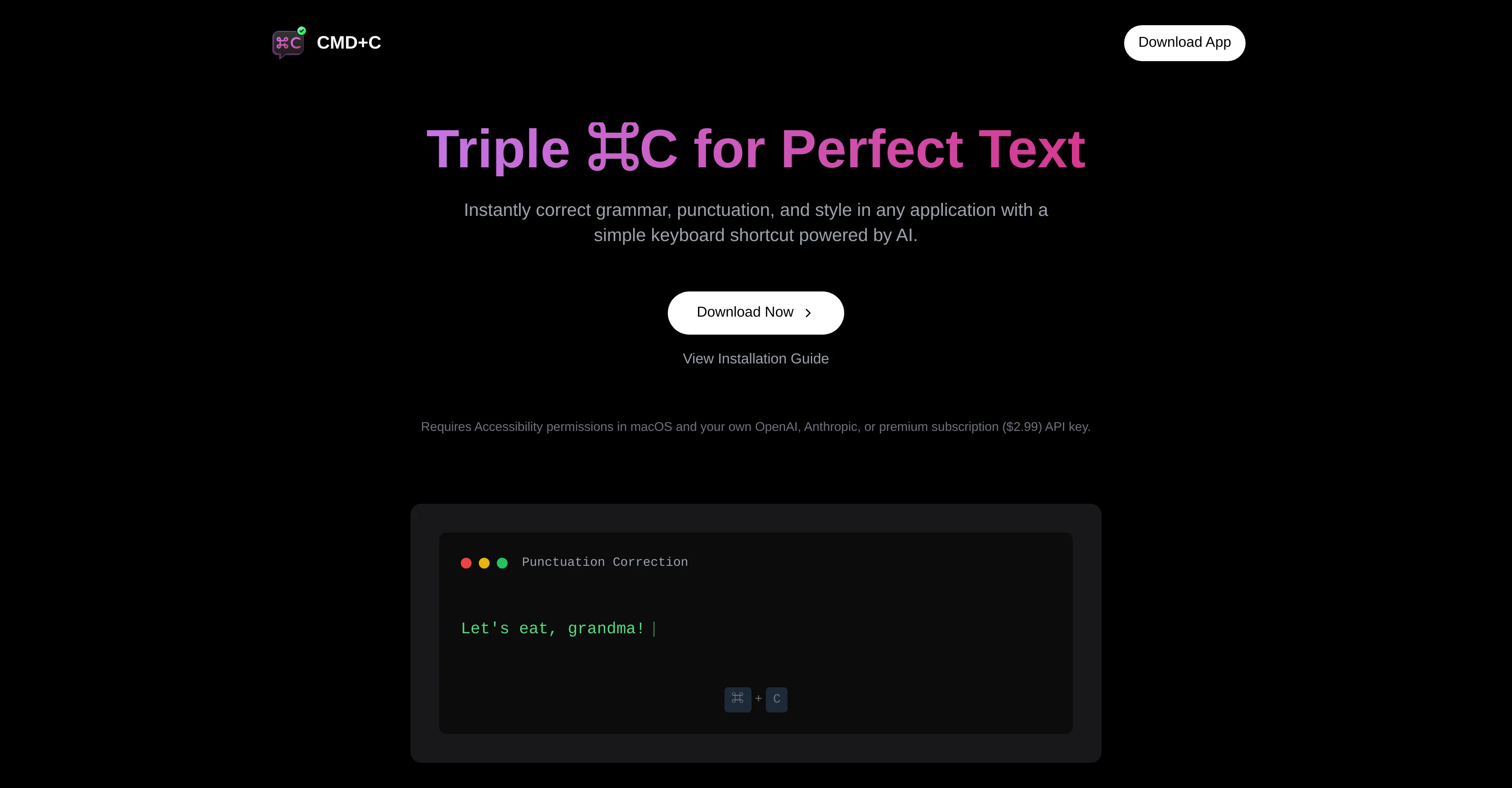
CMD-C.app is an AI-powered tool for macOS devices, primarily aimed at enhancing text quality across diverse applications. This tool provides users with an easy to use interface that takes advantage of a shortcut key sequence, triggered by pressing CMD-C three times, to perform checks on text contents.
Its scope of functionalities includes grammar correction, punctuation check, and style improvement, which are integral to crafting high-quality write-ups in any context.
For users juggling various tasks across different apps, CMD-C.app offers the convenience of error-proofing written content without the need to switch applications or copy-paste text into dedicated grammar correction apps.
All corrections and suggestions are generated in real-time, marking an innovative approach to on-the-go editing and proofreading. Relying on AI, CMD-C.app goes beyond simple spellcheck to understand the context, nuance, and rules of language, providing more sophisticated corrections and stylistic enhancement suggestions.
This makes it a handy tool for a wide range of users - be it professional writers, content creators, academic researchers, or everyday communicators. However, it should be noted that while AI can be a powerful assistant, it is advised that users always review suggestions to ensure they align with the intended tone and content of the writing.
Access & connections
Where you can use CMD-C.app.
Platforms
Pros & cons
Pros
- Shortcut key sequence
- Integral for quality write-ups
- No need to switch apps
- Real-time corrections and suggestions
- Context, nuance, and language understanding
- Applicable for wide range of users
- Stylistic enhancement suggestions
- Instant text perfection
Show 28 more
- On-the-go editing and proofreading
- Designed for macOS
- Grammar correction
- Punctuation check
- Style improvement
- Language processing
- Automated proofreading
- Convenient
- User-friendly interface
- Enhanced text quality
- Diverse apps functionality
- Real-time language processing
- Content creation aid
- Professional writing aid
- Academic application
- Everyday communication enhancement
- Useful for academic researchers
- Handy for professional writers
- Tool for content creators
- Error-proofing written content
- Easy access through shortcut
- Sophisticated corrections
- No copy-pasting needed
- Saves time
- Efficiency booster
- Productivity tool
- Context aware corrections
- Eliminates need for other apps
Cons
- Only for macOS
- Potential style disagreements
- Overuse of shortcuts
- No manual control option
- Misunderstanding of contextual nuances
- Requires review of suggestions
- May not suit complex writing styles
- Lack of offline functionality
Show 1 more
- No dedicated editing space
Compare alternatives
Similar tools in the catalog — with a clear reason to open each one.

editGPT ✓
FreemiumProofreading and editing content with ease.
Why look Better for writing
Full comparison
Textbuddy ✓
FreemiumImprove writing clarity with plain language analysis.
Why look Better for writing
Full comparison

Releases 1
FAQ 12
What is the CMD-C.app?
How does CMD-C.app enhance text quality?
What platforms does CMD-C.app support?
How does the shortcut key sequence for CMD-C.app work?
Which functionalities does CMD-C.app provide?
Is CMD-C.app a standalone grammar correction app?
Does CMD-C.app perform real-time corrections?
How is CMD-C.app different from a simple spellcheck?
What type of users is CMD-C.app suitable for?
Is CMD-C.app beneficial for professional writers?
Does CMD-C.app understand the context, nuance, and rules of language?
How does CMD-C.app contribute to writing in an academic application?
Related tools
Recommended

VideoPal AI ✓
FreemiumCreate viral faceless videos with AI

RewriteSomething ✓
FreeCreate product descriptions that sell with AI

Composio ✓
FreemiumIntegrate AI agents & LLMs with 150+ tools in one line of code

Flexpilot ✓
FreeOpen-source Copilot alternative for VS Code

AI Software Cost Estimator ✓
FreeNo more guesswork: get AI-powered software cost estimates in minutes

Sapio AI ✓
FreemiumTransform your life through intelligent conversations.