

GPTAnywhere ✓
Super Easy access to ChatGPT with a simple Chrome-Extension
Verdict
A quick read before you dig into the full page.
- Best if
- You are content creators and need: Content creators can use the AI writer, paraphraser, grammar checker, and AI image generator
- Skip if
- Limited functionality
- Pick this when
- Easy access to ChatGPT
Considering ChatGPT instead? Compare side by side
Overview
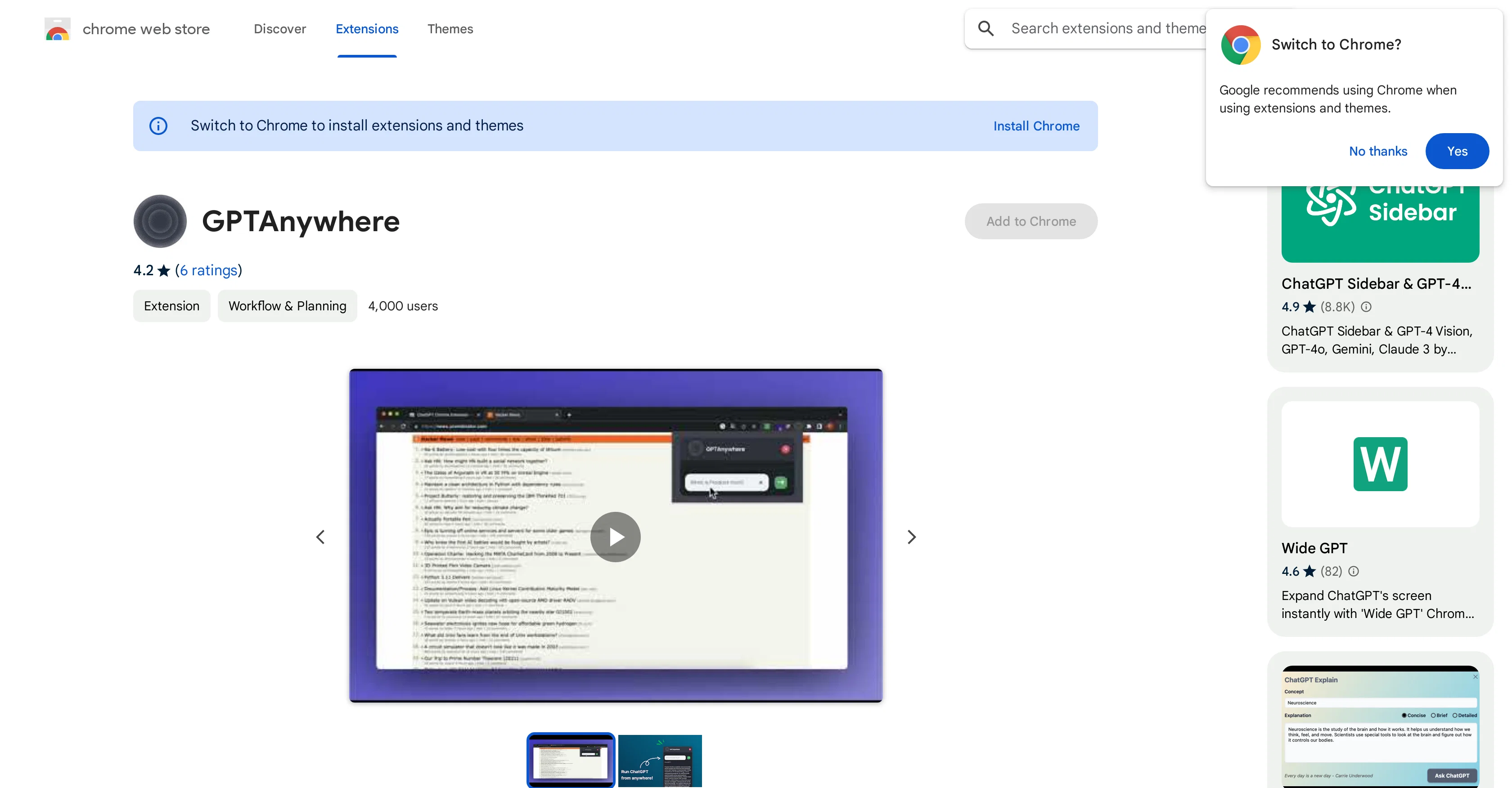
GPTAnywhere is a practical Chrome-extension that offers easy and convenient access to ChatGPT via a simplistic popup interface. The extension is designed to optimize the user experience for frequent users of ChatGPT by integrating the chat function directly into the browser.
From the workflow and planning category, this tool aligns with productivity enhancements and has a widespread user base. GPTAnywhere, specifically designed to not collect or use your data, promises a commitment to privacy, stating that user data will not be sold to third parties, used for unrelevant purposes, or used to determine creditworthiness or for lending practices.
Users have widely appreciated the convenience and functional simplicity GPTAnywhere offers. However, it is also crucial for users to know that Google does not verify the extension reviews.
Though the current version is 1.0.2, it would be pertinent to check for updates to ensure the best user experience.
Best for
Short scenarios where GPTAnywhere tends to shine.
-
Content creators can use the AI writer, paraphraser, grammar checker, and AI image generator.
Best for Content creators
-
Researchers can summarize web articles, check grammar in academic writing, paraphrase sentences, and summarize PDF files and Youtube videos.
Best for Researchers
-
Students can get help with homework, essay writing, grammar checking, and summarizing content.
Best for Students
-
Software engineers can ask ChatGPT to write code snippets and explain code.
Best for Software engineers
-
Professionals can summarize web pages and PDF files, enhance workplace communication, check grammar, and extract data from pages.
Best for Professionals
Example outputs 1
Sample generations and before/after results for GPTAnywhere.
Access & connections
Where you can use GPTAnywhere, and what it plugs into.
Platforms
Integrations
Capabilities
What this tool accepts, produces, and is strongest at.
Input
- Text
Output
- Text
Pros & cons
Pros
- Easy access to ChatGPT
- Chrome extension for convenience
- Accessible through a popup
- Compatible with Google Chrome
- Small file size (516KB)
- Declares no unrelated data collection
- Over 4,000 installations
- Does not sell user data
Show 4 more
- Useful for frequent ChatGPT users
- Updated as recently as December 16, 2022
- Available in English language
- Privacy practices disclosed
Cons
- Only works on Chrome
- Limited functionality
- No developer identification
- Undisclosed data use purposes
- Not compatible in incognito
- Lack of trader disclosure
- Unverified reviews
- No listed version updates
Show 2 more
- No multilingual support
- Can't work with other tools
Compare alternatives
Similar tools in the catalog — with a clear reason to open each one.

ChatGPT ✓
FreemiumAsk anything, create anything, and move from idea to action.
Why look Offers a public API
Full comparison
Smarter ChatGPT by Athena AI ✓
FreemiumAI assistant that gets your tasks done. Smarter than ChatGPT.
Why look Offers a public API
Full comparison
Free AI Chatbot & Image Generator ✓
FreeFree AI chat and image creation, no signup required
Why look Offers a public API
Full comparison
KoalaChat ✓
FreemiumThe best AI writer and chatbot for your needs
Free + from $9/mo
Full comparisonPeople also view
Tools that often show up alongside GPTAnywhere in collections and comparisons.
KoalaChat ✓
FreemiumThe best AI writer and chatbot for your needs

FlowGPT ✓
FreemiumVisualize ChatGPT conversations on a canvas board.

Chatmind app ✓
PaidAI-powered mind mapping for effortless brainstorming
ChatGPT ✓
FreemiumAsk anything, create anything, and move from idea to action.
Smarter ChatGPT by Athena AI ✓
FreemiumAI assistant that gets your tasks done. Smarter than ChatGPT.
Free AI Chatbot & Image Generator ✓
FreeFree AI chat and image creation, no signup required

Skillaeo ✓
FreemiumSee how ChatGPT, Claude & Gemini describe your brand

Slashspace (Formerly RabbitHoles AI) ✓
PaidIntelligence canvas for ambitious work
Releases 1
FAQ 12
What is GPTAnywhere?
How does GPTAnywhere function as a Chrome extension?
How can I download and install GPTAnywhere?
Can GPTAnywhere be accessed on other browsers apart from Google Chrome?
Is GPTAnywhere safe to use in terms of user data privacy?
Does GPTAnywhere collect or use user data for unrelated purposes?
What is the file size of GPTAnywhere?
What other AI-powered chat tools are compatible with GPTAnywhere?
What unique functionalities does GPTAnywhere provide over other chat services?
Can I get GPTAnywhere on the Chrome Web Store?
Is GPTAnywhere a free extension?
How frequently is GPTAnywhere updated?
Related tools
Recommended

GPT-3 AI Avatar ✓
FreeCreate AI avatars that remember, respond, and automate tasks.

Opera AI Prompts ✓
FreeYour faster, smarter, safer web companion

ChatGPT Chrome Extension by Glasp ✓
FreemiumProductivity enhancement via instant messaging.

Mindsmith ✓
FreemiumPlatform for building and sharing eLearning content

Findsight ✓
FreeCompare non-fiction ideas from multiple sources.

KnowledgeGraph GPT ✓
FreeTransform unstructured text into knowledge graphs with AI.