

GPT-3 AI Avatar ✓
Create AI avatars that remember, respond, and automate tasks.
Verdict
A quick read before you dig into the full page.
- Best if
- Create AI avatars that remember, respond, and automate tasks
- Skip if
- Limited voice interaction channels
- Pick this when
- No-code automation
Considering ChatGPT instead? Compare side by side
Overview
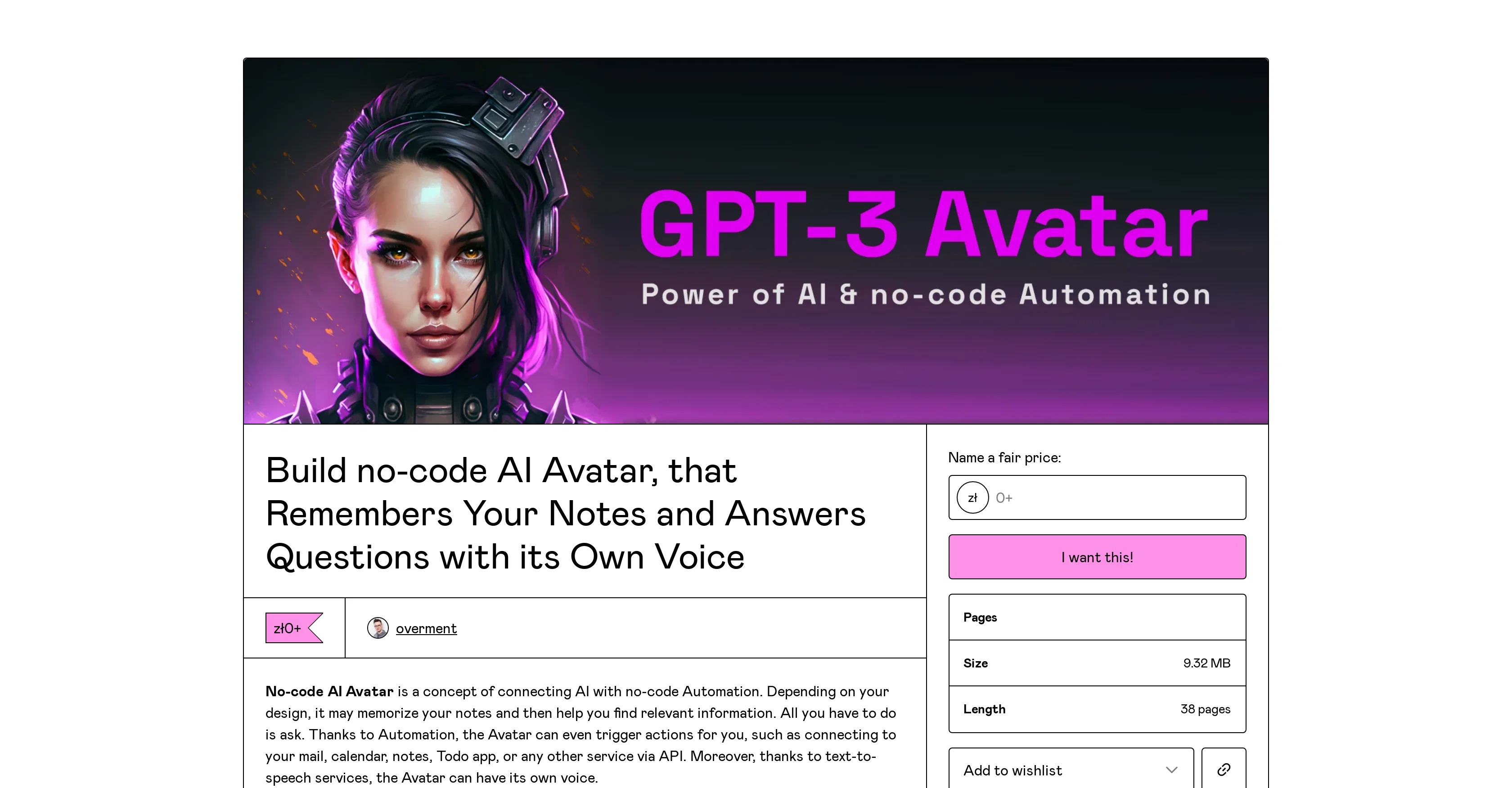
No-Code AI Avatar is a tool connecting Artificial Intelligence with no-code automation. It's designed to memorize user's notes and provide relevant information based on the queries asked.
The AI avatar can be integrated with various services via an API connection, allowing it to execute actions such as interacting with your calendar, emails, notes, todo apps, and more.
The avatar can engage in direct communication with the user, manifesting capabilities of both short-term and long-term memory during a conversation. Not only can it interact on text-based channels like Slack, but it also supports voice interaction made possible by text-to-speech services.
This AI avatar also has the ability to trigger automation like adding tasks, assigning them to projects, setting their priority and deadline. It is customizable, letting users adjust its behavior based on their needs and the quality of data provided.
Creating your own AI avatar will require tools like Airtable, Make, Pinecone, and Shortcuts. Additionally, an OpenAI API account is also necessary for its operation, which is a paid service.
This tool also comes with a step-by-step guide for creating a memory and answer mechanism. The AI Avatar's abilities and functionalities make it a powerful tool for managing and automating tasks across various platforms.
Best for
Short scenarios where GPT-3 AI Avatar tends to shine.
-
Create AI avatars that remember, respond, and automate tasks.
Example outputs 1
Sample generations and before/after results for GPT-3 AI Avatar.
Access & connections
Where you can use GPT-3 AI Avatar, and what it plugs into.
Platforms
Capabilities
What this tool accepts, produces, and is strongest at.
Input
- API
- Text
- Audio
Output
- Audio
- API
- Text
Pros & cons
Pros
- No-code automation
- Conversational interaction capability
- Can trigger automated actions
- API integration
- Short-term and long-term memory
- Todo apps integration
- Calendar integration
- Email integration
Show 26 more
- Text-based communication
- Voice interaction support
- Text-to-speech functionality
- Customizable behaviour
- Task automation
- Task assigning capability
- Task priority and deadline setting
- Airtable integration
- Make.com integration
- Pinecone integration
- Shortcuts integration
- ElevenLabs integration
- Step-by-step guide provided
- Works on Slack
- Apple Watch integration
- Notion integration
- Can remember and respond
- Task management and automation
- Interactive voice response
- Works with text-to-speech services
- Handles diverse data sources
- User-friendly setup
- Answering mechanism design
- Can learn from user's prompt
- Adjustable to suit user's needs
- Memory management capability
Cons
- Depends on data quality
- Requires paid services
- Accuracy reliant on prompts
- Requires API for operation
- Customization needs technical understanding
- Not all features covered in guide
- Limited voice interaction channels
- Requires JavaScript to buy
Show 2 more
- Requires several third-party tools
- Depends on user's automation experience
Compare alternatives
Similar tools in the catalog — with a clear reason to open each one.

ChatGPT ✓
FreemiumAsk anything, create anything, and move from idea to action.
Why look Offers a public API
Full comparison
Smarter ChatGPT by Athena AI ✓
FreemiumAI assistant that gets your tasks done. Smarter than ChatGPT.
Why look Offers a public API
Full comparison
Free AI Chatbot & Image Generator ✓
FreeFree AI chat and image creation, no signup required
Why look Offers a public API
Full comparison
KoalaChat ✓
FreemiumThe best AI writer and chatbot for your needs
Free + from $9/mo
Full comparisonPeople also view
Tools that often show up alongside GPT-3 AI Avatar in collections and comparisons.
KoalaChat ✓
FreemiumThe best AI writer and chatbot for your needs

FlowGPT ✓
FreemiumVisualize ChatGPT conversations on a canvas board.

Chatmind app ✓
PaidAI-powered mind mapping for effortless brainstorming
ChatGPT ✓
FreemiumAsk anything, create anything, and move from idea to action.
Smarter ChatGPT by Athena AI ✓
FreemiumAI assistant that gets your tasks done. Smarter than ChatGPT.
Free AI Chatbot & Image Generator ✓
FreeFree AI chat and image creation, no signup required
Skillaeo ✓
FreemiumSee how ChatGPT, Claude & Gemini describe your brand
Slashspace (Formerly RabbitHoles AI) ✓
PaidIntelligence canvas for ambitious work
Releases 1
FAQ 12
What is the GPT-3 AI Avatar No-Code AI Avatar?
Can the Avatar remember and recall information?
How does the Avatar use APIs?
What platforms power the Avatar and are they all paid?
How can I create a mechanism for the Avatar?
What impacts the Avatar's accuracy?
What kind of automation can the Avatar perform?
Can the Avatar connect to other services?
Does the Avatar interact through voice?
How can the Avatar be customized to my needs?
What tools are needed to build my own Avatar?
Can the Avatar interact over multiple platforms?
Related tools
Recommended

Typing Mind ✓
PaidChatGPT with superpowers

Summarist ✓
FreeAI-powered book summaries in seconds

Findsight ✓
FreeCompare non-fiction ideas from multiple sources.

AIGPT ✓
FreeElderly and time-constrained shopping assistant

Opera AI Prompts ✓
FreeYour faster, smarter, safer web companion

Agentgpt ✓
FreemiumDeploy autonomous AI Agents effortlessly in your browser.