
goPDF Pro ✓
AI-powered tools for smarter documents and smoother workflows
Free + from $49
Verdict
A quick read before you dig into the full page.
- Best if
- AI-powered tools for smarter documents and smoother workflows
- Skip if
- Complex dynamic variables setup
- Pick this when
- Interactivity with PDFs
Considering DocGPT.io instead? Compare side by side
Overview
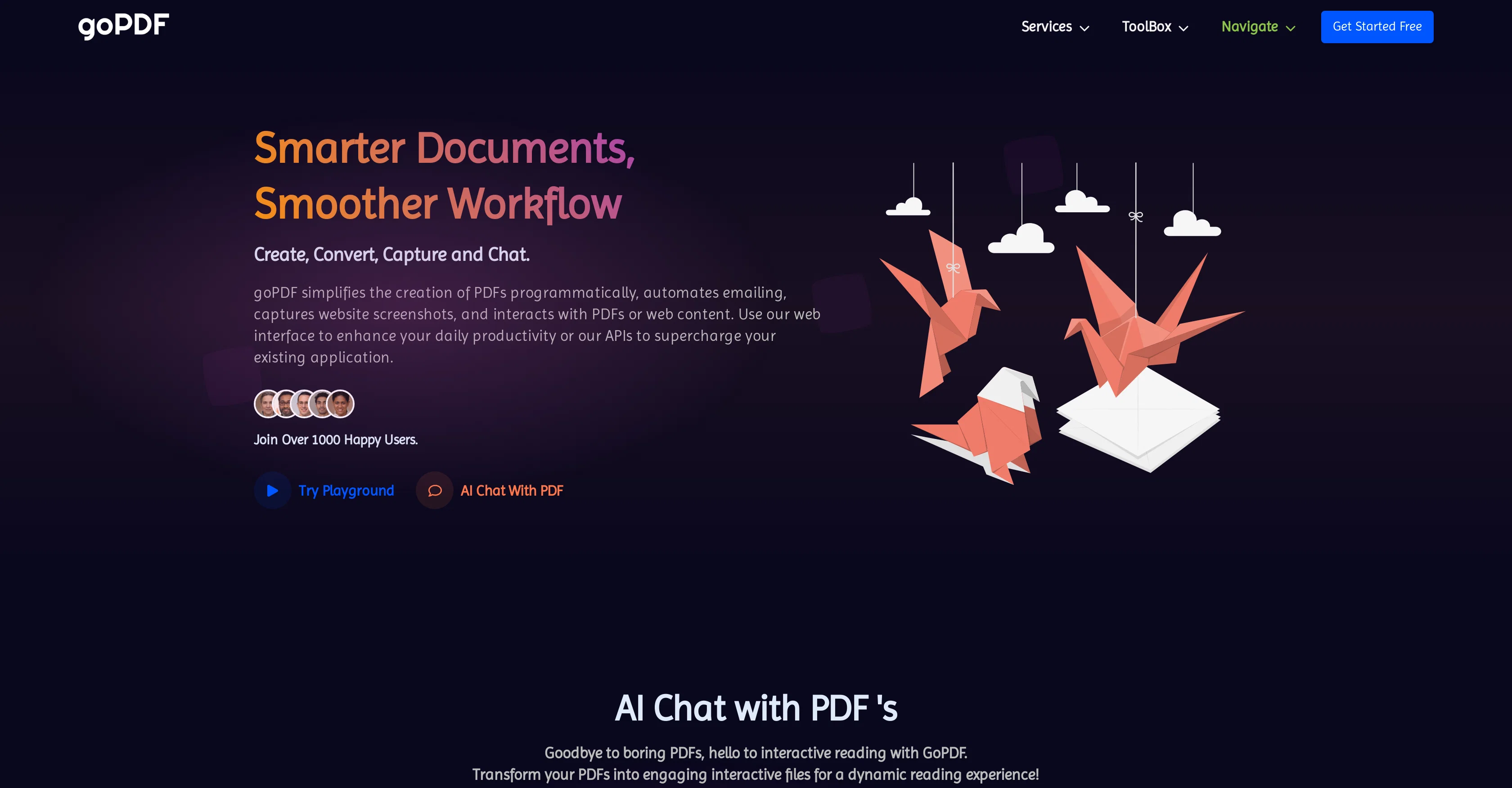
goPDF is an AI-powered tool that facilitates smoother document workflows through a range of services. It offers interactivity with PDF documents for collaborative work, quick assistance and engaging training.
Its API services provide capabilities such as converting HTML to PDF with your HTML content or hosted HTML with template variables. Screenshots of websites can be captured in different formats like PDF, JPG, PNG, and MP4.
The tool also enables interaction with a web address for prompt assistance, content summarising, or custom Chatbot creation. Its Document Workflow service allows the creation of a Doc file for different needs like programmatically converting it to PDF or sending emails, and it includes an AI writer.
Other services include PDF OCR, Image OCR, and PDF to Images. These functionalities can be accessed both through a web interface for daily productivity enhancement or via APIs for enhancing applications.
The software is also adept at simplifying legal terminologies in documents for better understanding and discussions. Document editing and AI content generation are part of its feature-set providing a similar experience to Microsoft Word with correction of grammar, rephrasing sentences, and length adjustment.
Access & connections
Where you can use goPDF Pro.
Platforms
Capabilities
What this tool accepts, produces, and is strongest at.
Input
- API
- Image
- Text
- Audio
Output
- Video
- Tabular
- API
- Text
- Image
Pros & cons
Pros
- Interactivity with PDFs
- HTML to PDF conversion
- Capture website screenshots
- Formats: PDF, JPG, PNG, MP4
- Chat with URL function
- Document Workflow service
- PDF OCR service
- Image OCR service
Show 31 more
- PDF to Images function
- Web and API access
- Simplifies legal terminologies
- Document editing feature
- Chatbot integration
- Microsoft Word-like experience
- Grammar correction
- Sentence rephrasing
- Length adjustment
- Responsive Layout
- Customize PDF source with HTML/CSS/JavaScript
- Automatic email sending of PDFs
- Wide API access
- Plug and play integration
- No boilerplate codes
- Interactive Conversations with PDF
- Application assistant creation
- Supports all programming languages
- Postman Collections
- Privacy and data security
- GDPR compliance
- Programmatic PDF generation
- Servers in EU
- Dynamic data set defining
- Free hosting in HTML/DOC editor
- Access to 100+ Templates
- Automatic screen scrolling for webpage capture
- Supports high-quality Retina Display
- Supports lazy-loaded images
- Option for custom delays
- Document conversion
Cons
- Doesn't support non-PDF formats
- Limited audio interaction
- Dependent on internet connection
- Complex dynamic variables setup
- Limited editing capabilities
- No offline capabilities
- Limited template customization
- Doesn't include Word
Show 2 more
- OCR accuracy unspecified
- No multi-language support
Compare alternatives
Similar tools in the catalog — with a clear reason to open each one.

DocGPT.io ✓
Free TrialOnline assistant for creating and analyzing documents.
Why look Typically cheaper
Full comparison
docAnalyzer ✓
FreemiumTurn document overload into work worth putting your name on
Why look Typically cheaper
Full comparison
Ask Your PDF ✓
FreemiumChat with your PDFs and extract valuable insights
Why look Typically cheaper
Full comparison


Humata ✓
FreemiumChat your way through long documents instantly.
Why look Typically cheaper
Full comparisonReleases 1
Imported reviews 2
I recently tried this PDF chat application, which was very user-friendly. The provided answers were very accurate and focused on the source document only.
I am also exploring PDF conversion, and so far, it seems like a convenient tool for communication and document conversion.
I like it. It answers simple questions accurately and by the book. The Ref (reference) page is not usually accurate though. I'll keep you updated on how it responds to complex questions.
FAQ 12
What is goPDF Pro?
What are the key services offered by goPDF?
How does the HTML to PDF conversion in goPDF work?
Can goPDF take screenshots of websites?
What is the Document Workflow service of goPDF?
Does goPDF provide OCR services for images and PDFs?
Can goPDF be used for document editing and AI content generation?
Can goPDF summarise content in documents?
Can goPDF help simplify complicated legal terminologies?
How does the Chatbot integration feature in goPDF work?
Can goPDF convert a document to different formats?
Can I send generated PDFs via email using goPDF?
Related tools
Recommended
Beat Shaper ✓
UnknownAI-powered music production, at your fingertips.

Scisummary ✓
Free TrialCutting-edge scientific articles summarization.

Stockimg AI ✓
PaidGenerated images and text for design ease.

Gulf Picasso ✓
FreemiumSimple AI Magic to Achieve Your Creative Goals

Photo AI ✓
PaidCreate beautiful AI photos and videos of real people

Scholarcy ✓
FreemiumConvert long articles into summary flashcards.