
Google Photos ✓
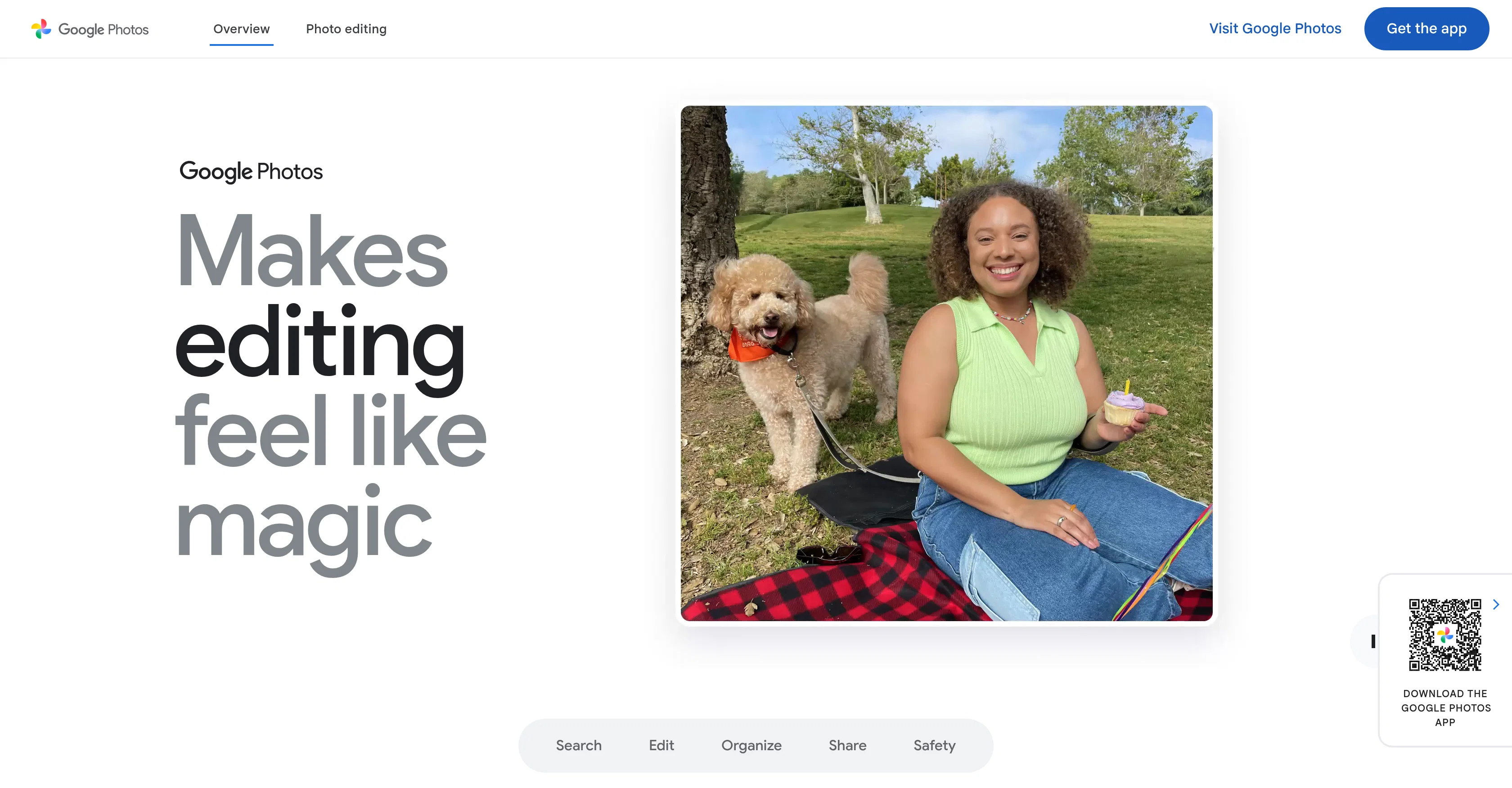
Makes editing, organizing, and searching photos feel like magic.
Verdict
A quick read before you dig into the full page.
- Best if
- Makes editing, organizing, and searching photos feel like magic
- Skip if
- Limited photo layout options
- Pick this when
- Enhances user photos
Considering Organize with AI instead? Compare side by side
Overview
Google Photos is an AI-powered tool designed for the organization, search, editing, and backup of user photos. The platform uses Google AI to enhance user photos, find specific photos easily, and automatically categorize them for a more convenient user experience.
It provides users with a simple way to search for their favorite moments, including travel highlights, events, or people. Google Photos uses machine learning to curate top shots and memories and organize them for easy sharing.
It also features Auto groupings of similar photos via 'Photo Stacks' and document sorting into albums like screenshots, receipts, and notes, among others.
The tool protects user's data ownership, never selling photos, videos, or personal information. It also does not use users' photos and videos for advertising.
The application facilitates easy sharing of photos, videos, and albums with contacts, including those who do not use Google Photos. It even supports automatic sharing of selected photos with trusted contacts.
Notably, the platform offers additional features such as photo prints, photo books, and canvas prints to convert digital memories into physical keepsakes.
Suitable for both Android and iOS devices, it also operates on desktops and tablets.
Access & connections
Where you can use Google Photos.
Capabilities
What this tool accepts, produces, and is strongest at.
Input
- Tabular
- Image
Output
- Text
- Image
Supported features
- Image Edit
- Video Edit
- Inpainting
Pros & cons
Pros
- Enhances user photos
- Easy photo search
- Automatic photo categorization
- Photo Stacks feature
- Document sorting into albums
- Protects data ownership
- No advertising with user data
- Easy photo sharing
Show 13 more
- Automatic sharing with trusted contacts
- Offers photo prints, books, canvas
- Suitable for Android, iOS
- Operates on desktops, tablets
- Magic Eraser feature
- Photo Unblur feature
- Improved search for memories
- 15 GB cloud storage
- Document Types sorted into albums
- Sharing to everyday apps
- Google's advanced security infrastructure
- Photo, video, personal information privacy
- Prints personal photos for keepsakes
Cons
- Limited editing features
- No hardcopy backup
- Stores photos in compressed format
- Lacks keyword tagging
- Limited photo layout options
- Restricted storage space
- Photo enhancement not always accurate
- Dependent on internet connection
Show 2 more
- Can confuse similar faces
- Potential privacy concerns
Compare alternatives
Similar tools in the catalog — with a clear reason to open each one.


Tagbox ✓
FreemiumMagically organize your creative assets with AI
Free + from $100/mo
Full comparison
ImageSorter ✓
FreeSort and organize images with AI-powered drag-and-drop
Why look Higher community rating
Full comparison
AI Keywording ✓
PaidAI-powered image keywording in seconds
Why look Higher community rating
Full comparison
Releases 1
FAQ 12
How does Google Photos use AI to enhance photos?
Can Google Photos automatically categorize my photos?
Is it possible to search for specific photos on Google Photos?
How does machine learning help in curating top shots and memories on Google Photos?
What is a 'Photo Stack' in Google Photos?
What types of documents can be sorted into albums by Google Photos?
How does Google Photos protect user's data ownership?
Does Google Photos sell or use my photos for advertising?
How can I share photos with contacts who do not use Google Photos?
Can I share selected photos automatically with trusted contacts in Google Photos?
What are the additional features offered by Google Photos?
How does Google Photos support Android and iOS devices, desktops, and tablets?
Related tools
Recommended

Thea ✓
FreemiumAI study tools to master material, not just memorize it.

Recall ✓
FreemiumSummarize Anything, Forget Nothing!

Claude ✓
FreemiumBuilding reliable, interpretable AI systems

Distillr ✓
FreemiumDistill content with AI precision.

Gling - AI Video Editing Software for YouTube ✓
FreemiumAI-powered video editing for YouTube creators.

Collate ✓
FreeUnlimited free and private summaries and chat with PDF