

Keep It Shot ✓
AI-powered screenshot organization for Mac users.
Free + from $8/mo
Verdict
A quick read before you dig into the full page.
- Best if
- AI-powered screenshot organization for Mac users
- Skip if
- Limited renaming customization
- Pick this when
- Mac application
Considering Organize with AI instead? Compare side by side
Overview
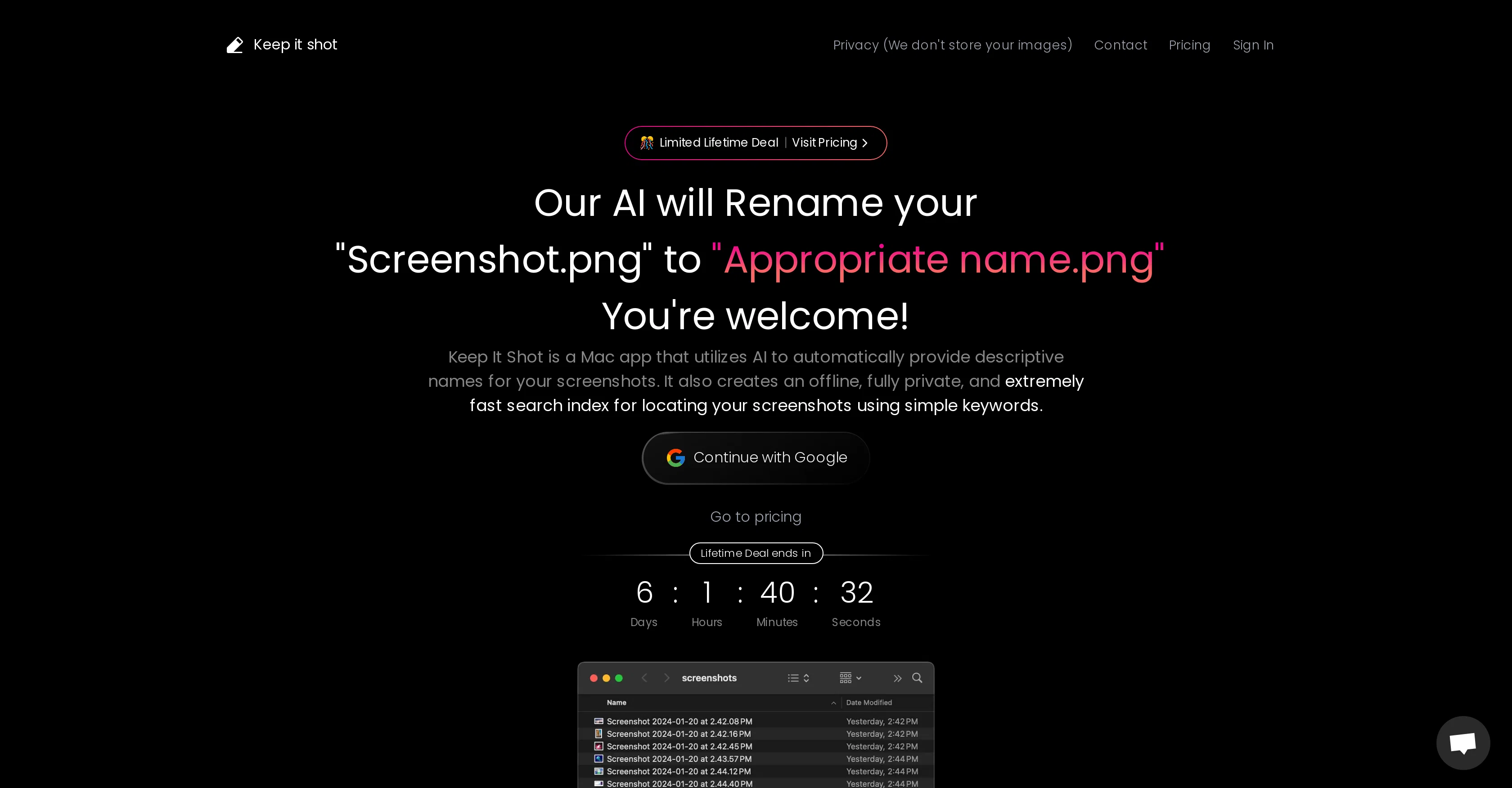
Keep It Shot is a Mac application that leverages artificial intelligence to name and manage your screenshots effectively. This tool doesn't merely provide an arbitrary name to your 'screenshot.png' but gives it an 'appropriate descriptive name', crafted by the AI based on the content of the screenshot.
This automation streamlines the tedious process of manually renaming files and keeps the user interface clutter-free. Furthermore, the app provides an added feature of generating short image descriptions and keywords through OCR (Optical Character Recognition).
These attributes are used to create a local index that allows for a highly responsive and fully private offline search functionality. The search feature is conveniently accessible, requiring only a few keywords to locate any screenshot swiftly.
An additional special feature includes customizable renaming preferences that the user can tailor as per their needs, and an option to revert to original names if users are unsatisfied with the new ones.
In summary, Keep It Shot is an efficient screenshot management tool that combines AI-powered naming functionalities with effective browsing and search capabilities to turn cluttered screenshots folders into an organized resource.
Access & connections
Where you can use Keep It Shot.
Platforms
Capabilities
What this tool accepts, produces, and is strongest at.
Input
- Image
Output
- Text
Pros & cons
Pros
- Mac application
- Screenshot management
- Customizable renaming preferences
- Revert to original names
- Offline search functionality
- OCR image descriptions
- Creates local index
- Fully private search
Show 5 more
- Fast search
- Integrated rename progress bar
- Automated renaming feature
- Responsive user interface
- Efficient browsing capabilities
Cons
- MacOS exclusive
- Might misinterpret screenshot content
- Limited renaming customization
- No cross-device synchronization
- No online backup
- Offline-only search
- No multi-language OCR
- No image editing features
Show 2 more
- May clutter with inappropriate names
- Reverting names requires action
Compare alternatives
Similar tools in the catalog — with a clear reason to open each one.



Tagbox ✓
FreemiumMagically organize your creative assets with AI
Free + from $100/mo
Full comparison
ImageSorter ✓
FreeSort and organize images with AI-powered drag-and-drop
Why look Fully free option
Full comparison
AI Keywording ✓
PaidAI-powered image keywording in seconds
Why look Typically cheaper
Full comparison
T-Rex Label ✓
UnknownOne-click image annotation automation
Why look Higher community rating
Full comparisonReleases 1
FAQ 12
What is Keep It Shot?
How does Keep It Shot optimize screenshot management?
How does the AI in Keep It Shot provide 'appropriate names' for screenshots?
What is the OCR functionality in Keep It Shot?
How does Keep It Shot maintain a clutter-free user interface?
Can Keep It Shot generate short image descriptions and keywords?
Does the Keep It Shot feature an offline search functionality?
How do the browsing and search capabilities in Keep It Shot work?
Can I customize the renaming preferences in Keep It Shot?
Can I revert to original file names in Keep It Shot?
How does the Keep It Shot tool organize a cluttered screenshot folder?
How does Keep It Shot ensure privacy of my screenshots?
Related tools
Recommended

B12 AI Website Builder ✓
FreemiumAI-powered website builder

Stunning ✓
PaidBuild AI-powered websites in seconds

Ideamap - Brainstorm and Mindmap AI ✓
FreemiumBoost your creativity with AI-powered brainstorming.

LearningStudioAI ✓
Free TrialAI-powered authoring tool for effortless online course creation.

GPTExcel ✓
FreemiumGenerate spreadsheet formulas with AI

Hyperis ✓
FreemiumOrganized task prioritization.